Manage your space
A tour of your space's manage page: the counts at the top, the Posts, Members, Settings and Subscription tabs, the shortcuts and the more options menu.
Guide · Business John Smith1 day ago · 3 min read · 109 views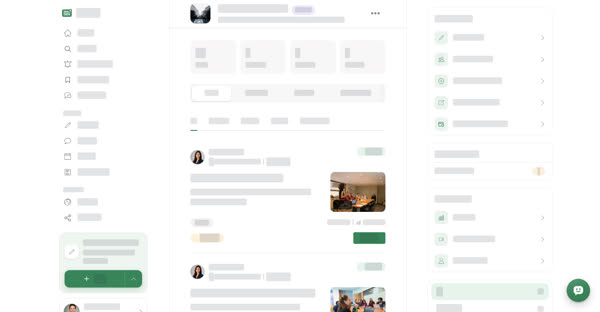
Every space has a manage page where its members look after what it publishes and who belongs to it. Any member of the space can open it. Changing settings, members and plans is limited to owners and managers.
To open it, go to your Spaces page and select Manage on the space.
The header and the count tiles
The top of the page shows the space's photo, its name and your role in it, for example Owner.
Under the header, four tiles show at a glance:
- posts — published posts in the space.
- members — people who belong to the space.
- followers — people subscribed to the space.
- to review — posts waiting for a reviewer.
The tabs
- Posts — every post in the space, with type tabs (All, Articles, Stories, Events, Documents) and a status filter: All, Published, In review, Draft and Declined. Reviewers see a Review button on posts that are in review.
- Members — the people in the space and their roles, plus the Post reviewers list.
- Settings — name, photos, details, tabs, signature color, document view and blue tick verification.
- Subscription — the plans for this space: Documents plan, Audience plan and the blue tick plan.
On a computer
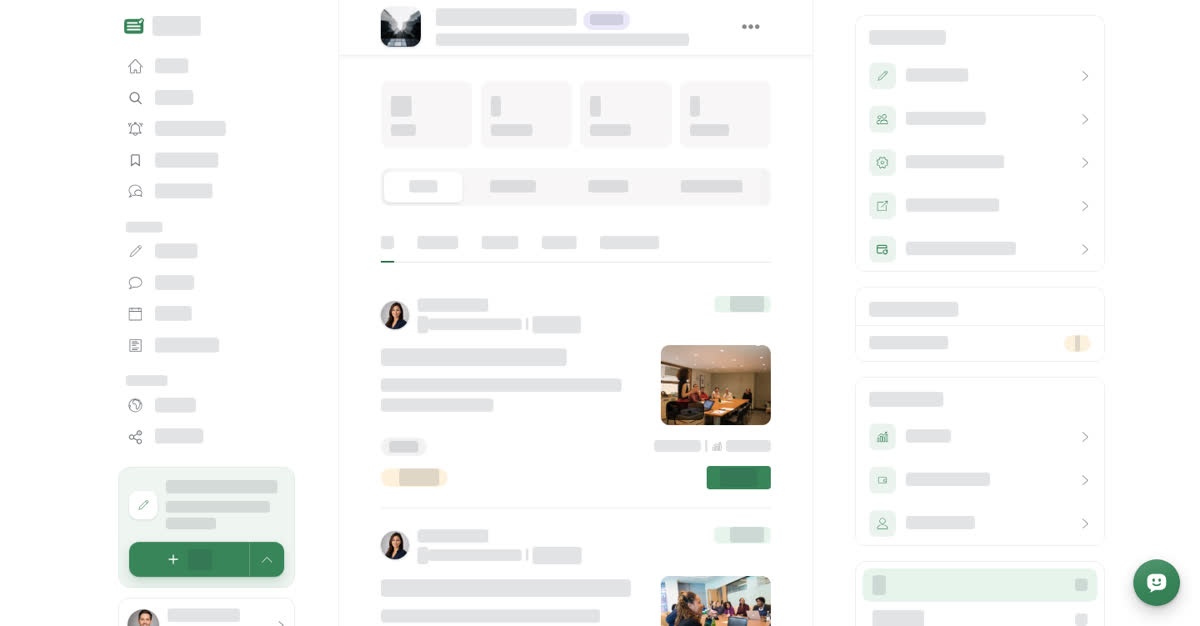
Select Spaces under MANAGE in the left menu, then Manage on the space. The tabs and the posts list fill the middle of the page, and three cards sit in the column on the right.
Quick actions
- Write a post — opens the post form with this space already chosen.
- Invite members — opens the Members tab.
- Edit space settings — opens the Settings tab.
- View public space — opens the page readers see.
- Manage Subscription — opens the Subscription tab.
Needs attention shows Posts to review with the number of posts waiting.
Monetization has Earnings. Owners also see Cash out history and Payee details.
When the Posts tab is open, the status filter sits below these cards.
On your phone
These steps are the same in the Boogir app and on boogir.com in your phone's browser.
Tap Account in the bottom bar, then Spaces under Manage (or tap + in the bottom bar, then Spaces), and tap Manage on the space.
There is no right-hand column on a phone. A row of shortcut buttons sits under the count tiles instead:
- Write a post — opens the post form with this space already chosen.
- Invite members — opens the Members tab.
- Earnings — opens the space's earnings.
- Cash out history and Payee details — for owners only.
- View public space — opens the page readers see.
To change settings or plans, tap the Settings or Subscription tab. There is no Needs attention card: the to review tile shows how many posts are waiting. On the Posts tab, the status filter is a button above the list; tap it and pick a status from the sheet.

The more options menu
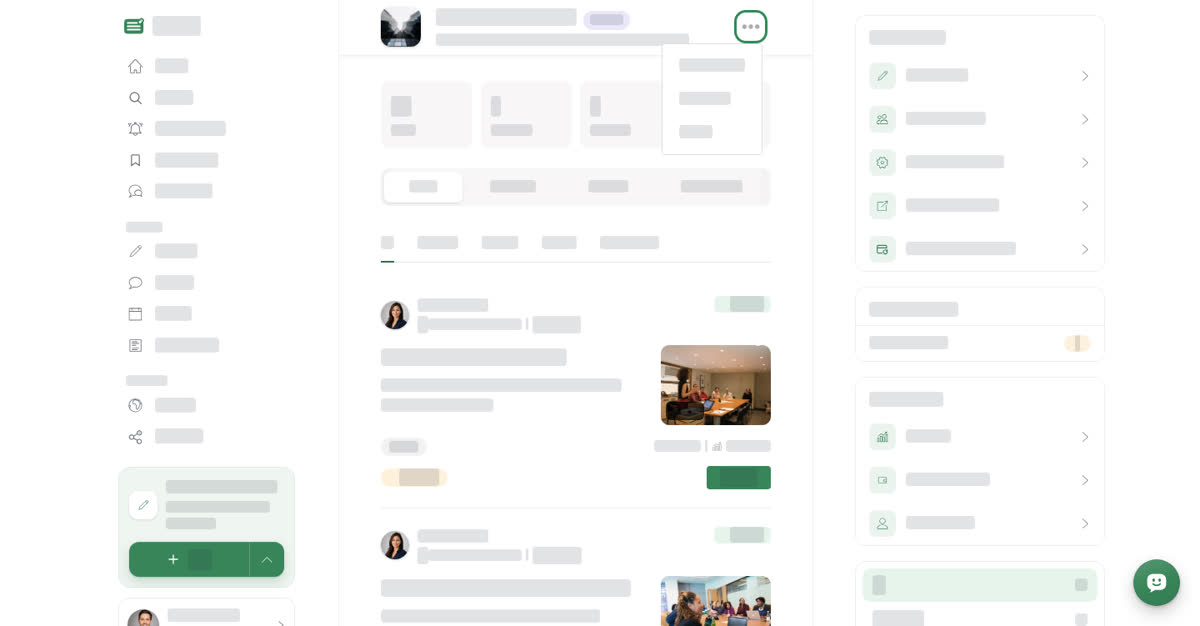
Select ⋯ next to the space name (on a phone, tap it) for more actions:
- Message — opens the space's business account in Talkou. It appears only when the space has a Talkou Business ID.
- Leave Space — removes you from the space. See Leave a space.
- Subscribe or Unsubscribe — follow the space's new posts, or stop.
- Turn On Notification or Turn Off Notification — appears while you are subscribed.
Related guides
- Add members, set roles and choose post reviewers
- Review and approve posts in your space
- Change your space's name, photos and settings
- Turn your space into a document space