Leave a space
Leave a space you are a member of from its manage page. If you are the only owner, make another member an owner first.
Guide John Smith1 day ago · 2 min read · 2 views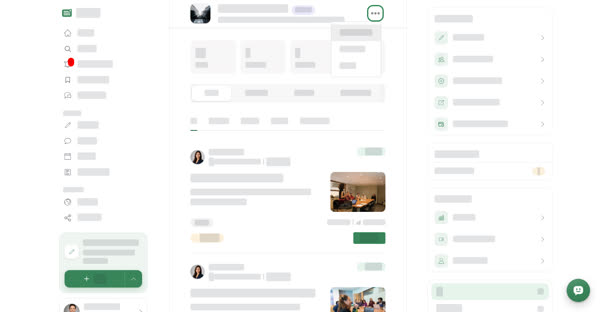
You can leave any space you belong to. Leaving removes you from its members and from its post reviewers, and the space disappears from your Spaces page. To join again later, an owner or manager has to add you back.
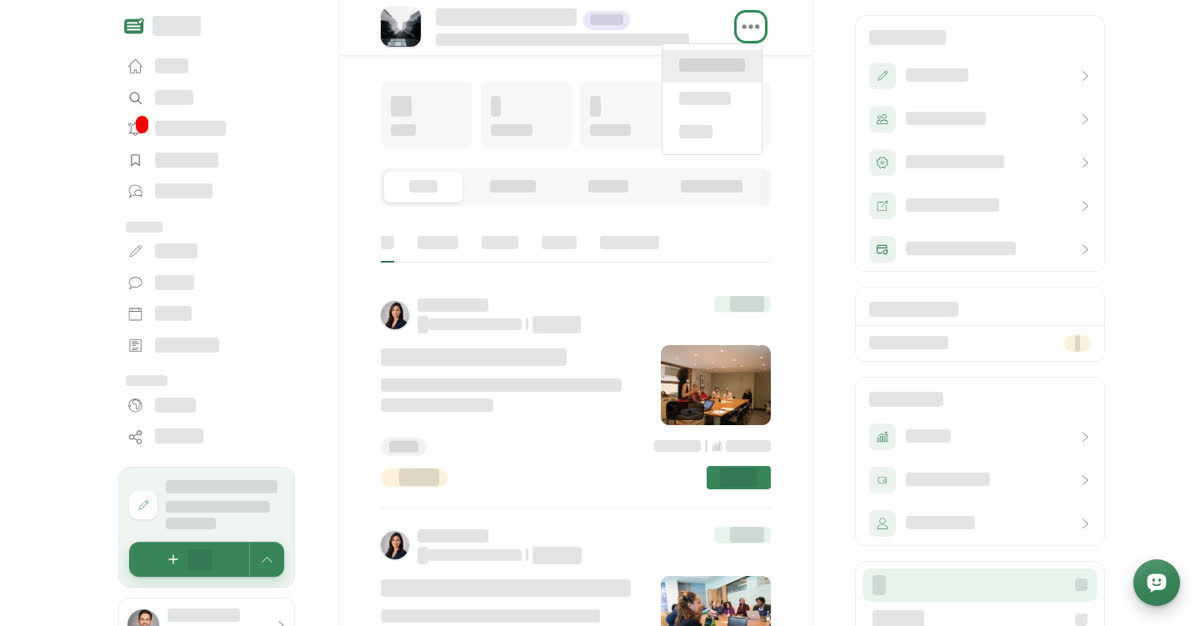
You leave from the ⋯ menu next to the space name on the space's manage page. It is not on the space's public page.
On a computer
Leave a space
01
Open the space's manage pageSelect Spaces under MANAGE in the left menu, then Manage on the space.
02
Open the more options menuSelect ⋯ next to the space name at the top of the page.
03
Select Leave SpaceYou are asked "Are you sure you want to leave?"
04
ConfirmSelect Leave Space again. You are taken back to your Spaces page.
On your phone
These steps are the same in the Boogir app and on boogir.com in your phone's browser.
Leave a space
01
Open the space's manage pageTap Account in the bottom bar, then Spaces under Manage, and tap Manage on the space.
02
Open the more options menuTap ⋯ next to the space name at the top of the page.
03
Tap Leave SpaceYou are asked "Are you sure you want to leave?"
04
ConfirmTap Leave Space again. You are taken back to your Spaces page.
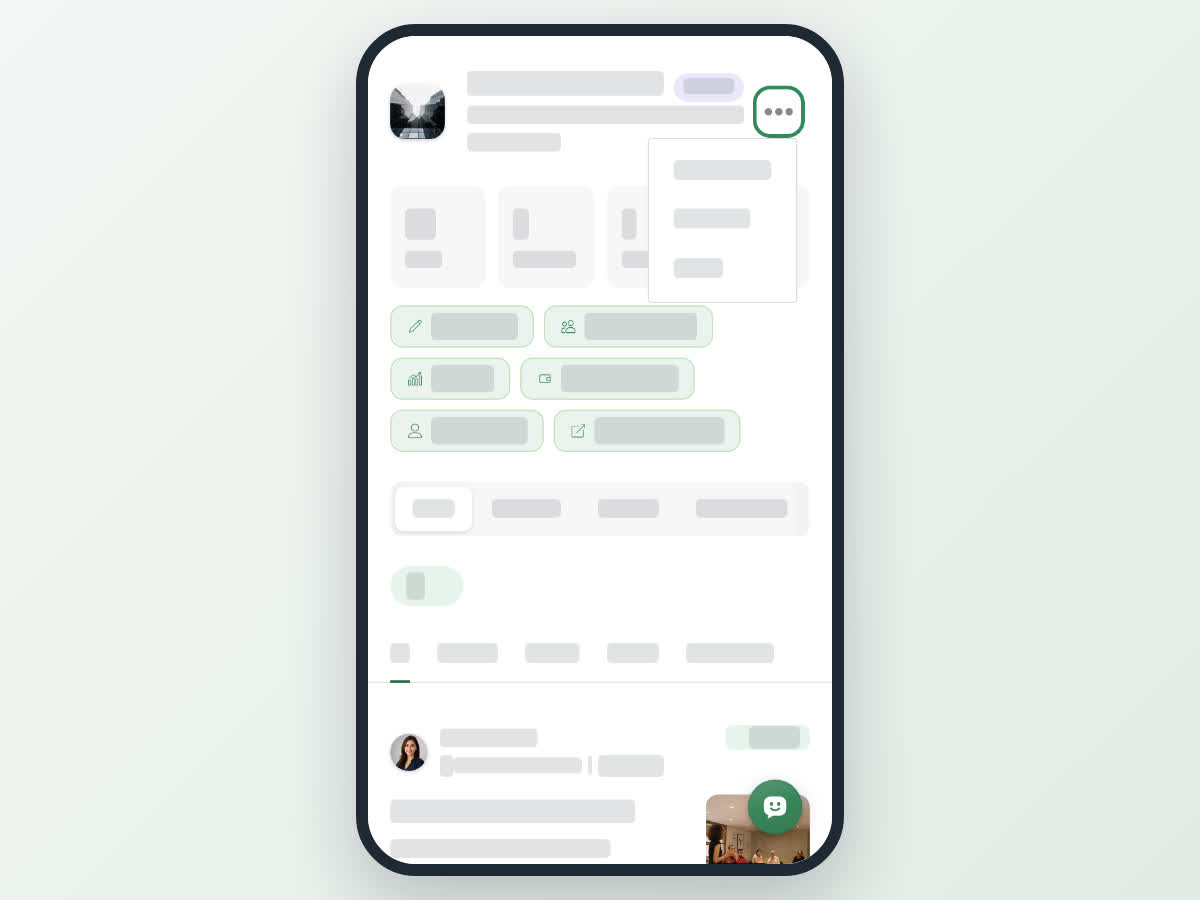
Tap ⋯ next to the space name, then Leave Space
Hand over the space before you leave
01
Open the Members tabOn the space's manage page, open Members.
02
Make someone an ownerSelect ⋯ on the member's row, then Update. Choose Owner as the Role and select Save.
03
Leave the spaceNow that the space has another owner, use Leave Space in the ⋯ menu next to the space name.
Good to know
- Leaving a space is not the same as unsubscribing. To stop seeing its new posts in your Following feed, open its public page and select Unsubscribe. See Your space's public page.
- If an owner or manager removes you from a space, you get a notification that you were removed.
- For how roles work, see Add members, set roles and choose post reviewers.
2 views
0
Share
Send in message
Report
Copy ID