Review and approve posts in your space
Posts submitted to a space wait for a reviewer. Find posts in review, read them, then publish them or decline them with a reason the author can see.
Guide · Tutorial John Smith1 day ago · 3 min read · 2 views
When someone submits a post to your space, it doesn't go live straight away. Its status becomes In review, and the space's post reviewers get a notification that a post was submitted for review. A reviewer then publishes or declines it.
You can review posts if you are on the space's Post reviewers list (on the Members tab of the manage page). Being an owner or manager is not enough on its own. See Add members, set roles and choose post reviewers.
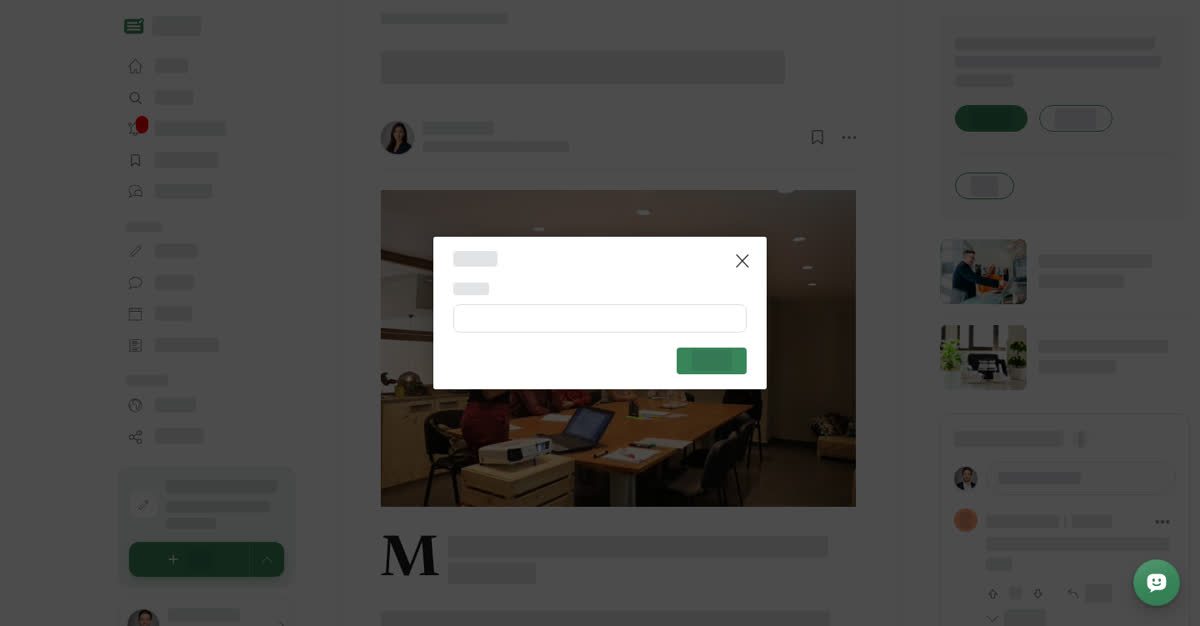
When you open a post to review it, a review panel asks you to check it. Make sure the content follows Boogir's community guidelines and your space's rules, then choose Publish or Decline. A decline can carry a Reason of up to 500 characters that the author sees.
On a computer
Review a post
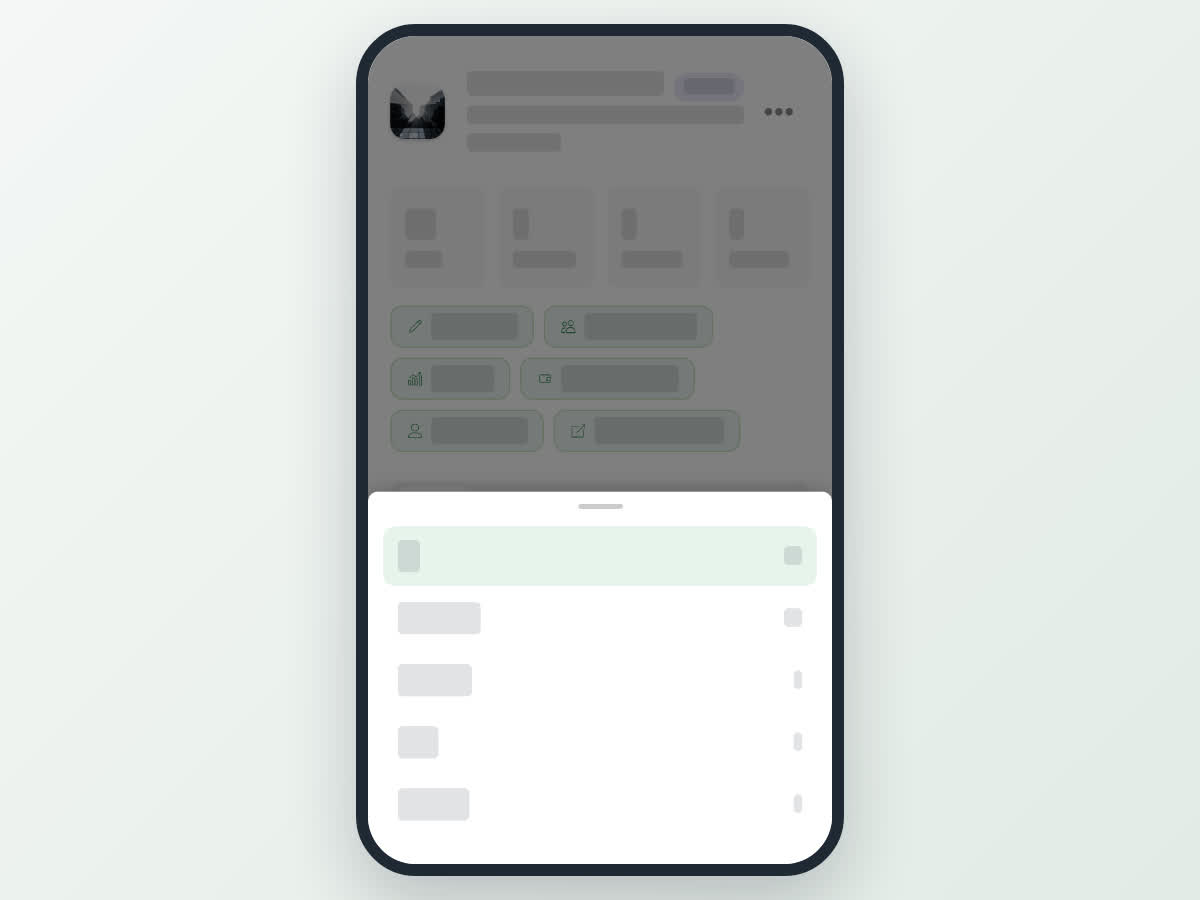
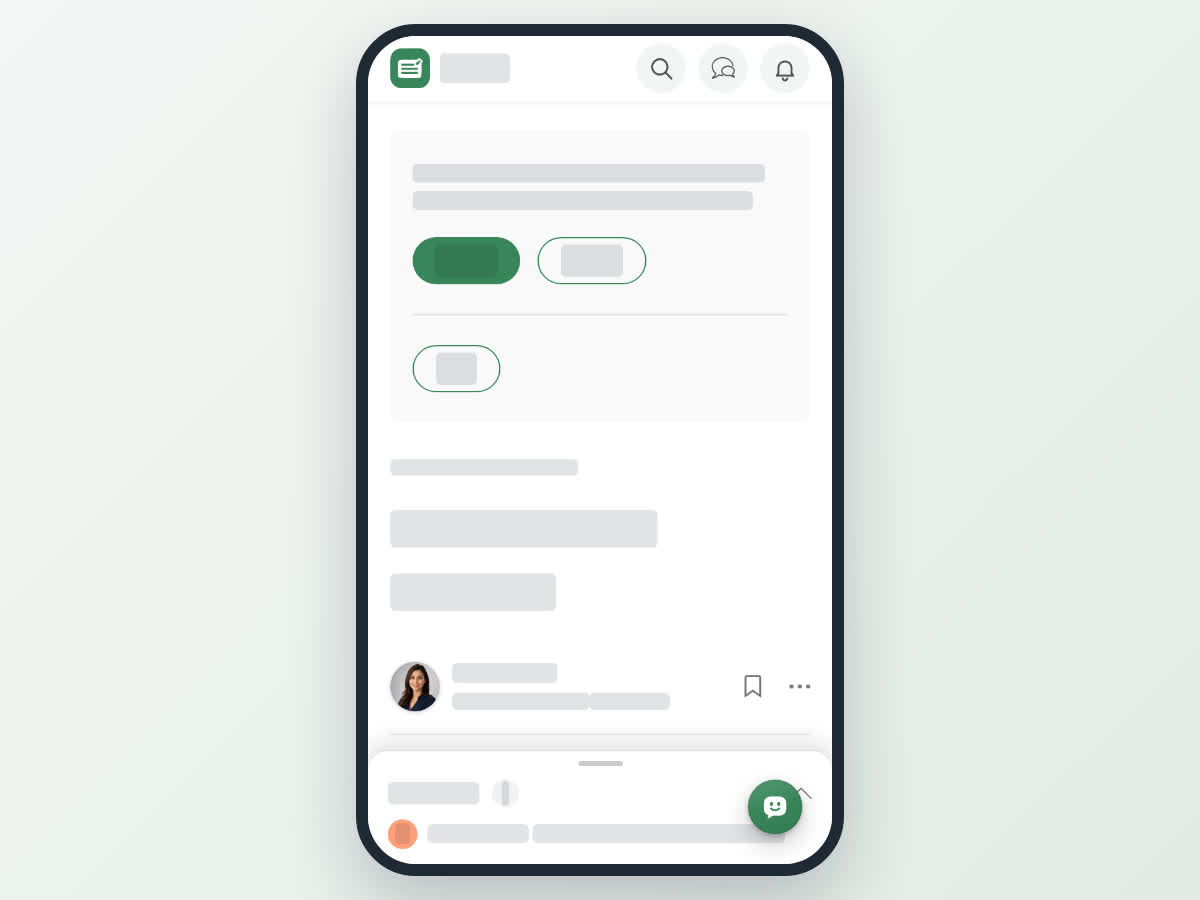
On your phone
These steps are the same in the Boogir app and on boogir.com in your phone's browser.
Review a post
What happens next
- Publish — the post becomes Published and appears on the space's public page. The author is notified that you approved their post. The first time a post is published, the space's subscribers are notified too.
- Decline — the post becomes Declined and the author is notified. The author sees your reason on the post, can edit it and submit it for review again.
Either way the post leaves the In review list and the to review count goes down.
Good to know
- Only posts in your space show here, and only reviewers see the Review button.
- The review panel appears only while the post is still In review. If another reviewer has already decided, it no longer shows.
- Posts in a space are always reviewed, whatever the author's role in the space.