Working hours and holidays
Tell customers when you are open and the days you close.
Guide Chanras Sun11 hours ago · 1 min read · 1 view
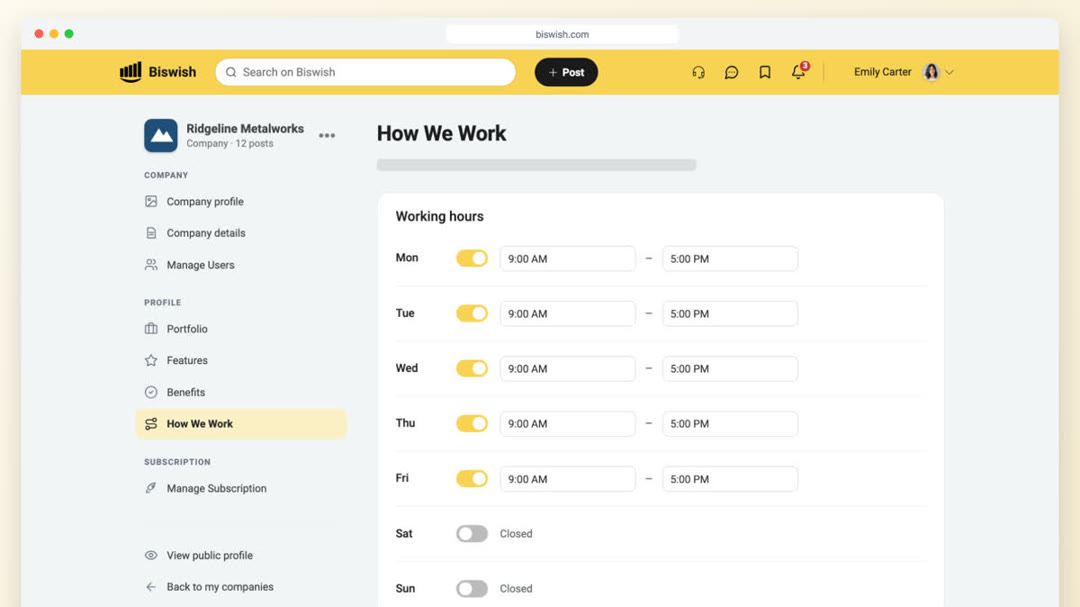
How We Work shows customers your opening hours for each day and the holidays you close for. Past holidays are no longer shown.
On a computer
Open How We Work in the company menu. Turn a day on, set the opening and closing time, add holidays with a date and a name, then select Save.
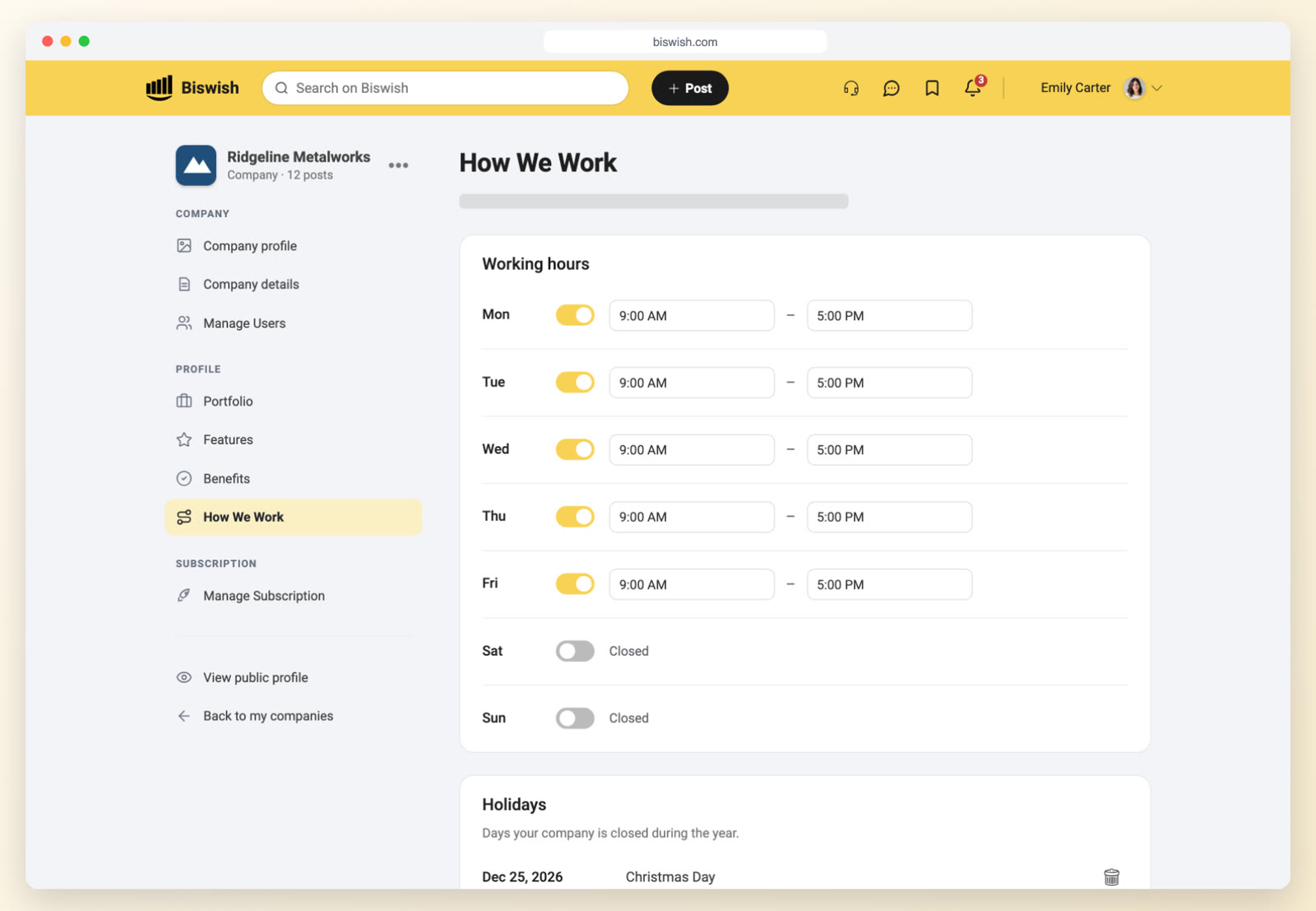
Working hours on a computer.
On your phone
Open the company, then How We Work. Each day is one row; scroll down for holidays and Save.
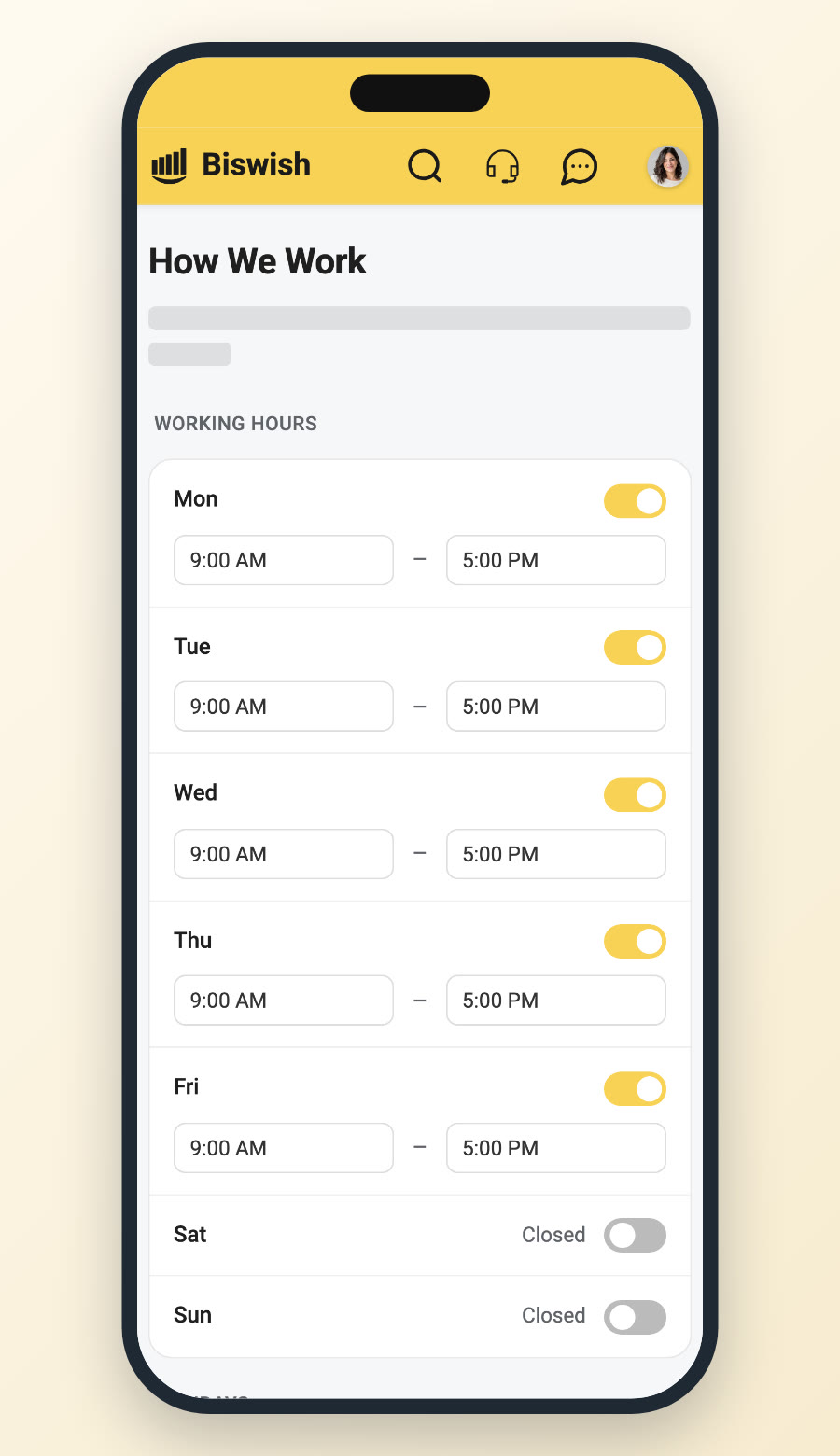
Working hours on a phone.
Set your hours
01
Turn a day onDays left off show as Closed.
02
Pick both timesThe closing time must be after the opening time.
03
Add holidaysChoose the date and name each one.
04
SaveThen check your public page.
0
Share
Send in message
Report
Copy ID