Manage your company page
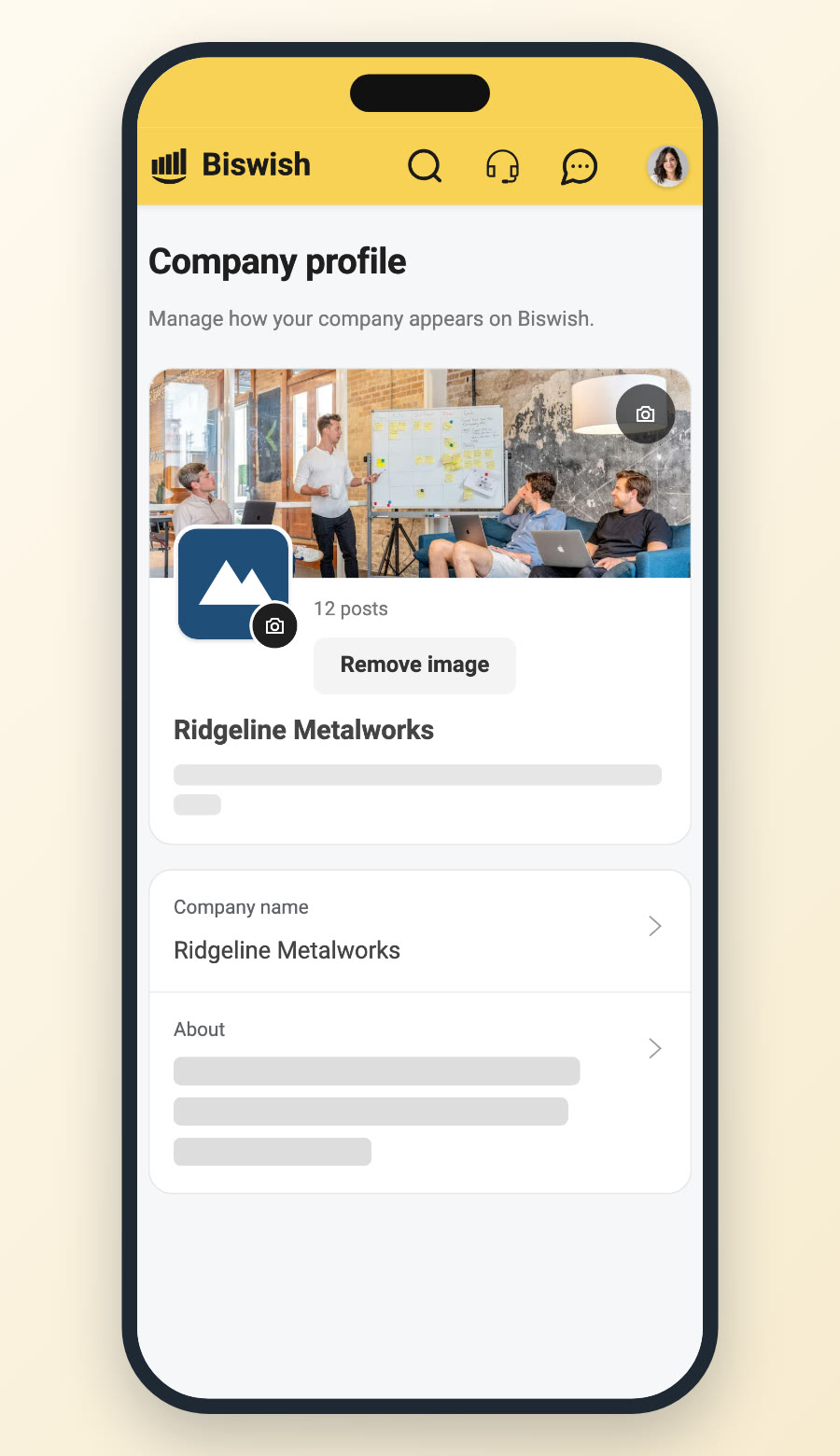
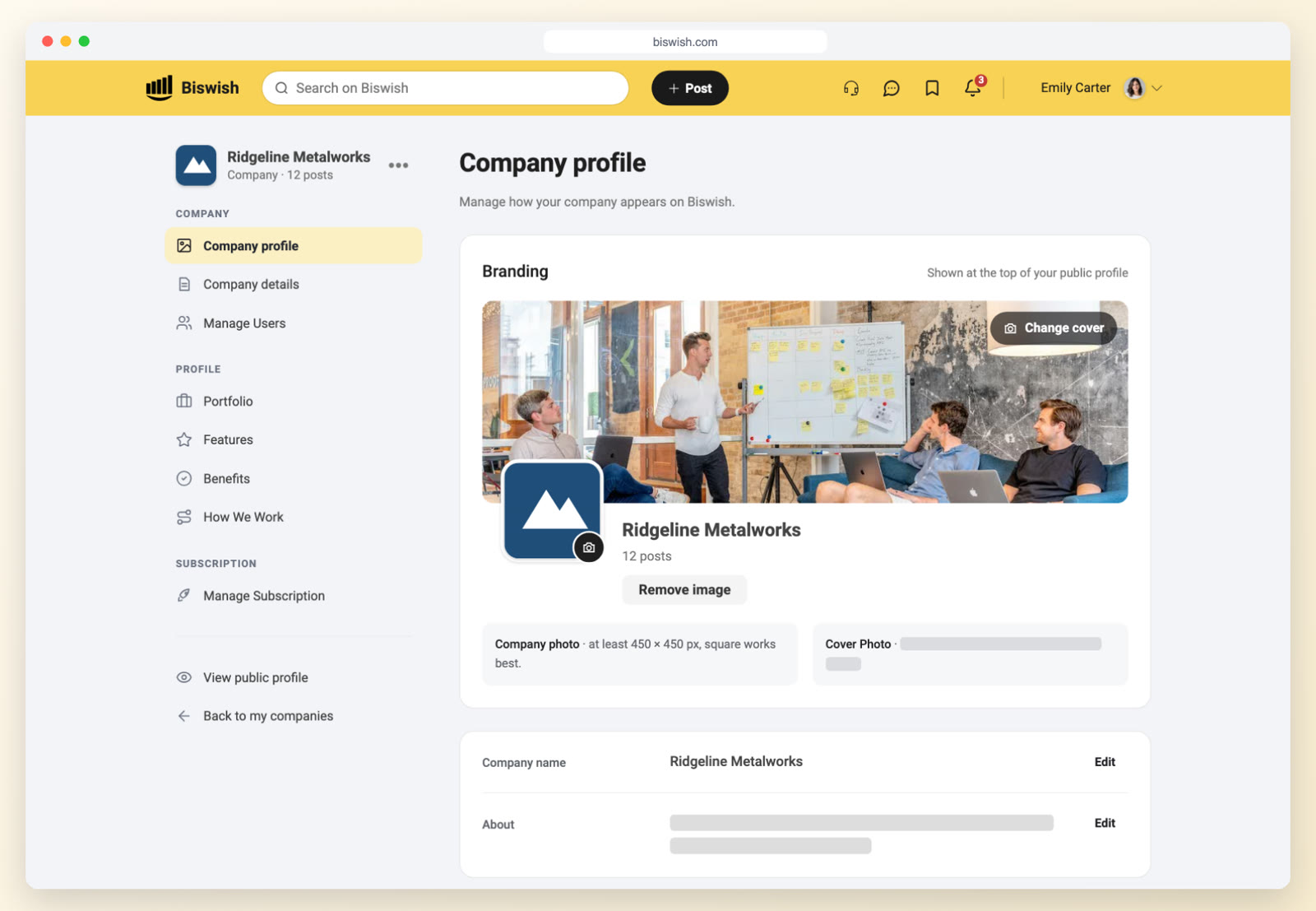
Change the logo, cover, name, description, details and location of your company.
Guide Chanras Sun11 hours ago · 2 min read · 1 view
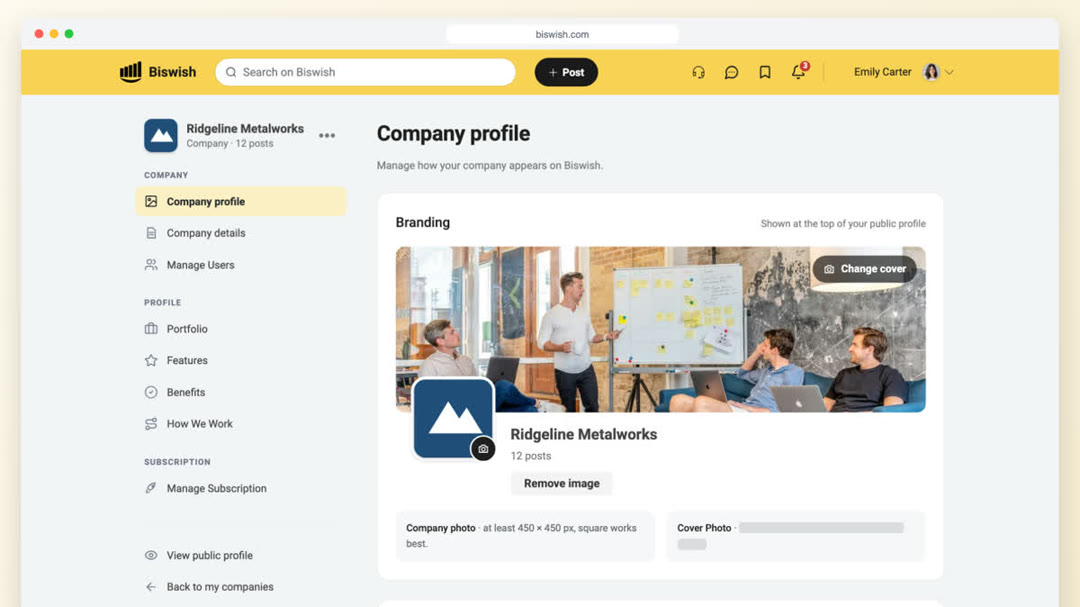
Open a company from Organization to manage it. Only people you add can see these pages, and only owners and managers can change them; View public profile shows what everyone else sees.
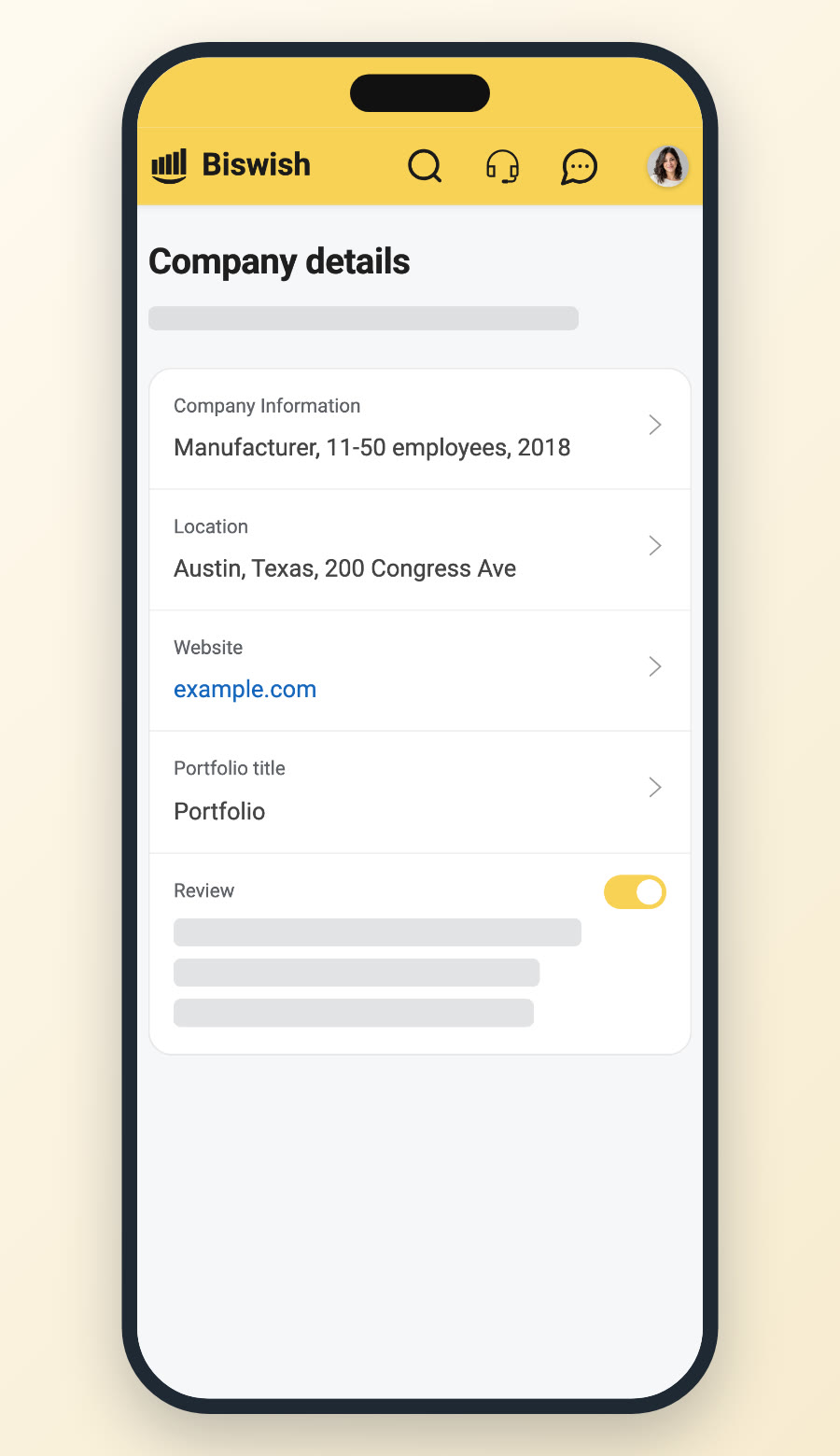
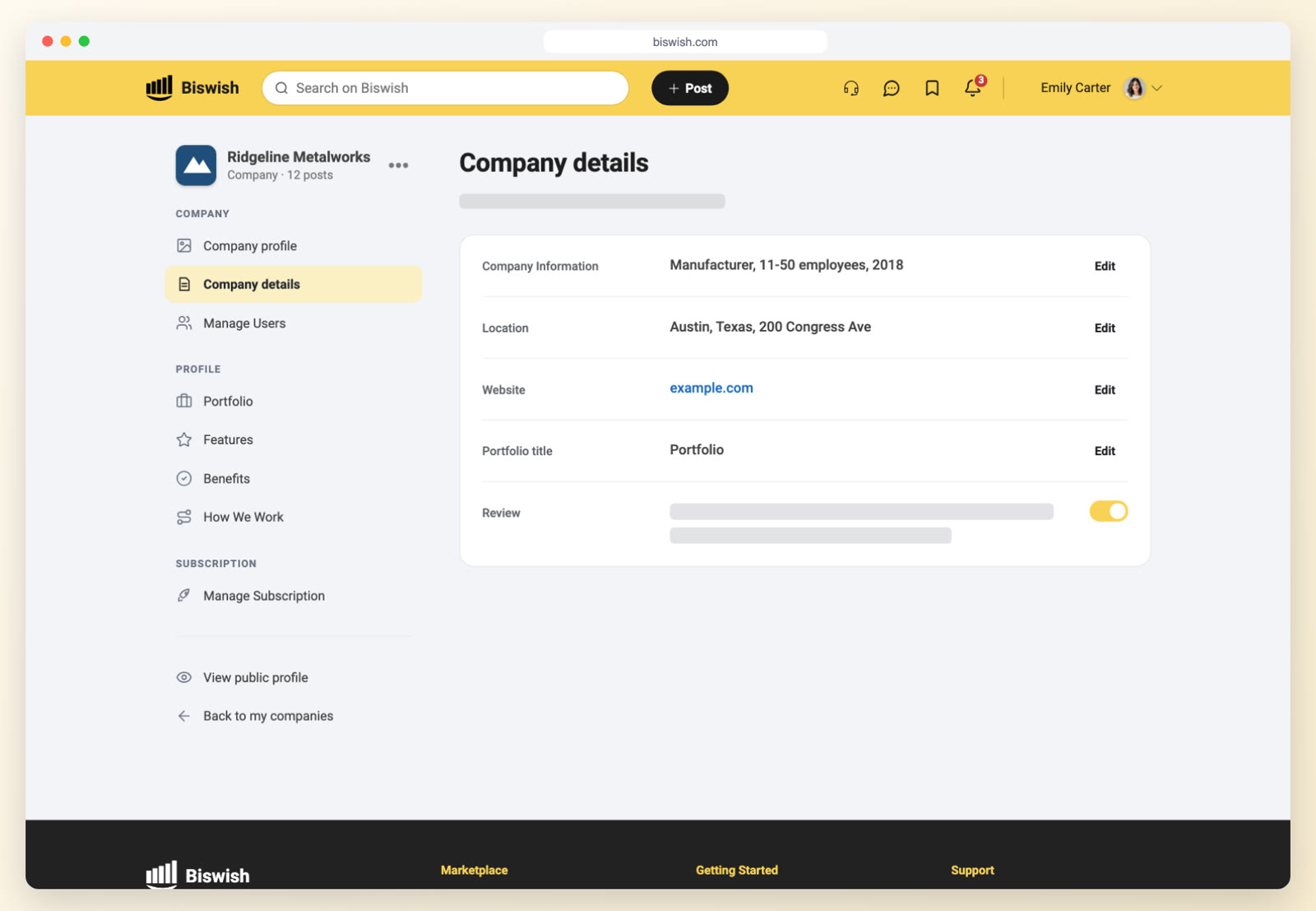
Review in company details shows a Review on Goodorgs button on your page, so people can read and rate your company there. Turn it off if you do not want the button.
A new name is shown straight away, on the company page and on its posts.
On a computer
The menu on the left has three groups: Company (profile, details, users), Profile (portfolio, features, benefits, how we work) and Subscription. Select Edit on a row to change it.
On your phone
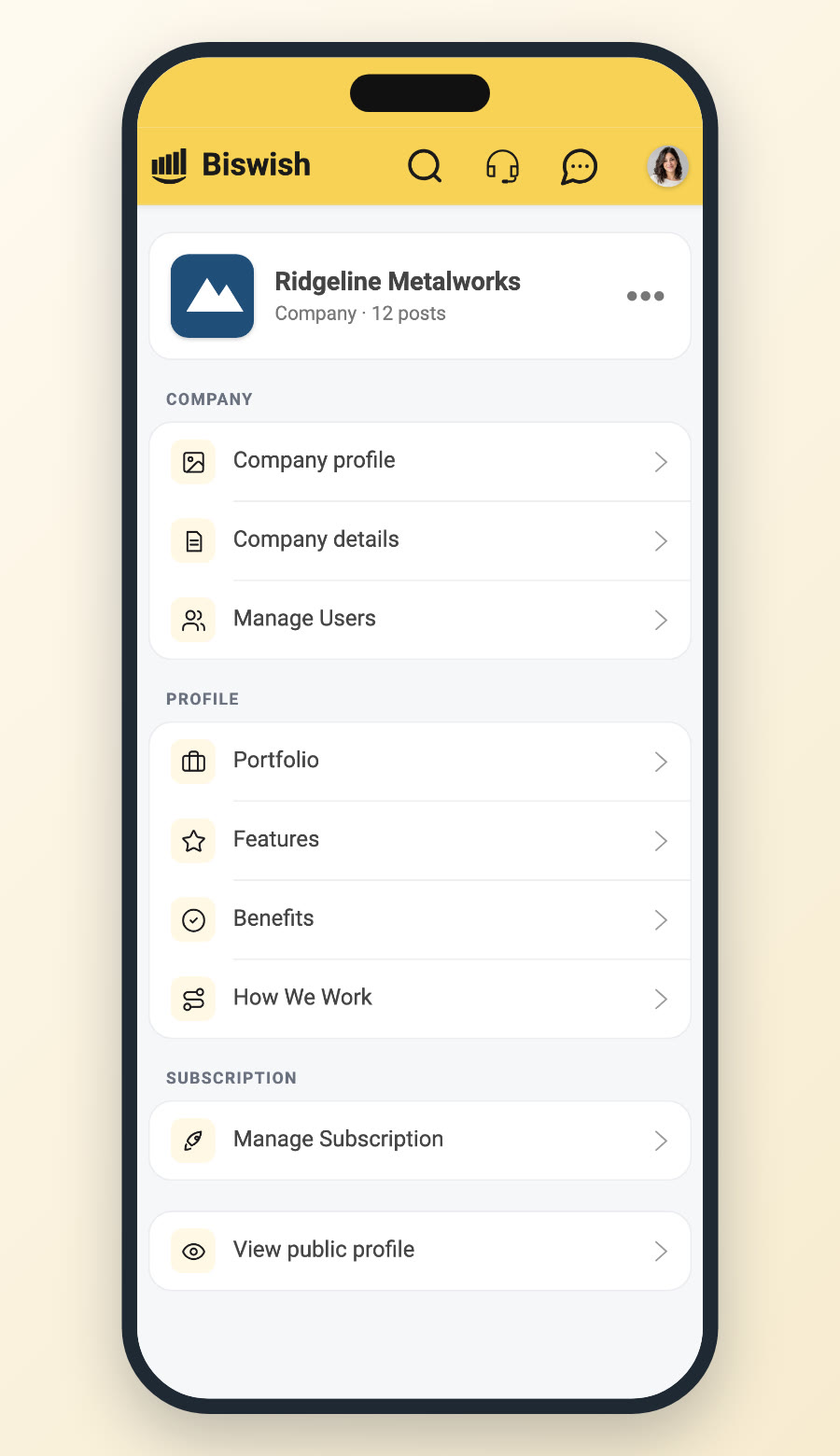
Opening a company shows a list of the same sections. Open one to change it, and go back to reach the next.