Portfolio, features and benefits
Show what you have done, what sets you apart and what buyers gain.
Guide Chanras Sun11 hours ago · 2 min read · 1 view
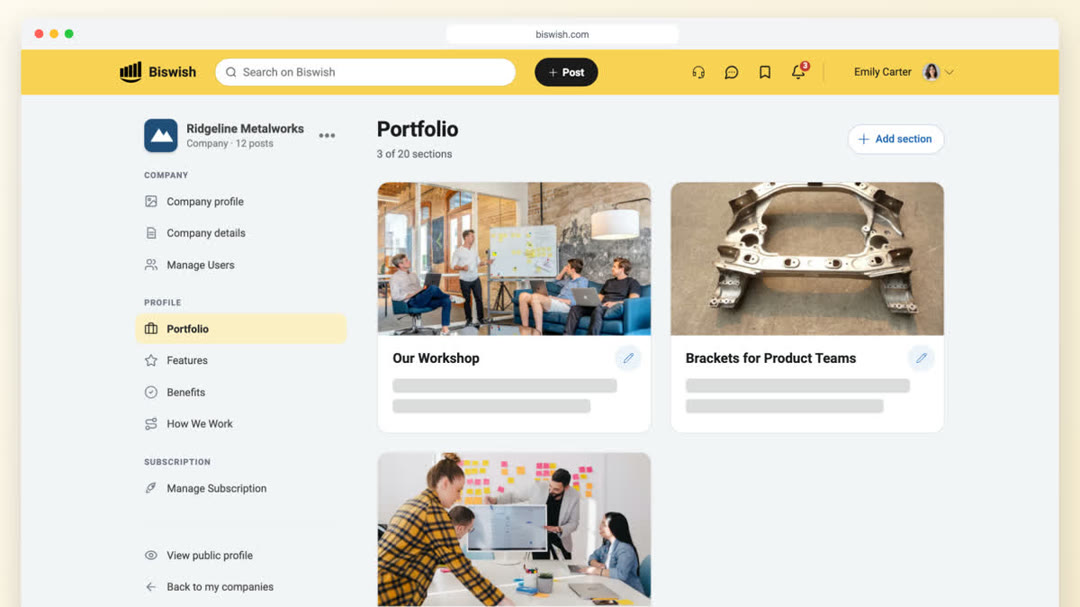
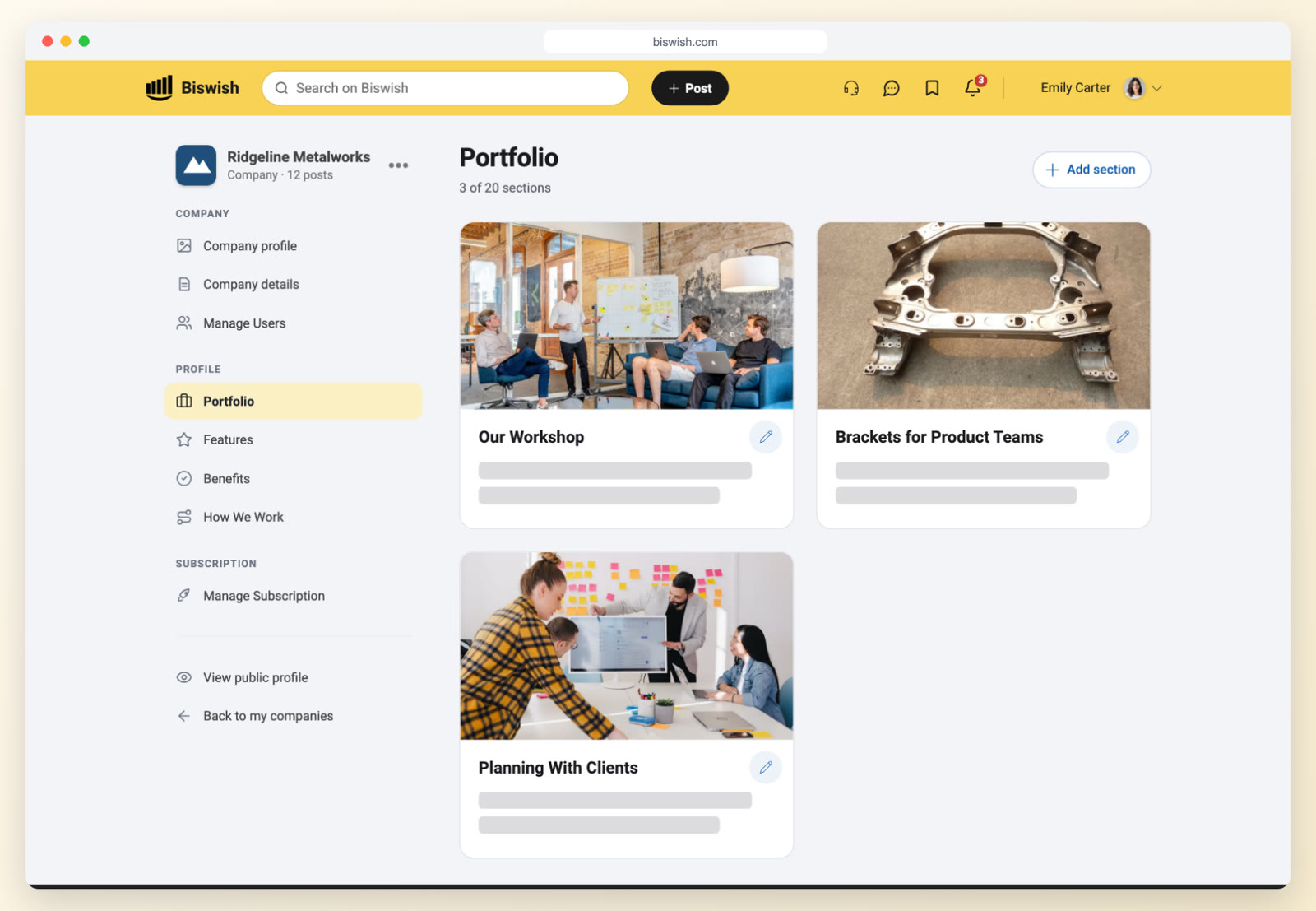
Three sections fill the tabs of your public page:
- Portfolio – up to 20 sections, each with a title, text and one photo or one video
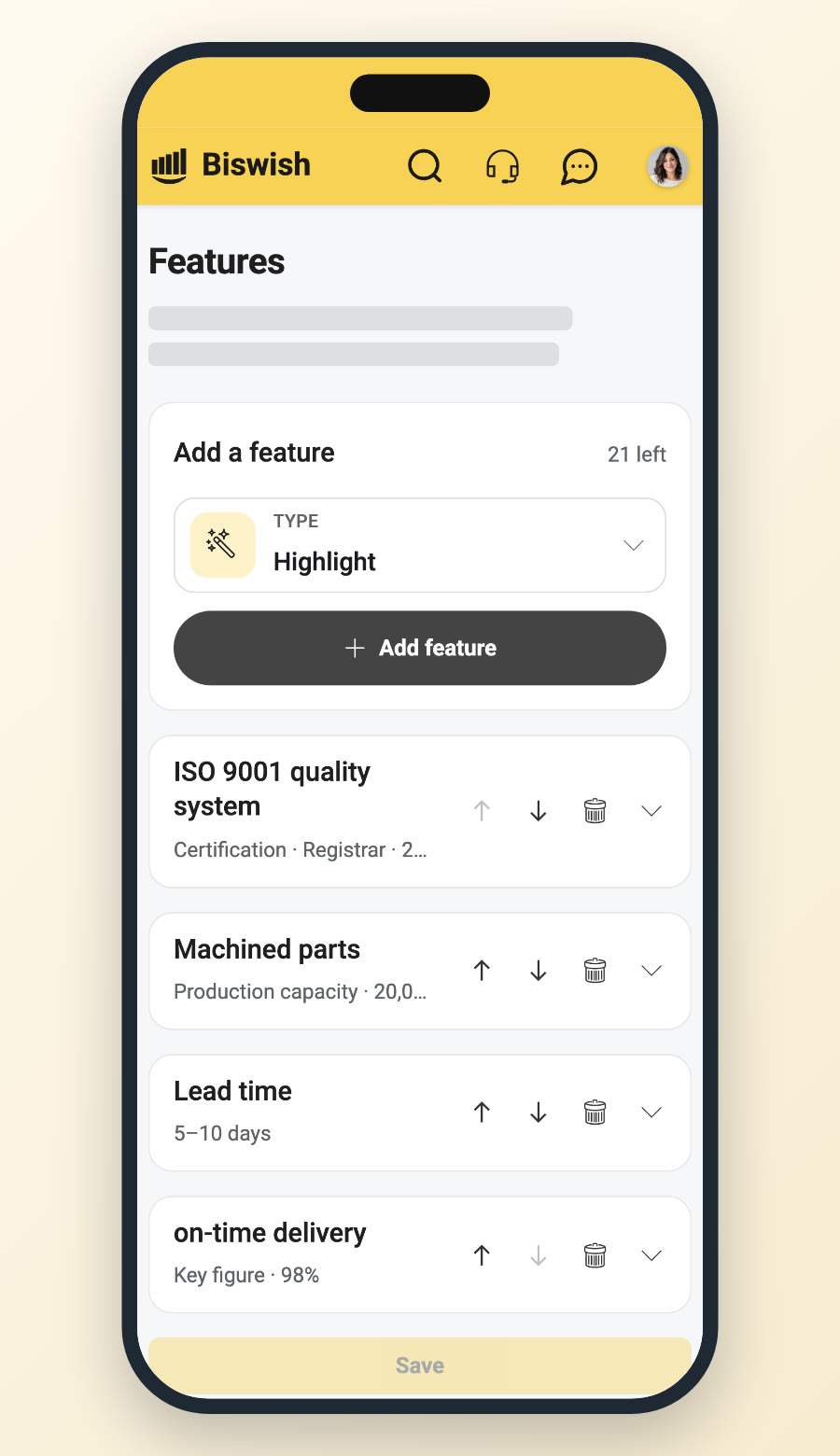
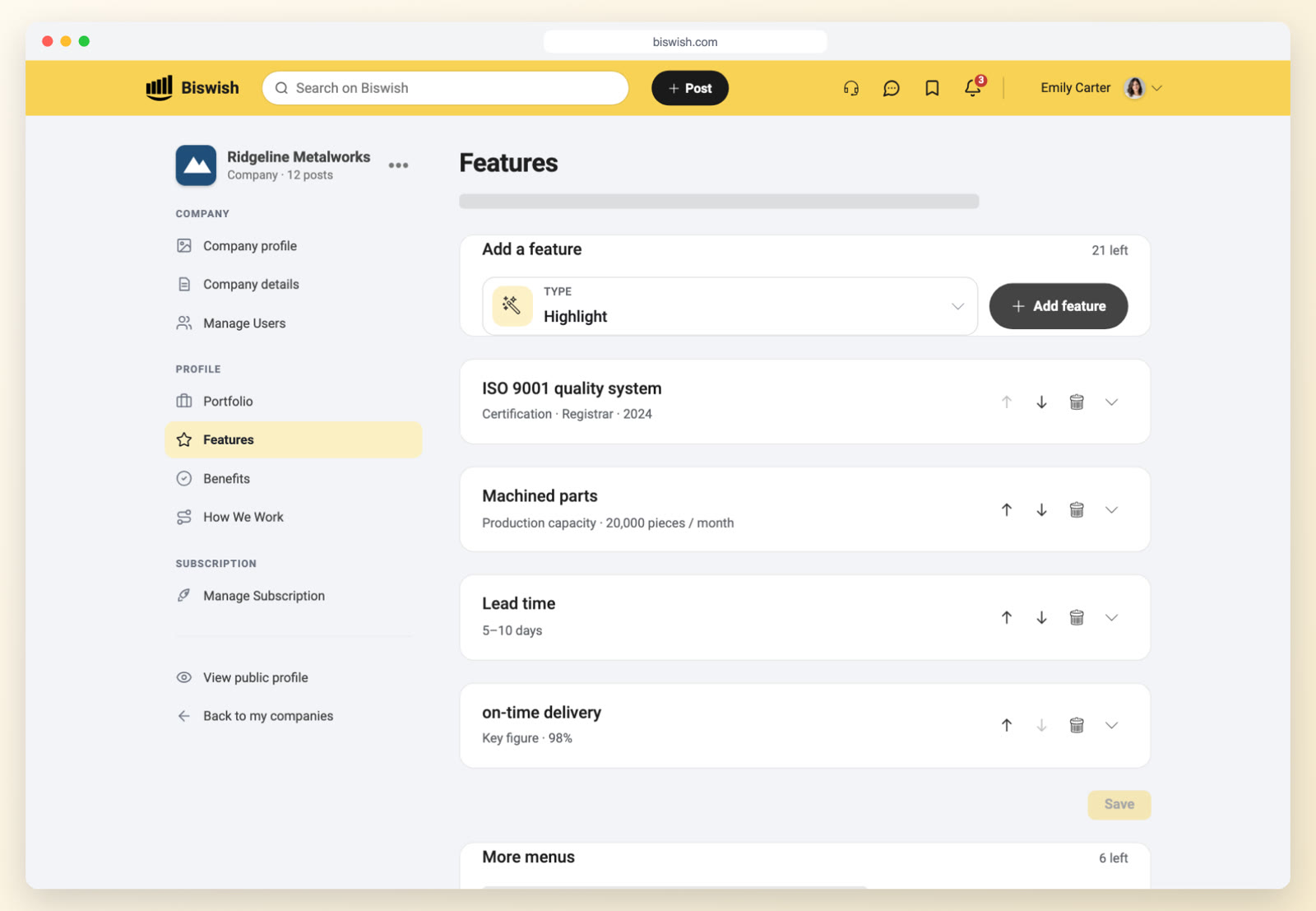
- Features – up to 25 facts that set you apart, such as certifications, capacity and lead times
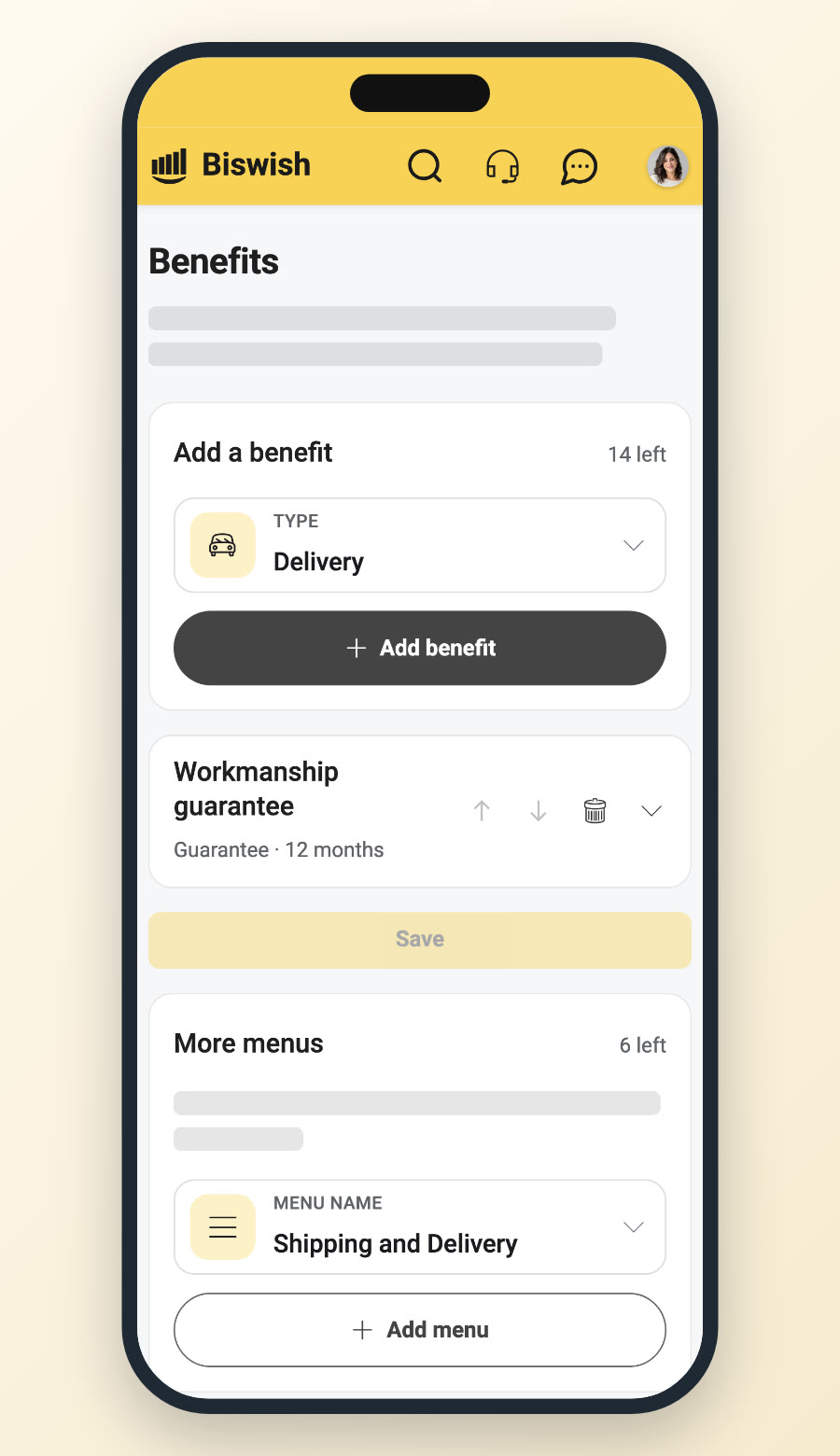
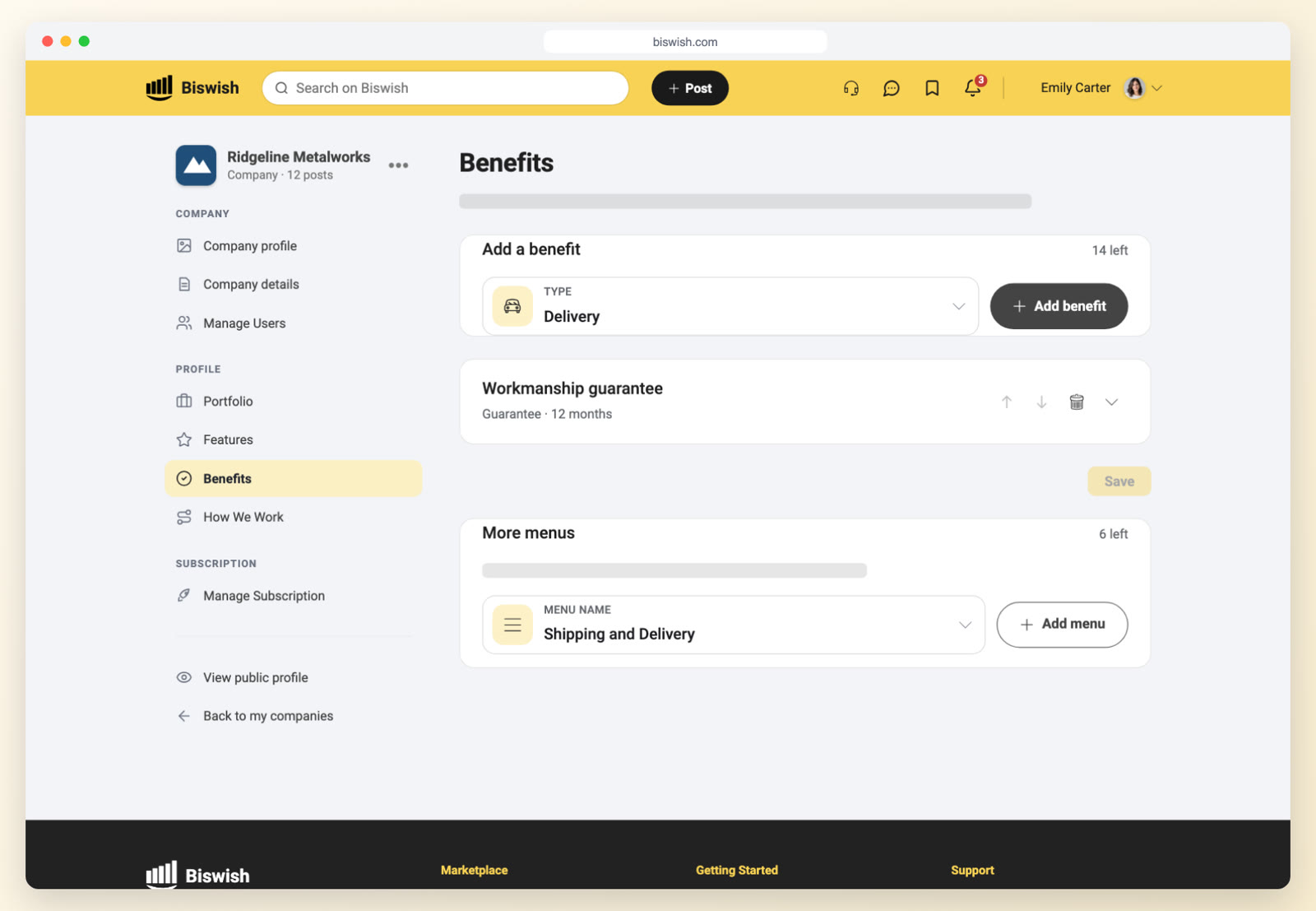
- Benefits – up to 15 things buyers gain, such as guarantees, delivery and payment terms
List fields, such as areas served or options, take one entry at a time: press Enter after each, or paste a whole list. Up to 20 entries.
Under More menus you can add up to six extra groups for features and six for benefits. Choose each name from the list, such as Our Team, Quality and Certifications, Warranty or Wholesale Terms. Each one is a tab on your page once it has content, with its own limit of 25 features or 15 benefits. Deleting a menu removes everything in it.
Add to the portfolio
Select Add section (Create for the first one), write a title and a description of at least 20 characters, add an image at least 600 px wide or a video of up to 5 minutes, and select Post. The pencil on a section opens it to change or delete.
On a computer
Open each section in the company menu. For features and benefits, choose a Type, select Add feature or Add benefit, fill in the fields and select Save. Use the arrows to reorder.
On your phone
Open the company, then the section. The same types and fields are there, with Save below the list. In the app, reorder or remove an item from its … menu.