Create a company
Add a business, a manufacturer or a freelancer profile so you can post under its name.
Guide Chanras Sun11 hours ago · 1 min read · 1 view
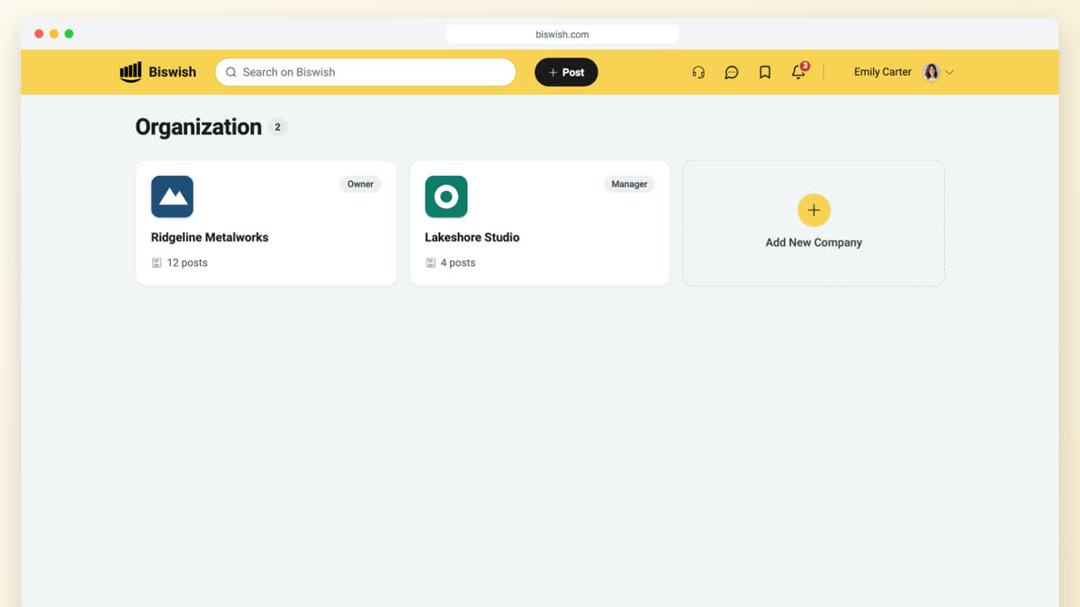
A company is the page your posts belong to. Create one for each brand you run. You can add as many as you need.
Which type to choose
- Business – you run a company that buys, sells or provides services
- Manufacturer – you make products
- Freelancer – you work for yourself
Manufacturing contracts and shipments are made from a company, so you need one to use them as a provider.
On a computer
On the home page open Organization, then select Add New Company (Add company when you have none yet). Fill in the window and select Create.
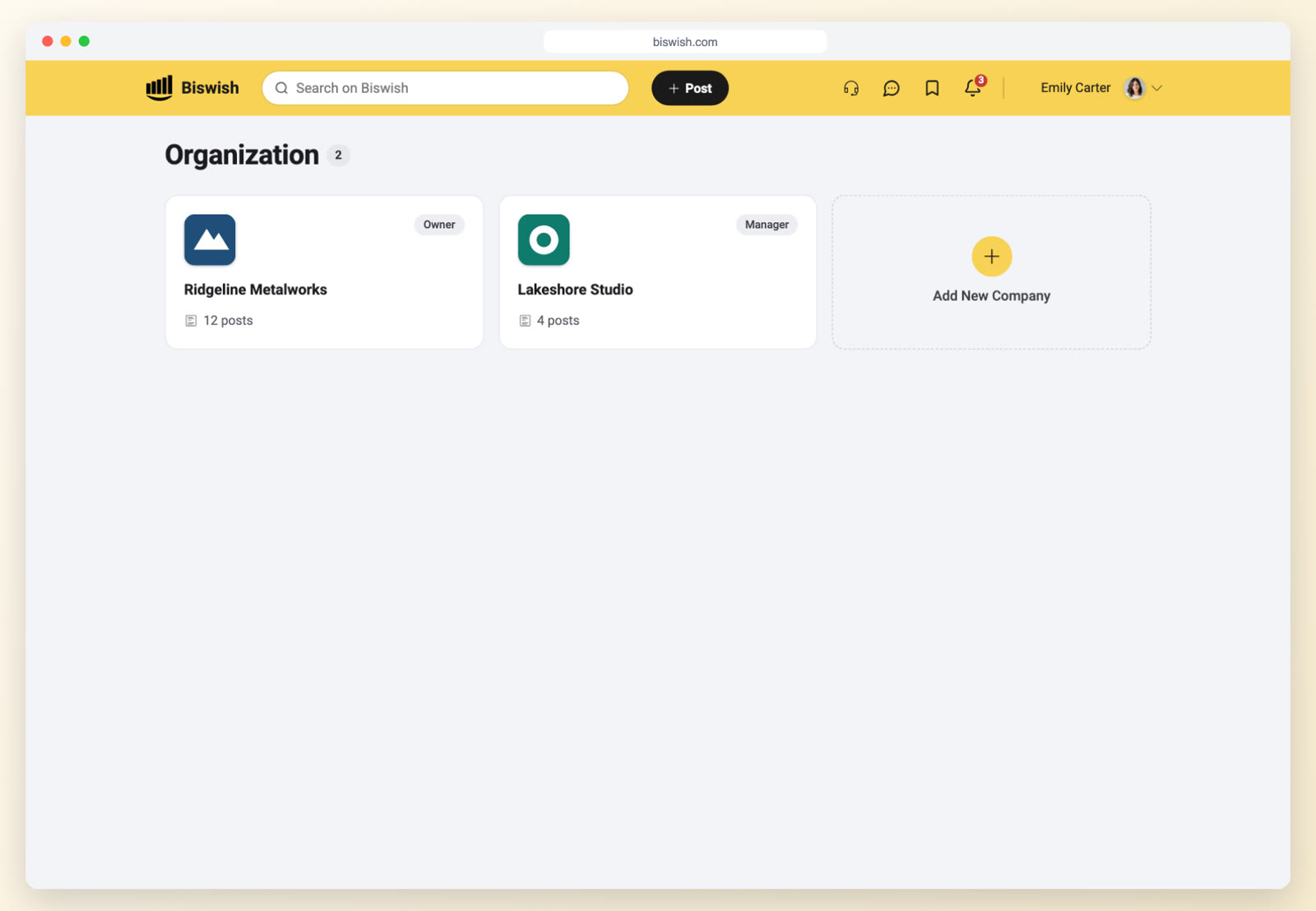
Companies you manage.
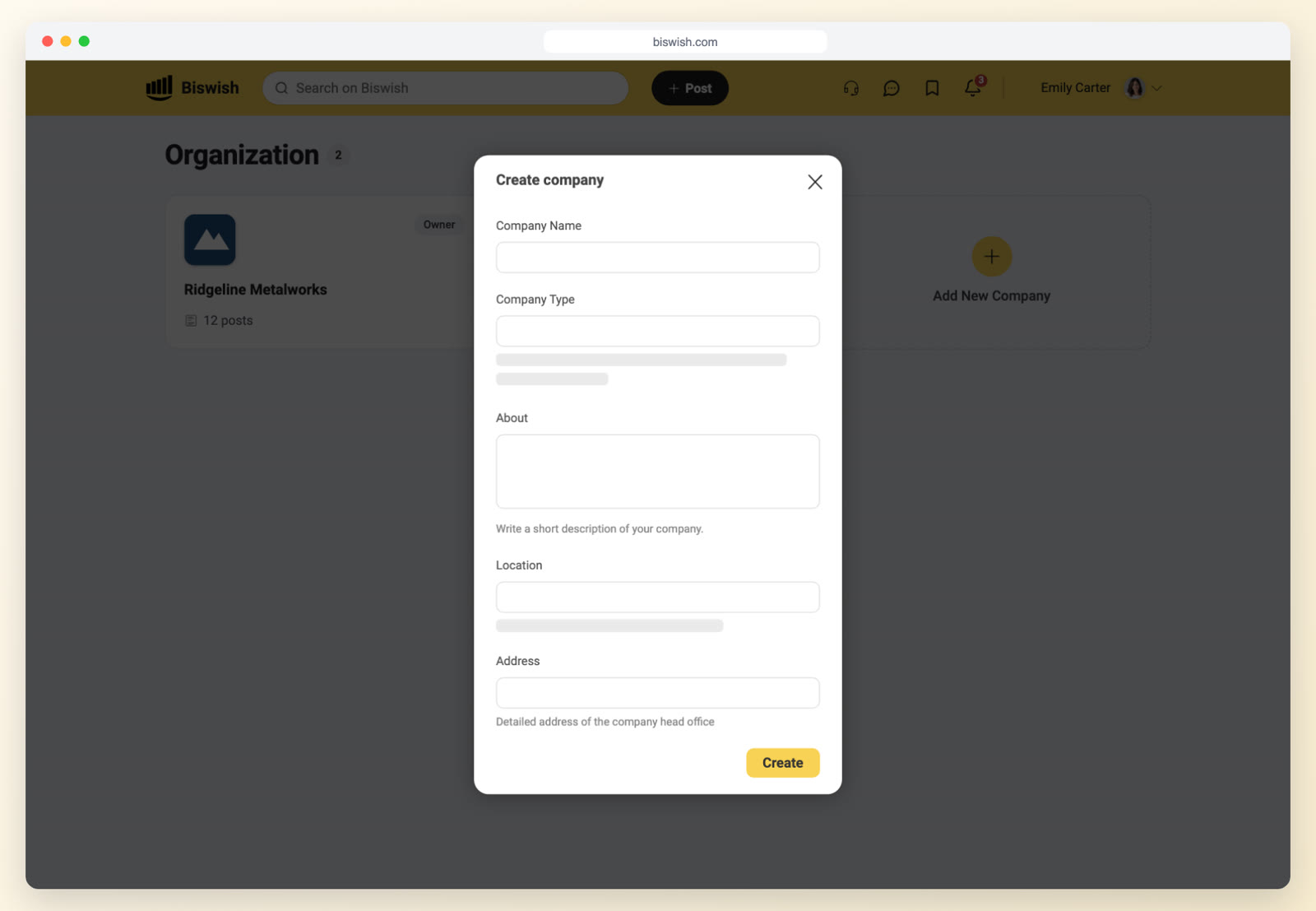
Creating a company.
On your phone
On the home page open Organization, then Add New Company, or Add company when you have none yet. The form fills the screen, with Create at the top right.
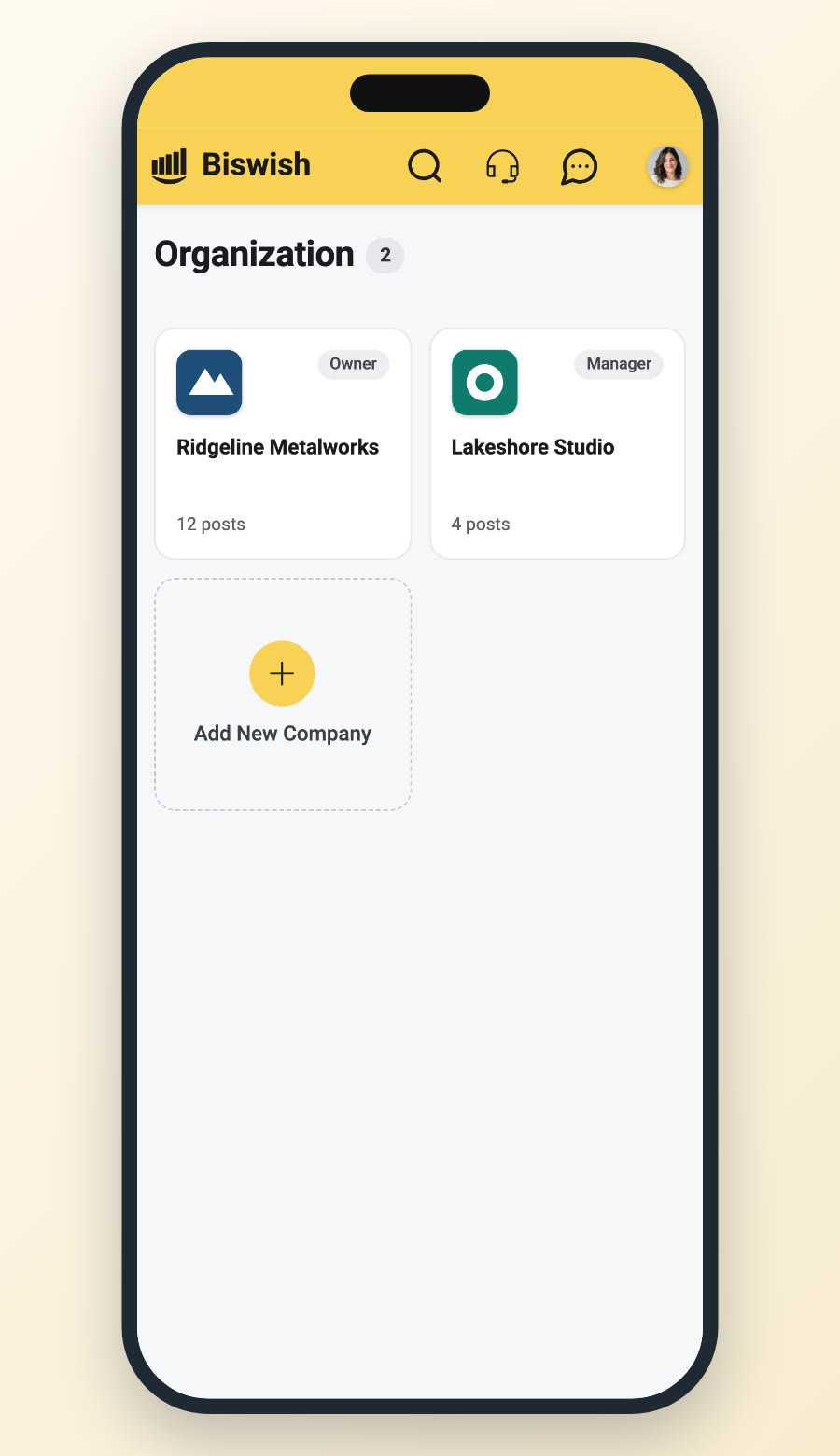
Your companies on a phone.
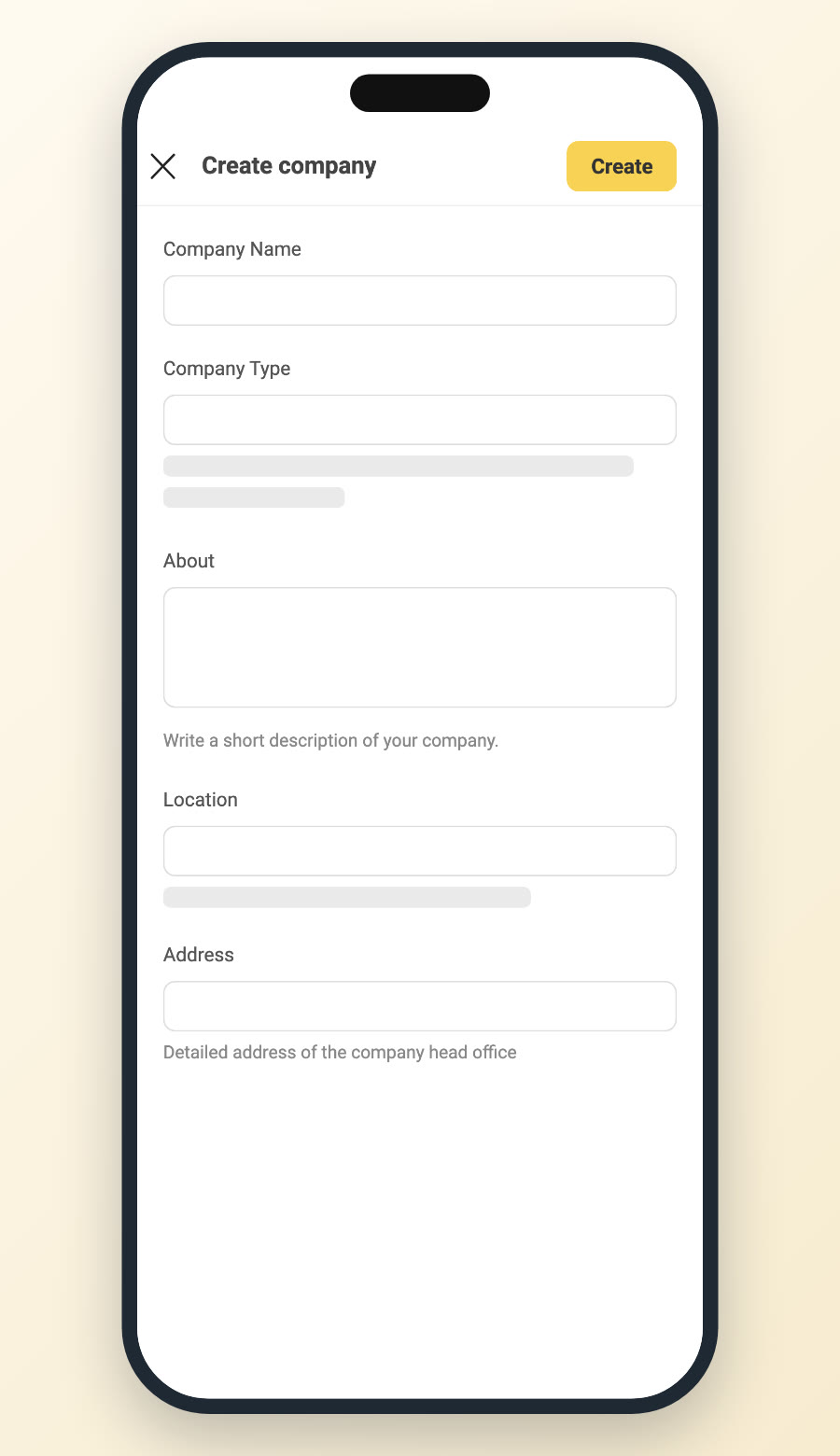
Creating a company on a phone.
Create a company
01
NameThe name shown to buyers. It must not be taken already.
02
TypeBusiness, Manufacturer or Freelancer.
03
About20 to 700 characters about the company.
04
Location and addressThe town, and the address of the head office.
0
Share
Send in message
Report
Copy ID