Add people to your company
Invite colleagues, choose their role, change it and remove them.
Guide Chanras Sun11 hours ago · 1 min read · 1 view
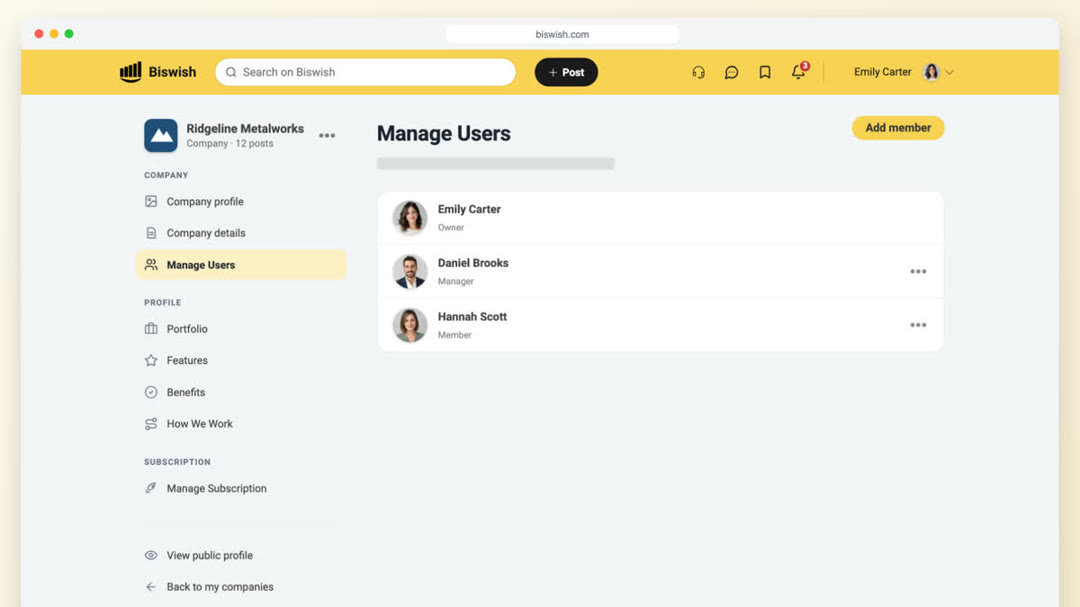
Everyone who helps run the company can have their own access. Open Manage Users in the company.
Roles
A person is an Owner, a Manager or a Member. Owners and managers can add and remove people; only an owner can change another owner or give the Owner role. A member can see the company but not change its page. A company always keeps at least one owner, so make someone else an owner before you leave. You cannot change your own role.
On a computer
Select Add member, enter the phone number or email of their account and choose a role. Use the … next to a person, then Update to change the role or Remove.
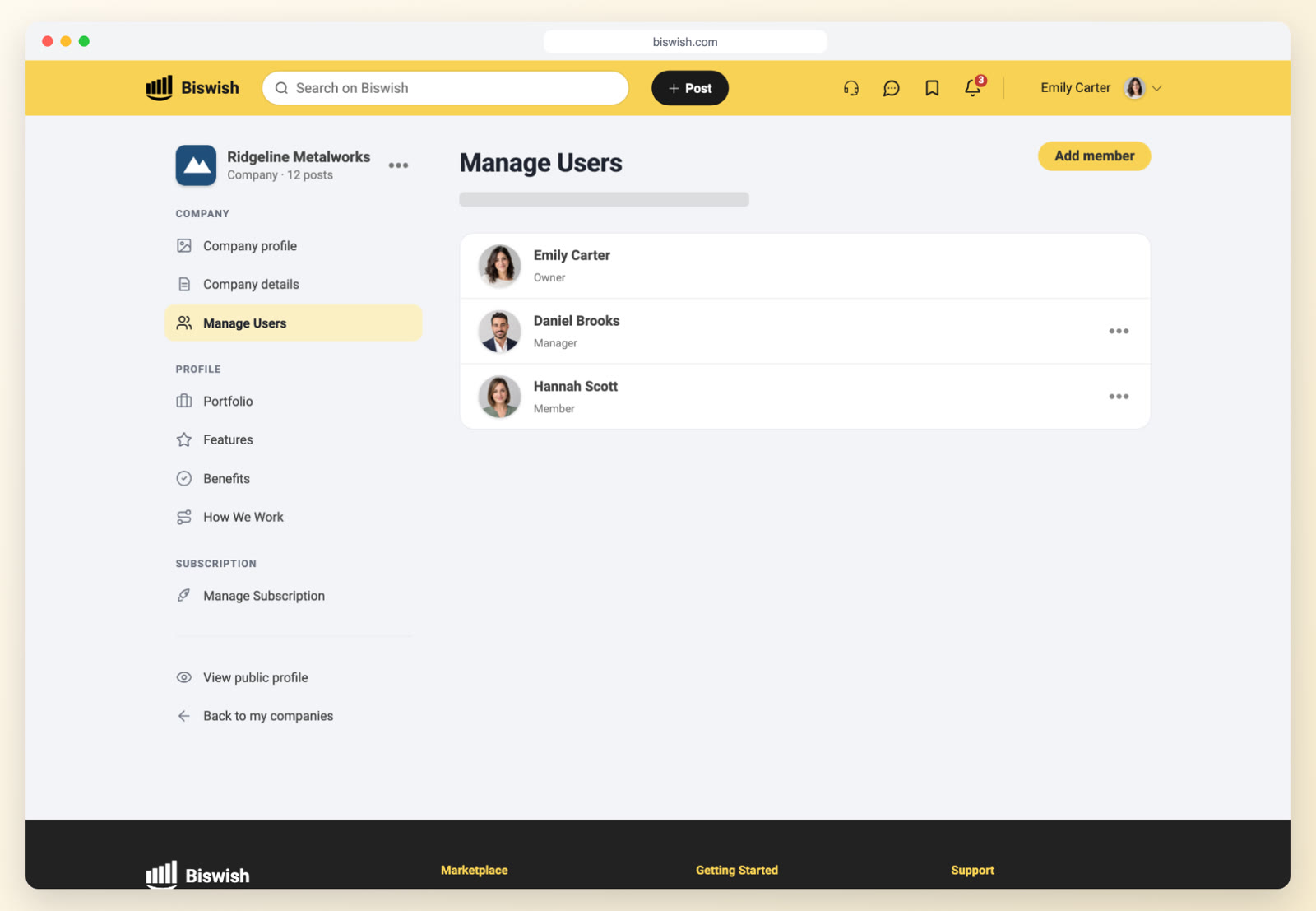
People who manage a company.
On your phone
Open the company, then Manage Users. Add member is at the top right, and each person has a … menu.

Managing users on a phone.
Add a colleague
01
Open Manage UsersIn the company menu.
02
Find the personBy the phone number or email on their account.
03
Choose a roleOwner, Manager or Member.
04
ConfirmThey are told they were added.
0
Share
Send in message
Report
Copy ID