Welcome to Boogir
Boogir is a publishing platform for self-improvement, entrepreneurship and business writing. Read articles, stories, events and documents from spaces you follow, and publish your own with one Talkou account.
Guide · Business John Smith2 days ago · 4 min read · 301 views
Boogir is an online publishing platform for ideas worth sharing. Readers come for practical, well-written posts on self-improvement, entrepreneurship, business, finance, technology and many other topics. Writers and businesses come to share what they know and grow an audience.
You can use Boogir on a computer at boogir.com, on your phone's browser, and in the Boogir app for iPhone and Android. Your account, posts and bookmarks are the same everywhere.
Posts and spaces
Everything on Boogir is a post. There are four kinds:
- Articles – guides, opinions, how-tos and analysis.
- Stories – reviews and personal accounts, which can carry a score and a verdict.
- Events – an event page with a timeline of updates, and it can include live video.
- Documents – reference pages such as manuals, policies and help guides, read in a tidy document layout.
Every post is published in a space. A space is a home for a topic, a team, a product or a company. It has its own name, photo, description and members, and the people who run it review posts before they go public. You subscribe to the spaces you like, and their new posts show up on your Home page.
One account for everything: Talkou
Boogir does not have its own passwords. You sign in with your Talkou account, the same account you use for Talkou messaging and other platforms from the same team. Your email address and phone number are managed in Talkou, and Boogir uses them from there.
If you already use Talkou on your phone, signing in to Boogir takes a few seconds. See Create your account and sign in.
What you can do on Boogir
As a reader:
- Read posts for free, and subscribe to spaces to follow their new posts.
- Search posts, spaces and people, and filter by country or region.
- Upvote, comment, share and save posts to Bookmarks.
- Message other people and businesses from the floating message button.
As a writer or business:
- Write and publish articles, stories, events and documents.
- Create a space for your topic or company and invite your team to help run it.
- Group related articles into a module, a short course readers can follow step by step.
- Add a subscribers-only part to a post, and earn credits when subscribers unlock it.
Some features need a plan, such as posting documents in a space or messaging new contacts. See Plans and pricing.
On a computer
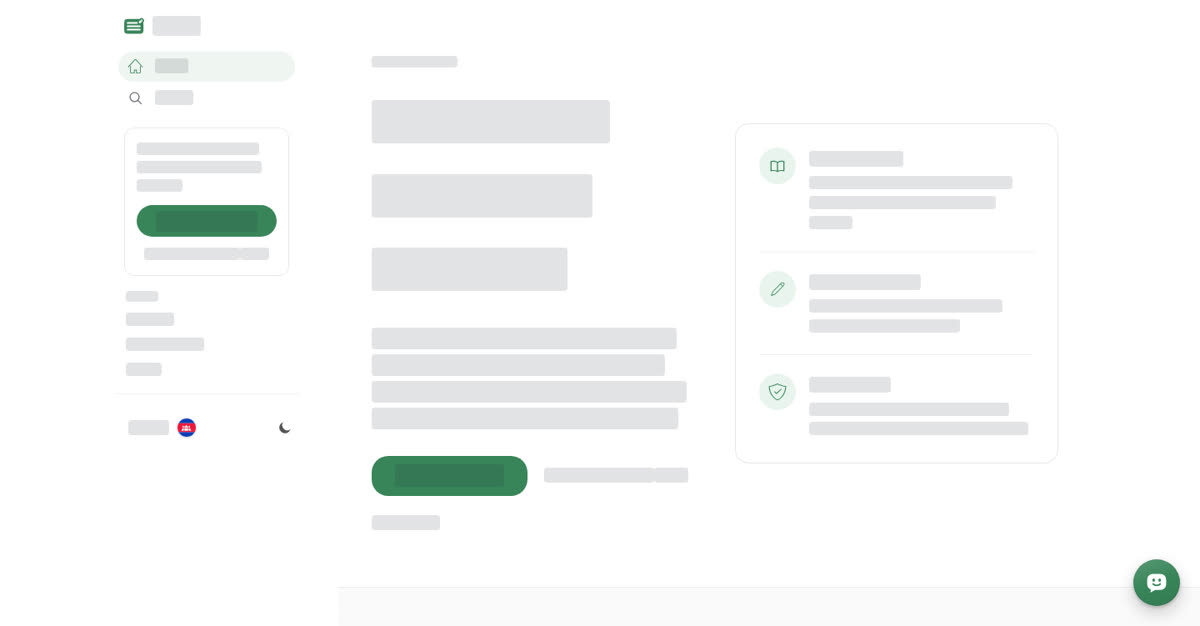
Go to boogir.com. Before you sign in, Home shows the welcome page. It has a Create an account button, Already a member? Log in, and View pricing, followed by a list of topics you can browse. The left menu also has Create an account and Log in, plus links to Welcome, Getting Started and Pricing.
On your phone
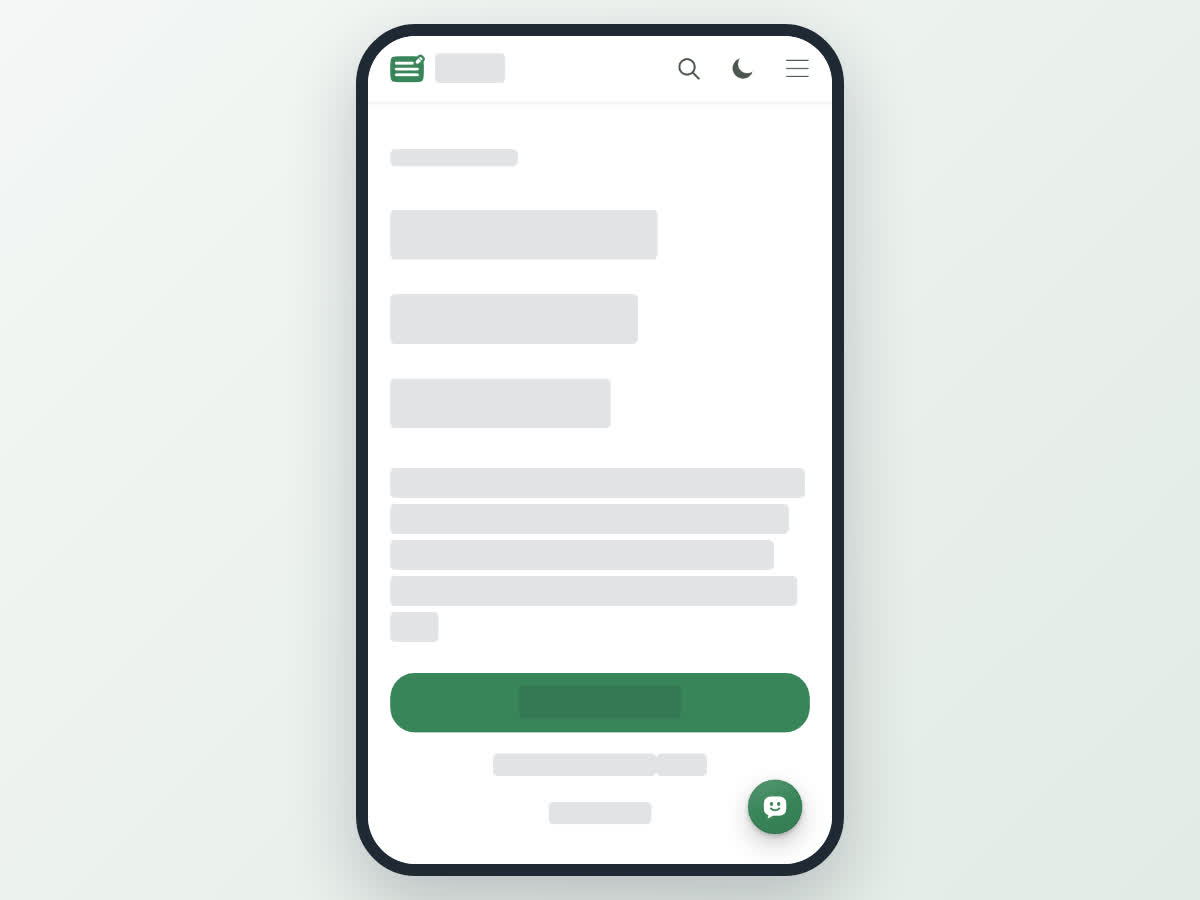
On boogir.com in your phone's browser, Home shows the same welcome page before you sign in, with Create an account, Already a member? Log in and View pricing. It lists fewer topics at first; tap Show all to see the rest.
The menu button at the top right holds Log In, Register, Welcome, New User, Pricing and Terms and Conditions, a country and language setting, and a Get App button that takes you to the Boogir app in your phone's app store.
Get started in four steps
Where to go next
- Find your way around Boogir – the menus and pages on a computer and on your phone.
- Write and publish a post – from first draft to published post.
- Create a space – set up a home for your topic or business.
- Plans and pricing – what the plans include and how payment works.
If you get stuck, open the floating message button and use Help Guides to ask a question, or Support to message our team.