Read a post and contact the poster
What a post shows, how to message the person behind it, and how the free daily message works.
Guide Chanras Sun11 hours ago · 2 min read · 1 view
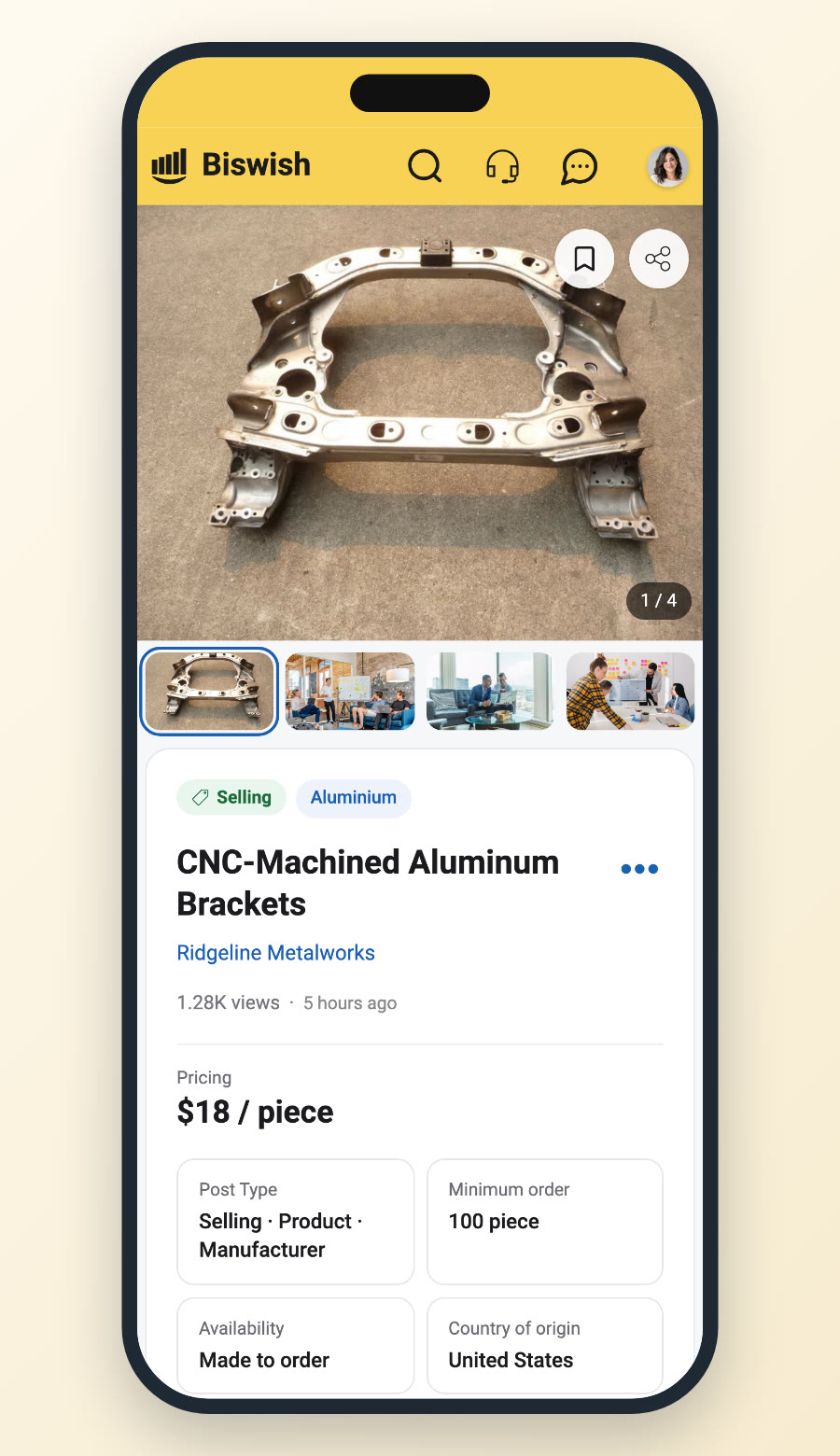
A post describes one product or service. It can hold photos, video, a price or pricing packages, a minimum order, specifications, the work location and the sections buyers ask about. Packages have a Monthly and Yearly switch when both are offered, and photos open full size.
When the post belongs to a company, its card has View company and View profile, for the company and the person who posted.
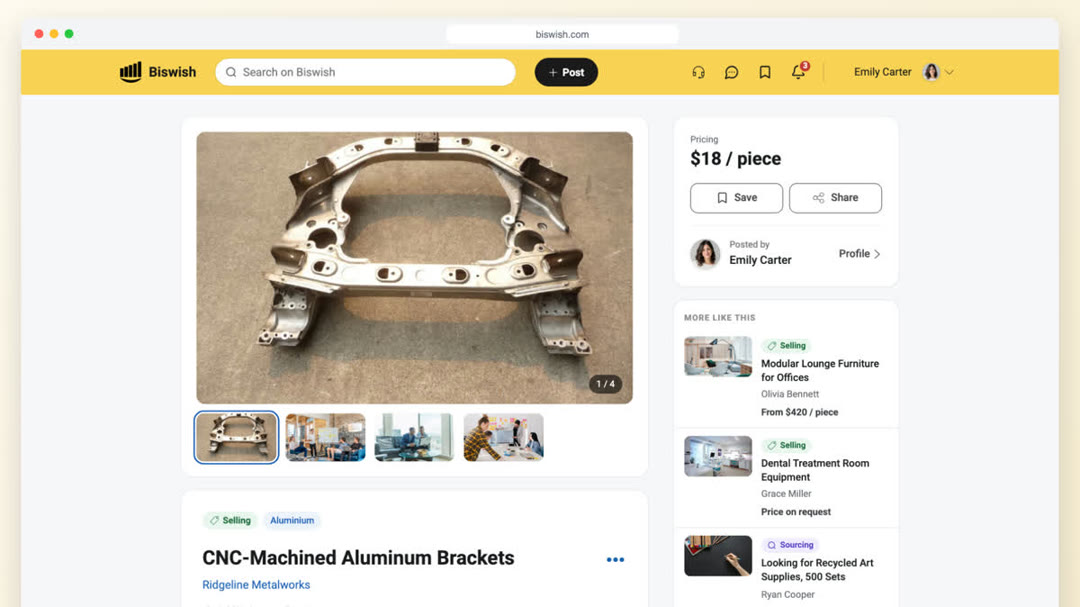
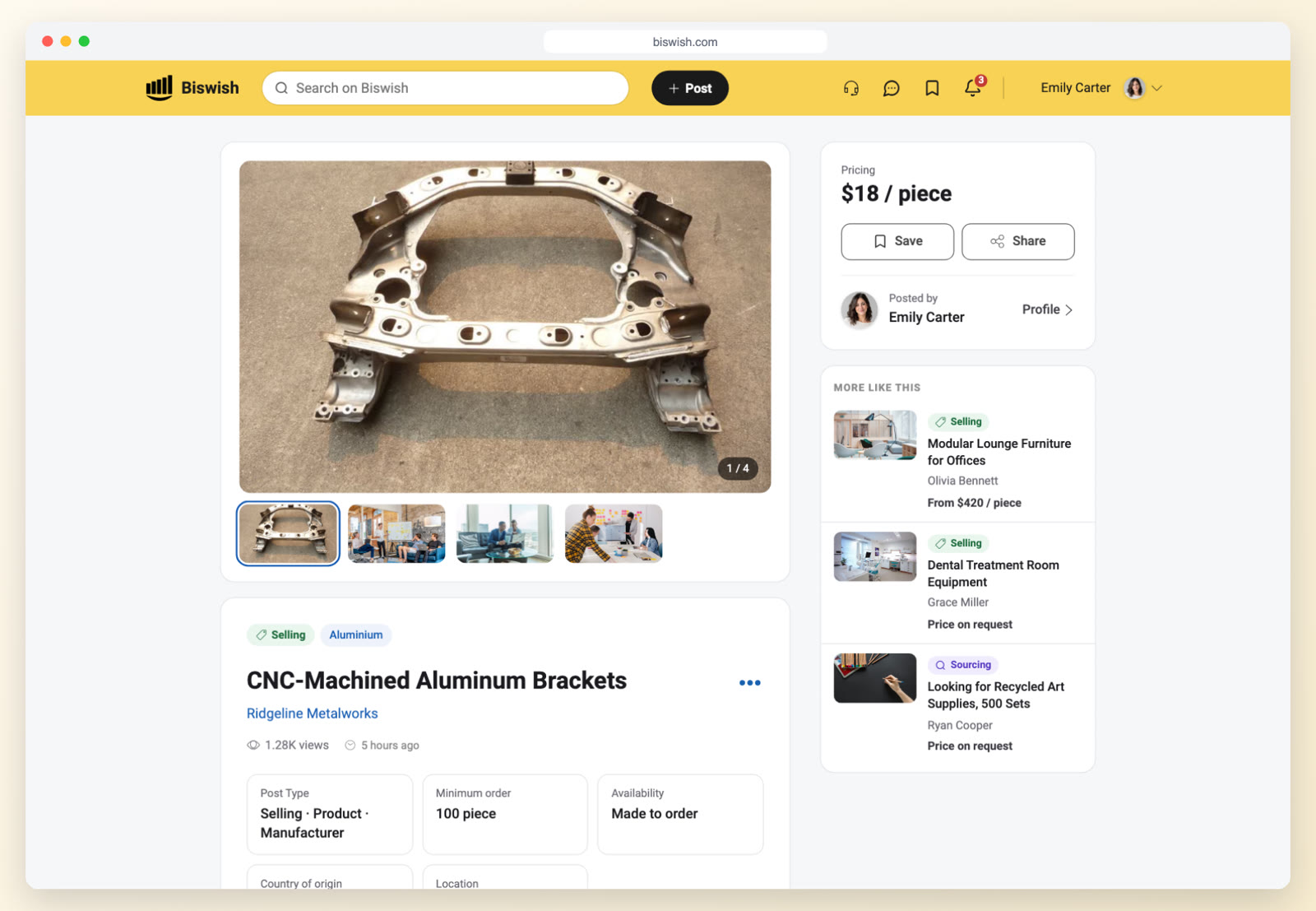
On a computer
Photos and details are in the main column. The price, Message seller (or Message buyer on a sourcing post), Save and Share are on the right, with the person who posted it below.
On your phone
Save and share are over the photo, or beside the title when there is no photo or video. The price is under the title, and Message seller or Message buyer stays in the bar at the bottom of the screen.