Find companies and read a company page
Browse businesses, manufacturers and freelancers, and what their page shows.
Guide Chanras Sun11 hours ago · 2 min read · 1 view
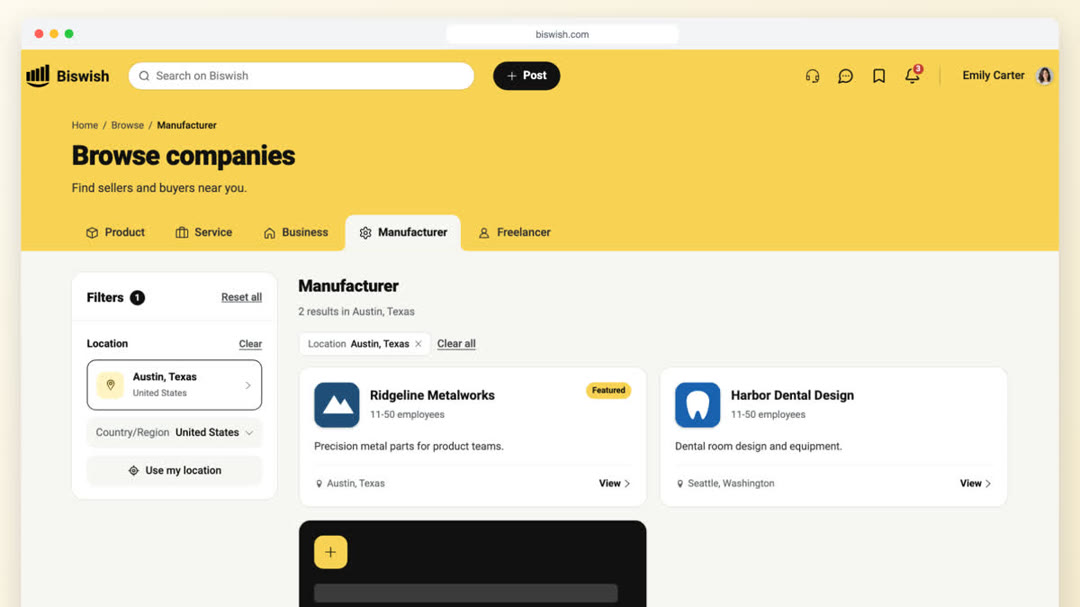
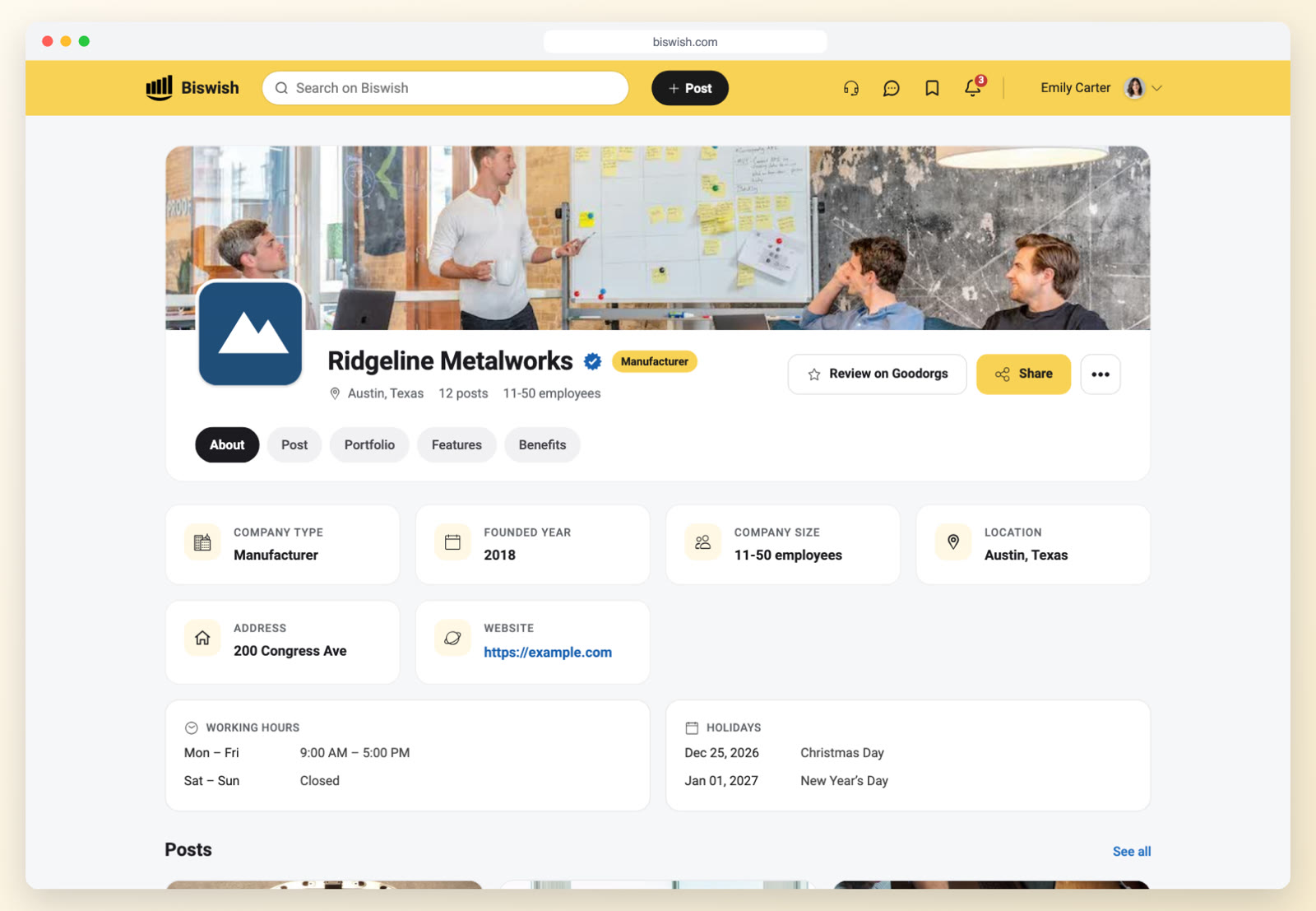
Every company on Biswish is one of three types: Business, Manufacturer or Freelancer. A company page gathers everything a buyer wants to know: the company facts, its posts, its portfolio, features, benefits and working hours.
Under a company you also see More companies like this, and under a post More like this. Pages with Private Space do not show them.
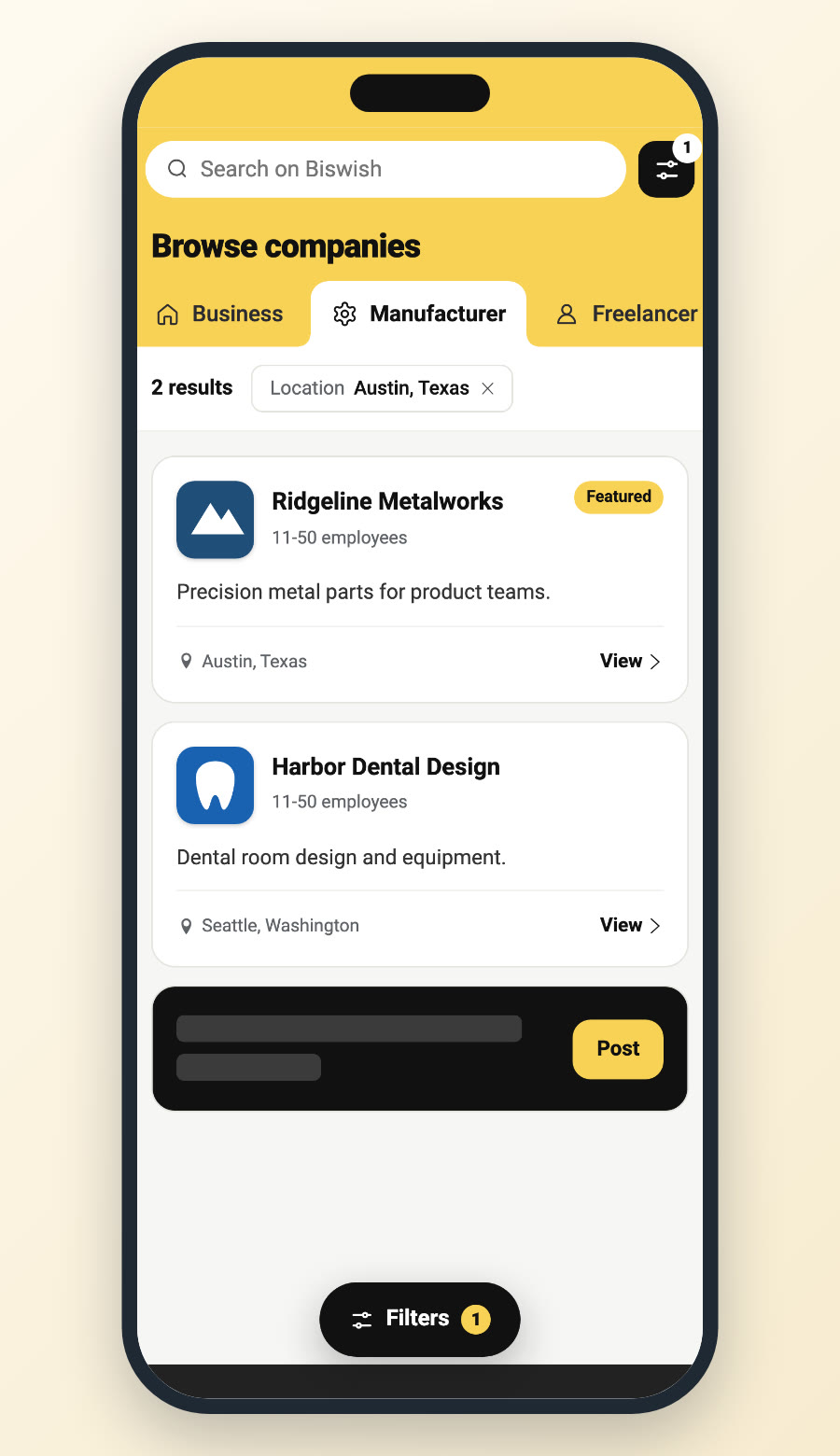
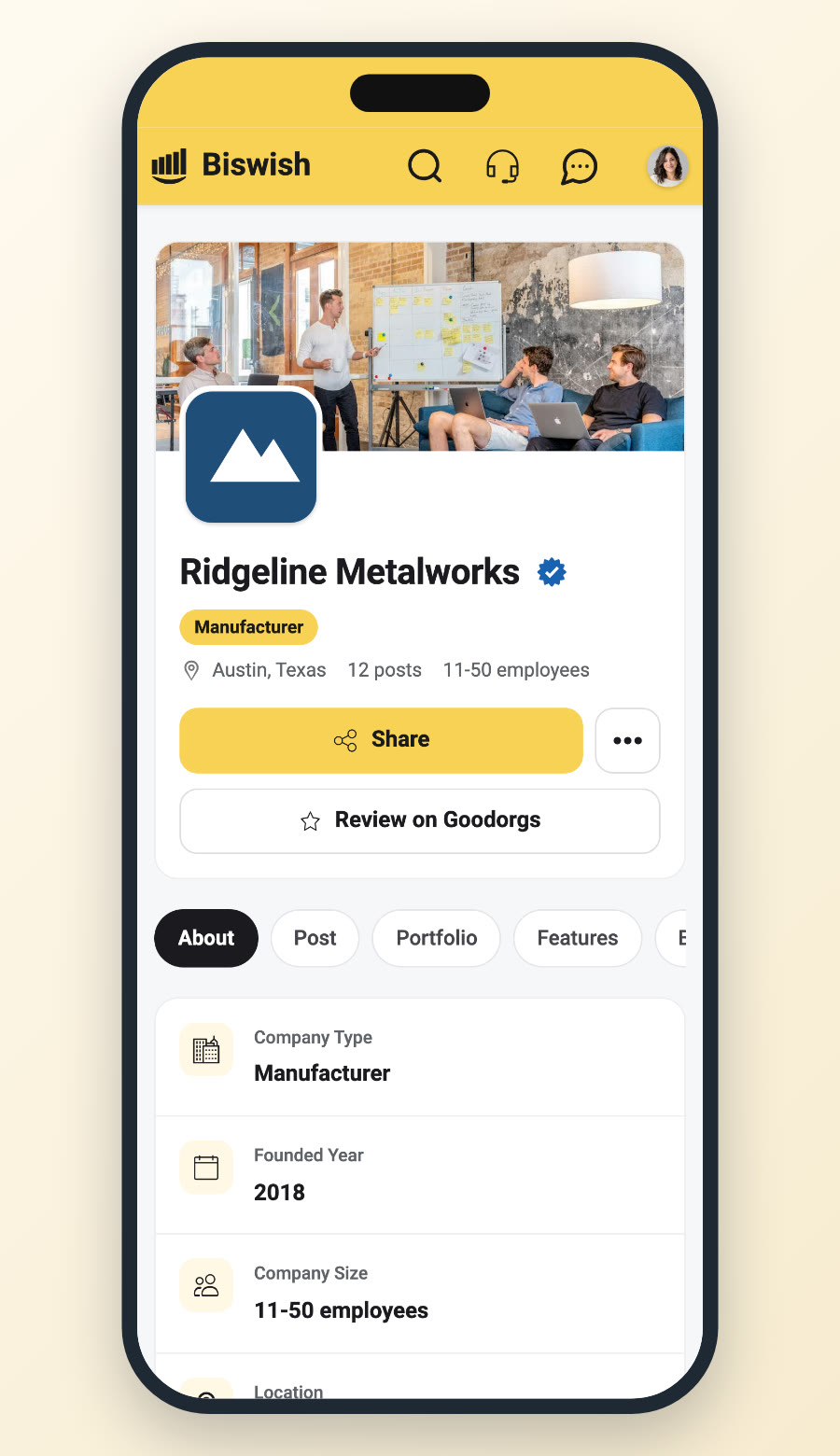
A Featured label means the company pays to be shown first. It does not change what the page says. A blue tick means Biswish verified the company.
On a computer
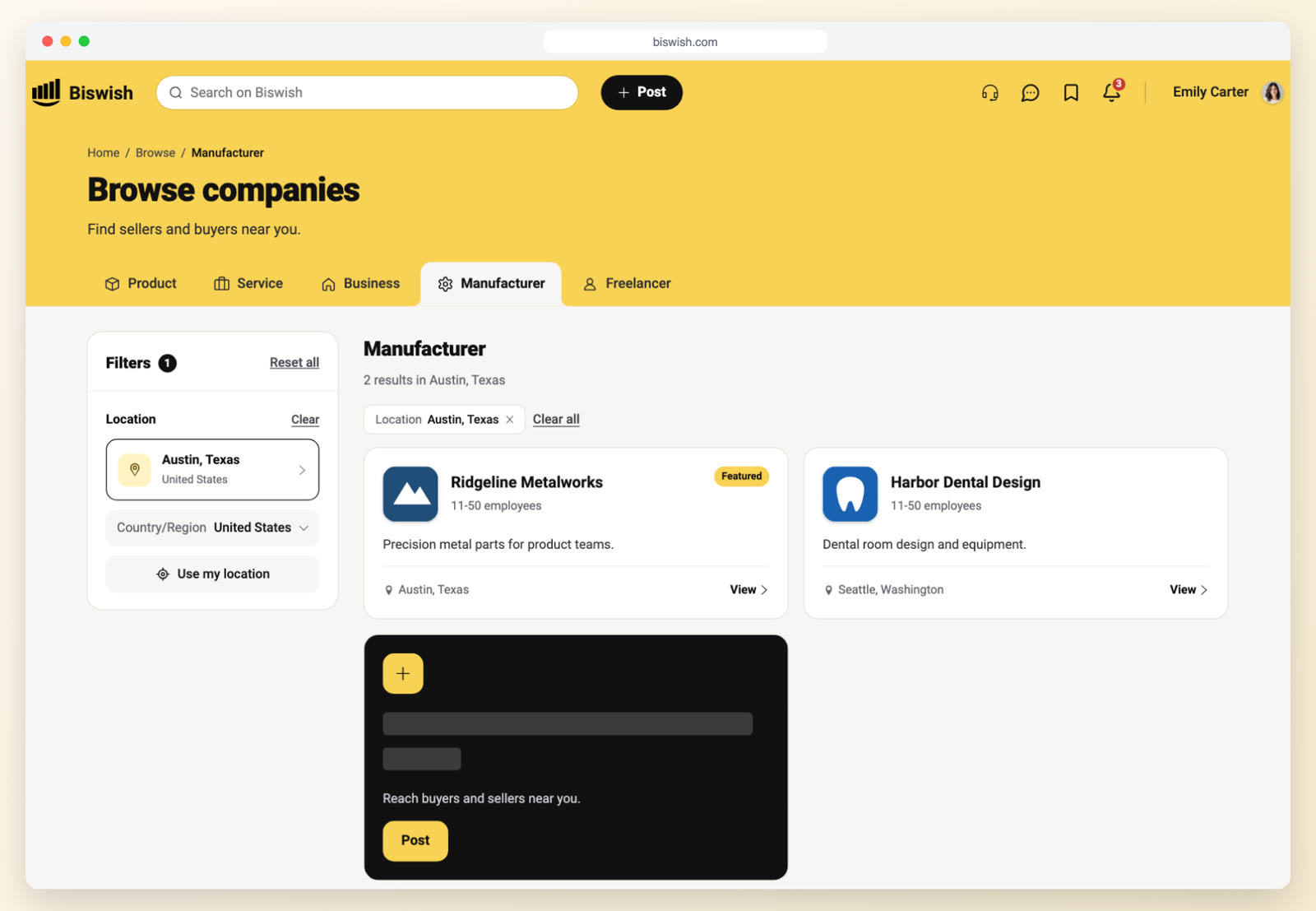
In search, open the Business, Manufacturer or Freelancer tab. Open a card to see the company page. The tabs under the name are About, Post, Portfolio, Features and Benefits. The portfolio may carry another title, and a company can add tabs of its own. About has the company facts and its newest posts; Post has all of them, with a search box. Share and the … menu are at the top right.
On your phone
The same tabs scroll sideways under the company name. Share is a full-width button, with the … menu beside it.