Search products and services
Search by word, industry, market, place and date, and sort the results.
Guide Chanras Sun11 hours ago · 2 min read · 1 view
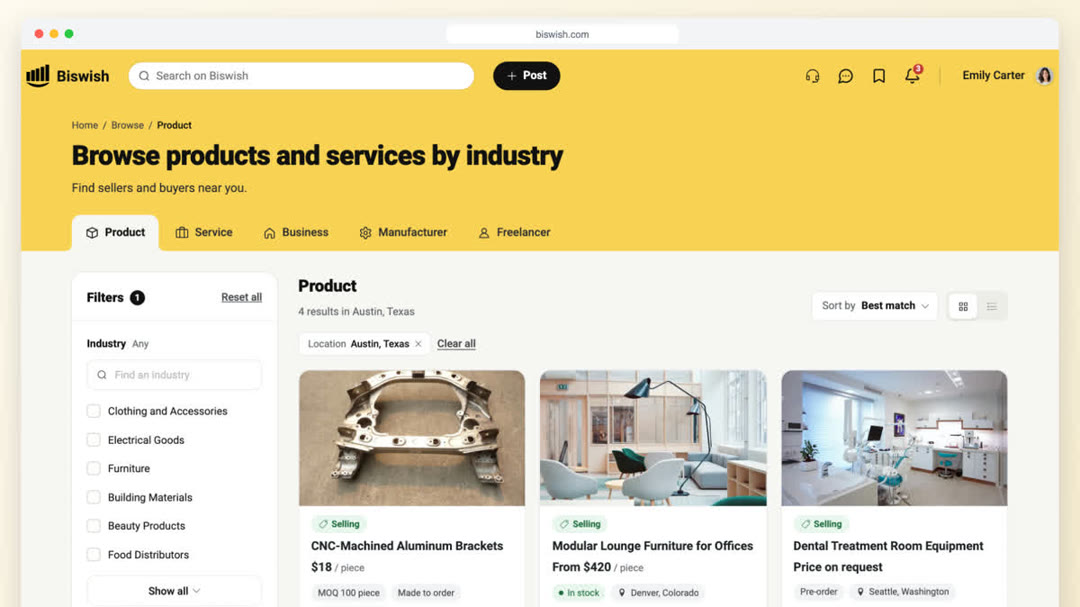
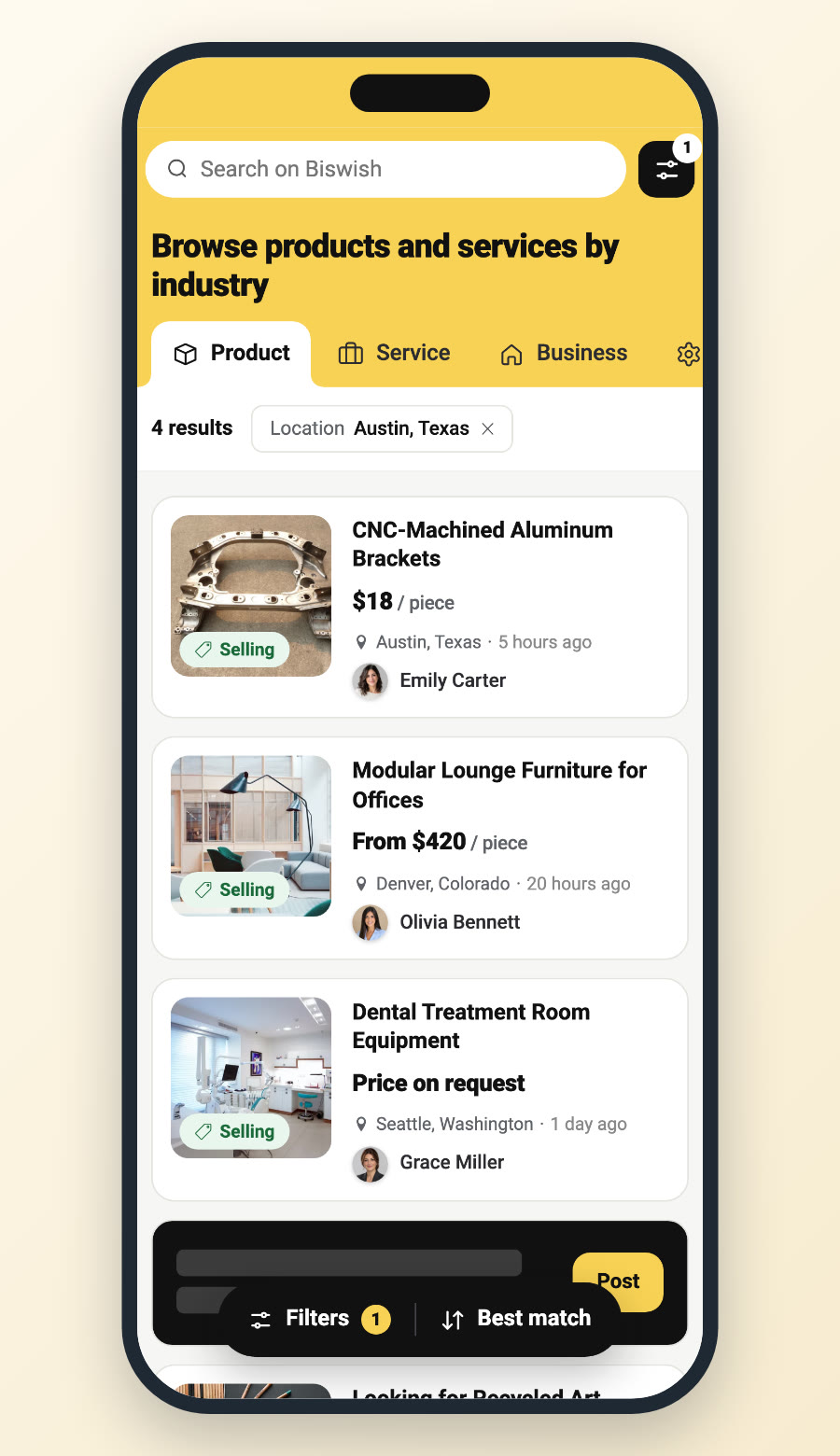
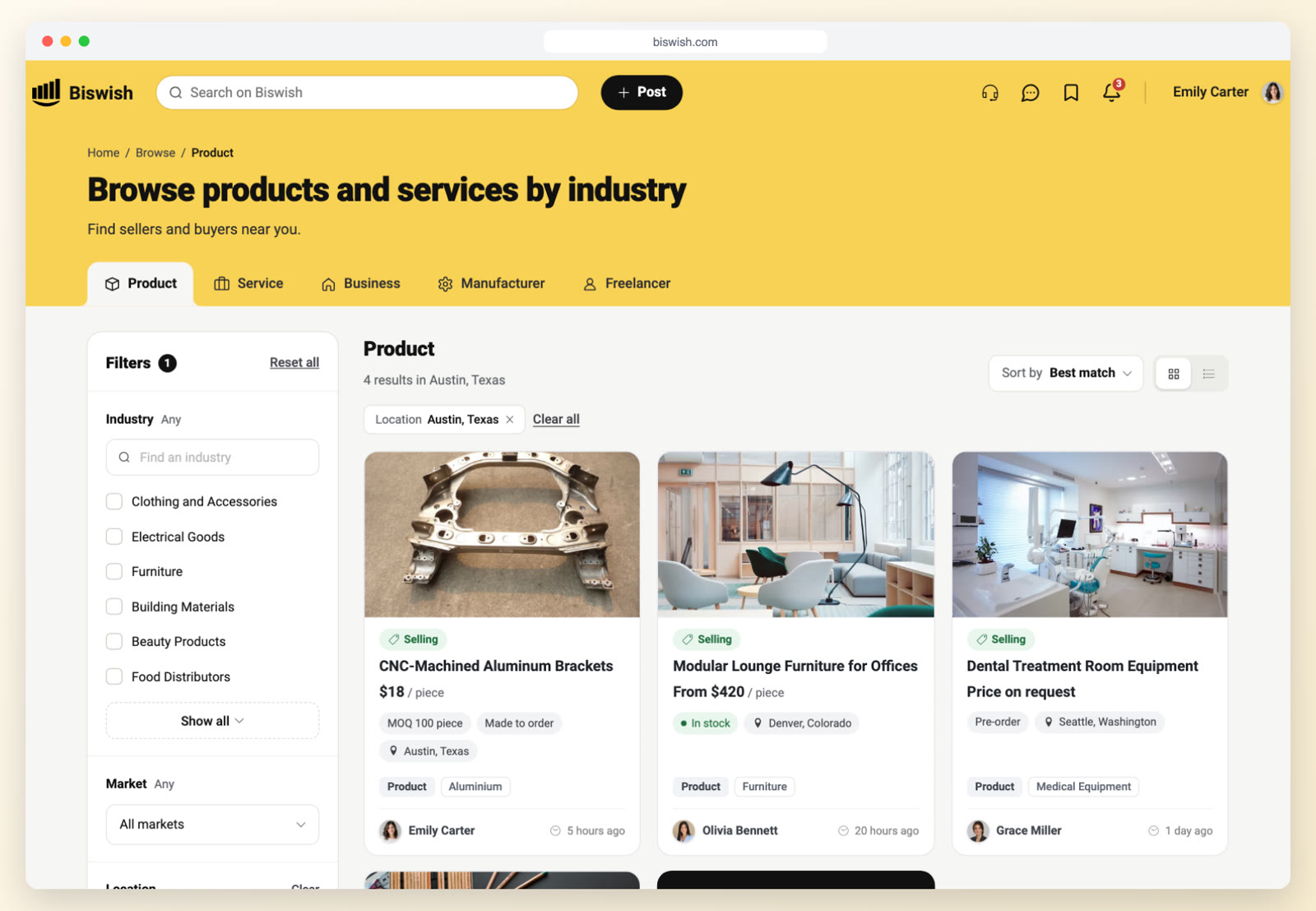
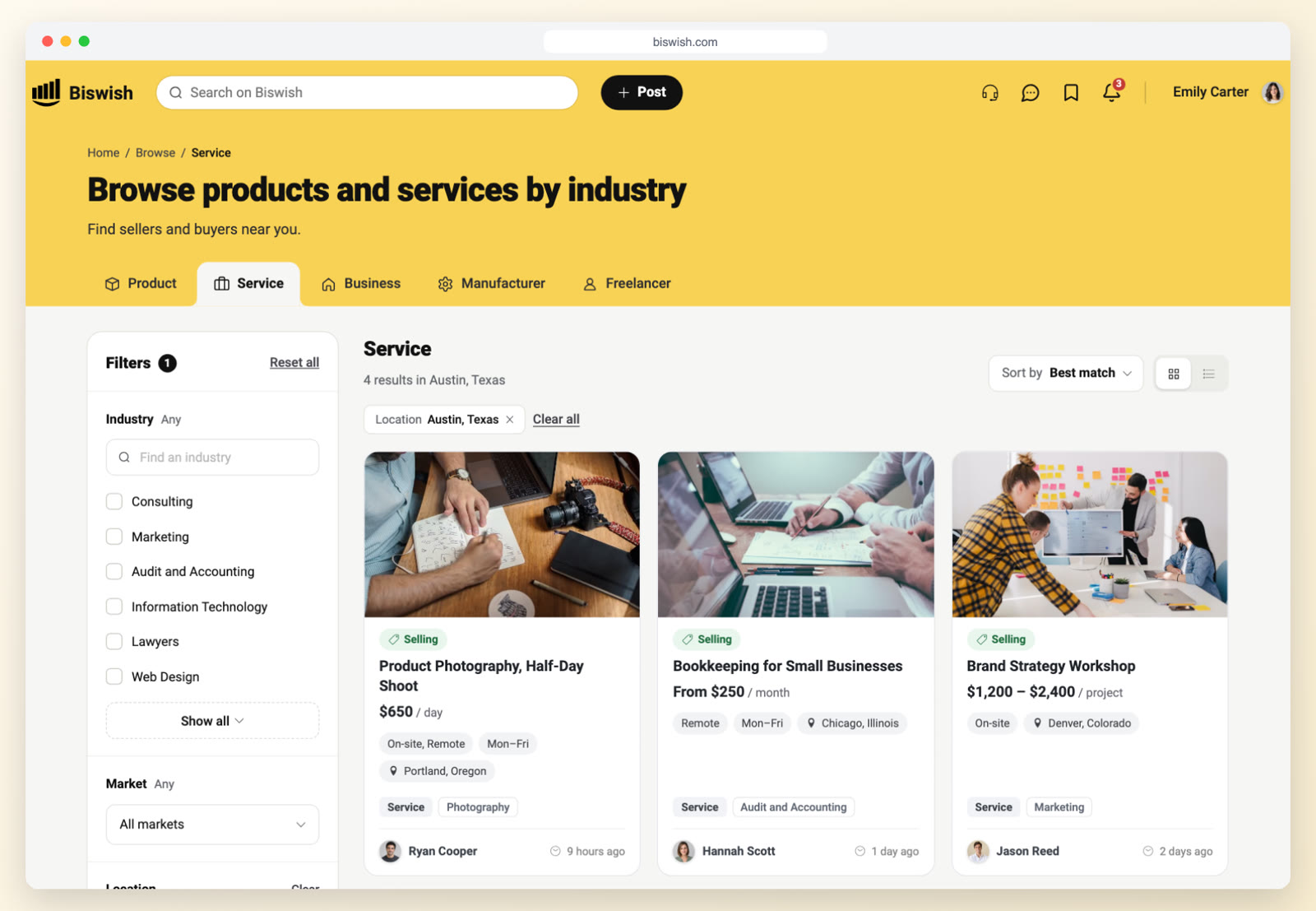
Search covers products and services, both selling and sourcing posts. Each card shows whether the post is Selling or Sourcing, the price, the minimum order, availability and the place.
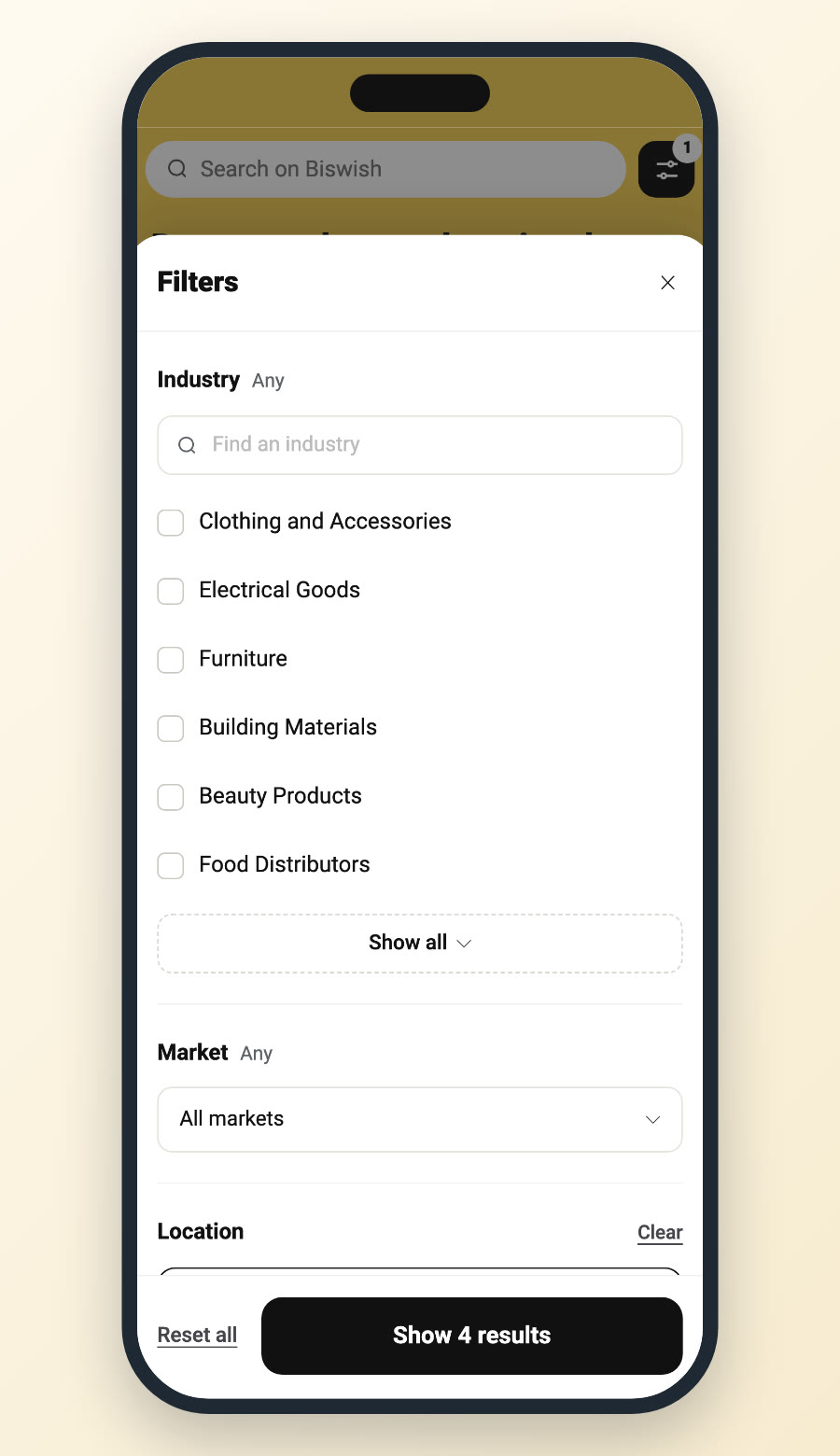
Filters
- Industry – one or more industries
- Market – business, personal, or manufacturer
- Location – a place, the whole country, or near you
- Post date – from the last 24 hours to the last 30 days
- Sort by – best match, newest first or oldest first
The Business, Manufacturer and Freelancer tabs have the location filter only.
Search another place or country
Search starts at your own place, and widens to the whole country when nothing is found there. Open Location to change the place, choose Show locations near me, or pick another Country/Region. This does not change the country of your account.
When nothing is found
Select Clear search or Clear filters, or post what you need.
On a computer
Type in the search box at the top of any page. Results have tabs for Product, Service, Business, Manufacturer and Freelancer. The filters are down the left side: industry, market, location and post date. Sort by and the grid or list switch are above the results.
On your phone
Select the search icon, type, then choose a tab. Filters and the sort order are in the pill at the bottom of the results. Filters open as a sheet; select Show with the number of results to apply them, or Reset all to start again.