Recent views, suggestions and ads
Go back to what you opened, use suggestions, and recognise sponsored posts.
Guide Chanras Sun11 hours ago · 1 min read · 1 view
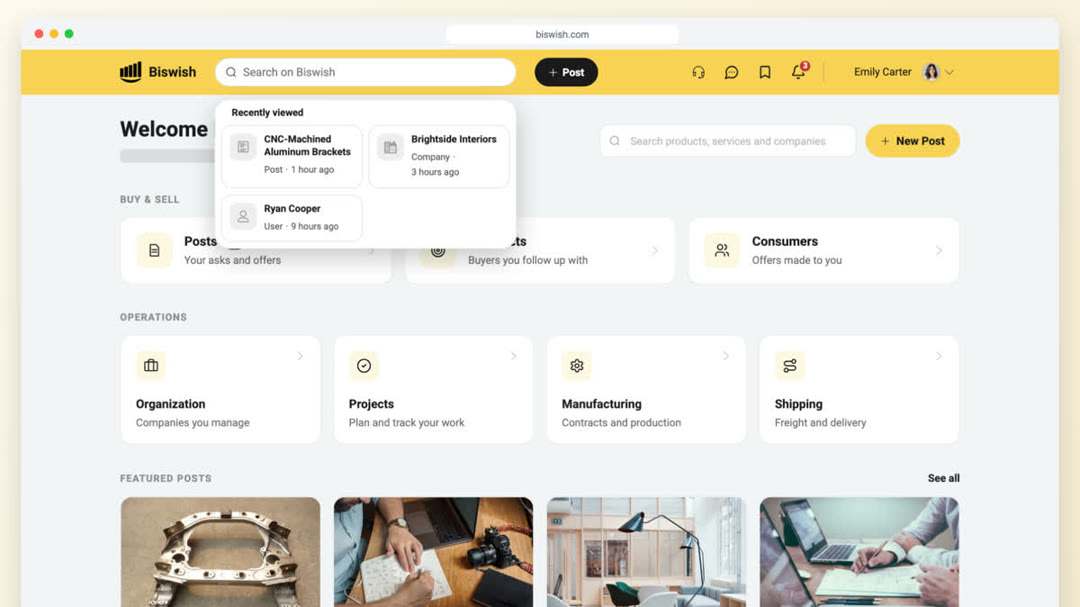
Open the search box before you type to see Recently viewed: the posts, companies and people you opened last. As you type, suggestions appear with the matching part in bold.
What you may see in results
- Sponsored – an advertisement, which opens the advertiser’s own page, or a post shown first with Post Boost, which opens as an ordinary post.
- Featured – a company that pays to be shown first. Its page is an ordinary Biswish page.
- Selling or Sourcing – whether the post offers something or asks for it.
On a computer
Select the search box in the top bar. Recently viewed opens below it. Choose an item to open it, or a suggestion to search for it.
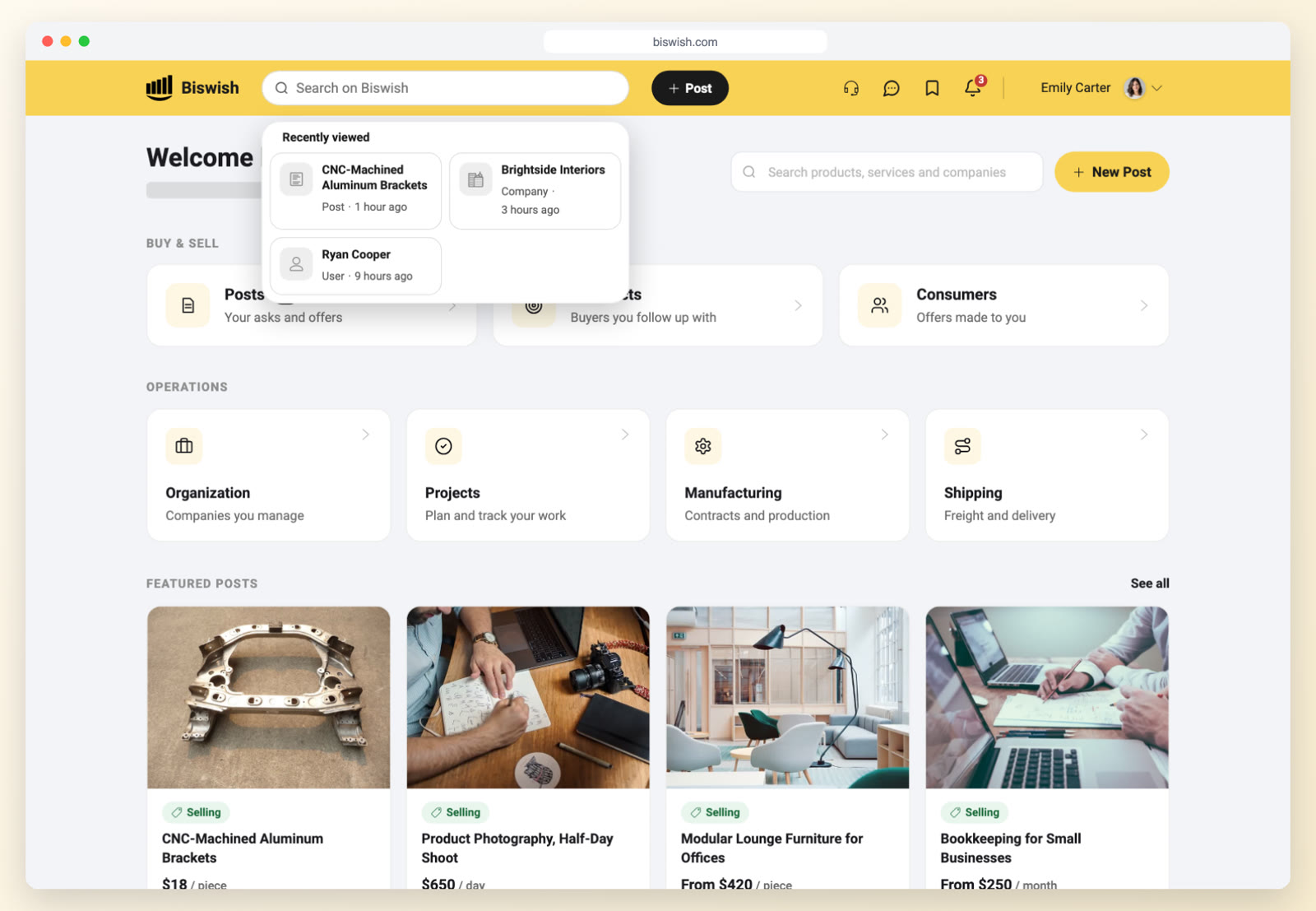
Recently viewed on a computer.
On your phone
Select the search icon in the header. Recently viewed opens on its own screen and scrolls sideways.
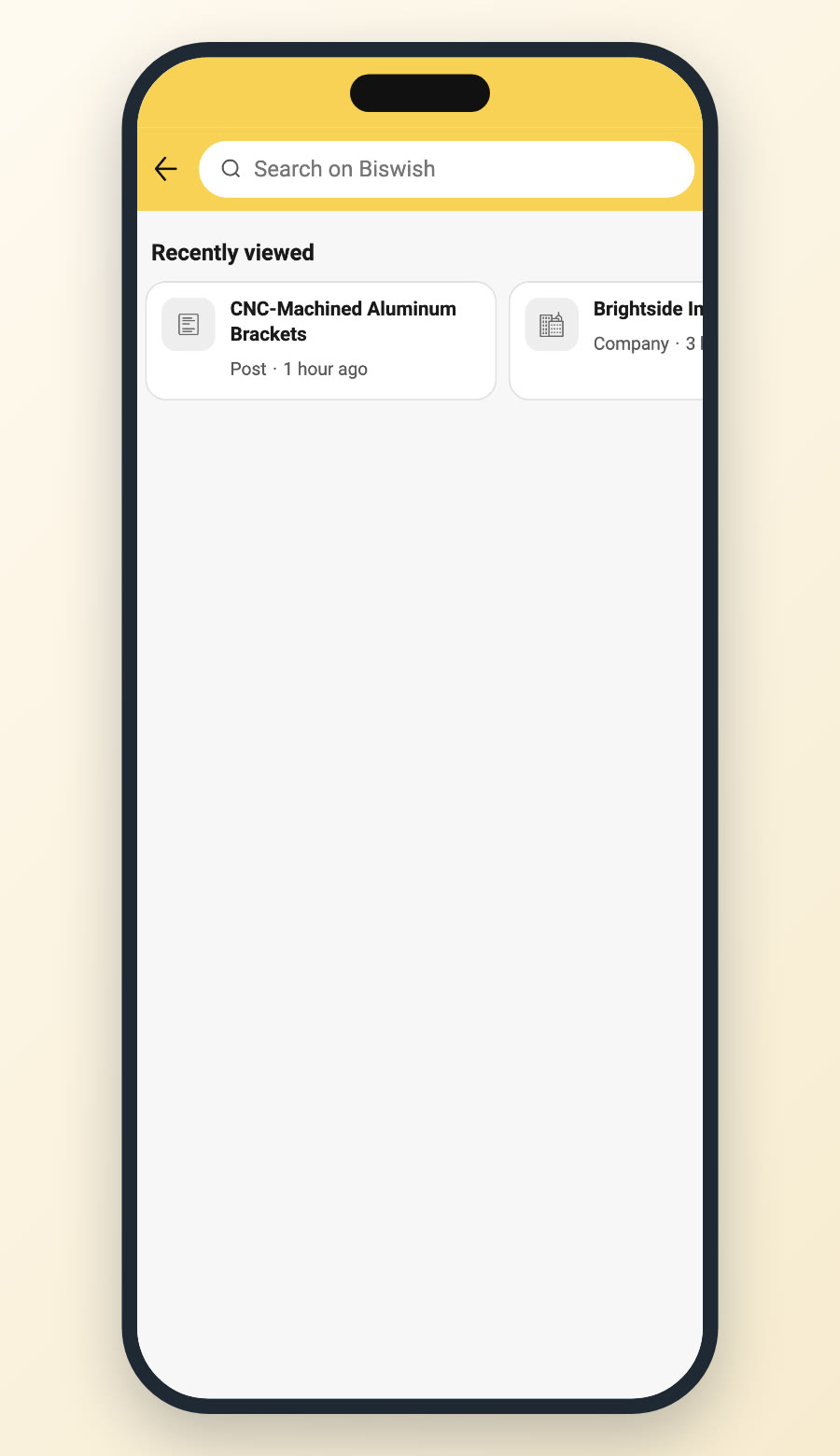
Recently viewed on a phone.
Use search faster
01
Open searchYou need to be signed in to see recently viewed items.
02
Pick a suggestionOr finish typing and press Enter.
03
Come backReopen something you viewed without searching again.
0
Share
Send in message
Report
Copy ID