Subscribers-only content
Some posts have a part marked for subscribers. Learn what you see when a part is locked, who can read it, and how the Reader plan fits in. Buying a Reader plan is coming soon.
Guide Chanras Sun4 days ago · 2 min read · 4 views
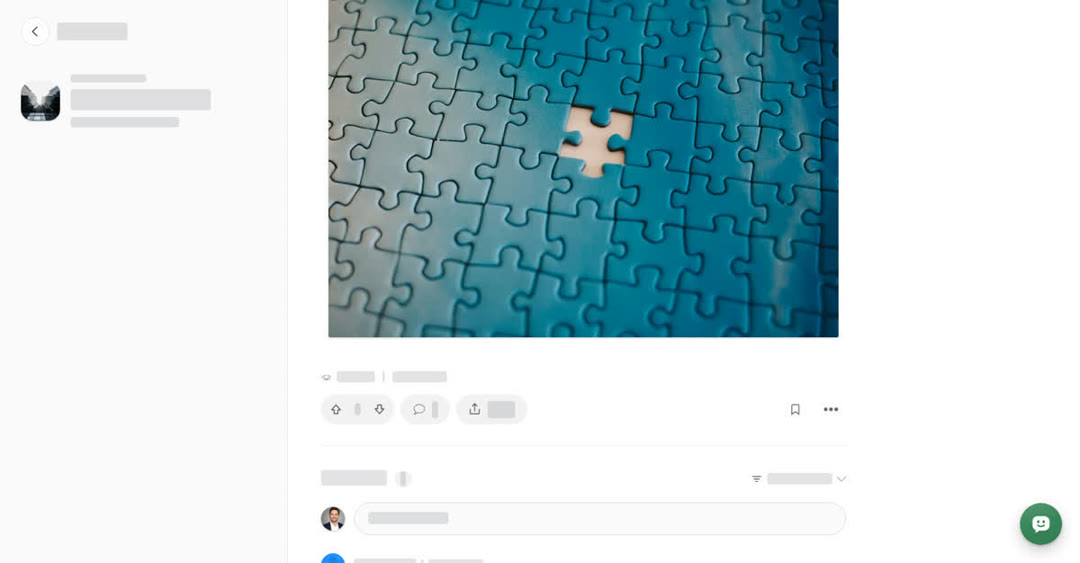
Writers can mark part of an article, story or event as Subscribers only. The rest of the post stays open to everyone. Guides never have a subscribers-only part.
This is separate from subscribing to a space. Subscribing to a space is free and brings its new posts to your Home page, but it does not unlock subscribers-only parts. See Subscribe to spaces and choose alerts.
What you see when a part is locked
Where the locked part begins, the text is replaced by a box with a lock icon:
Keep reading with a subscription
This part is for subscribers. Subscribe to read it and all premium content.
The See plans button opens the Subscription page. Everything after the locked part, if there is anything, still shows as normal. The box looks the same on a computer, on your phone and in the Boogir app.
Who can read a subscribers-only part
- The writer of the post.
- Post reviewers of the space the post belongs to.
- Boogir staff.
- Readers with an active Reader plan. When the post has a long subscribers-only part, opening it uses one post from your monthly allowance, shown as Posts left this month in Manage Subscription. A post you have already unlocked does not use another one. If your allowance runs out, long subscribers-only parts you have not unlocked yet stay locked until it refills.
If you can read the part, you see two small markers instead of the lock: Subscribers only from here where it starts, and End of the subscribers-only part where it ends.
On a computer
Select See plans in the locked box to open the Subscription page. To check how many posts you have left this month, select your name (User & Settings) in the left menu, then Manage Subscription under Billing.
On your phone
These steps are the same in the Boogir app and on boogir.com in your phone's browser.
Tap See plans in the locked box to open the Subscription page. To check how many posts you have left this month, tap Account in the bar at the bottom of the screen, then Manage Subscription under Billing.
For writers
If you write posts, you can add a Subscribers only block in the editor around the part you want to keep for subscribers. When the subscribers-only parts of a post hold at least 1,000 characters, the editor shows Earning eligible, and the space can earn credits as subscribers unlock the post.