Passcodes, passkeys and sessions
Create a passcode to log in on another device, set up a passkey, and see or end the devices signed in to your account.
Guide Chanras Sun10 hours ago · 1 min read · 1 view
Passcode
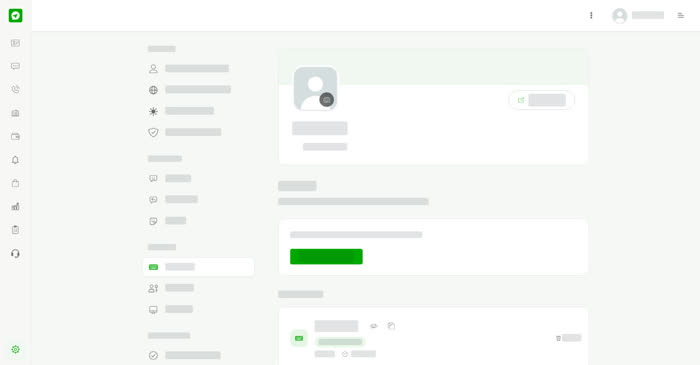
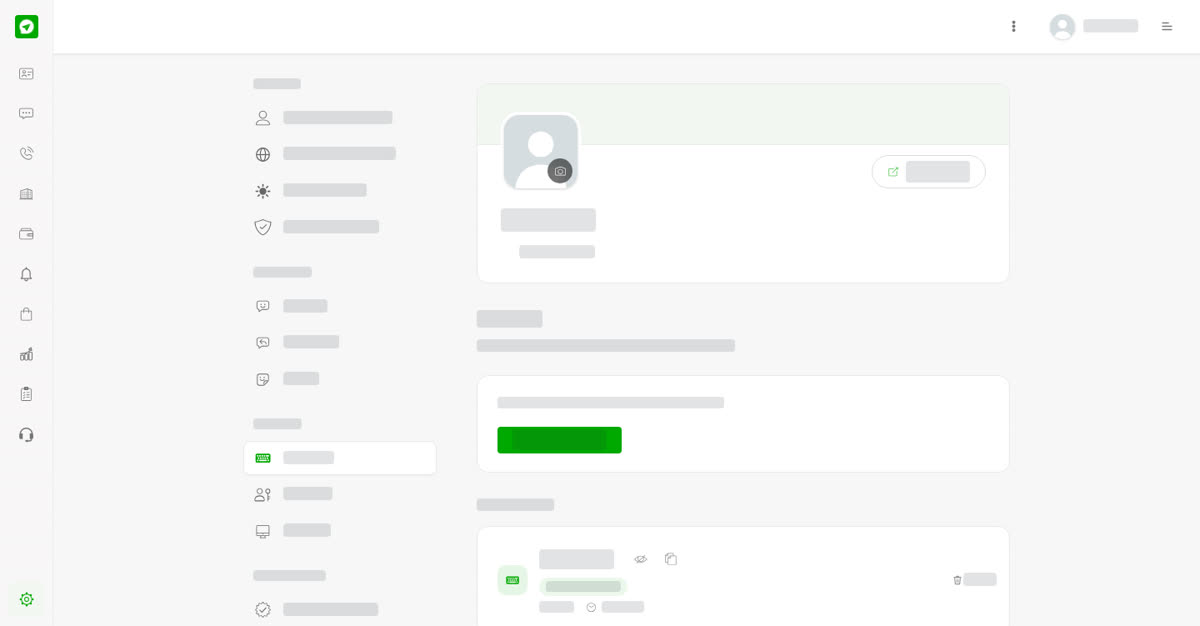
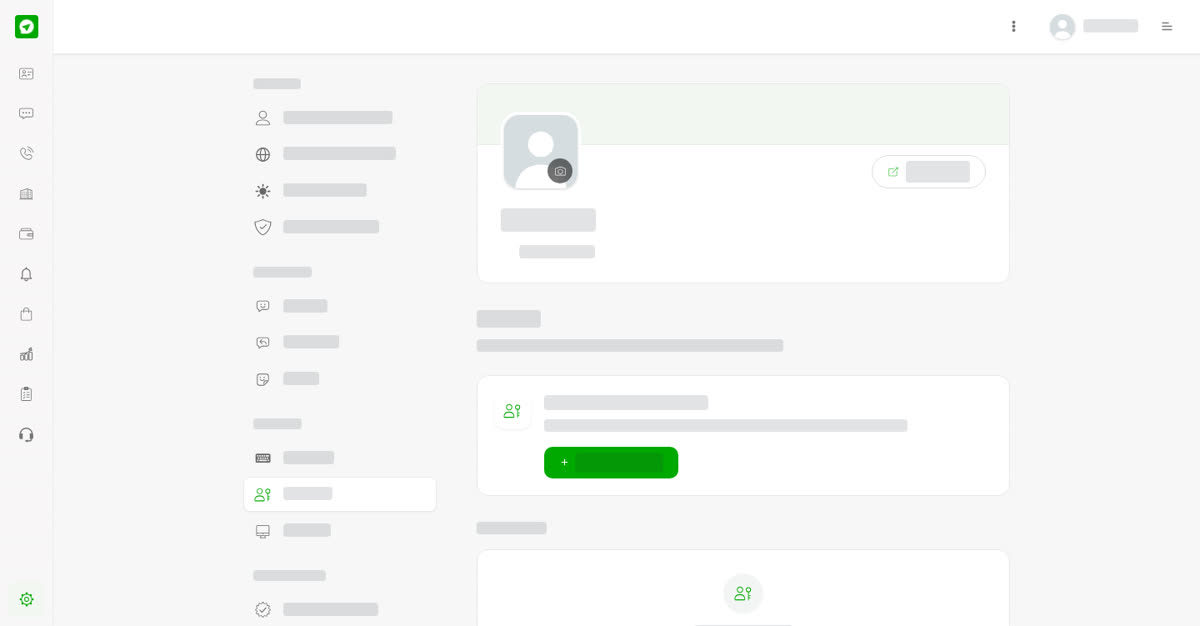
A passcode lets you log in on another device. Open Passcode under Security, select Create passcode, then enter the code on the login screen of the other device. A passcode is good for one minute after it is made. Your passcodes lists the codes you made, how long each is valid and when it was created, with a Delete button.
Passkeys
A passkey signs you in with your face, fingerprint or screen lock. Open Passkeys under Security, select Set up a passkey and confirm on your device. Passkeys you set up are listed under Your passkeys until you remove them. Set one up on each device you use.
Sessions
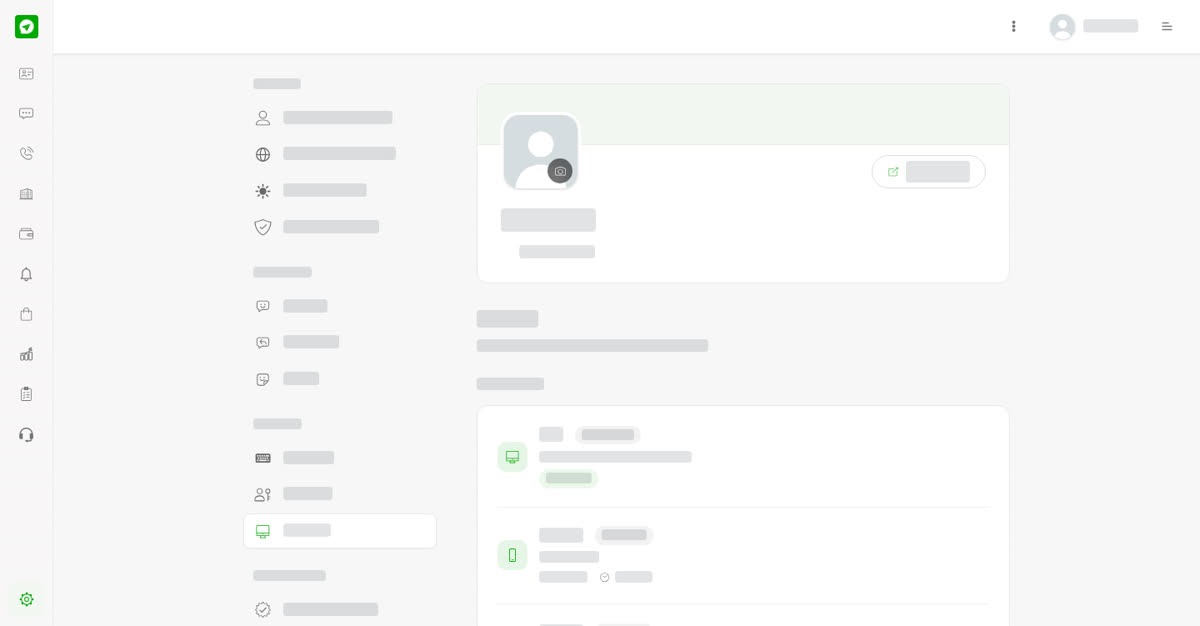
Open Sessions to see Your sessions: each device with its platform, such as desktop web or mobile web, and when it was Last active. This device is marked. Signing out on a device is what ends its session.
On your phone
Tap More, then Passcode, Passkeys or Sessions under Security. On a phone the passkey asks for your face, fingerprint or screen lock.