Password, PIN and account security
Set a PIN, update your phone number, email and password, and learn how to delete your account and cancel the deletion.
Guide Chanras Sun10 hours ago · 1 min read · 1 view
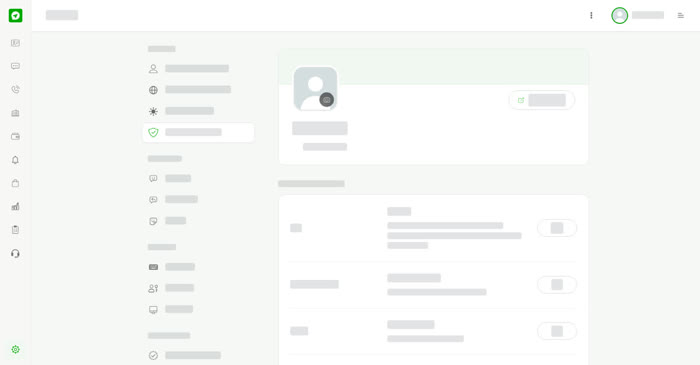
Open Settings & Privacy and choose Security and Login.
- PIN – a 4 digit PIN you enter when an action needs confirming. Without one, you are asked for your year of birth instead. Select Add to set one.
- Phone Number – your account's primary phone number. Select Edit.
- Email – your account's primary email. Select Edit.
- Password – use at least 8 characters with uppercase, lowercase and a number. Select Edit.
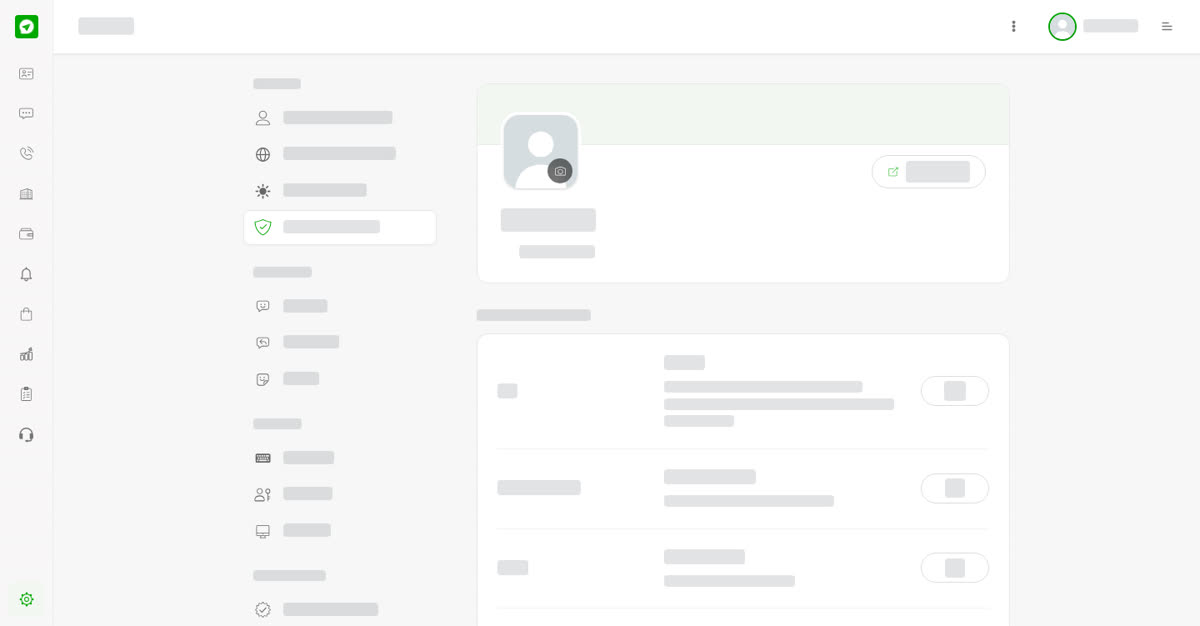
Security and Login.
Delete your account
Select Delete and confirm to request deletion of the account. Your account and all of its data are removed 30 days after the request. Sign in during those 30 days to cancel the deletion.
On your phone
Tap More, then Security and Login. Everything above is the same.
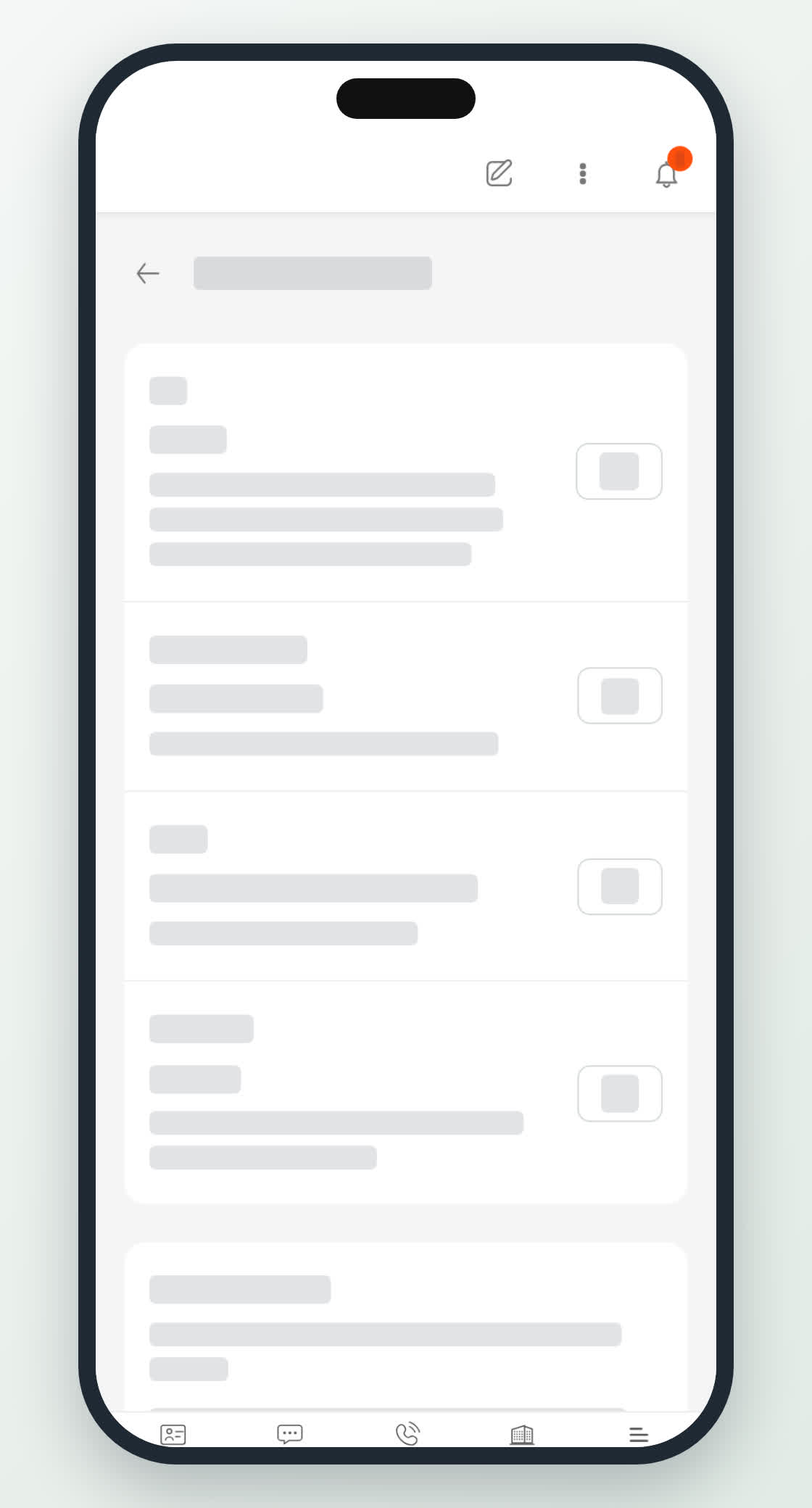
Security on a phone.
PreviousYour profile and account detailsNext in Settings and privacyPasscodes, passkeys and sessions
0
Share
Send in message
Report
Copy ID