Region, language and display
Set your language, see your account country, and choose dark mode and the message button.
Guide Chanras Sun6 hours ago · 1 min read · 1 view
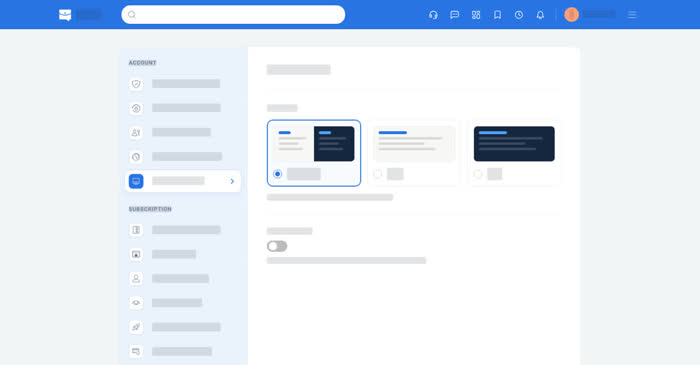
Qoosi shows prices, salaries, dates and languages according to your region and language. The display settings cover dark mode and whether the floating message button appears in the corner of the screen.
On a computer
Account → Region and Language sets the language and shows the country your account belongs to. While signed out, the same picker is in the top bar.
Account → Display Settings holds Dark mode (Automatic, Light or Dark) and the floating Message button.
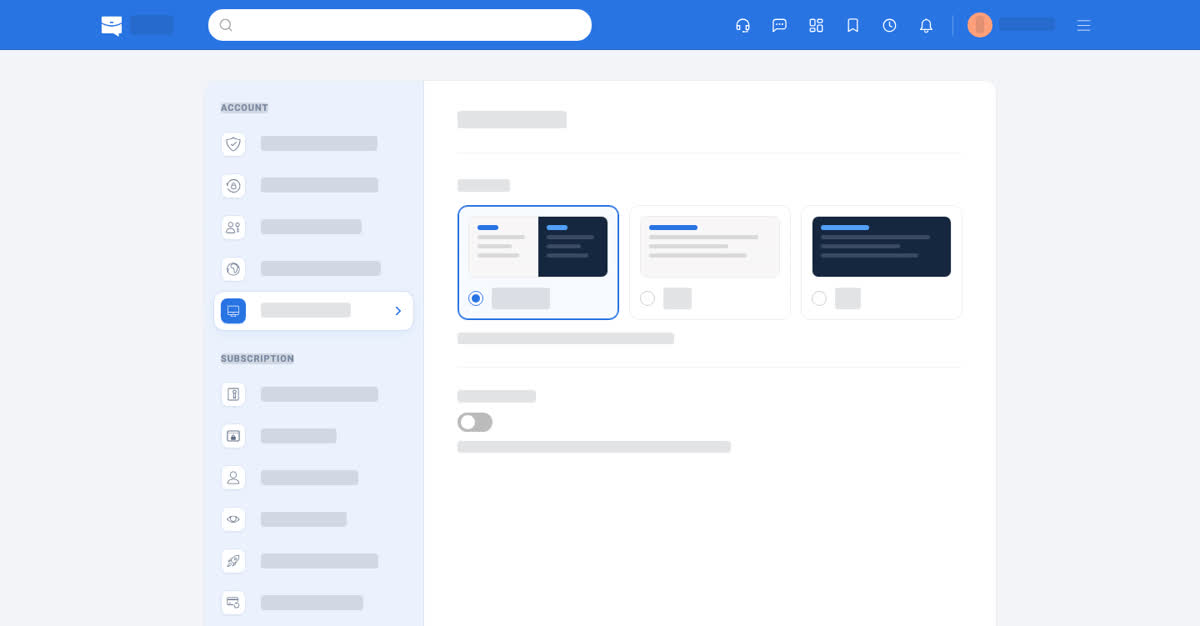
Display settings.
On your phone
Account → Region and Language and Account → Display Settings in the app, and the same two entries in the phone browser's settings list. Dark mode can follow the system setting or be set to light or dark.
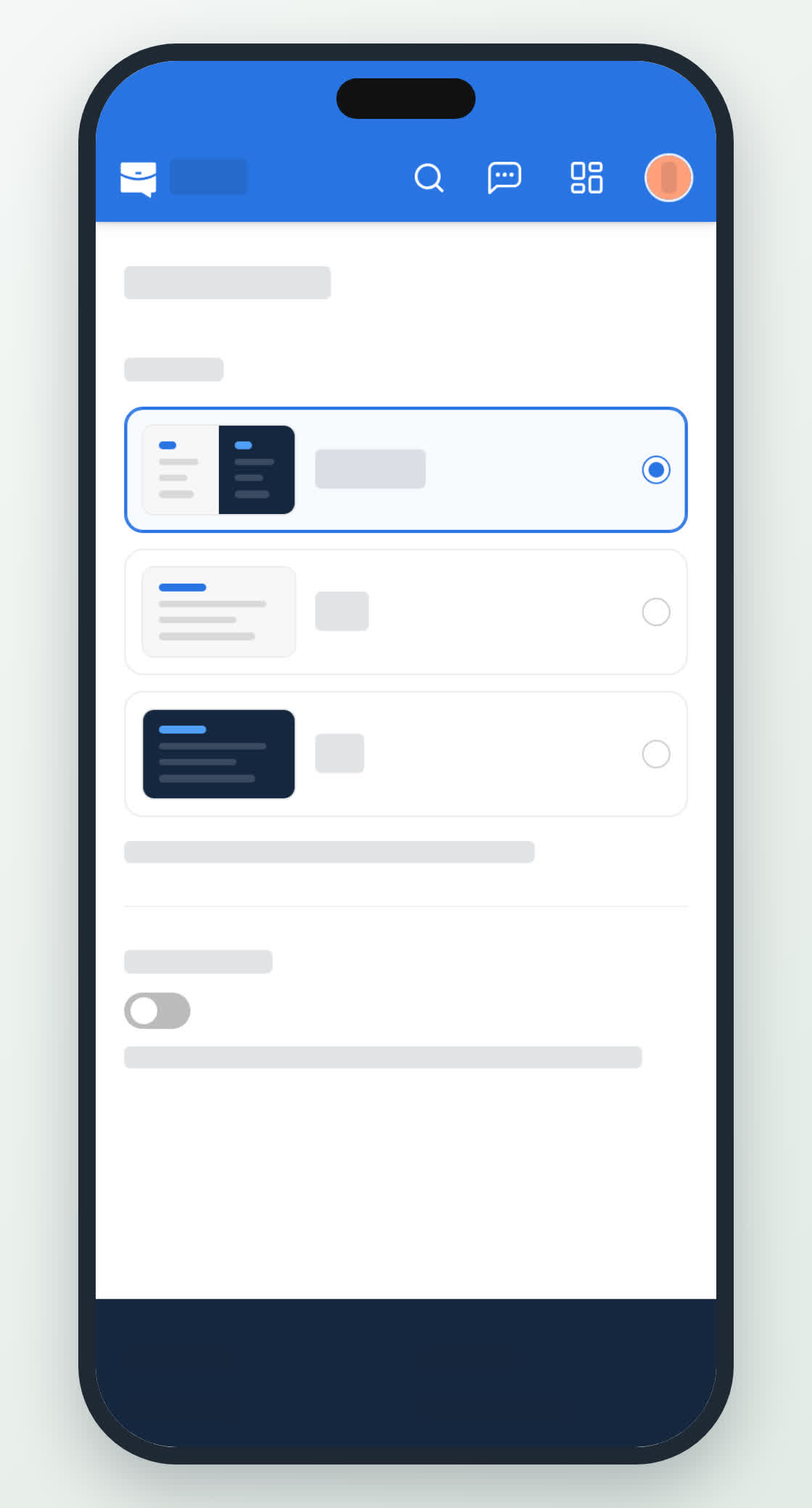
Display on a phone.
0
Share
Send in message
Report
Copy ID