Delete your account
What is removed when you delete an account, and how long you have to change your mind.
Guide Chanras Sun6 hours ago · 1 min read · 1 view
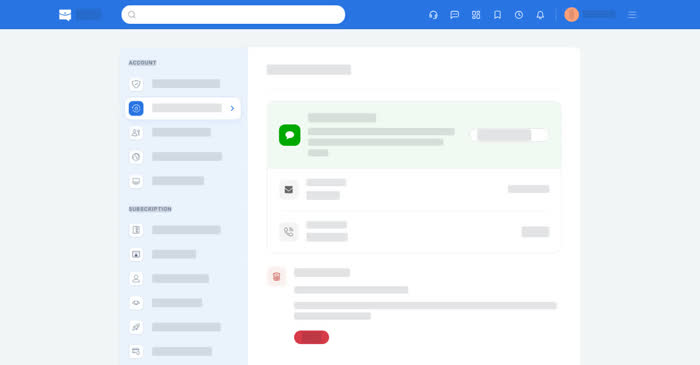
Deleting an account is done from your own settings and is deliberate: Qoosi asks you to confirm by typing a word, then holds the account for 30 days before anything is erased.
On a computer
Account → Account and Security → Account Deletion. Select Delete and type YES to confirm. You are signed out, and the account is scheduled for deletion. If you signed in more than 10 minutes ago, Qoosi signs you out first; sign in again and repeat.
Signing in again within 30 days cancels the deletion. After that, your profiles, saved items, history, notifications and memberships are removed.
On your phone
Account → Account and Security → Account Deletion, with the same confirmation and the same 30 days.