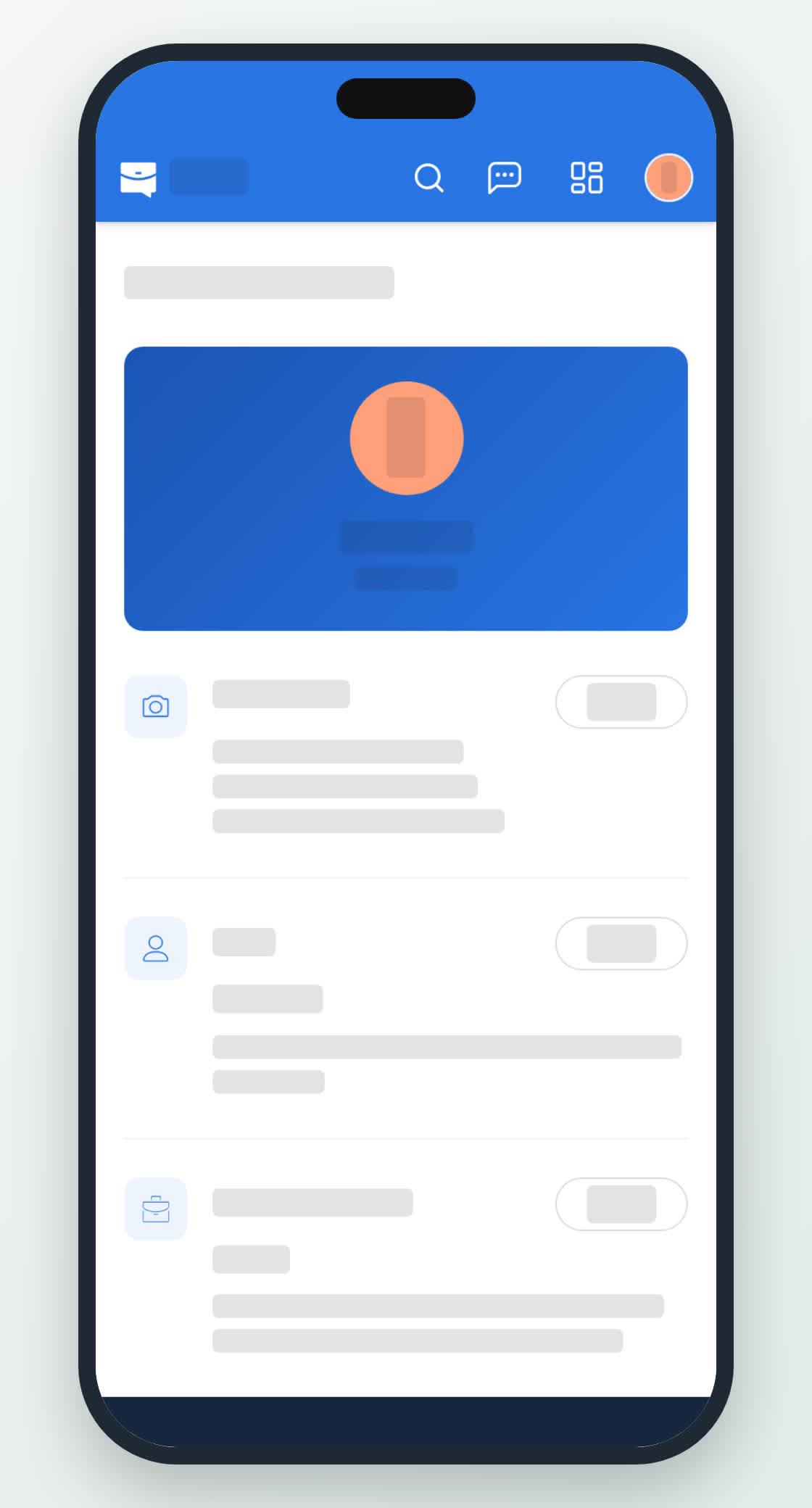
Personal information
Your name, photo and the account details Qoosi keeps, and which of them come from Talkou.
Guide Chanras Sun6 hours ago · 1 min read · 1 view
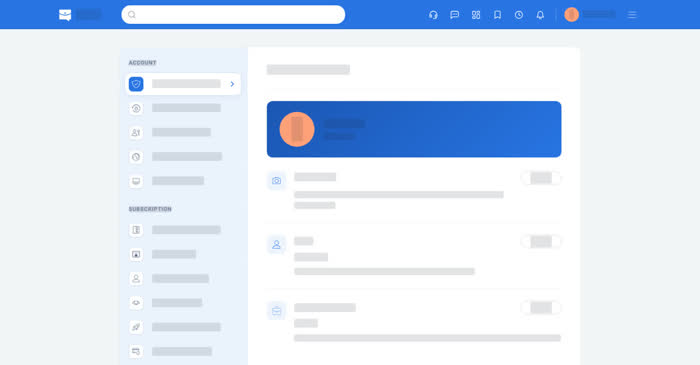
Your account page is where your name and photo live. Your phone number and email belong to Talkou, so Qoosi displays them under Account and Security rather than editing them.
On a computer
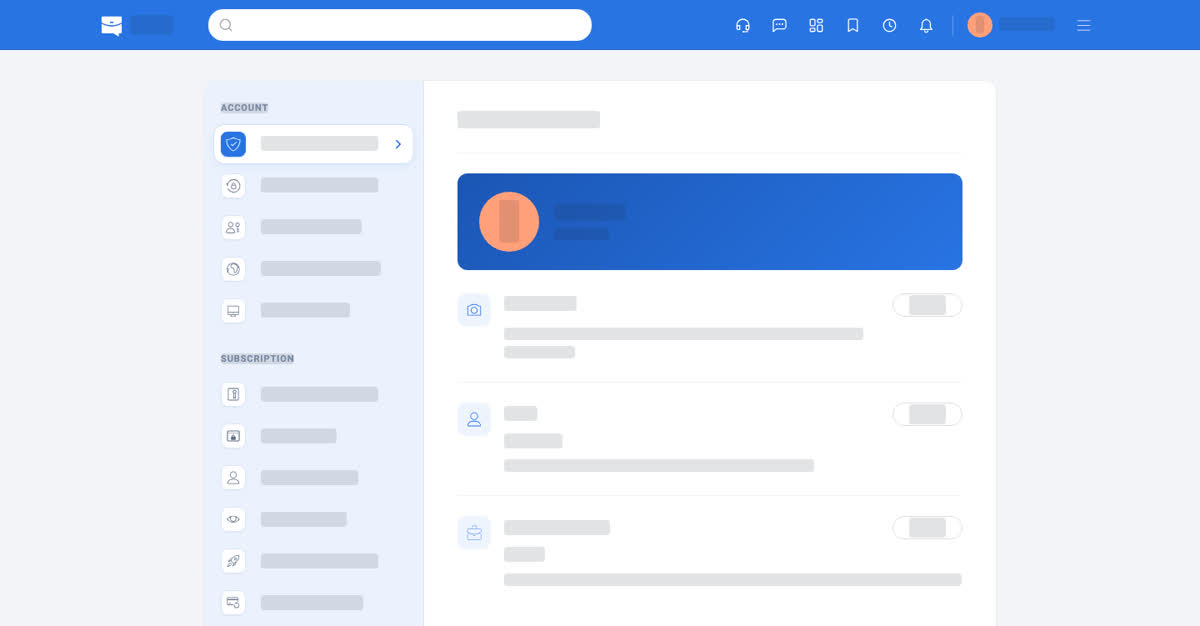
Open your account menu and Personal Information. It holds your photo, your name and your Talkou Business ID. Your email and phone number are under Account and Security, marked Managed by Talkou.
Talkou Business ID is the Talkou business account people message when they need to contact you. You can set or update it here.
On your phone
Account → Personal Information in the app, or the same entry in the phone browser. The photo can be changed from the camera or the photo library; in the app the picture is cropped before it is saved.