Account and security, passkeys
Control how you sign in, keep a passkey on your devices, and see what is protecting the account.
Guide Chanras Sun6 hours ago · 1 min read · 1 view
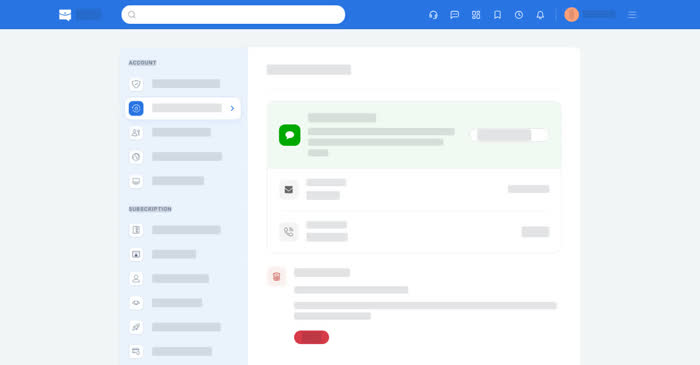
Qoosi takes its sign-in from Talkou, so the account and security page is about access: what the account is, which passkeys it holds, and how to change the way you sign in.
On a computer
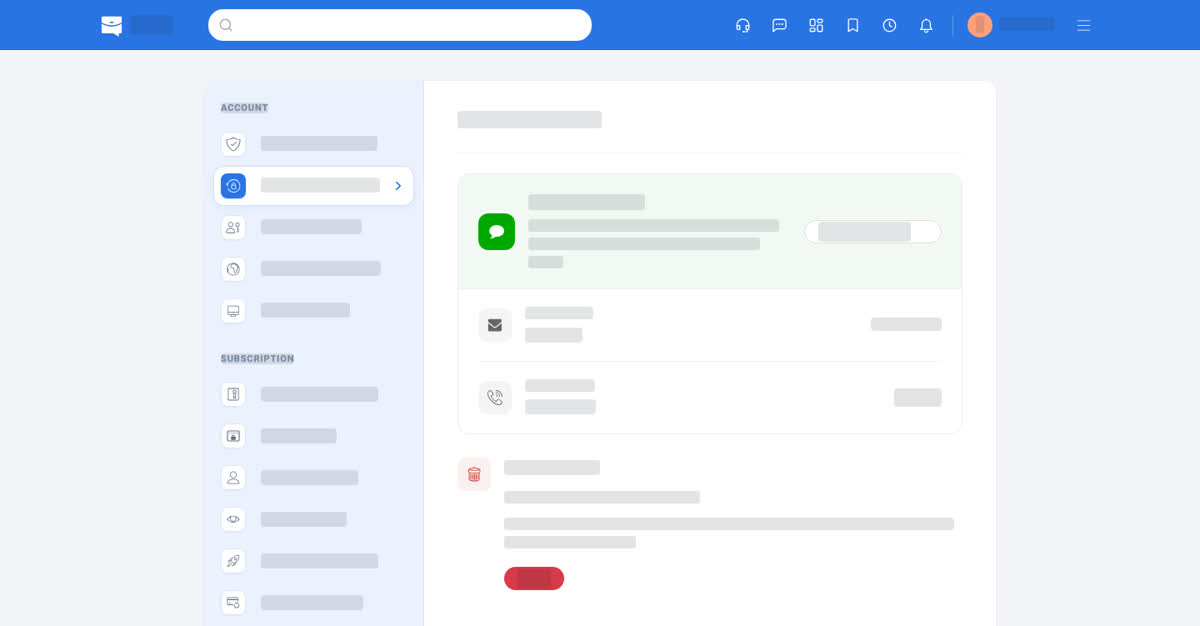
Account → Account and Security shows the email and phone on the account, with Manage in Talkou to change them. Manage Passkeys lists the passkeys the account holds — each with the device that created it and the date — and adds a new one. A passkey signs you in with the unlock of the device it lives on, so it is both quicker and harder to phish than a typed code.
Deleting a passkey removes it from your account; it stays on the device until you remove it there too. The passcode and the QR method keep working.
On your phone
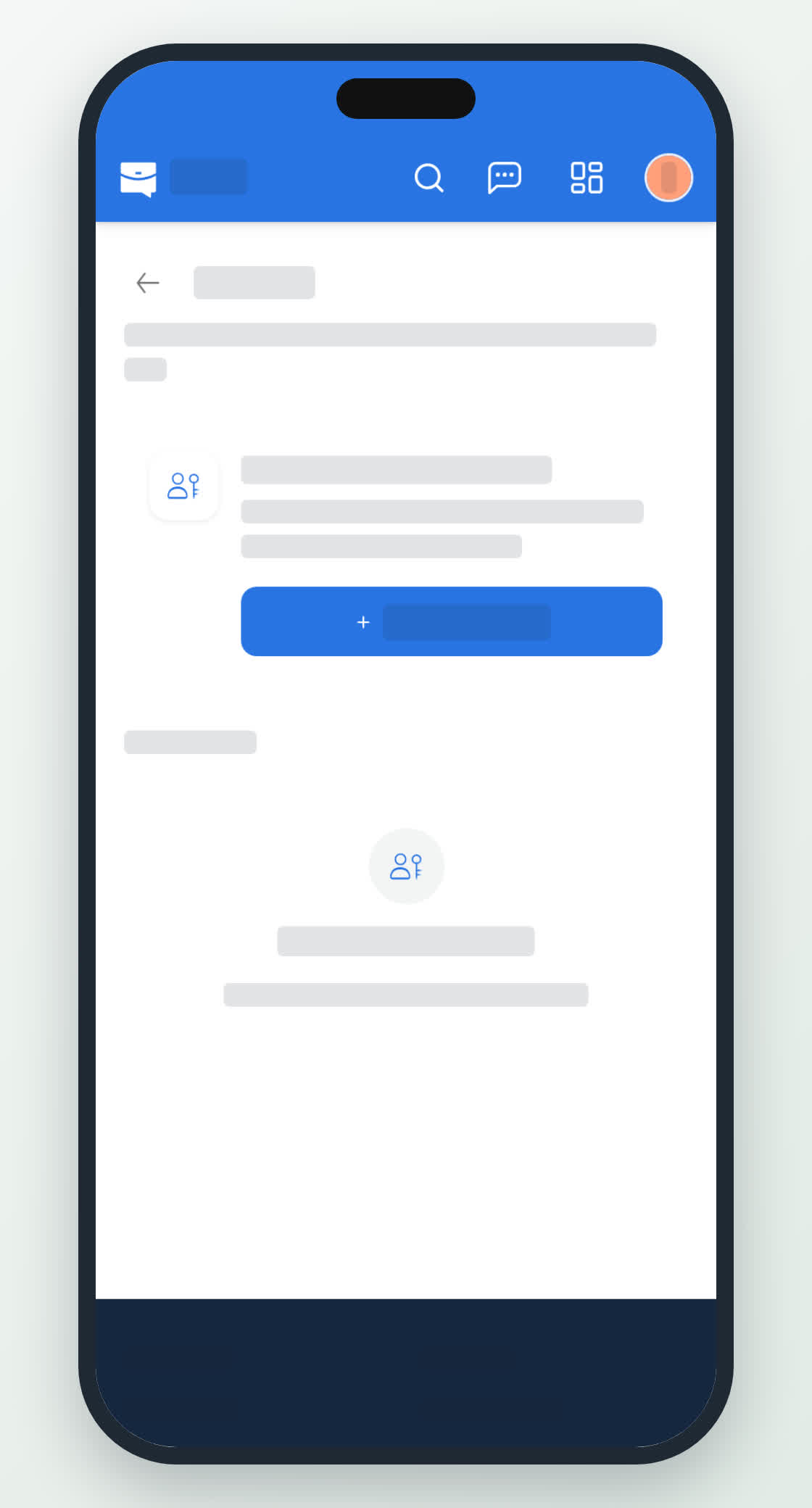
Account → Account and Security and Account → Manage Passkeys in the app. The passkey it creates uses your face, fingerprint or screen lock, and the app asks for that unlock each time you sign in with it.