Read a person’s profile
What a personal page shows and how it differs from a company page.
Guide Chanras Sun11 hours ago · 1 min read · 1 view
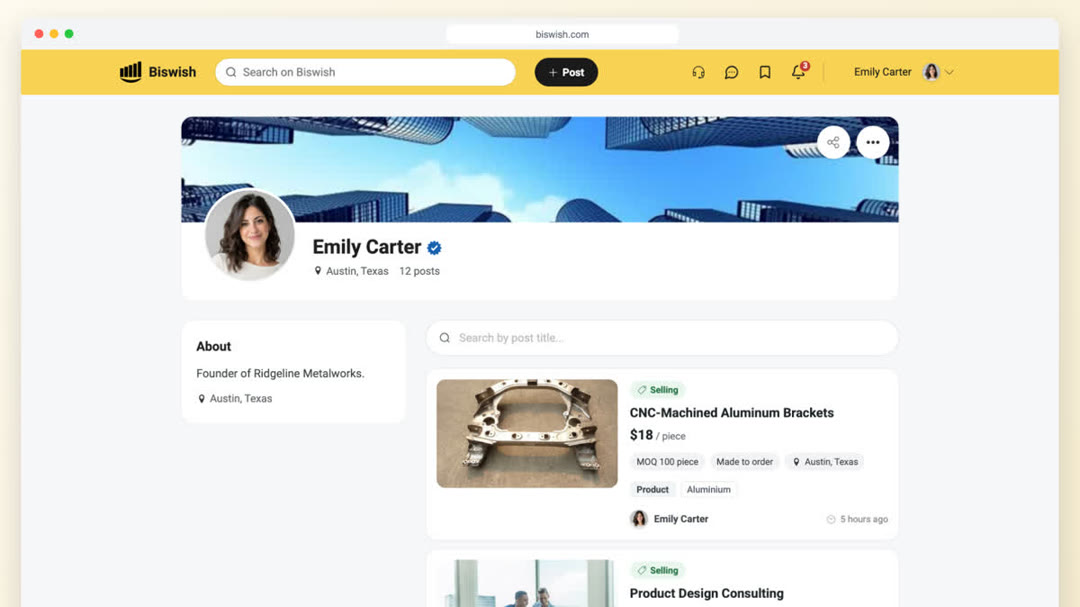
Every user has a public page with a name, photo, cover, a short description and their posts. Open it from Posted by on any post.
On a computer
The description is on the left and the posts on the right, with a box to search the person’s posts by title. Message, Add to Prospects, share and the … menu are at the top of the page.
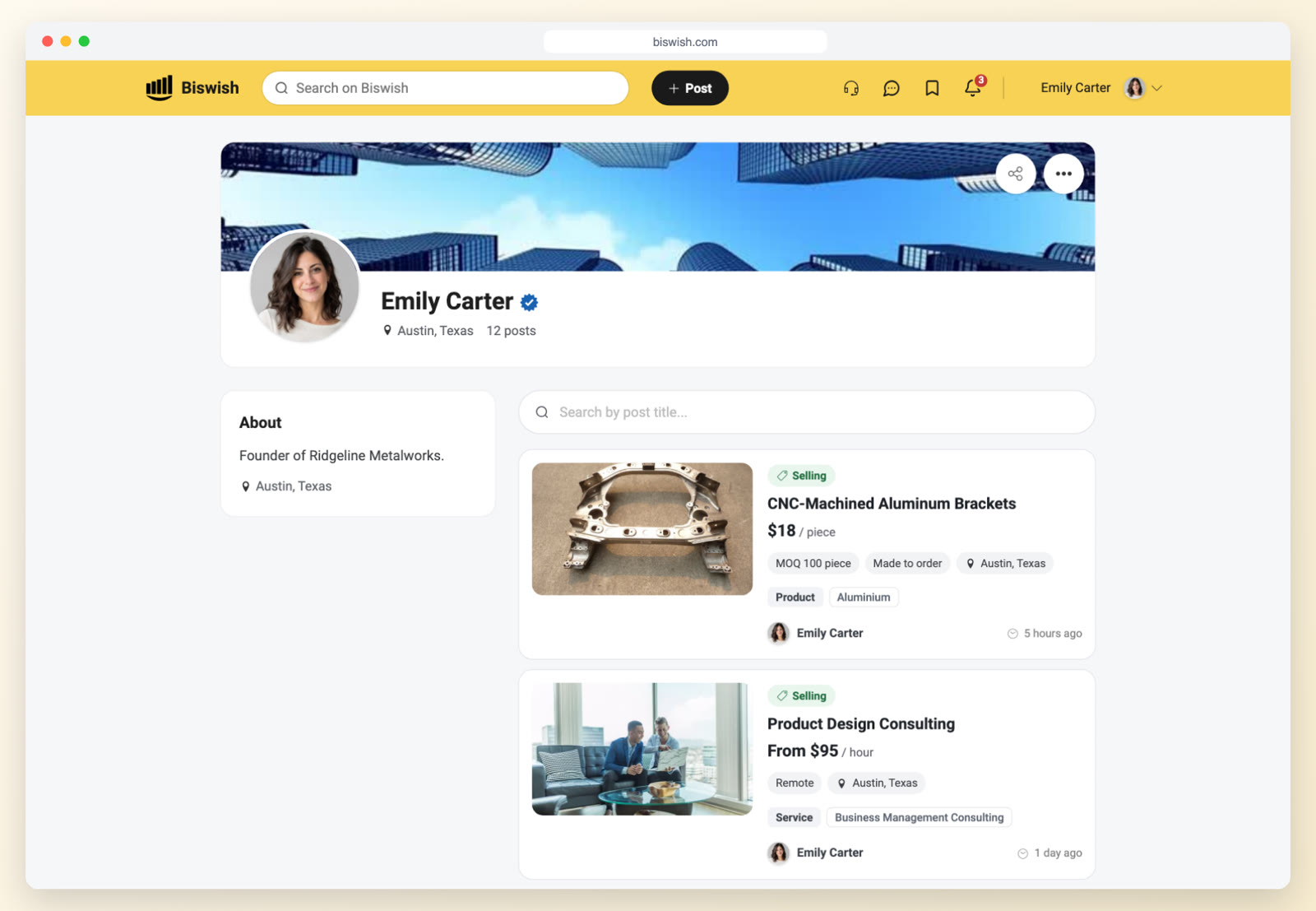
A personal page on a computer.
On your phone
Posts and About are two tabs under the name. You can search the posts by title. Message and Add to Prospects are in the bar at the bottom.
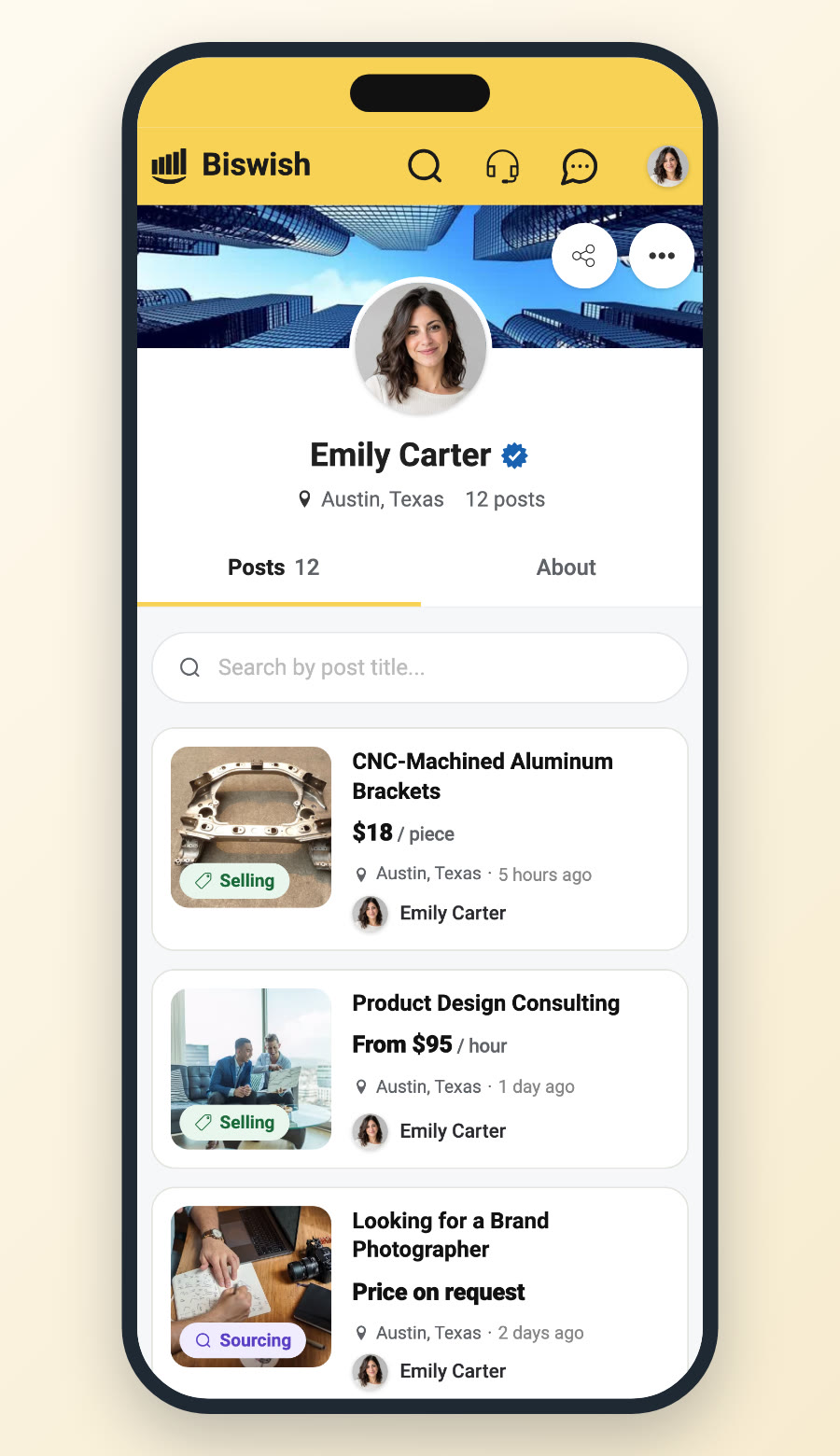
A personal page on a phone.
Use a profile
01
Open Posted byIt is on every post.
02
Check the blue tickA tick next to the name means the account is verified.
03
See their postsRead what else they sell or source.
PreviousSave, share and come back to postsNext in Finding suppliers and buyersRecent views, suggestions and ads
0
Share
Send in message
Report
Copy ID