Save posts and comments to Bookmarks
Save a post or a comment to read again later. Your saved items wait in Bookmarks, on separate Post and Comment tabs. Here is how to save, find and remove them.
Guide · Tutorial Chanras Sun4 days ago · 3 min read · 4 views
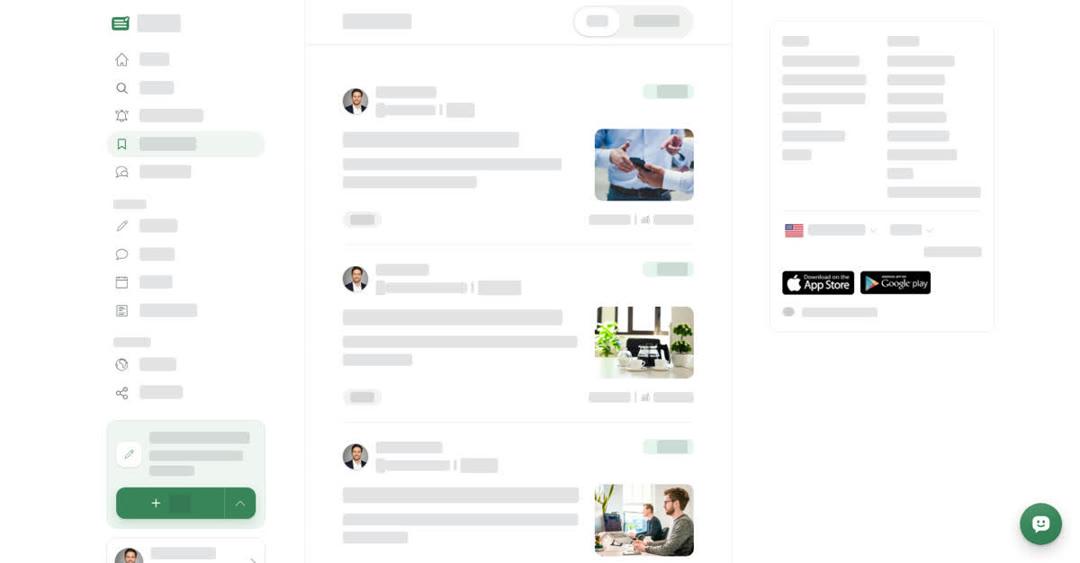
Bookmarks is your private reading list. Only you can see what you have saved. You need to be signed in to save anything.
- Save a post — use the bookmark icon in the row of buttons below the post, or the one to the right of the author's name at the top. The icon fills in and Boogir shows Saved post. Use it again to remove the post from your Bookmarks.
- Save a comment — open the ⋯ next to the comment and choose Save. Boogir shows Saved comment.
Bookmarks has two tabs:
- Post — the posts you saved. Open one to read it.
- Comment — the comments you saved. Open one to go to the post at that comment.
More items load as you scroll down. If a tab is empty, it shows No saved items for posts or No comments for comments.
On a computer
Save a post and find it again
01
Open the postOpen any published post.
02
Select the bookmark iconIt is in the row of buttons below the post, and also to the right of the author's name at the top. Boogir shows Saved post.
03
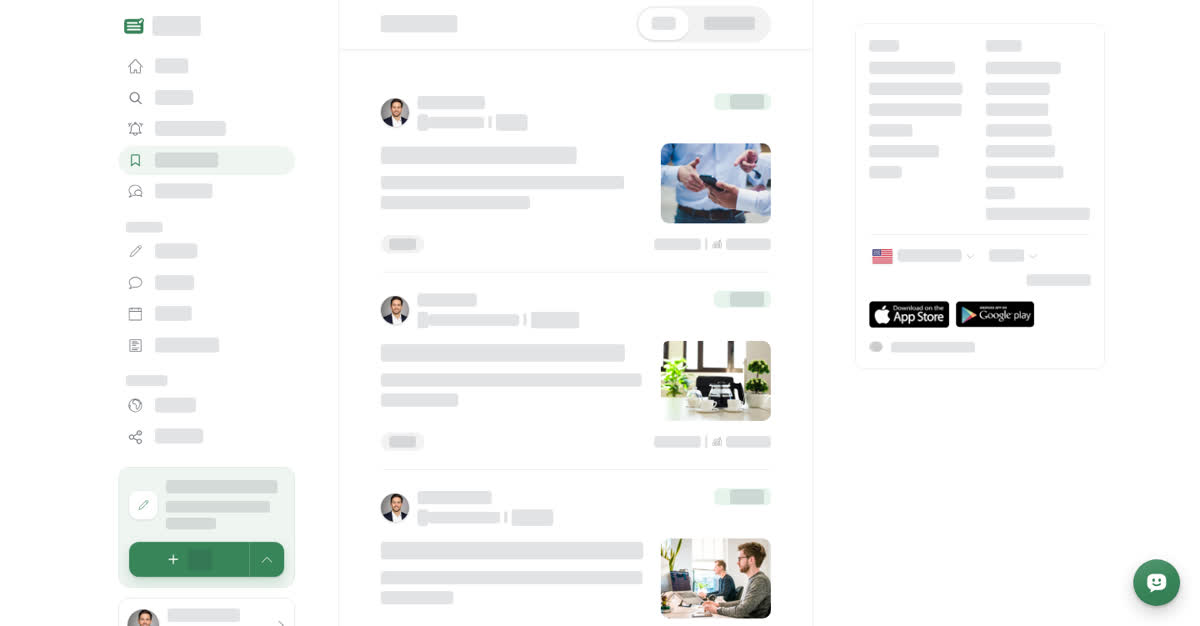
Open your BookmarksSelect Bookmarks in the left menu. Your post is on the Post tab.
On your phone
These steps are the same in the Boogir app and on boogir.com in your phone's browser.
Save a post and find it again on your phone
01
Open the postOpen any published post.
02
Tap the bookmark iconIt is in the row of buttons below the post, and also to the right of the author's name at the top. Boogir shows Saved post.
03
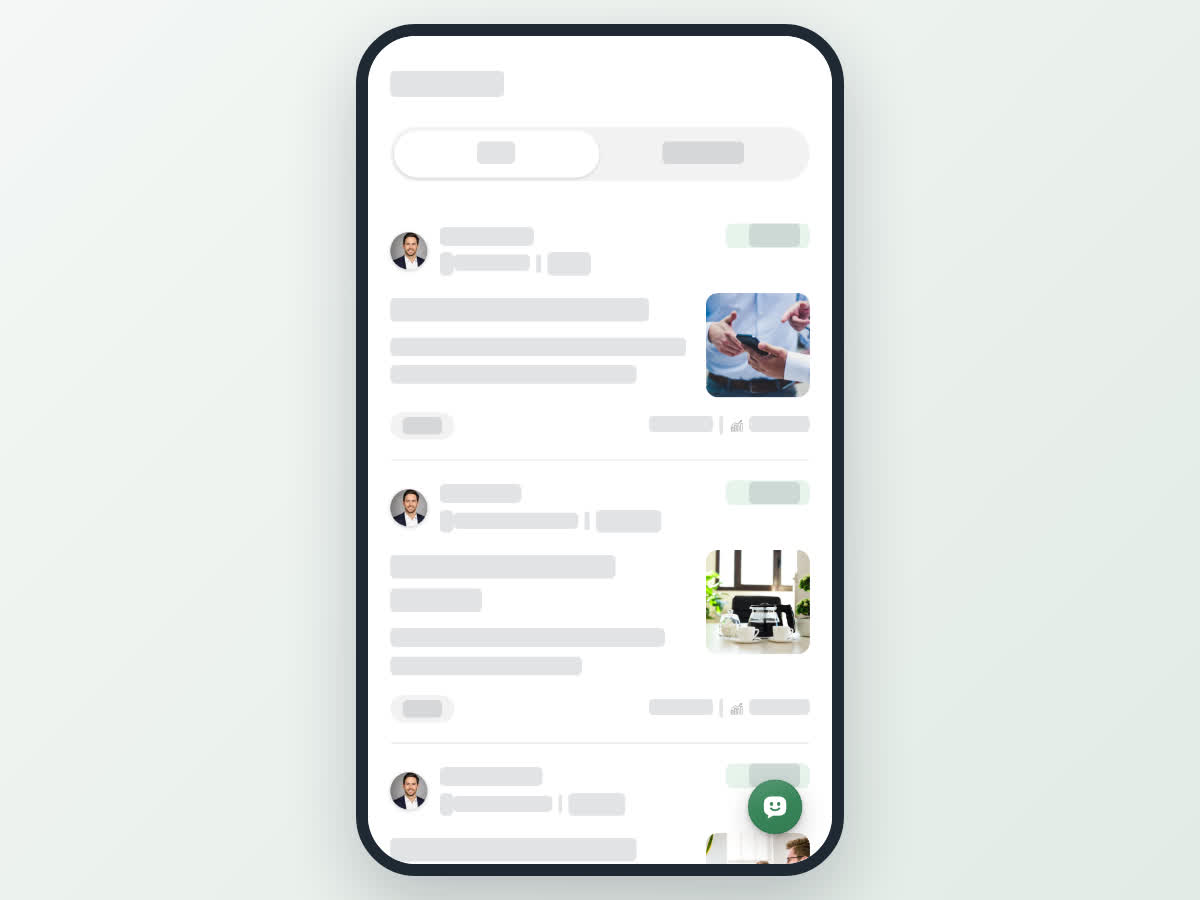
Open your BookmarksTap Bookmarks, the bookmark icon in the bar at the bottom of the screen. Your post is on the Post tab.
Good to know
- Your Bookmarks are stored with your account, so the same saved posts and comments show on a computer, on your phone and in the Boogir app once you sign in.
- Saving a post does not subscribe you to its space. To get a space's new posts on your Home page, subscribe to it. See Subscribe to spaces and choose alerts.
- Saving is private. The writer is not told that you saved their post or comment.
4 views
0
Share
Send in message
Report
Copy ID