Find your way around
The home page, the navigation bar and what each section of your dashboard does.
Guide Chanras Sun11 hours ago · 1 min read · 1 view
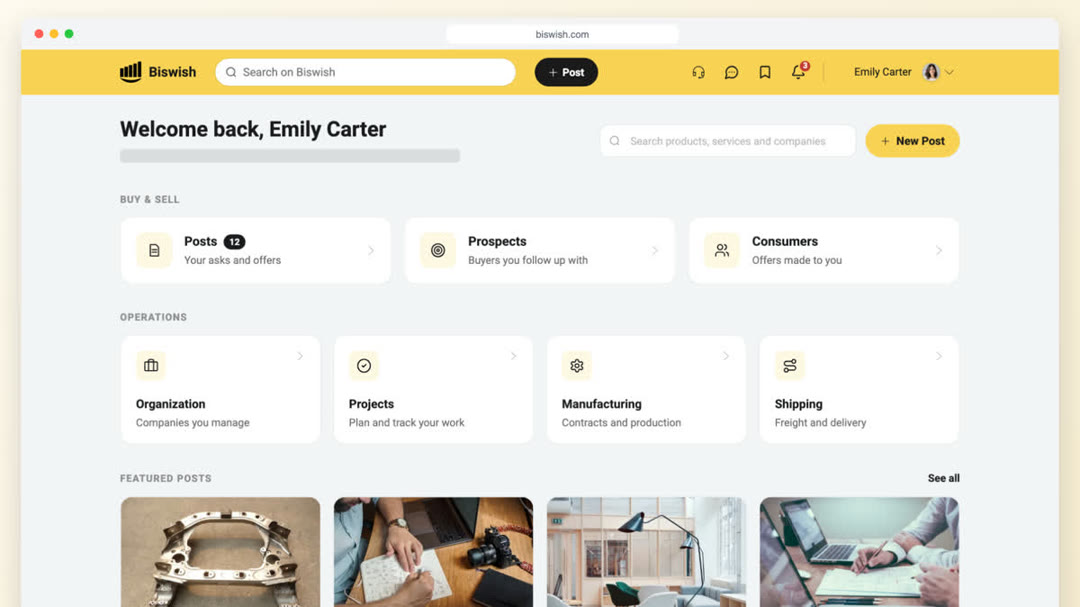
After you log in, the home page is your dashboard. Buy & sell holds your posts, prospects and the offers made to you. Operations holds your companies, projects, manufacturing contracts and shipments. Featured posts shows what others are offering; See all opens search.
On a computer
The bar at the top has the search box, the Post button (it opens your posts, where you select New Post), help (headset), messages, saves, notifications, and your name, which opens your account settings.
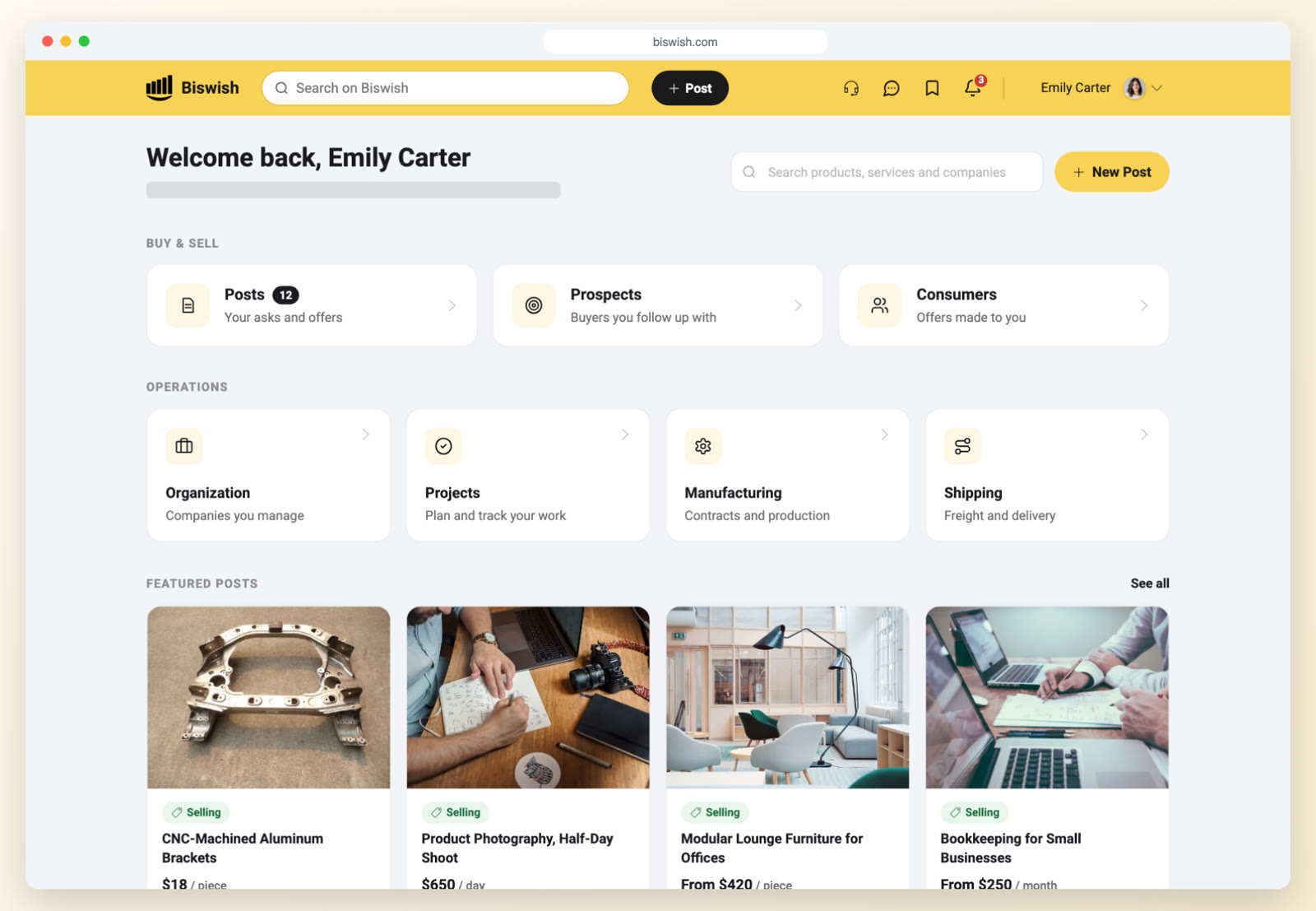
Your home page on a computer.
On your phone
The header has search, help, messages and your photo. The bar at the bottom has Home, Saves, Posts, Notifications and Account.
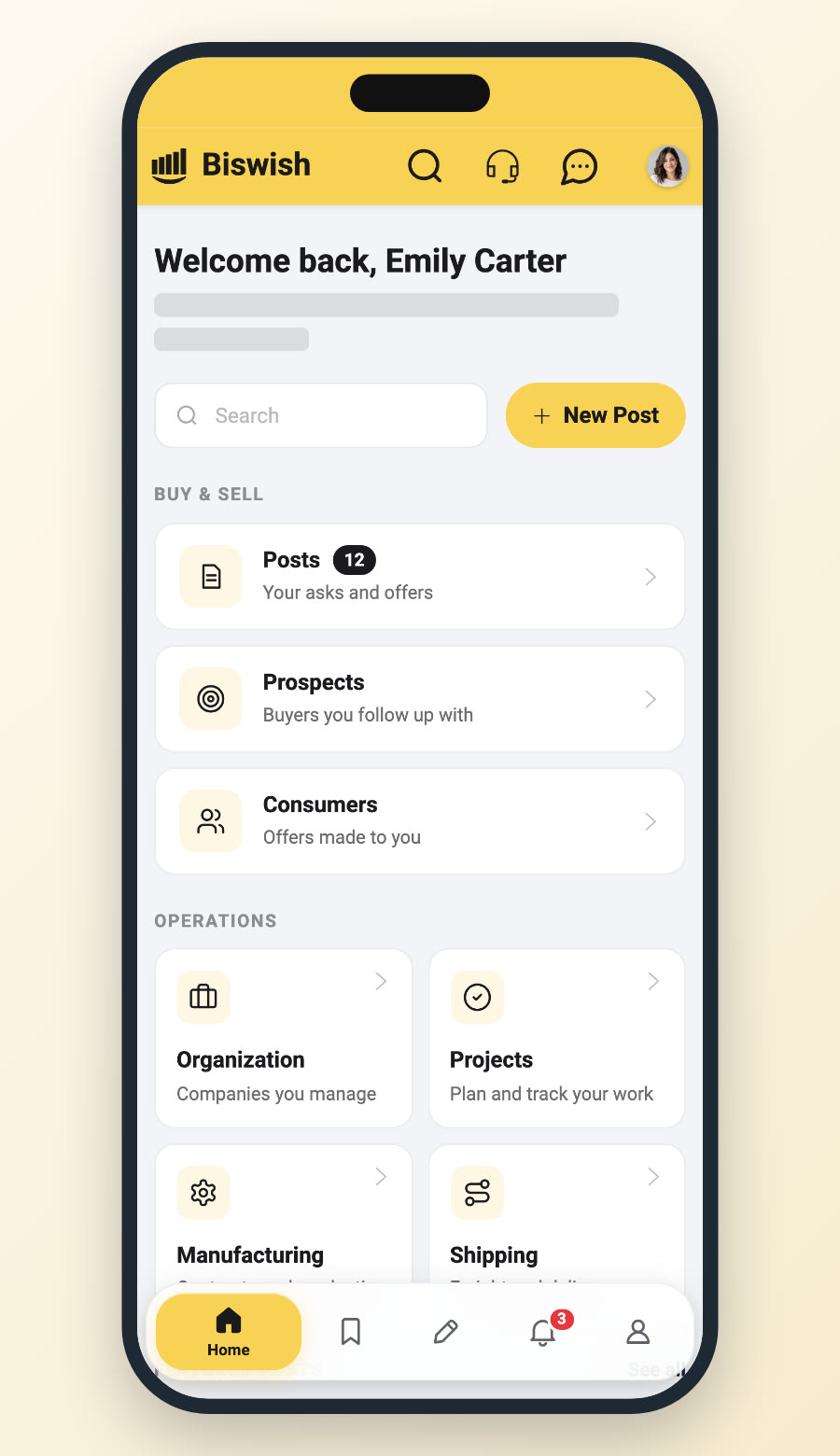
Your home page on a phone.
What each section is for
01
PostsYour offers and requests.
02
ProspectsBuyers you follow up with.
03
ConsumersOffers other people made to you.
04
OrganizationCompanies you manage.
05
Projects, Manufacturing, ShippingWork you agreed, as provider or as client.
0
Share
Send in message
Report
Copy ID