Welcome to Biswish
What Biswish is for, who uses it, and how to use this guide on a computer or a phone.
Guide Chanras Sun11 hours ago · 2 min read · 1 view
Biswish is a marketplace for businesses, manufacturers and freelancers. You can find suppliers, source what you need by posting a request, sell what you make or do, and agree the work in writing with contracts for projects, manufacturing and shipping.
Searching, posting and creating a company are free. Optional plans add reach, a blue tick, a larger contract quota or a space of your own.
On a computer
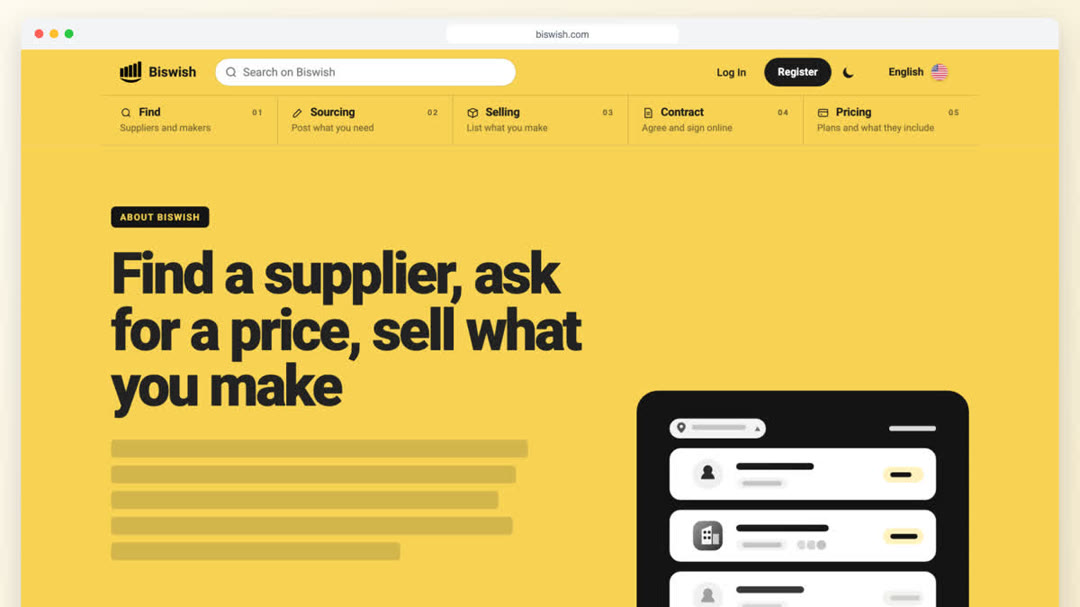
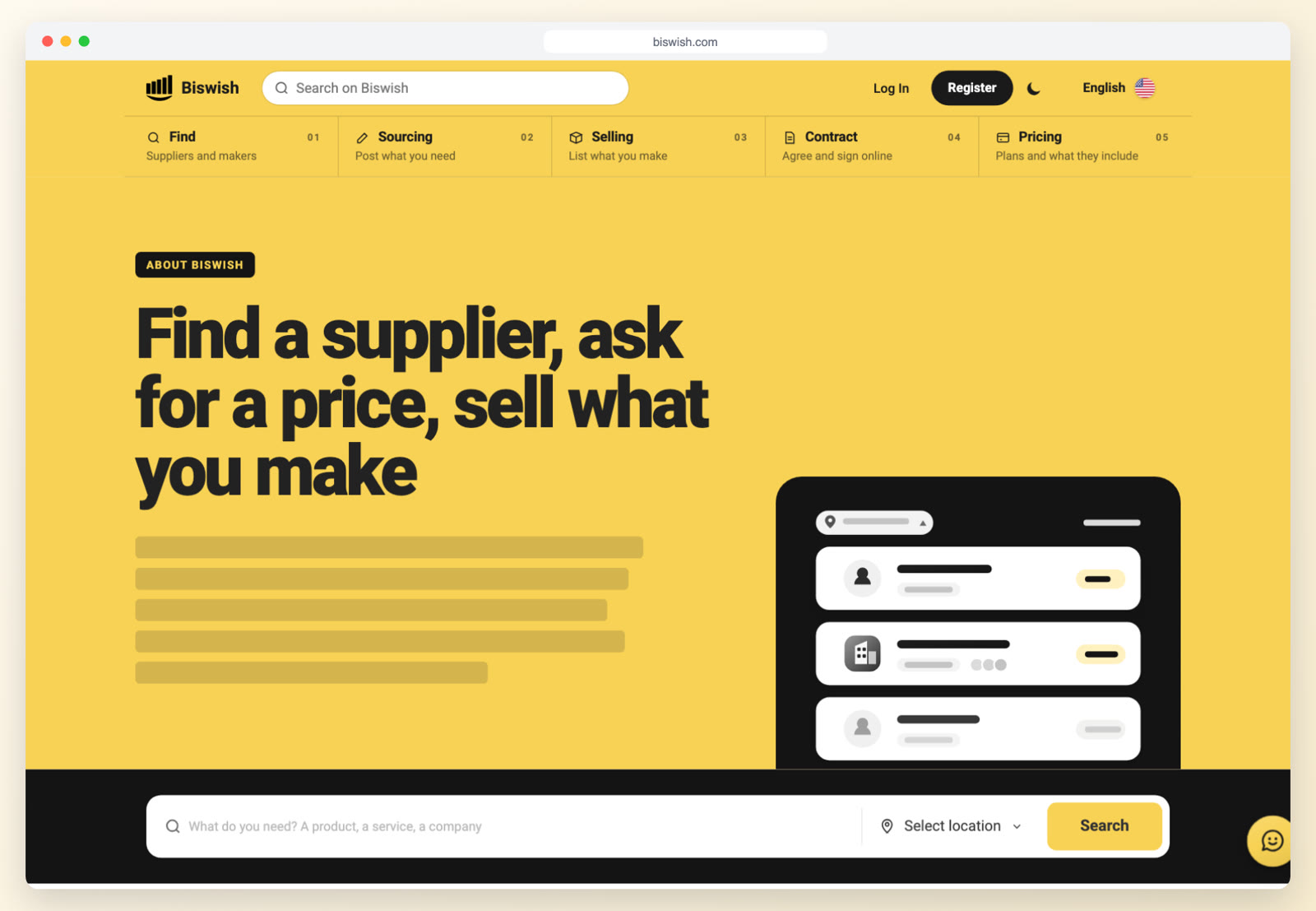
Open biswish.com in a browser. Before you sign in, five sections run along the top of the page:
- Find – suppliers and makers
- Sourcing – post what you need
- Selling – list what you make
- Contract – agree and sign online
- Pricing – plans and what they include
Log In, Register, the dark mode switch and the language picker are at the top right.
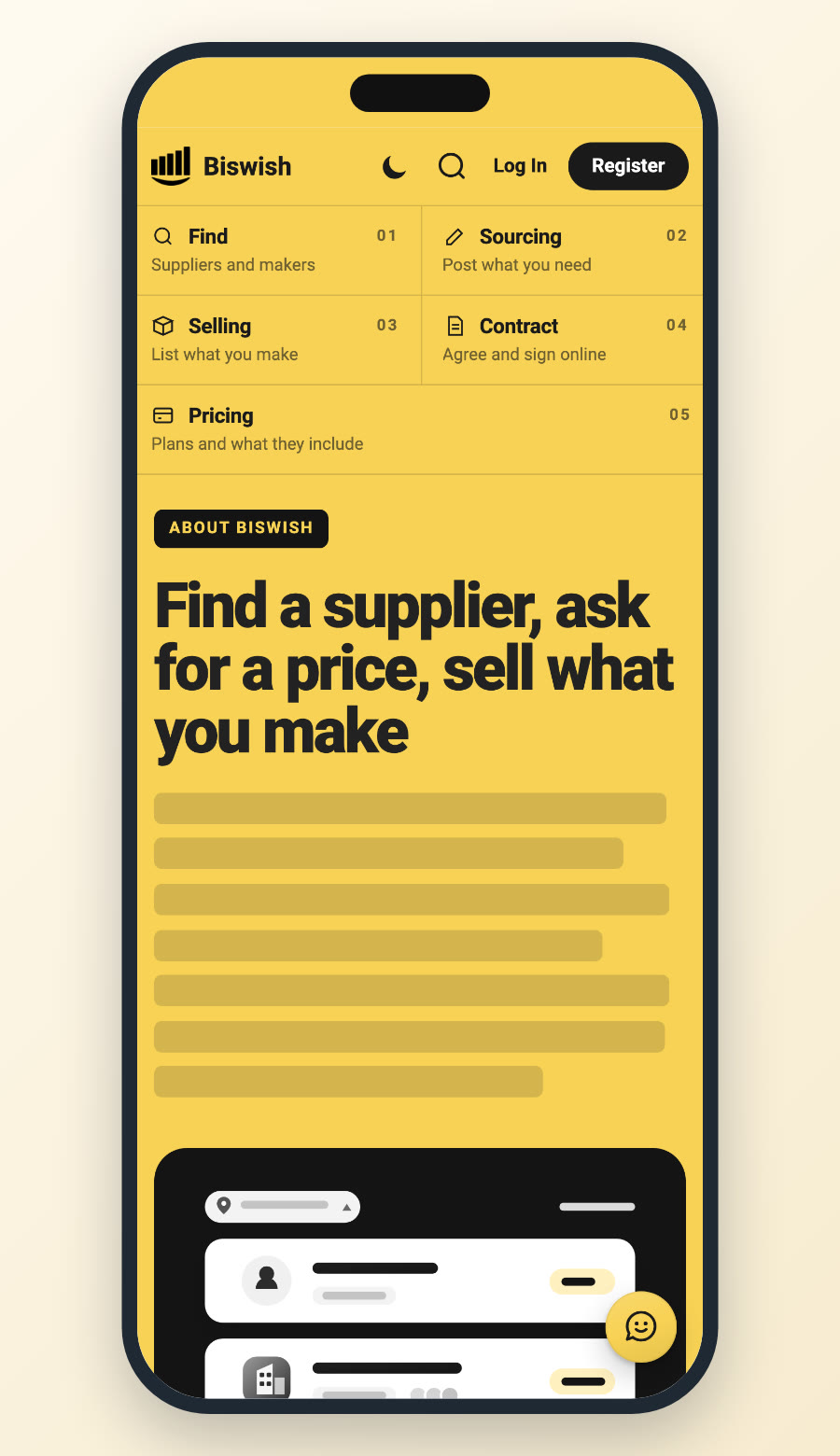
On your phone
Use the Biswish app for iPhone or Android, or open biswish.com in your phone browser. In the browser the same five sections are tiles under the header, with Log In and Register at the top right. In the app, the welcome screen has the same shortcuts as Find a supplier, Ask for a price, Sell what you make, Agree the work in writing and Pricing.