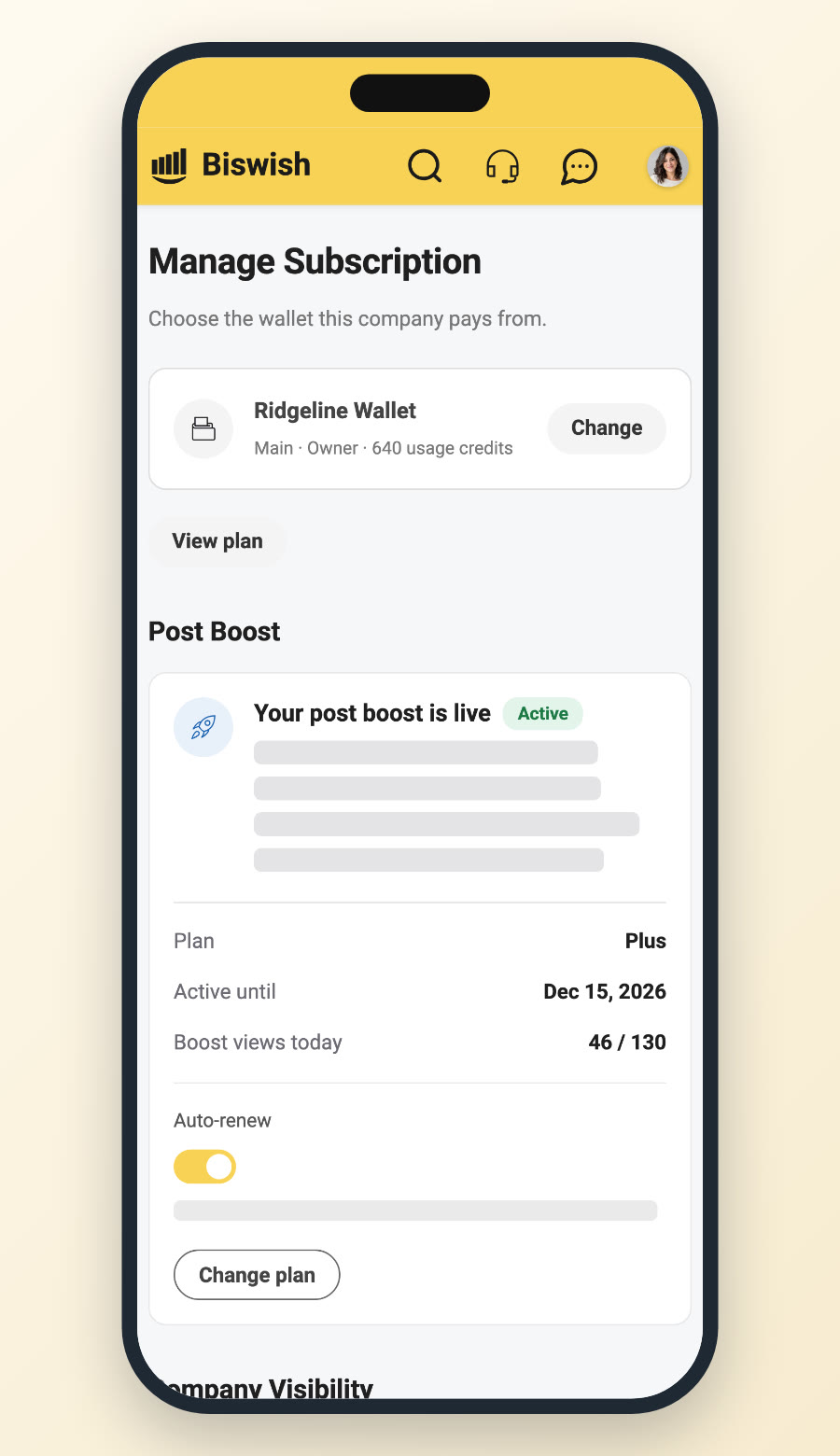
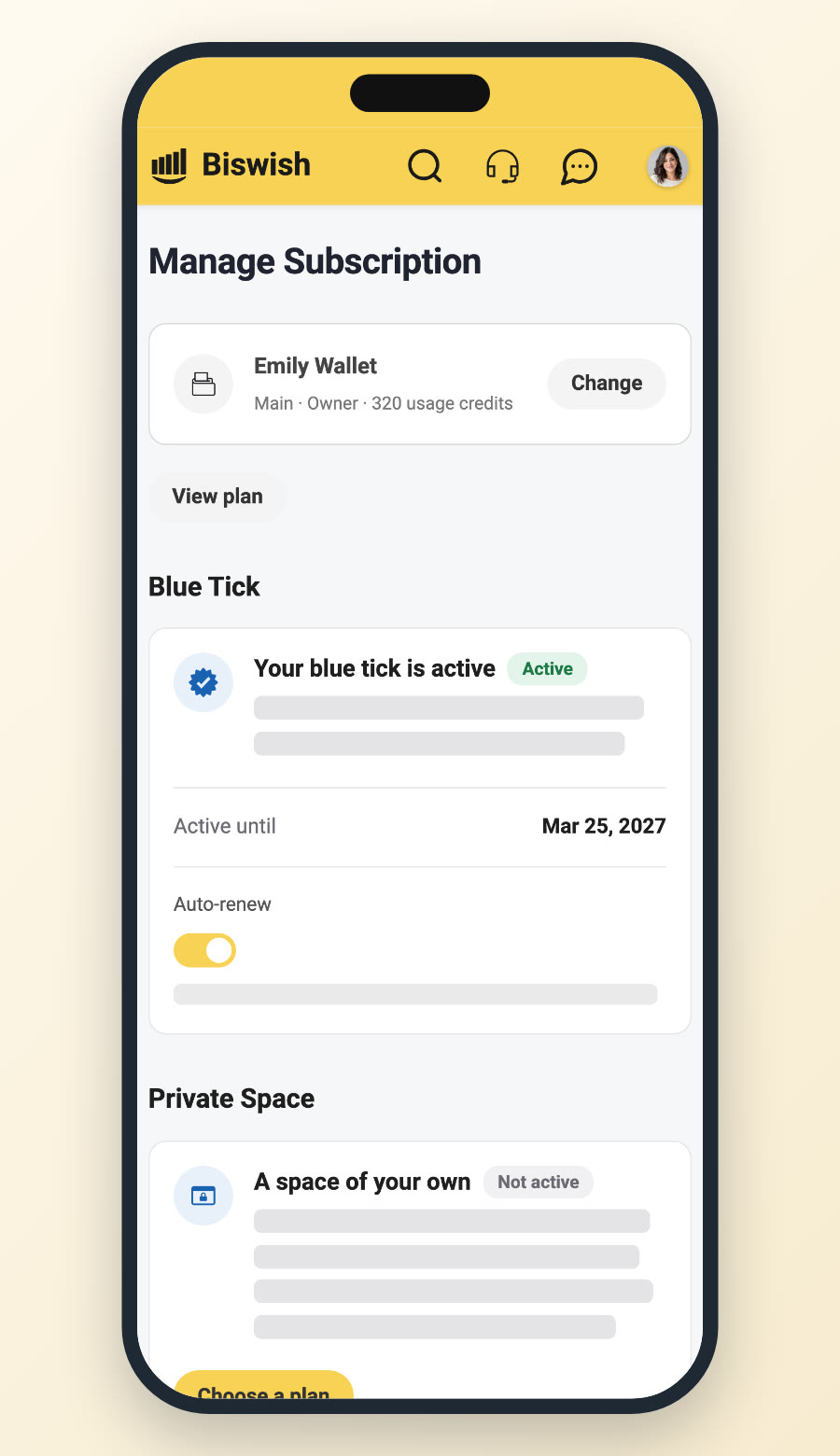
Blue tick and Private Space
Show that you are verified, and give your page a space of its own.
Guide Chanras Sun10 hours ago · 1 min read · 1 view
The blue tick appears next to your name, or your company’s name and its posts, so others know they deal with the real one. Private Space shows only your page and your posts, in your colour, with no ads and no other companies beside them.
A personal Private Space works up to the plan’s daily profile views, then your page is normal again until the count resets. A company Private Space has no daily limit. Choose the space colour in the plan. While it is active, View page opens the space and Copy link copies its link.
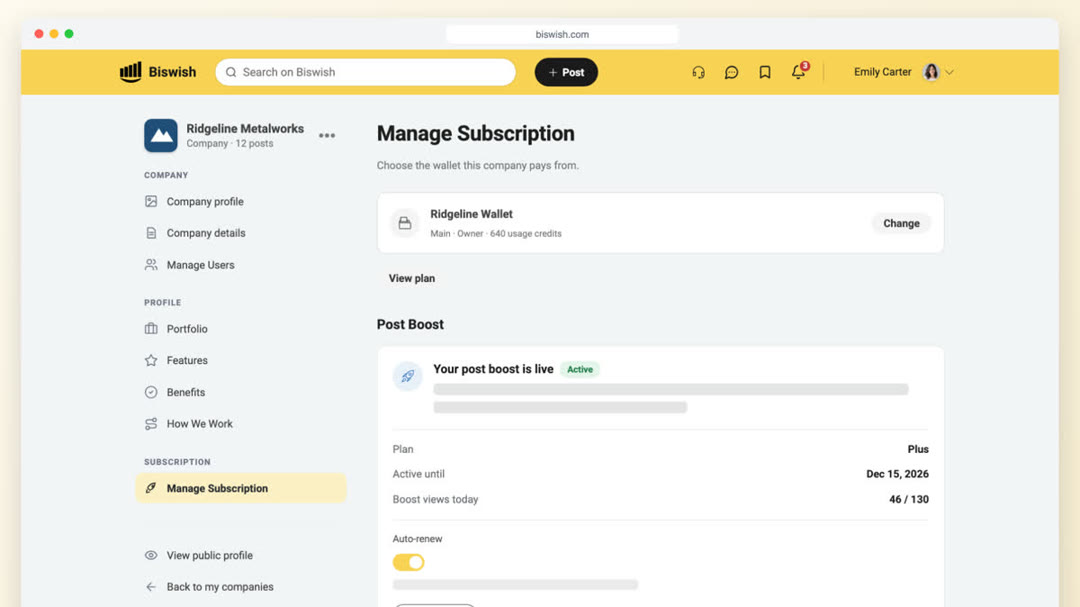
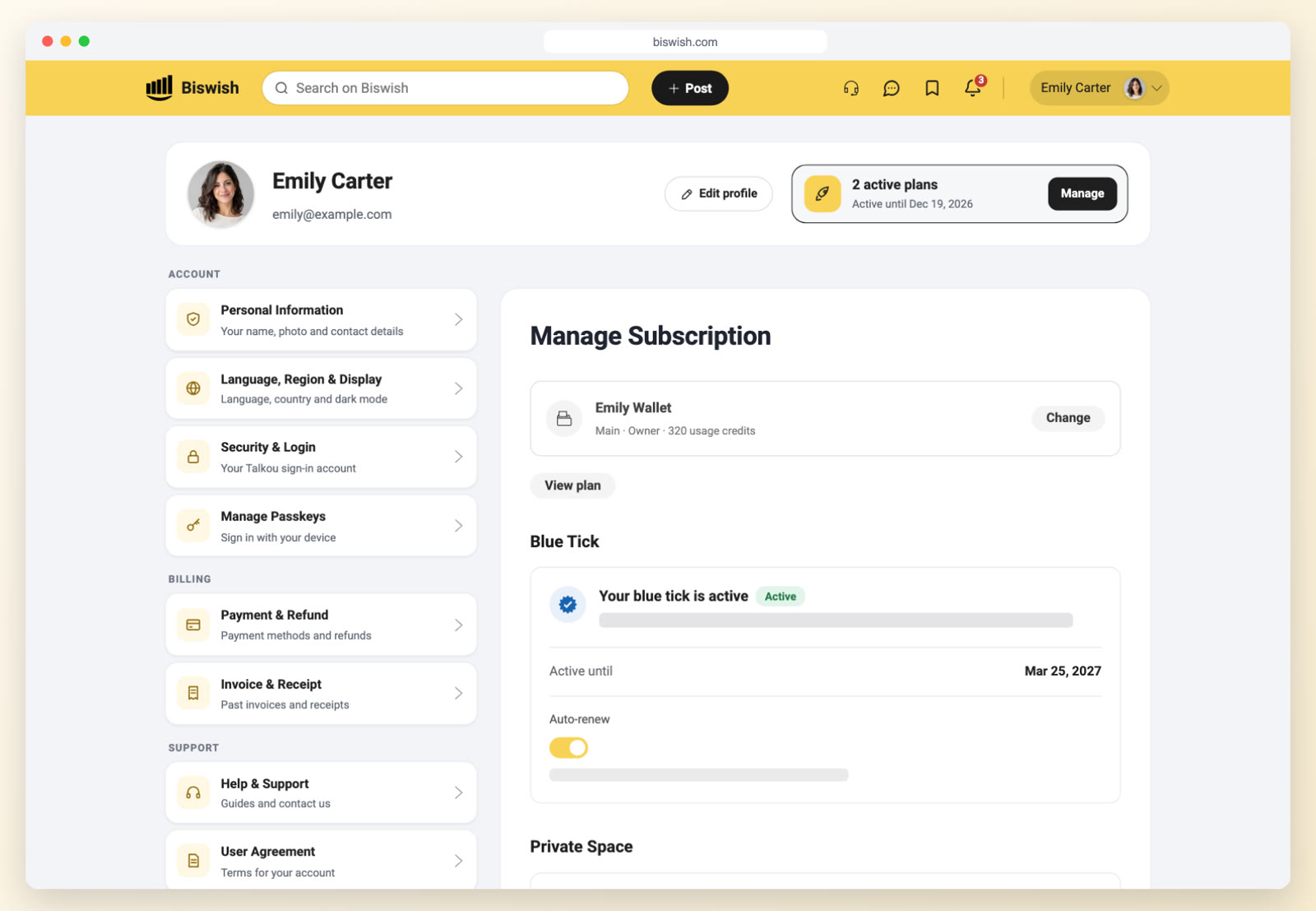
On a computer
Your own plans are in account settings under Manage. A company’s plans are in the company under Manage Subscription.
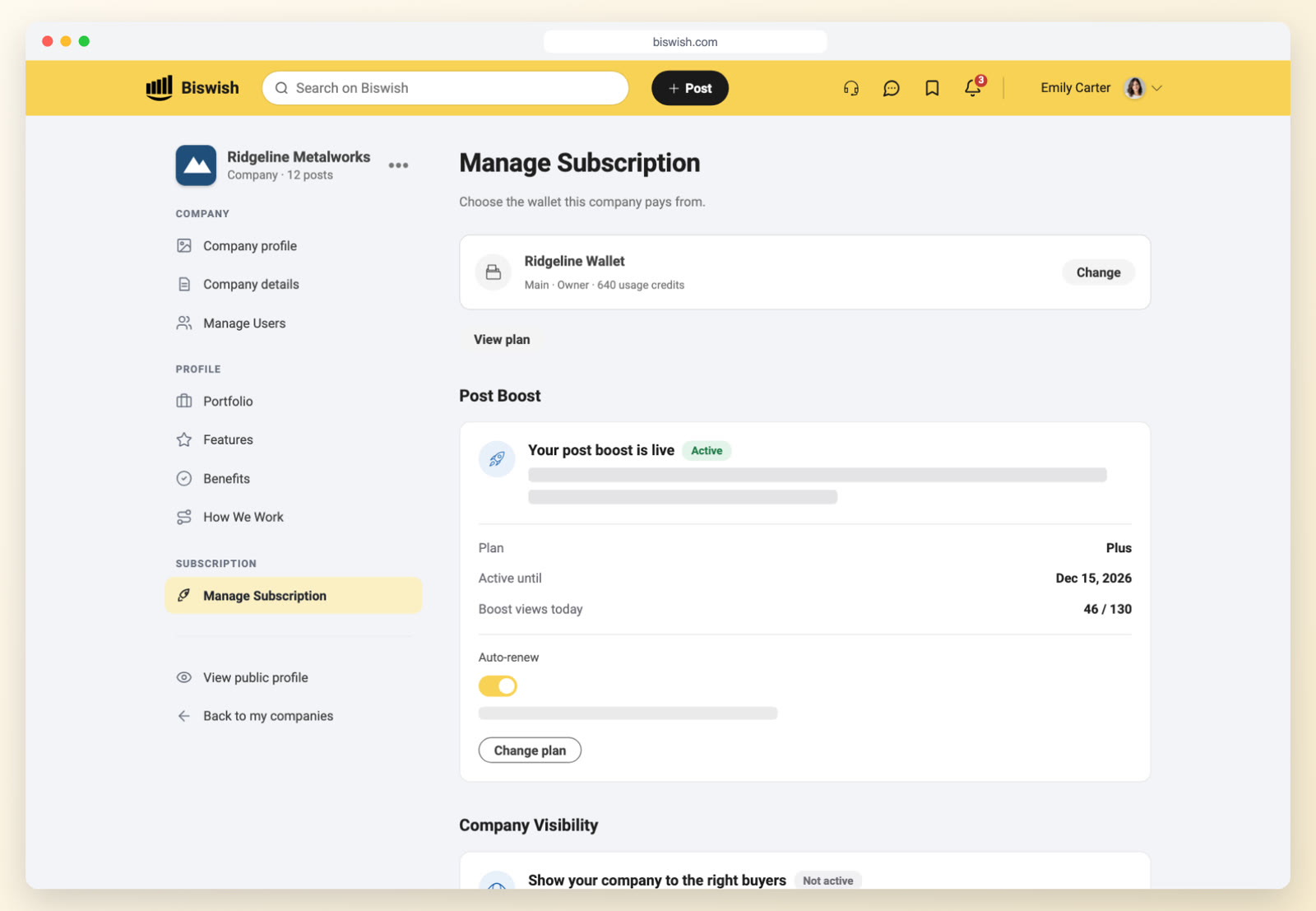
On your phone
Open Account, then Manage for your plans, or the company, then Manage Subscription.