Company Visibility
Show your company first in company search and on the home page.
Guide Chanras Sun10 hours ago · 1 min read · 1 view
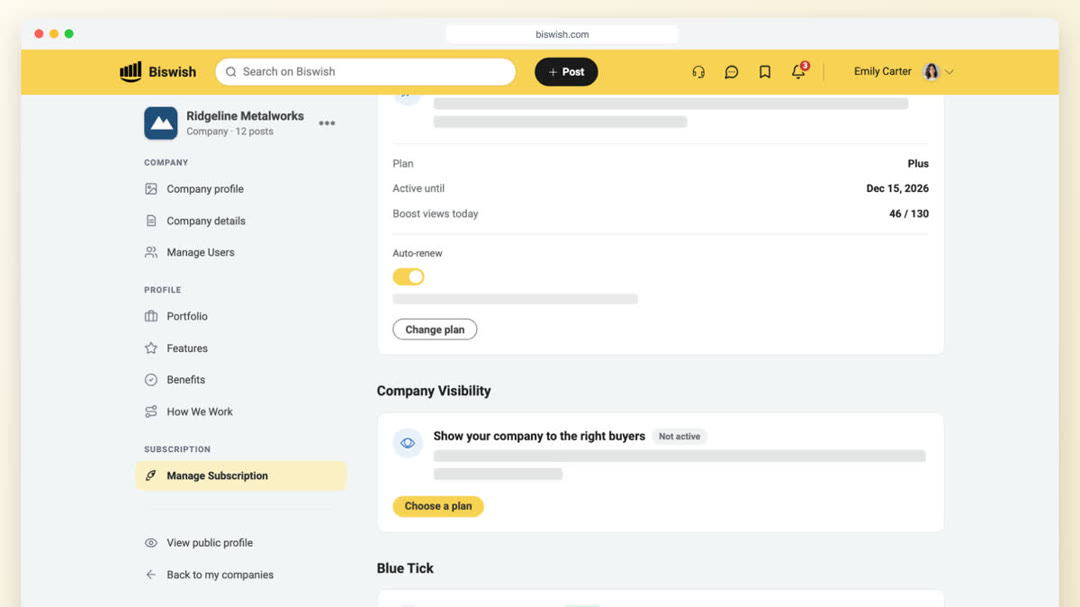
A Company Visibility plan shows your company first in company search and on the home page, with a Featured label, until the day’s company views are used. The count resets every day. It is separate from Post Boost, which promotes your posts.
On a computer
Open the company, then Manage Subscription, and find Company Visibility. Select Choose a plan, pick a tier and pay from the company’s wallet.
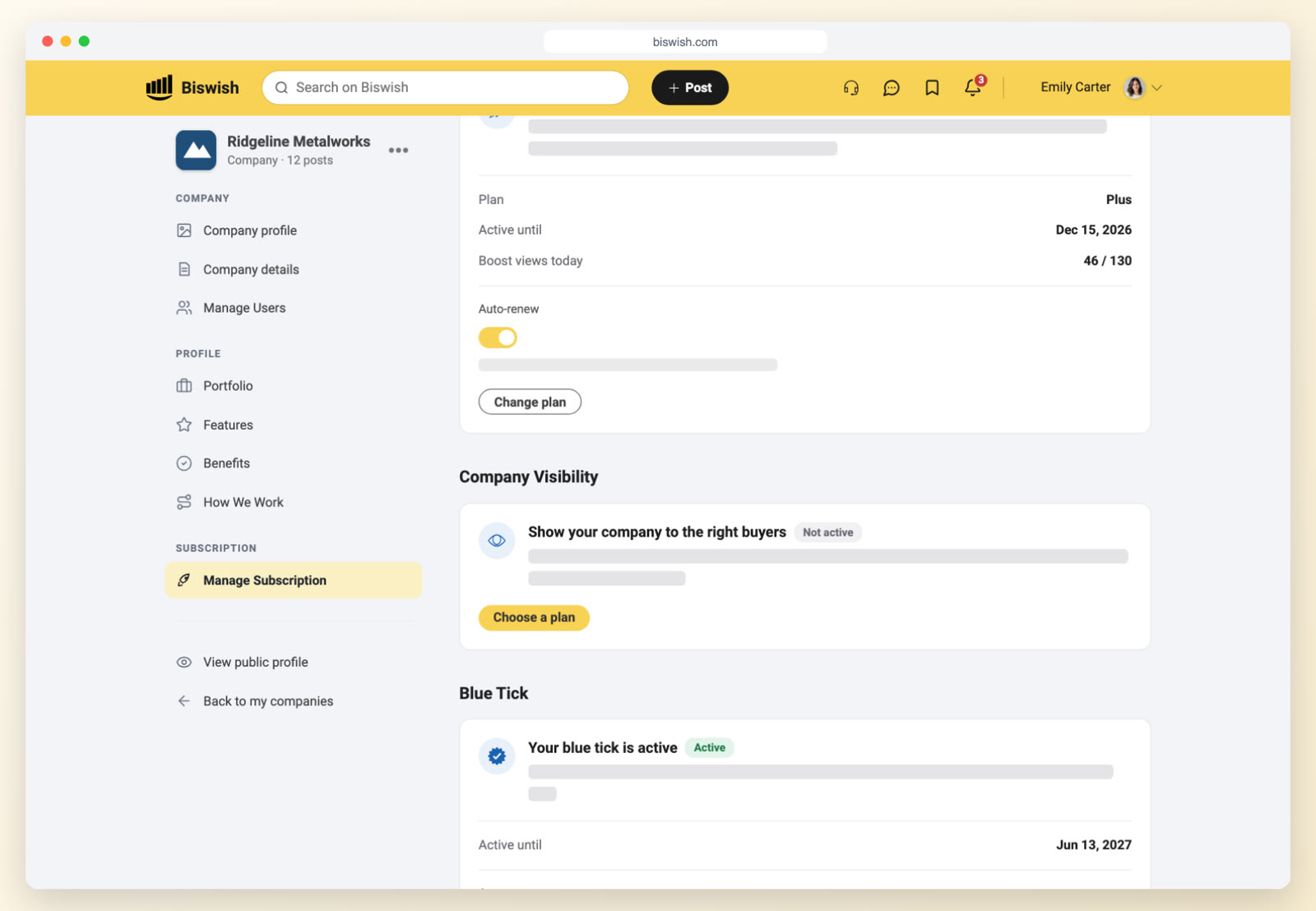
Company Visibility on a computer.
On your phone
Open the company, then Manage Subscription, and scroll to Company Visibility.
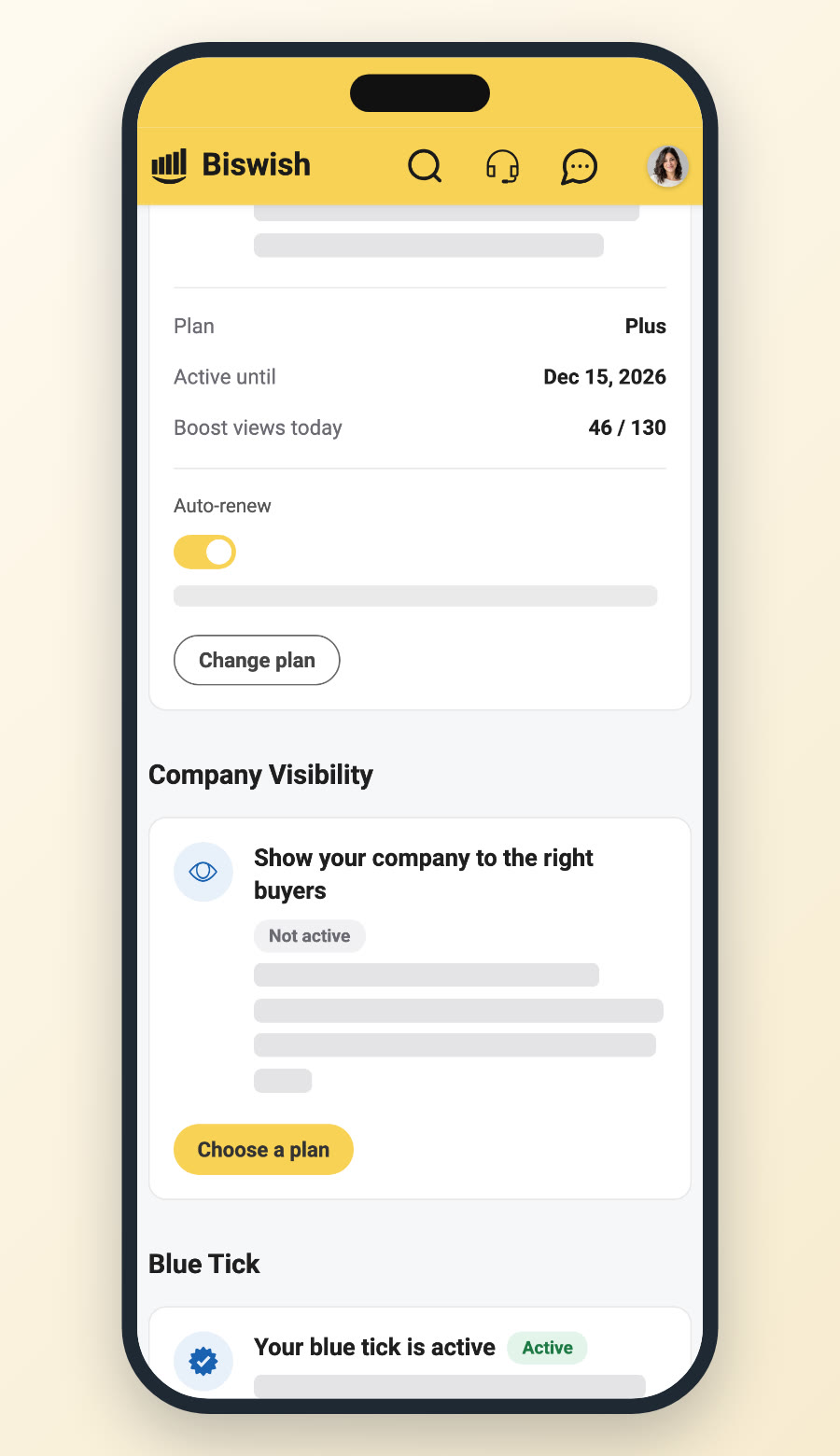
Company Visibility on a phone.
Start Company Visibility
01
Choose a walletThe company pays from its own wallet.
02
Choose a tierStarter 50, Standard 200, Plus 490 or Professional 2,210 company views a day.
03
PayIt starts straight away.
04
Follow the countCompany views today shows how many are used. When they run out, your page ranks like any other until the reset.
0
Share
Send in message
Report
Copy ID