Wallets, credits and payments
Choose the wallet that pays, request free credits and add more.
Guide Chanras Sun10 hours ago · 2 min read · 1 view
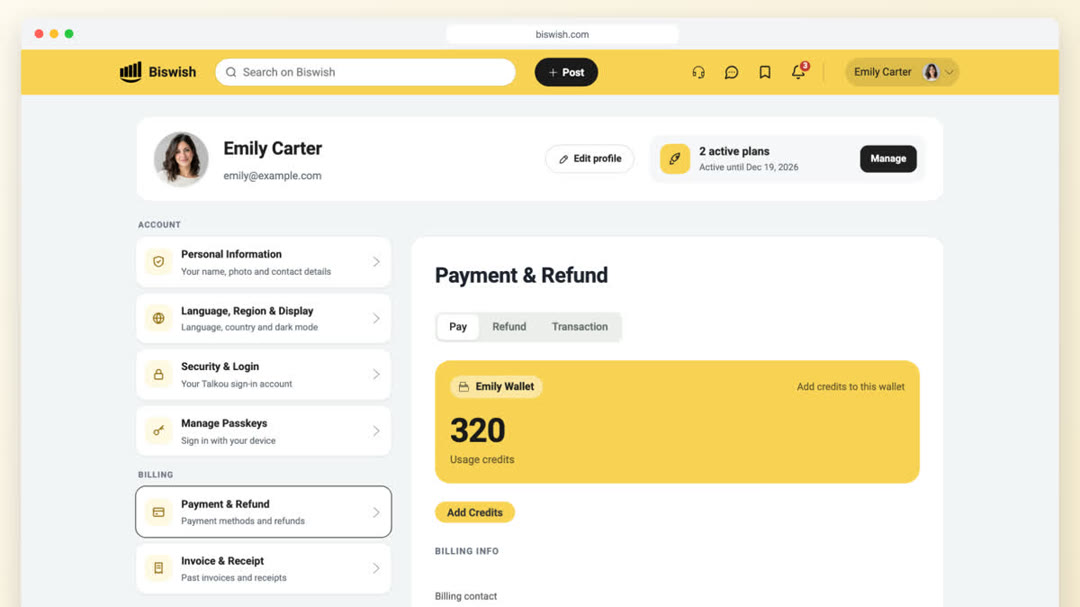
Paid services use usage credits from a Talkou wallet. You choose one wallet for yourself and one for each company. New users can request 100 free evaluation credits once, on the Pricing page. They go to an evaluation wallet that becomes your own wallet; a company needs a wallet of its own.
On a computer
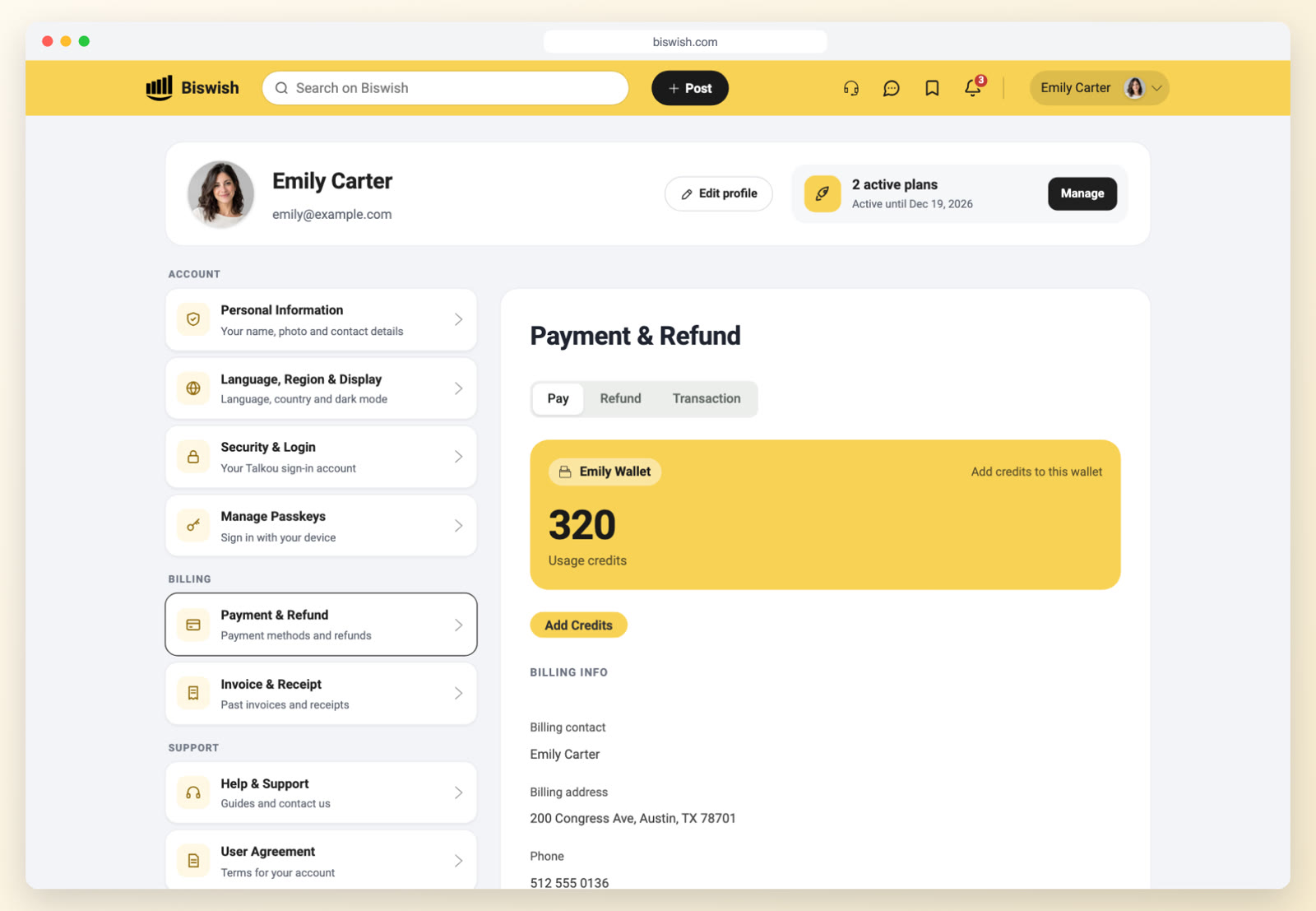
Open your name, then Payment & Refund to see the balance, billing info, refunds and transactions of your own wallet. Change the wallet in Manage (your plans) or in the company’s Manage Subscription.
On your phone
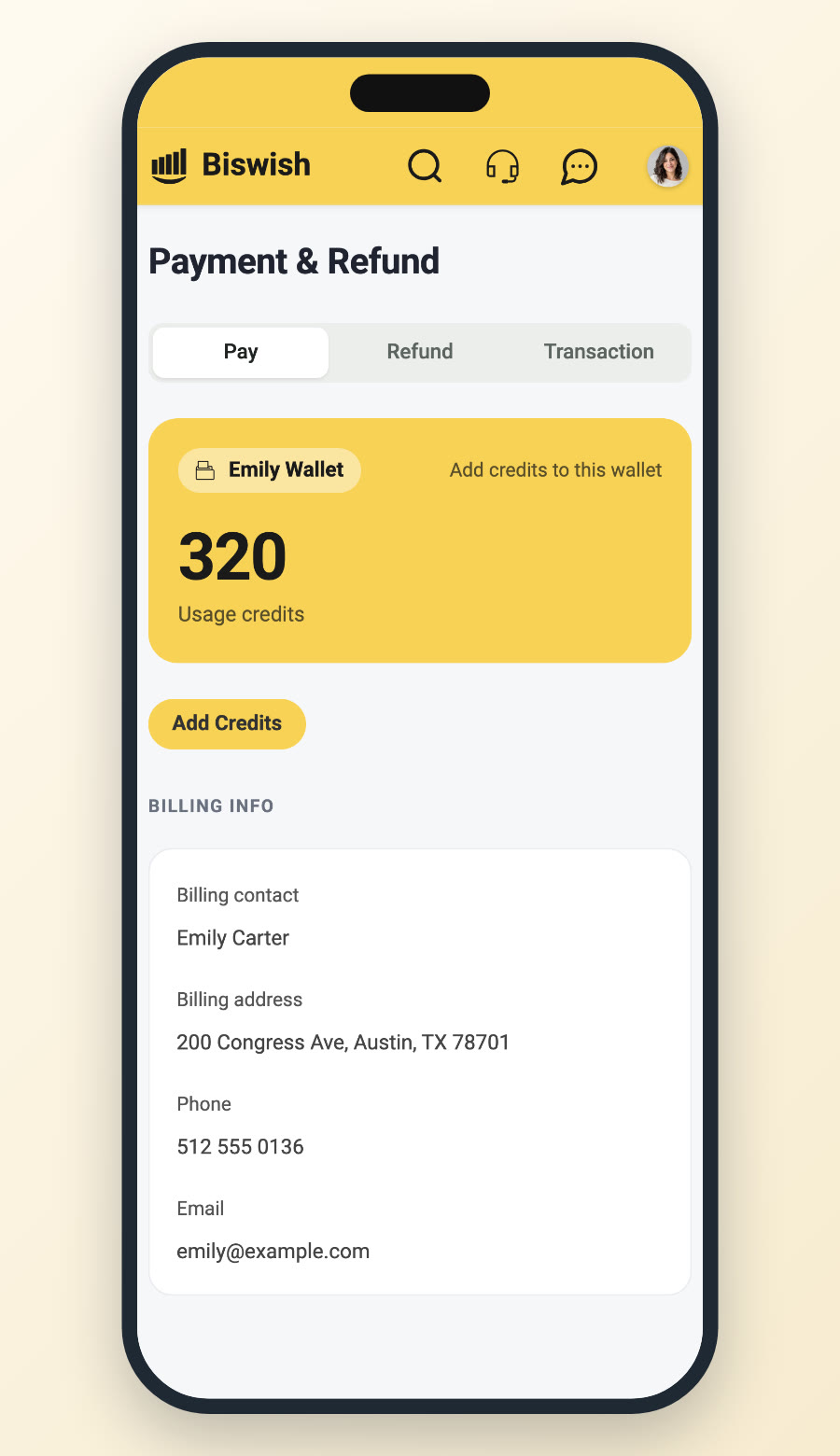
Open Account, then Payment & Refund. In the app, Add Credits is there too.
Buy credits in the app
The credits go to your own wallet. Open Add Credits, choose a pack of 100, 300, 500 or 1,000 credits, check Review purchase, tick the agreement and select Confirm purchase. The App Store or Google Play takes the payment.