Keep track of buyers
Add buyers to Prospects and follow up.
Guide Chanras Sun11 hours ago · 1 min read · 1 view
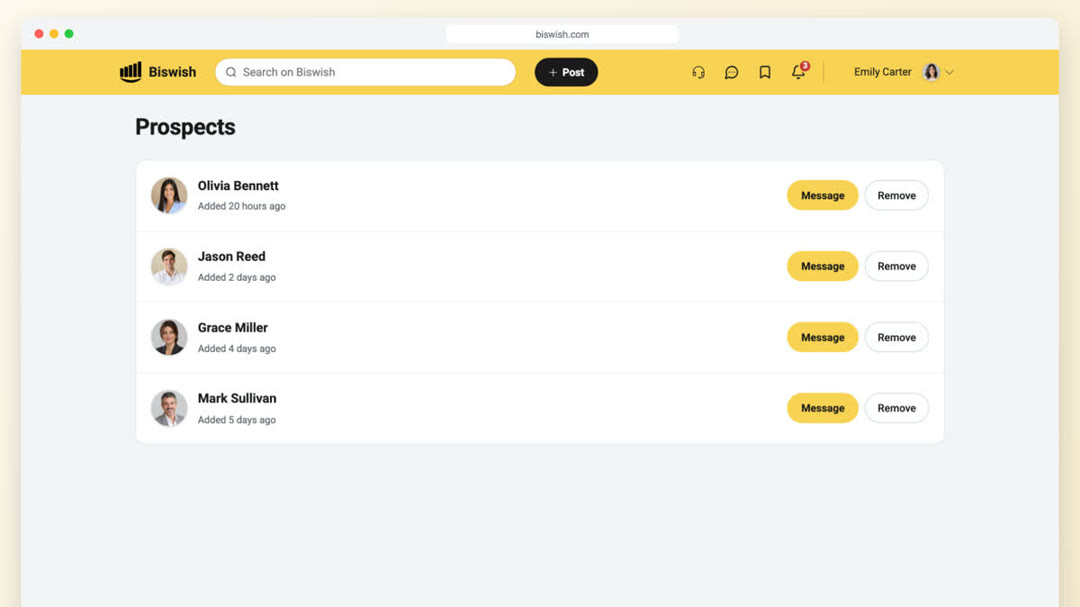
Prospects is your list of buyers to follow up with. It is private: the other person is not told.
On a computer
Select Add to Prospects on a buyer’s page, or in the menu of your chat with them. Open Prospects on the home page to Message or Remove someone.
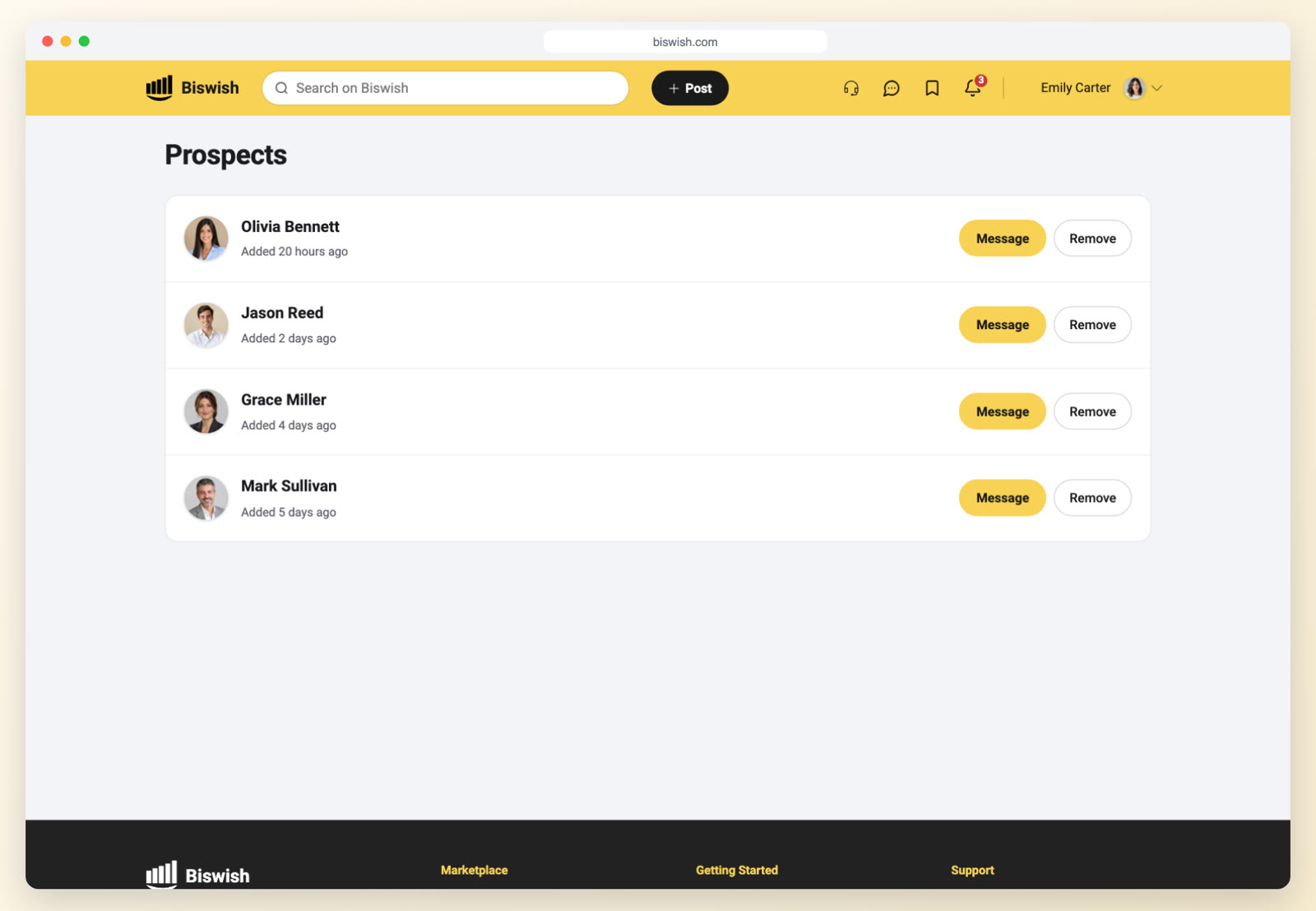
Your prospects on a computer.
On your phone
Add to Prospects is at the bottom of a person’s page and in the chat menu. Prospects is on the home page.
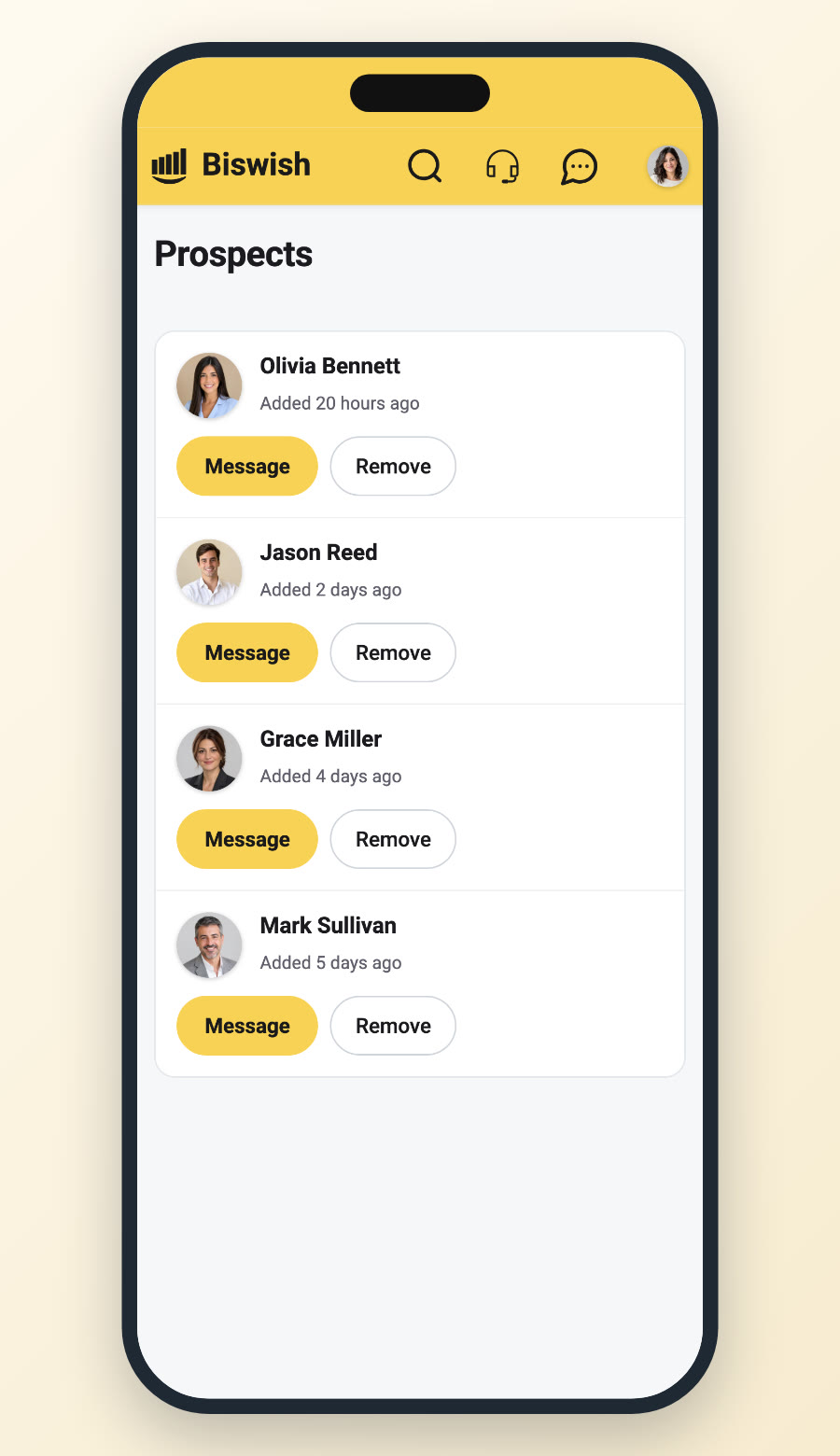
Your prospects on a phone.
Follow up
01
AddFrom their page or the menu of your chat.
02
MessageStart a chat again straight from the list.
03
Send an offerCreate a project for the buyer once you agree.
0
Share
Send in message
Report
Copy ID