Message people and businesses
Open your chats, filter them and start a new one.
Guide Chanras Sun11 hours ago · 2 min read · 1 view
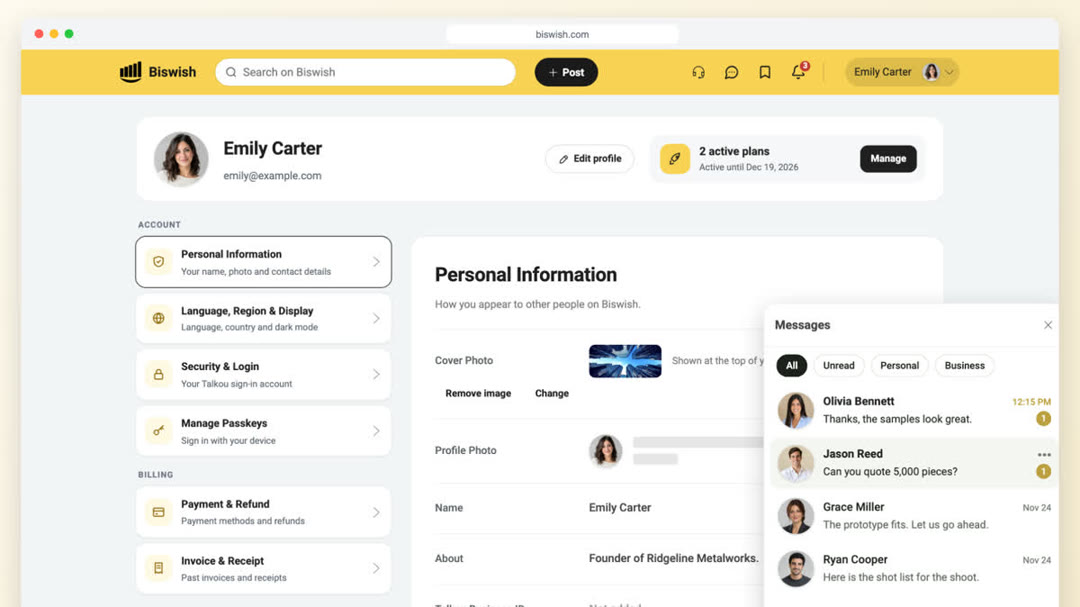
Biswish messaging runs on Talkou, so the same chats are in Talkou too. Every conversation stays in one thread per person or business.
You can message one new business or person a day free; a Procurement plan lets you message more each month. See “Choose a plan”.
The first time you write to someone new, you see their card. Select Add contact to open the chat.
Send more than text
From the add button in a chat you can attach a post, a link, a document, an image or a video. You can also record a voice message with the microphone, and add an emoji. Images are at least 600 px wide, videos up to 5 minutes and documents up to 5 MB.
On a computer
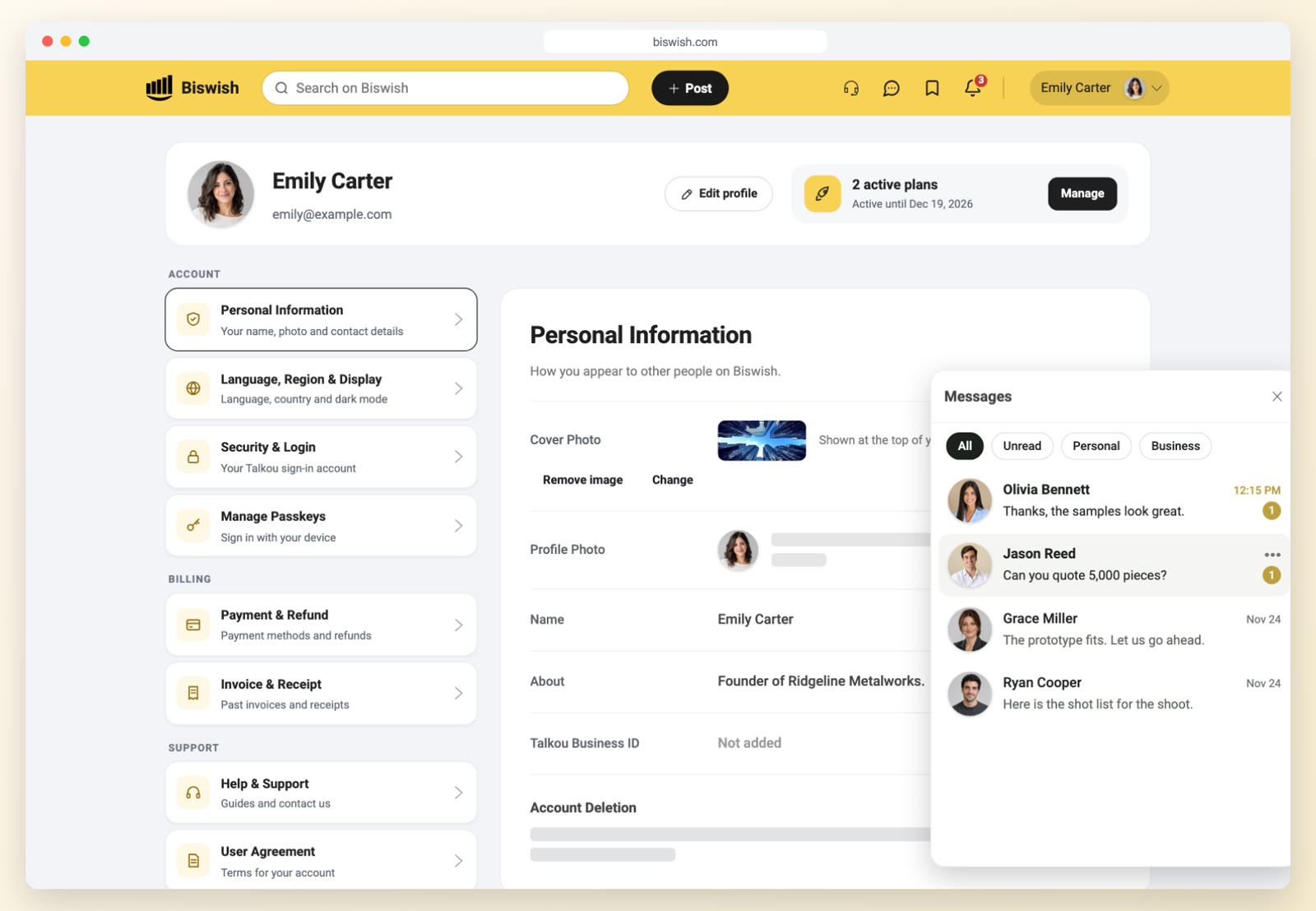
Select the message icon in the top bar, or Help & Support and then Messages. The panel opens at the side of the page with tabs for All, Unread, Personal and Business.
On your phone
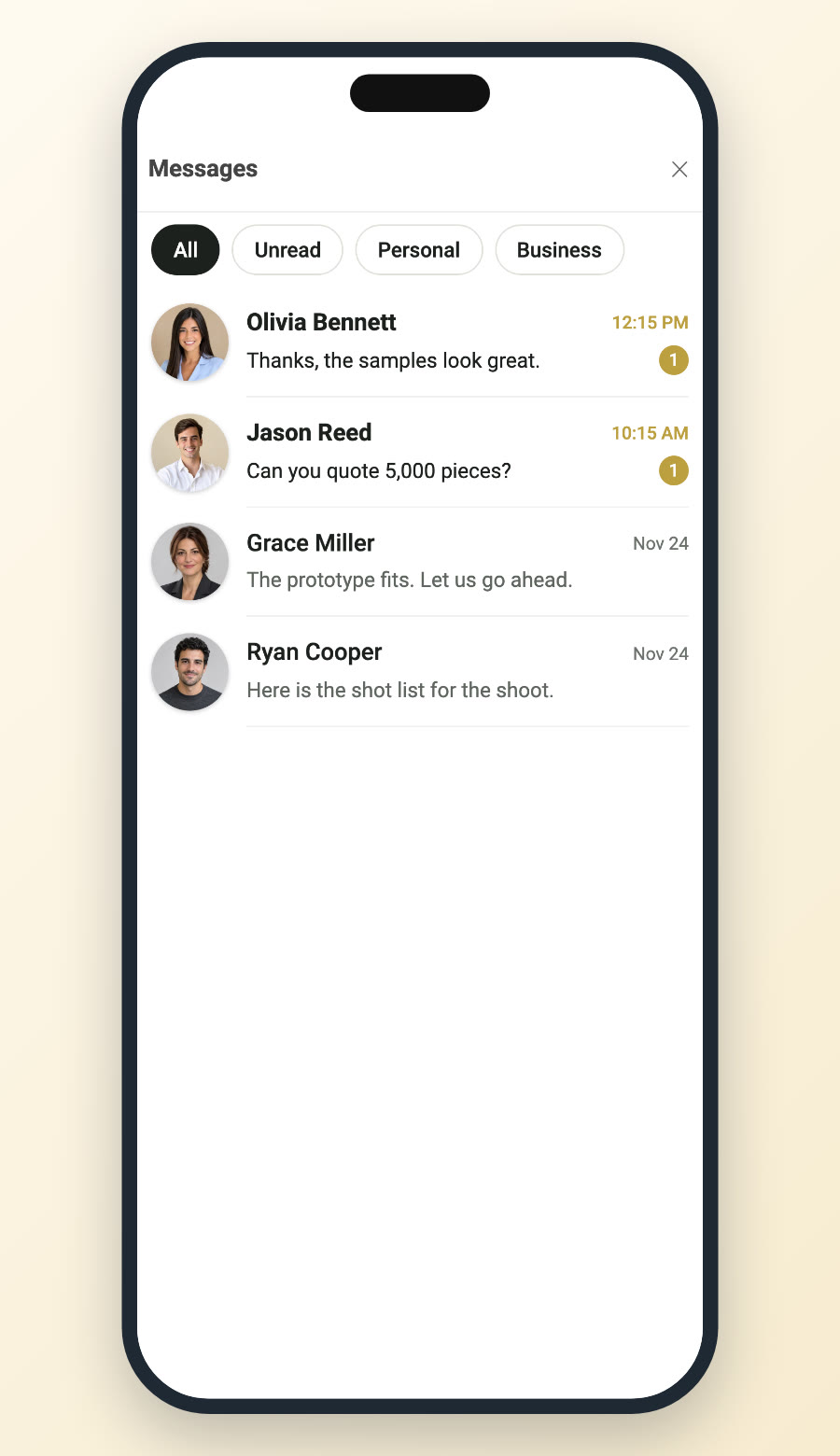
Select the message icon in the header. Messages fill the screen.