Invoices and receipts
Find, print or share your purchase records.
Guide Chanras Sun9 hours ago · 1 min read · 1 view
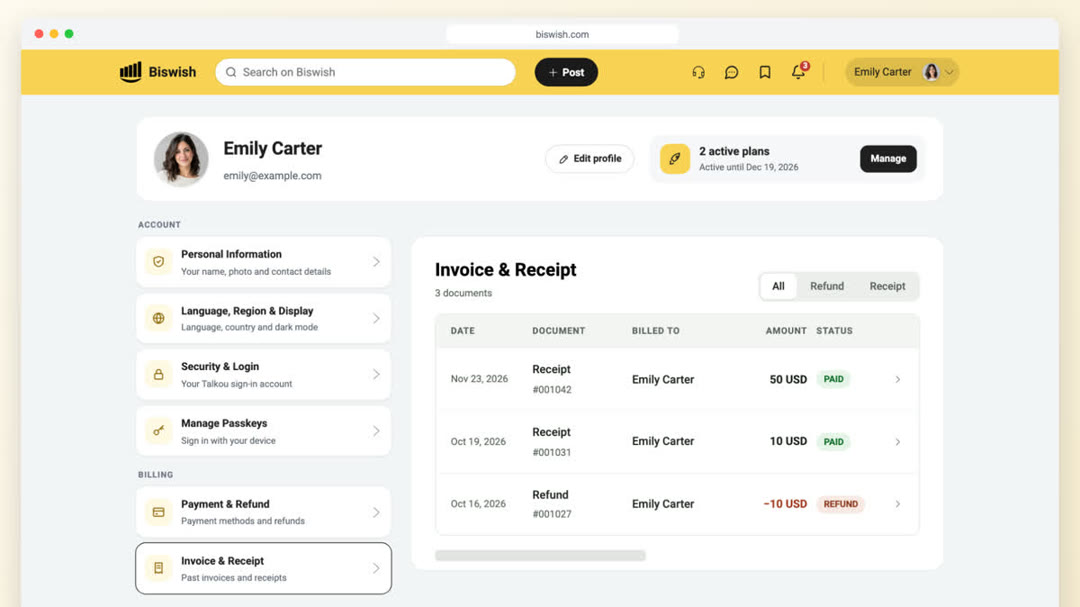
Every credit purchase and refund of your own wallet is listed with its date, amount and status. Purchases made in the app are sold by the App Store or Google Play, which issue the official receipt.
On a computer
Open your name, then Invoice & Receipt. Filter by All, Refund or Receipt. Select a document to open it, then Print to print it or save it as PDF.
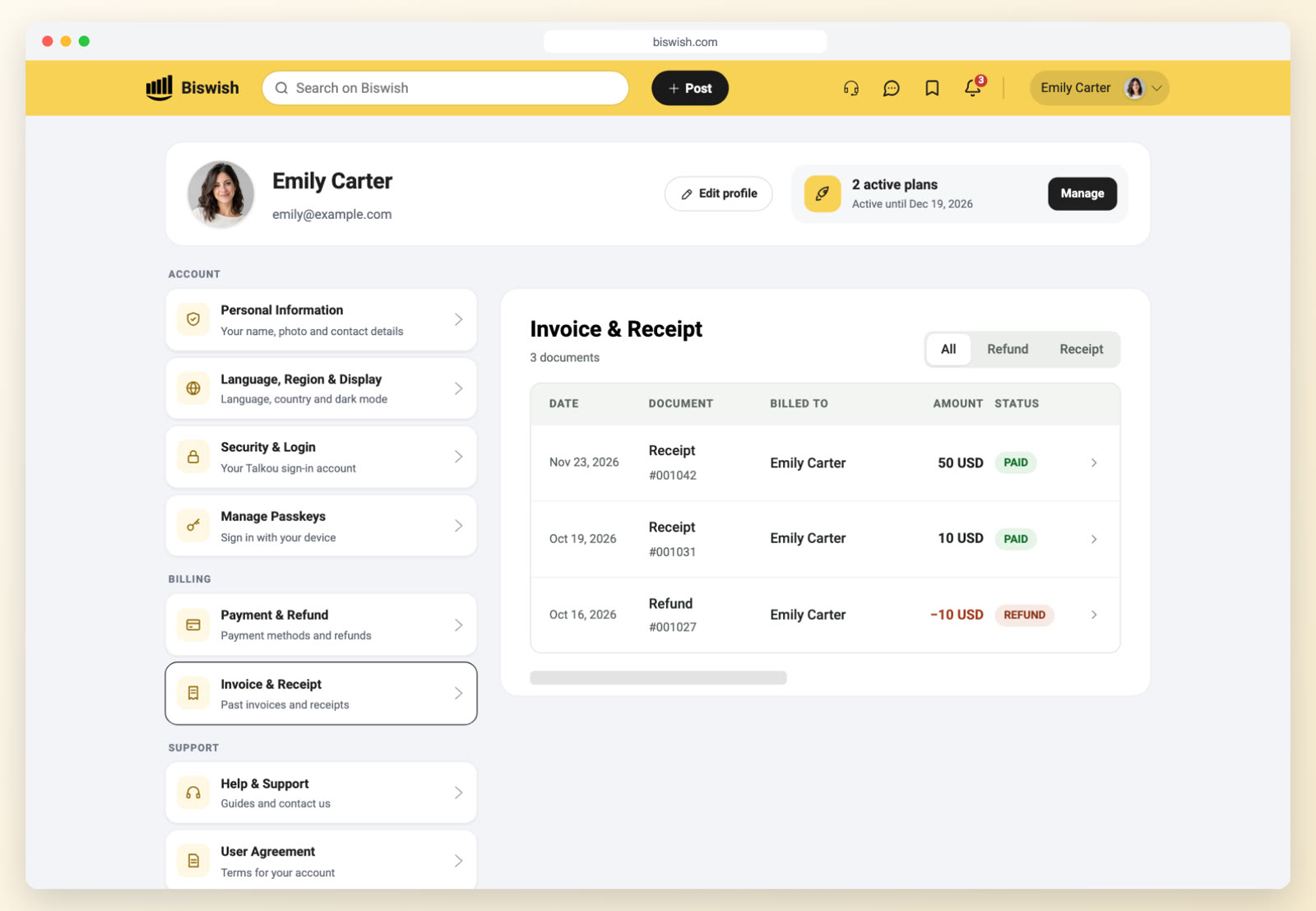
Invoice & Receipt on a computer.
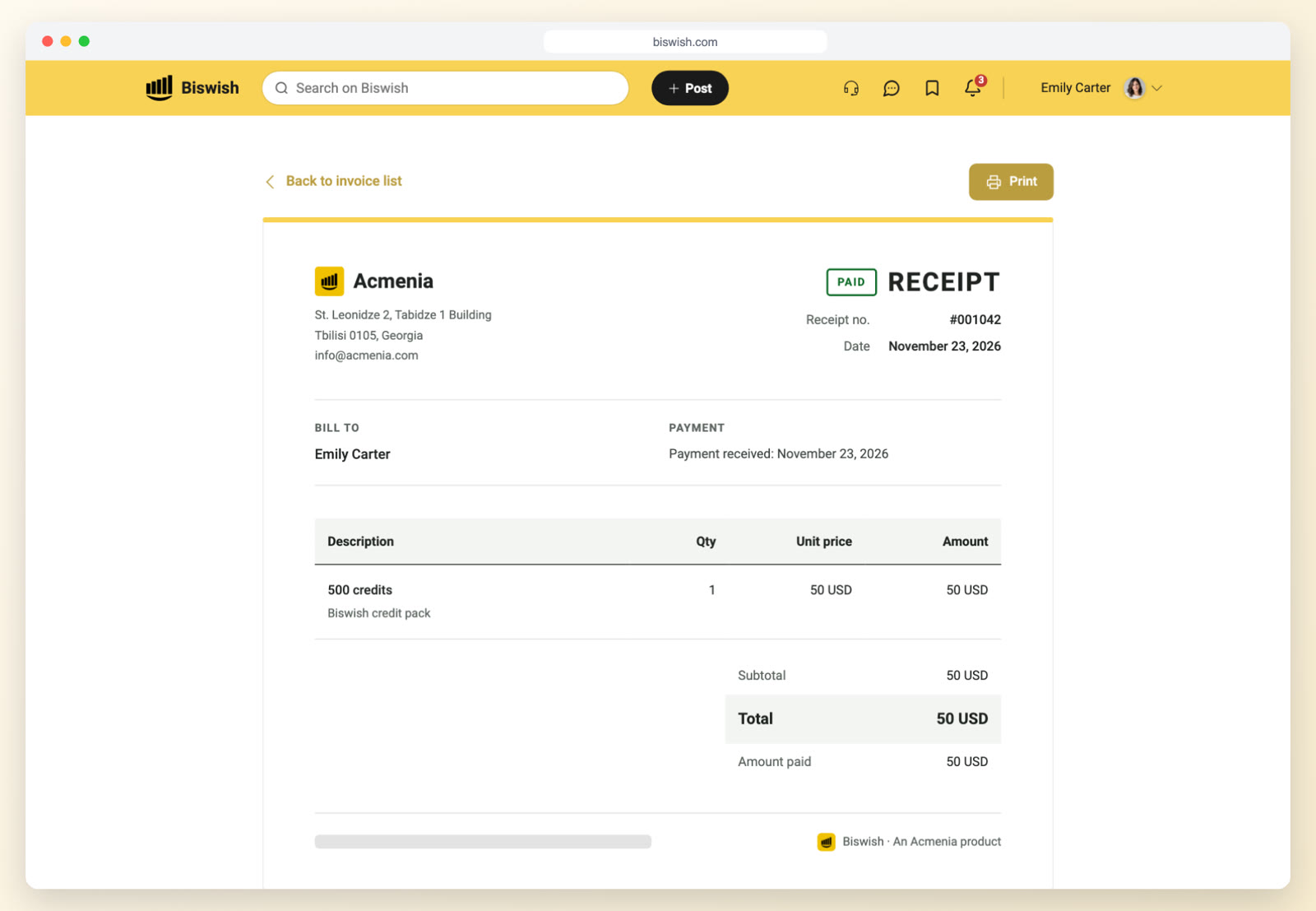
A receipt on a computer.
On your phone
Open Account, then Invoice & Receipt. Select a document to open it. In a phone browser use Print; in the app select Share to save or send it as an image.
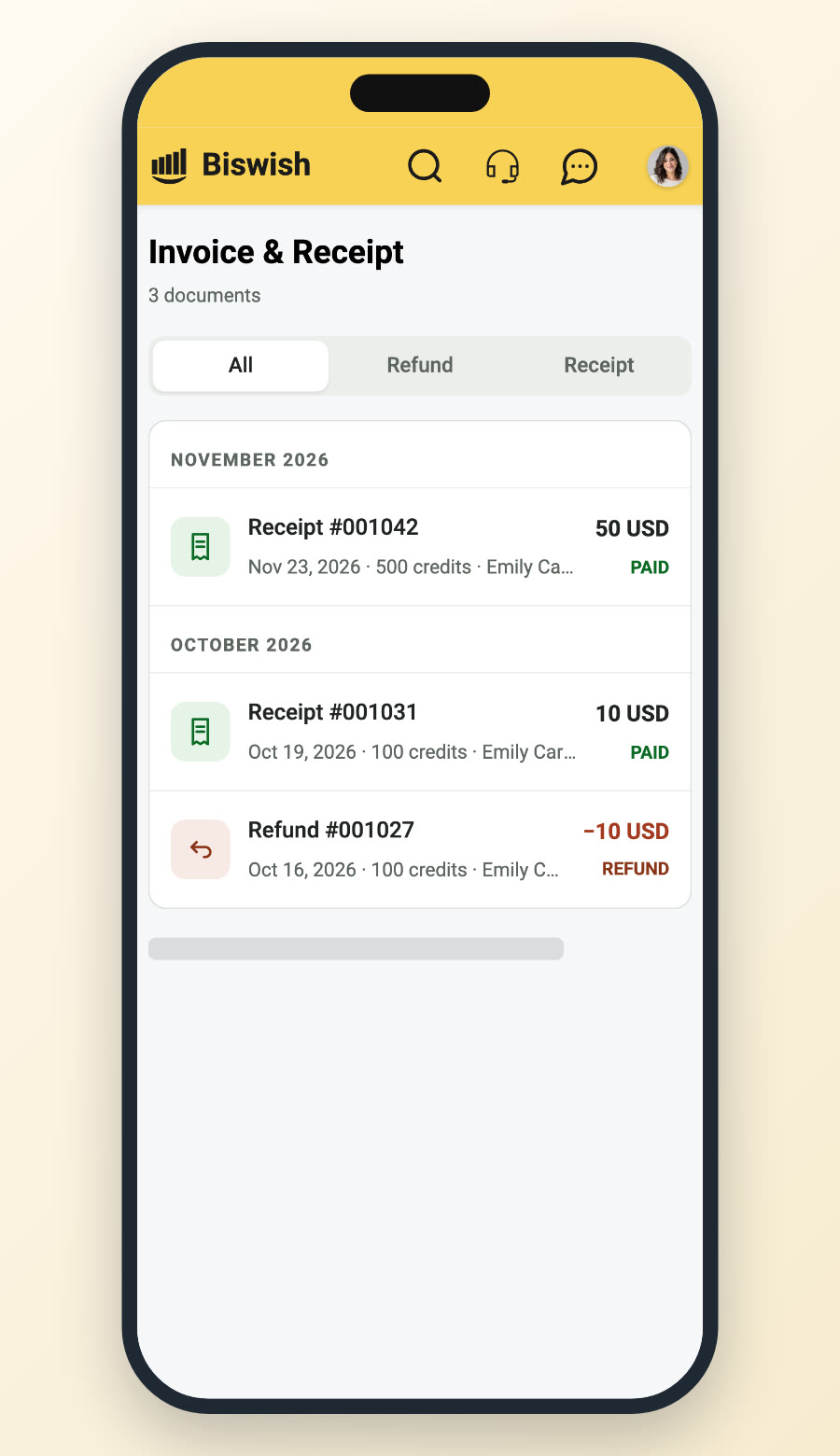
Invoice & Receipt on a phone.
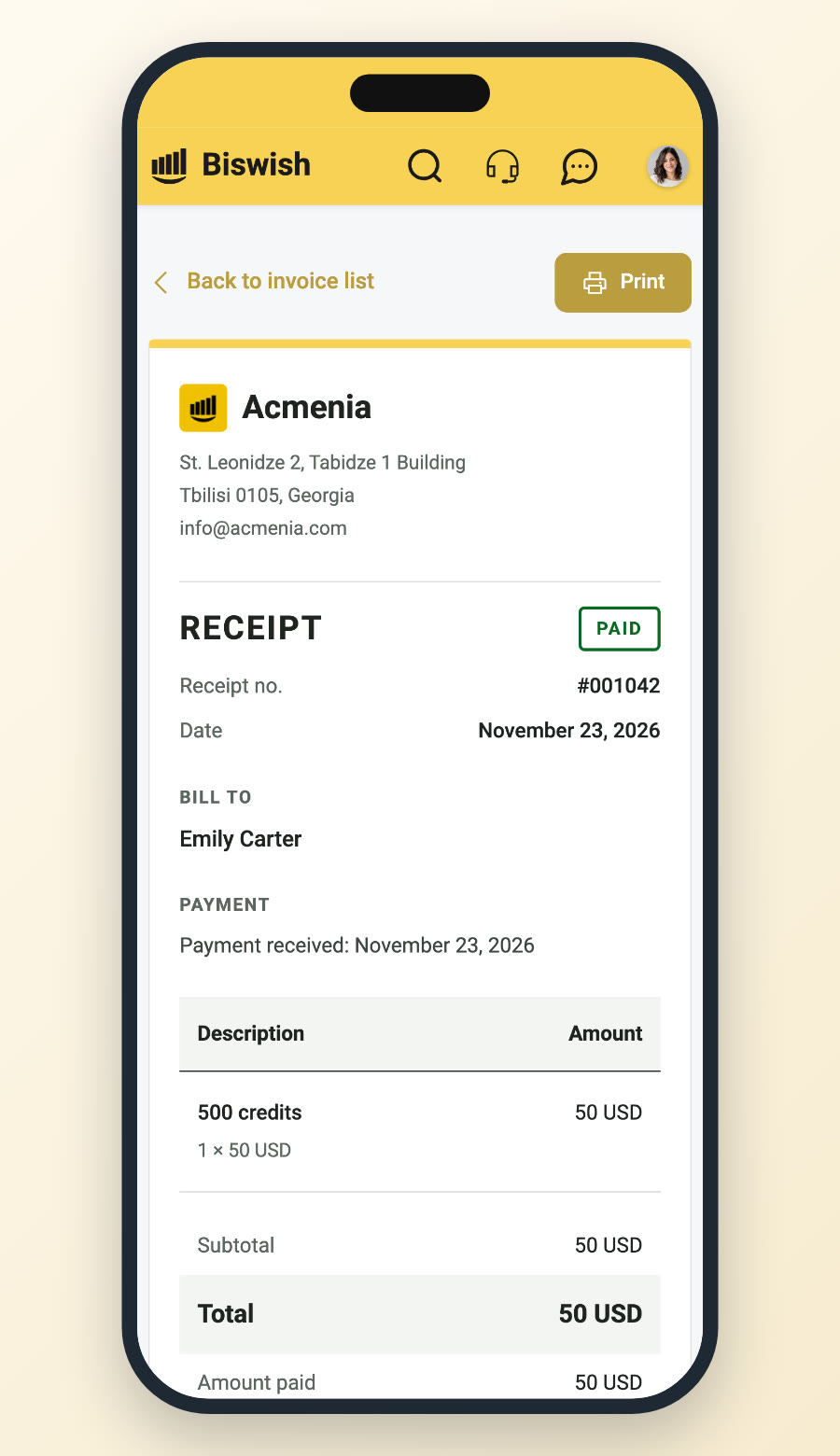
A receipt in a phone browser.
Get a document
01
Choose the walletDocuments belong to the wallet you selected in Manage.
02
Check the listThe date, amount and status are on each row.
03
Print or shareOpen the document and select Print on the website, or Share in the app.
0
Share
Send in message
Report
Copy ID