Delete your account
Ask for deletion, and how to cancel it.
Guide Chanras Sun9 hours ago · 1 min read · 1 view
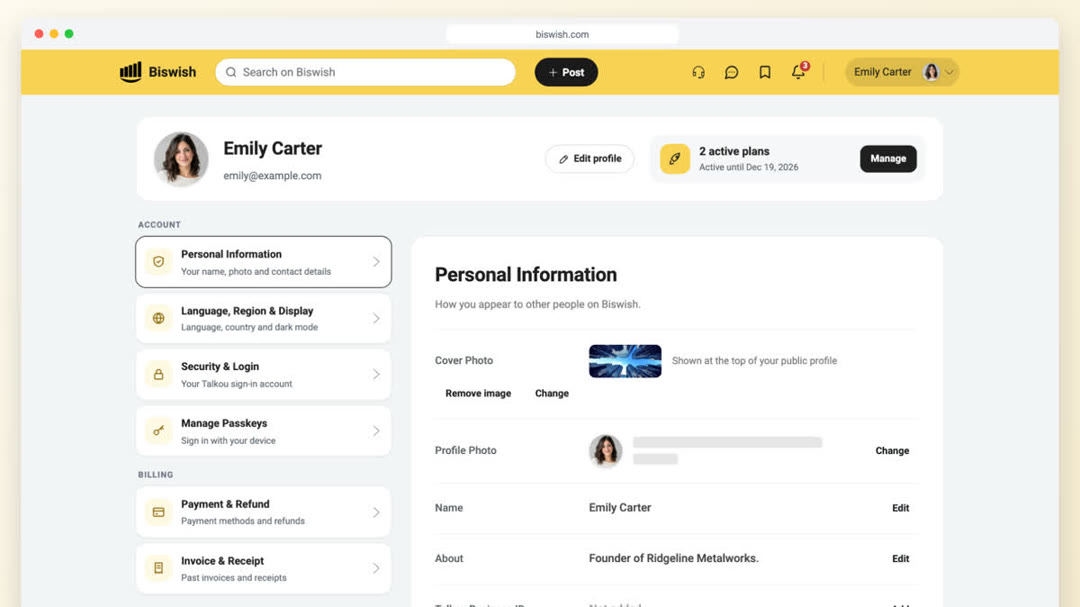
Deleting removes your account and all of its data 30 days after you ask.
On a computer
Open your name, then Personal Information, and scroll to Account Deletion. Select Delete and type YES to confirm. If you signed in more than 10 minutes ago, you are signed out first: sign in again and repeat.
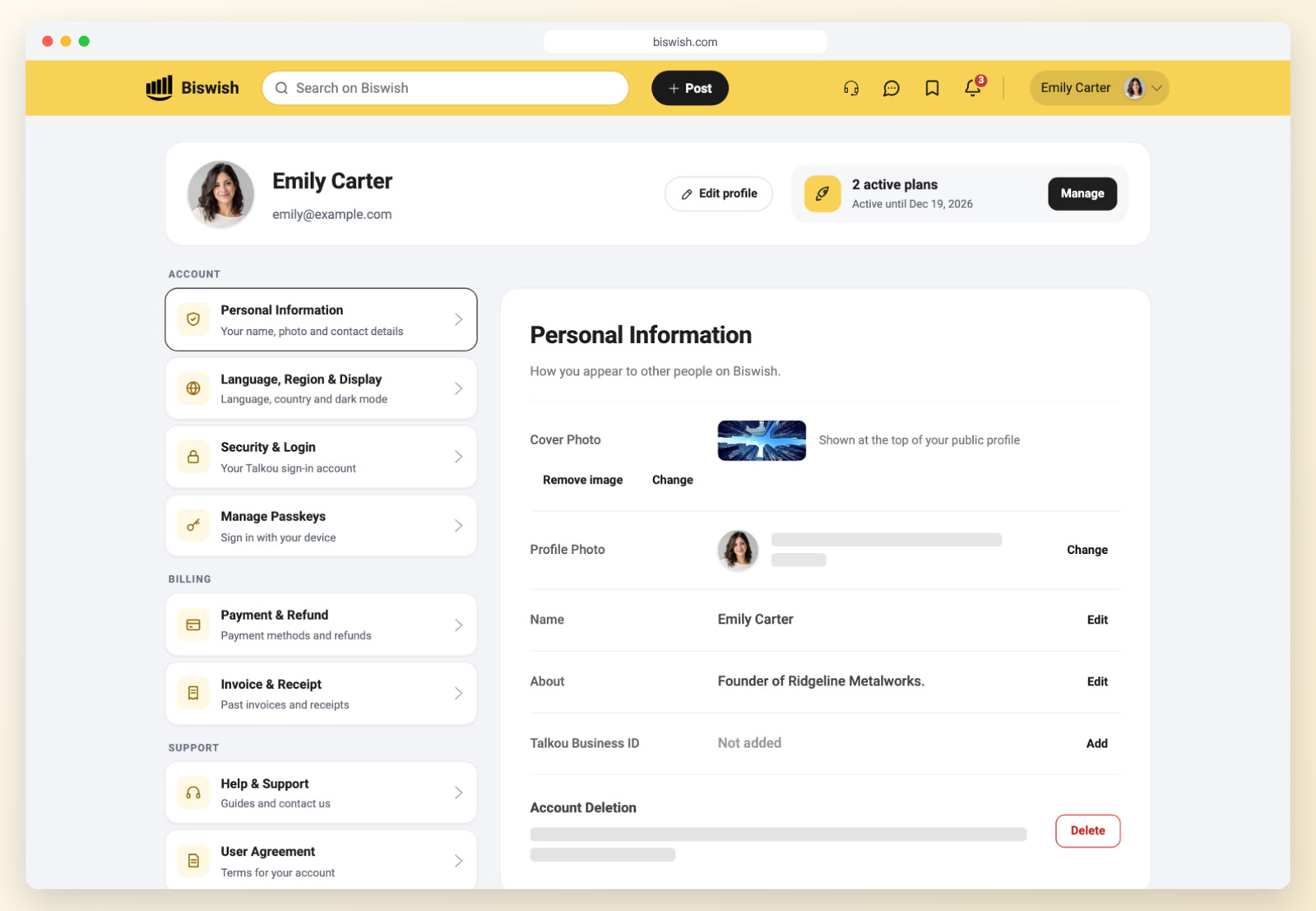
Account Deletion is at the end of Personal Information.
On your phone
Open Account, then Personal Information, and scroll to Account Deletion. In the app tap Account Deletion; in a phone browser select Delete. Then type YES to confirm.
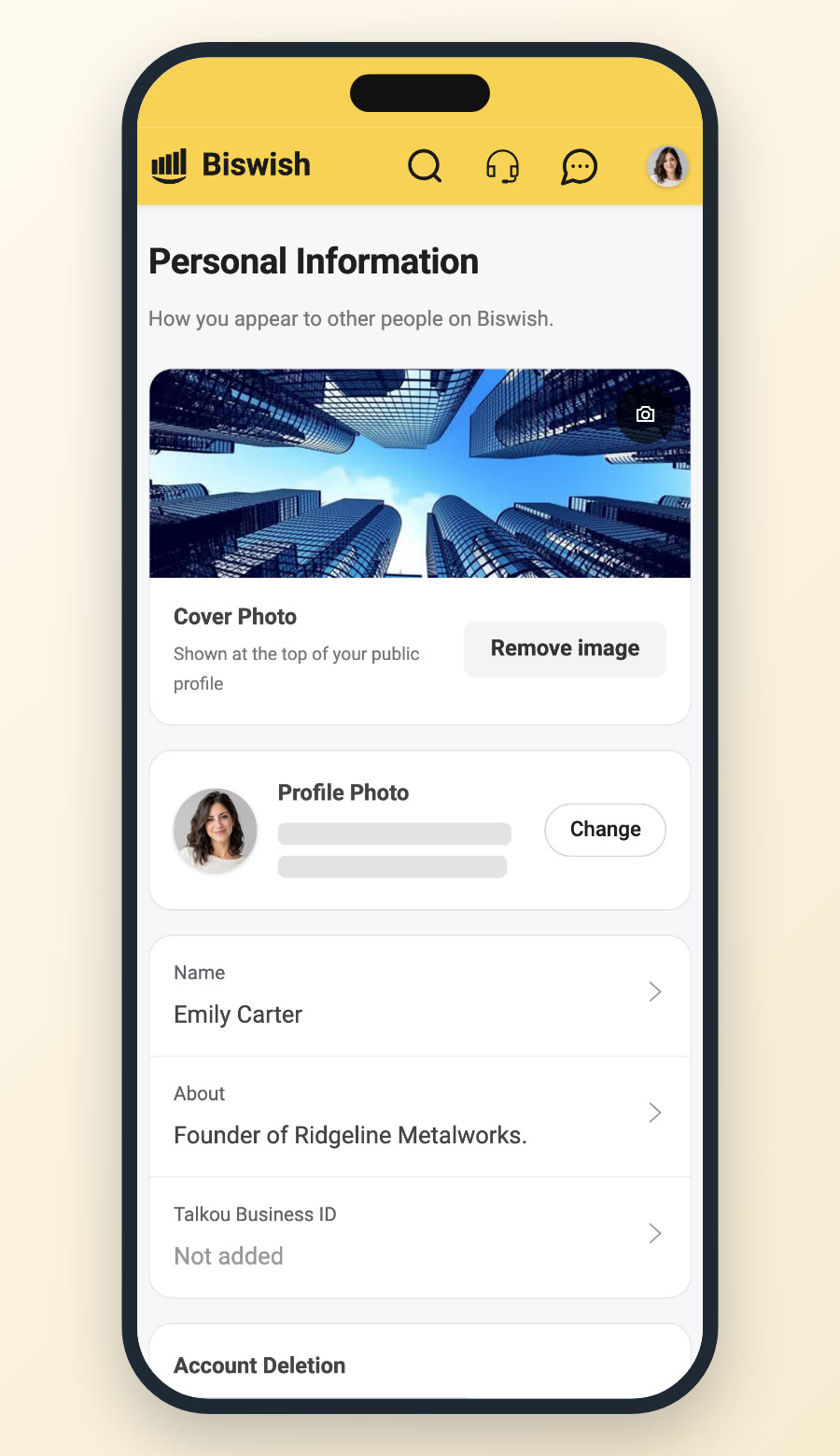
Scroll down for Account Deletion.
Before you delete
01
Finish your workComplete or cancel projects, contracts and shipments.
02
Hand over companiesMake someone else an owner.
03
DeleteSelect Delete and type YES.
04
Changed your mind?Sign in within 30 days to cancel.
0
Share
Send in message
Report
Copy ID