Personal information
Change your photo, cover, name and description.
Guide Chanras Sun10 hours ago · 1 min read · 1 view
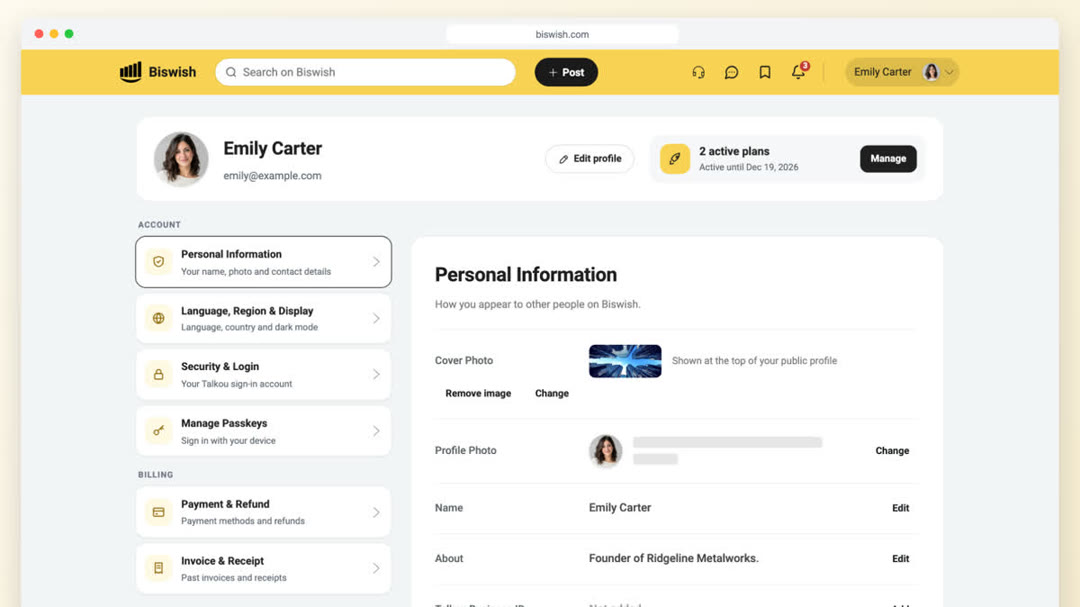
Your name, photo, cover and description appear on your public page.
On a computer
Select your name in the top bar. Personal Information opens first. Select Change, Edit or Add on a row.
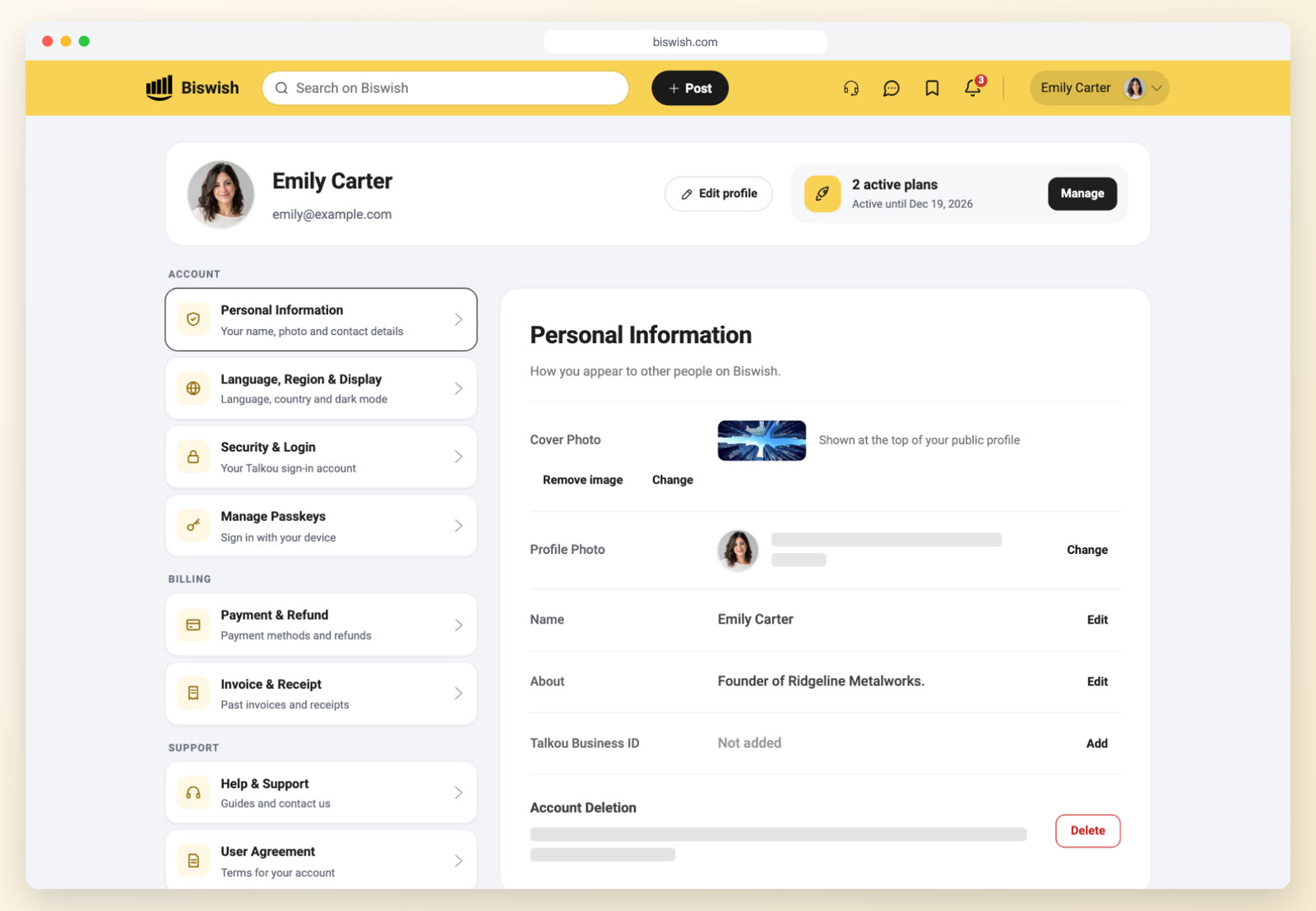
Personal information on a computer.
On your phone
Open Account, then Personal Information. In the app tap a row to change it; in a phone browser use Edit or Add. The photo has Change, and the cover has a camera icon or Add cover photo.
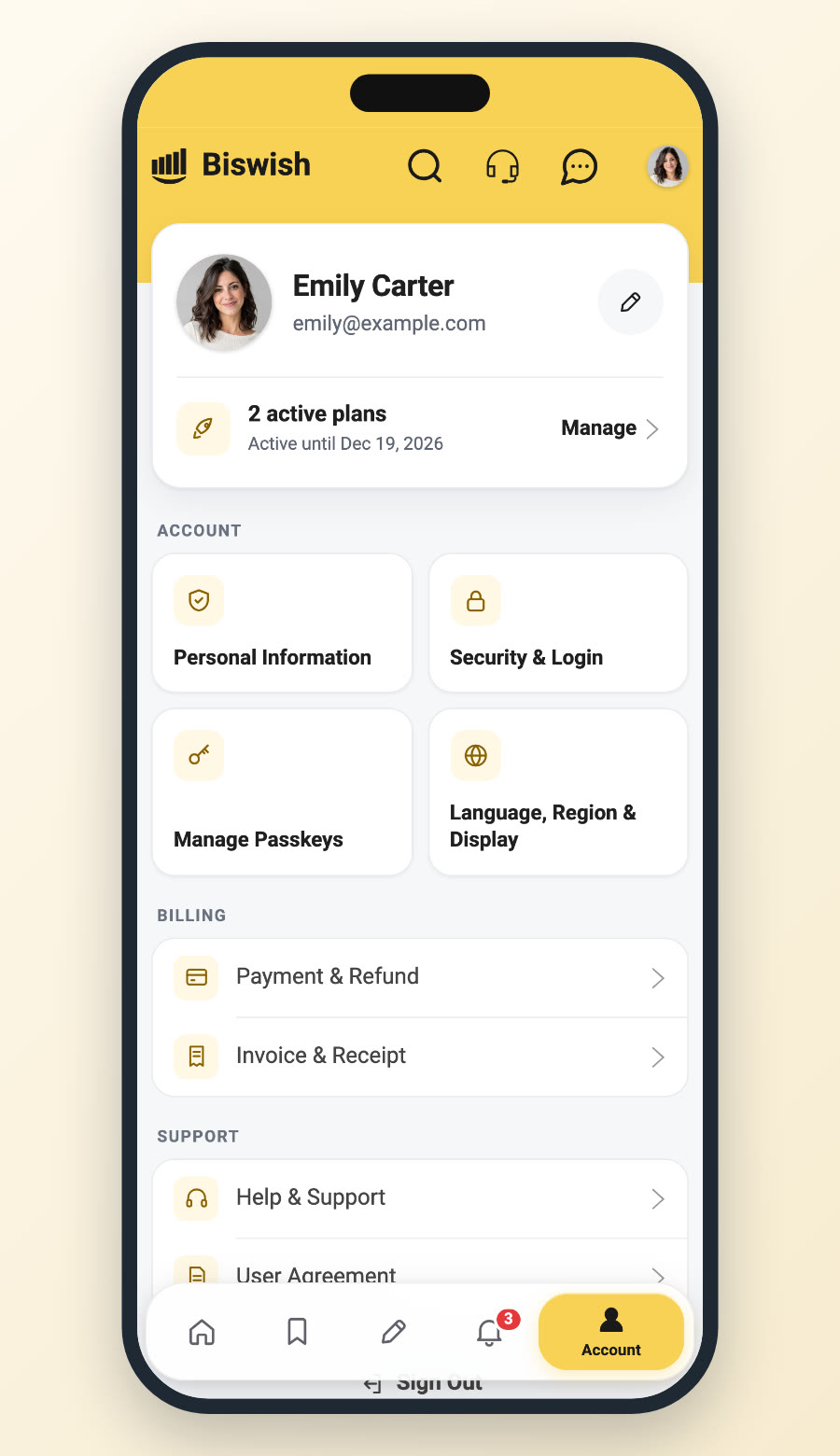
The account page on a phone.
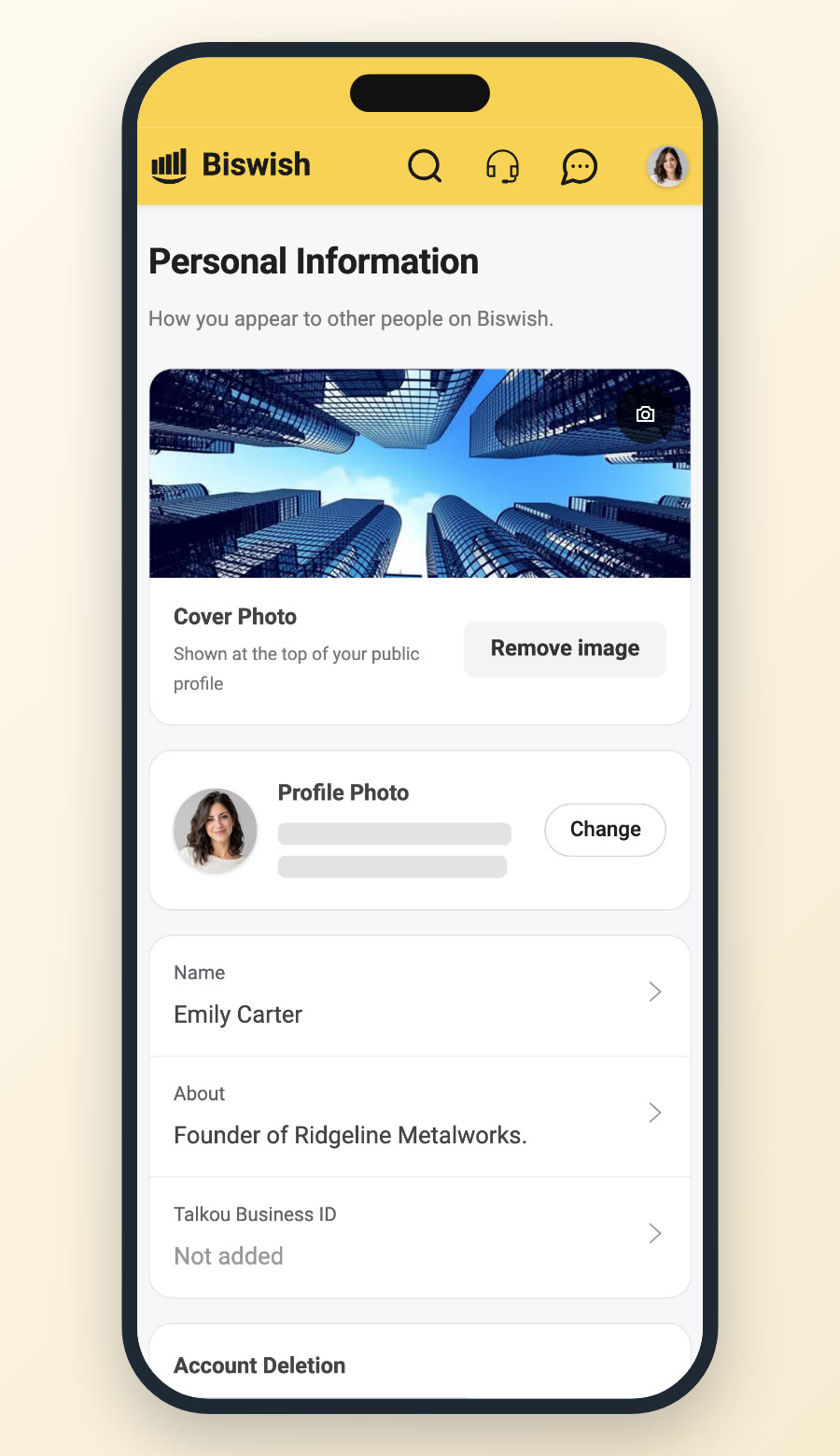
Personal information on a phone.
Complete your profile
01
Add a photoAt least 450 × 450 px.
02
Add a coverAt least 800 px wide. Shown at the top of your page.
03
Write AboutA few lines about you.
04
Add a Talkou Business IDOptional. Messages then go to your business account on Talkou.
0
Share
Send in message
Report
Copy ID