Security, login and passkeys
Manage your Talkou sign-in and the passkeys on your devices.
Guide Chanras Sun10 hours ago · 1 min read · 1 view
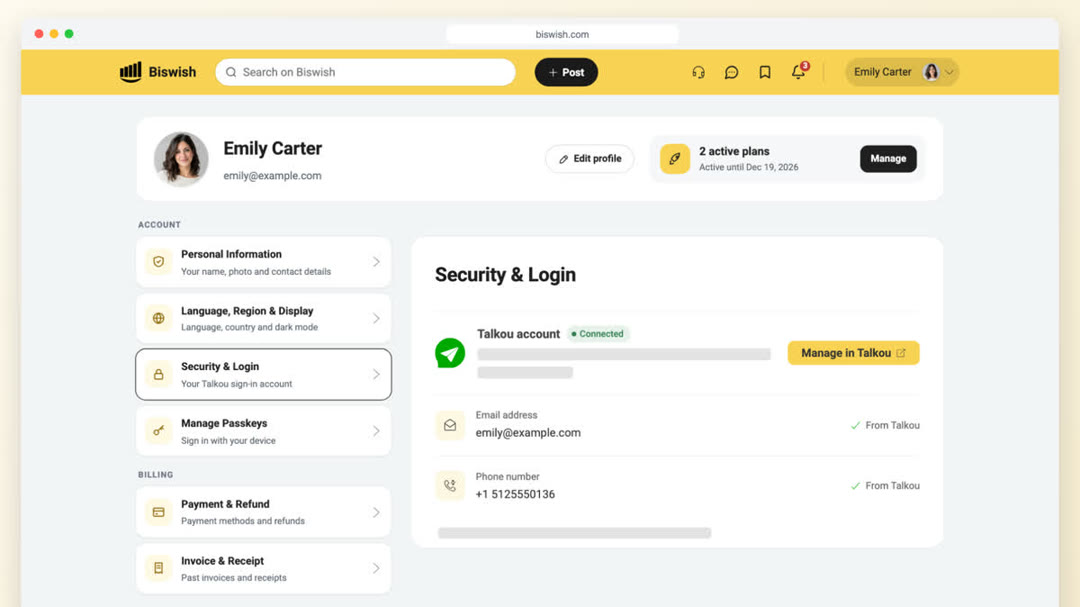
Your email and phone number come from Talkou. Manage in Talkou opens them, so you can add or change them there. A passkey signs you in with your face, fingerprint or screen lock, and stays on the device.
On a computer
Open your name, then Security & Login for your Talkou account, or Manage Passkeys. Select Set up a passkey to add this device.
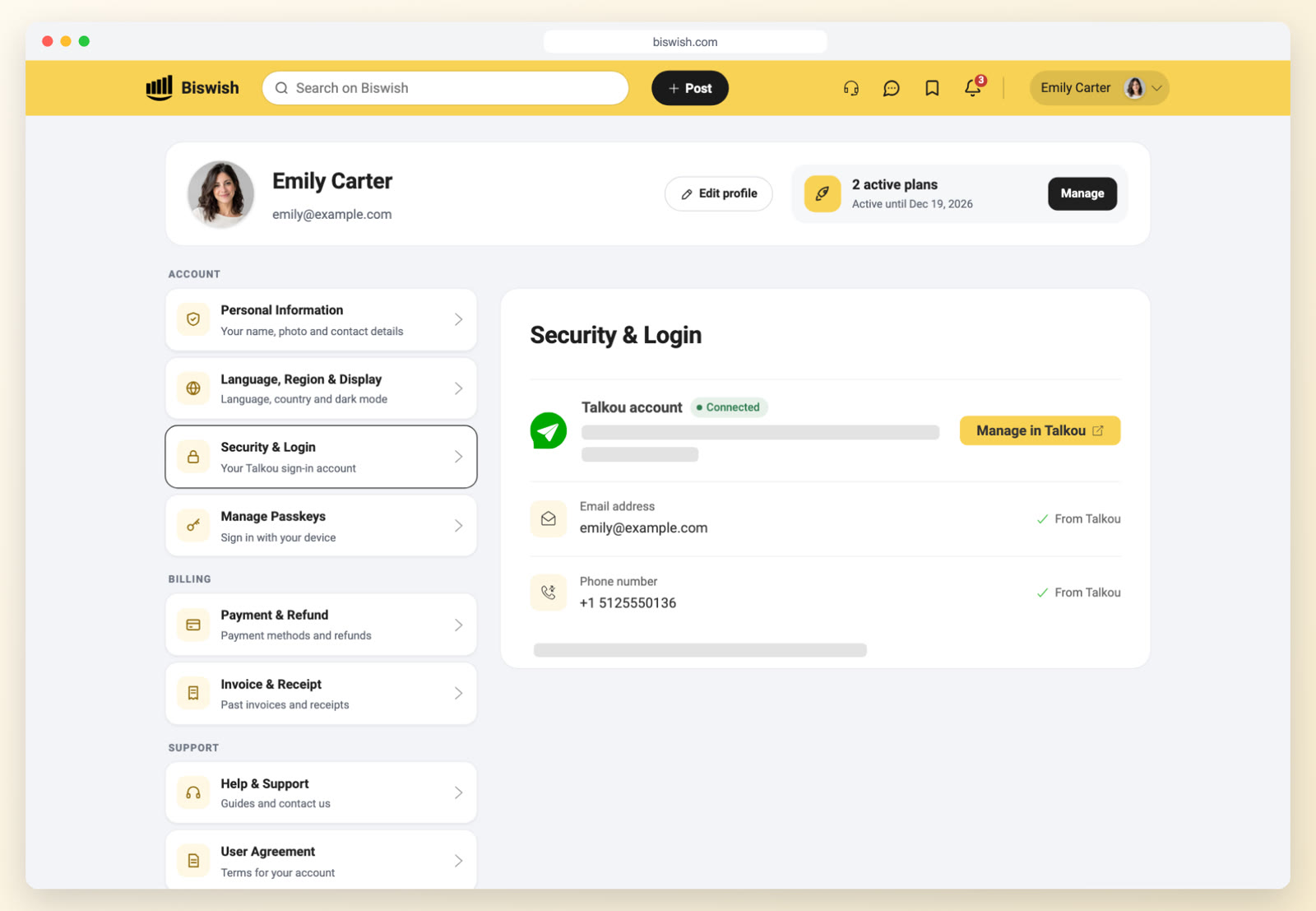
Security & Login.
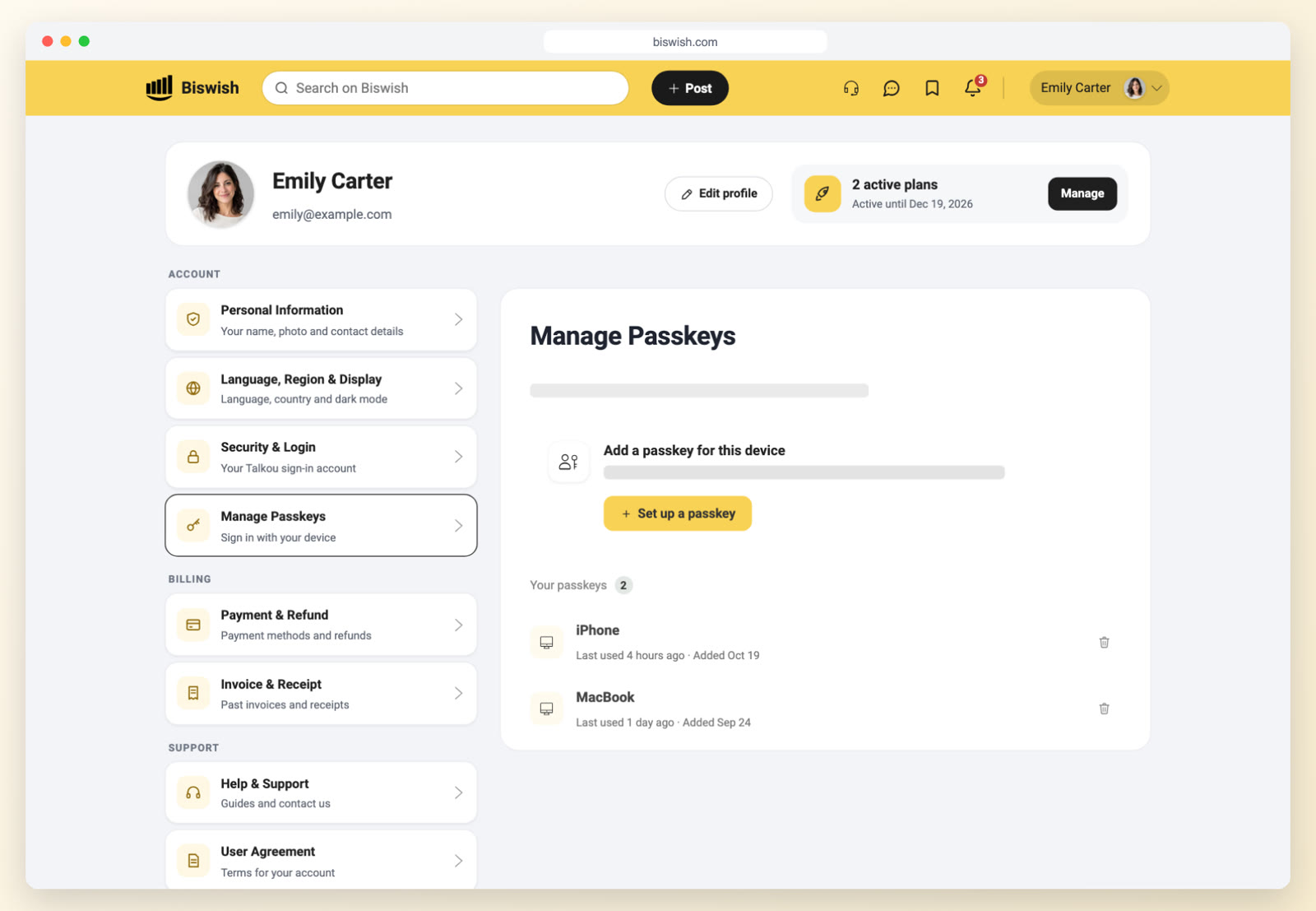
Manage Passkeys.
On your phone
Open Account, then Security & Login or Manage Passkeys.
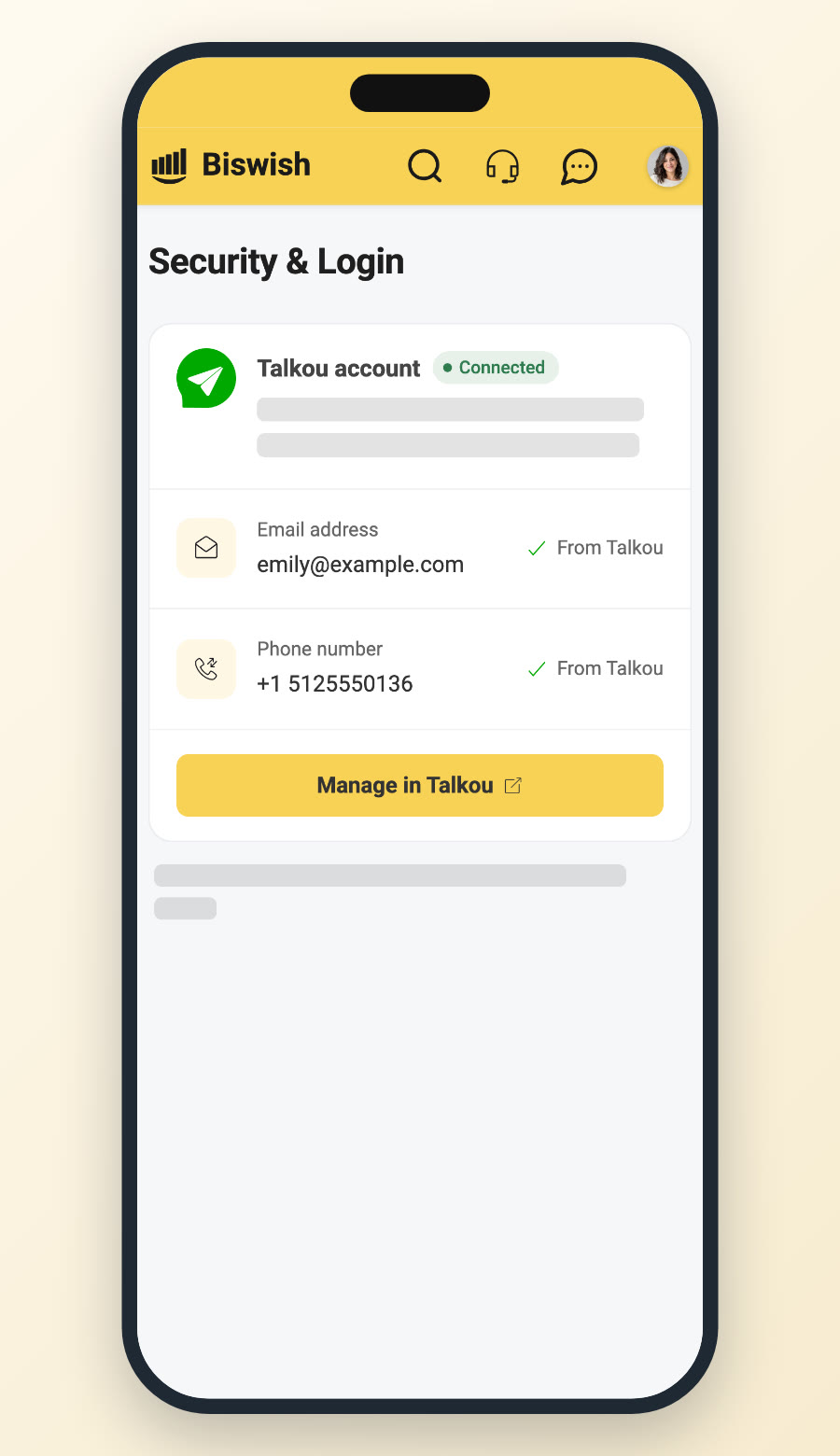
Security & Login on a phone.
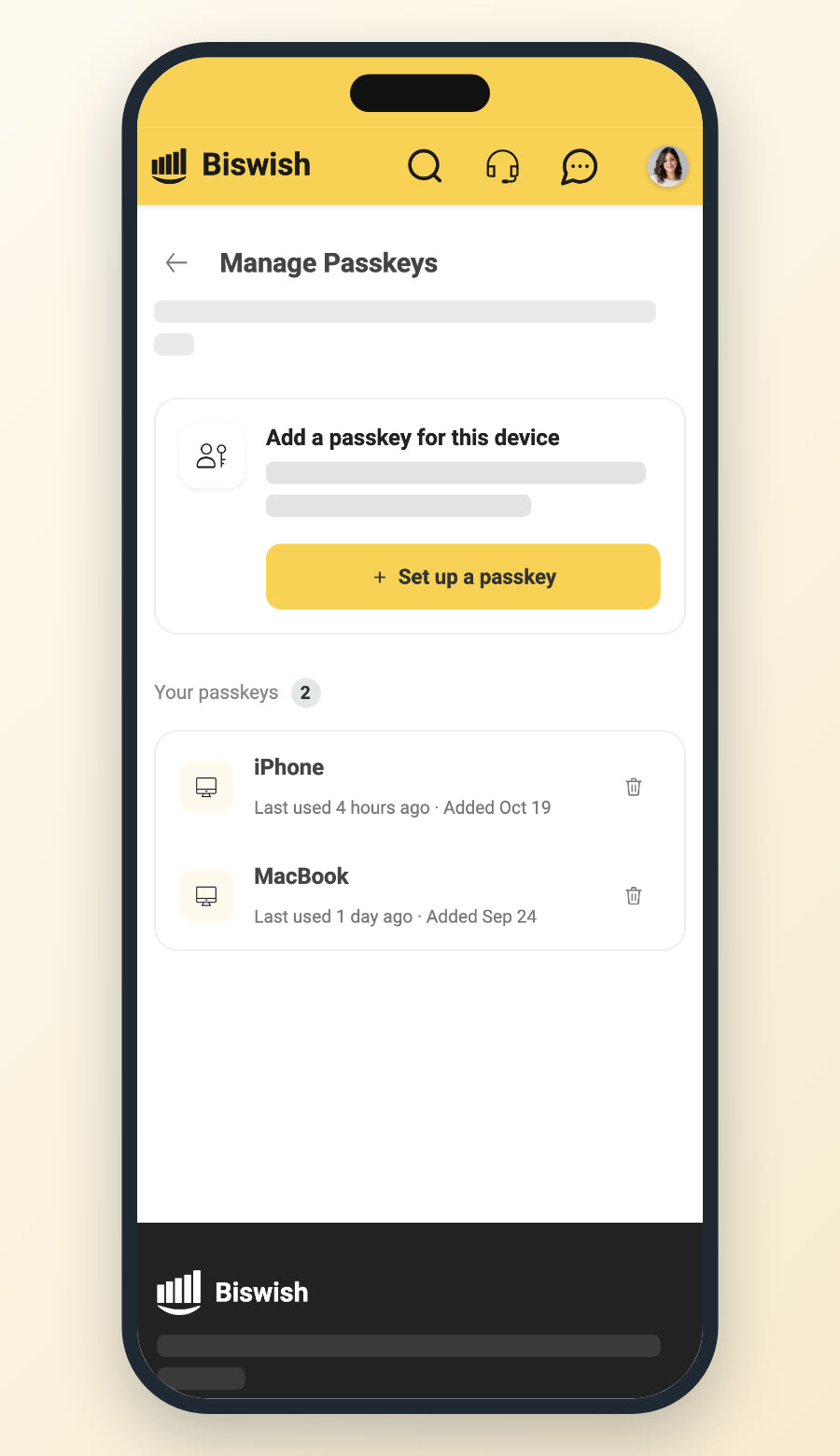
Manage Passkeys on a phone.
Add a passkey
01
Open Manage PasskeysIn your account settings.
02
Select Set up a passkeyYour device asks for your face, fingerprint or screen lock.
03
Use itChoose Log in with passkey next time.
04
Remove itSelect Delete on a lost device. The one you are using says This device.
0
Share
Send in message
Report
Copy ID