Report a post, comment, space or person
See something that breaks the rules? Report a post, comment, space or profile from its menu, pick a reason, add details if you like and submit. Boogir reviews every report and can remove content that breaks its policies.
Guide Chanras Sun4 days ago · 3 min read · 2 views
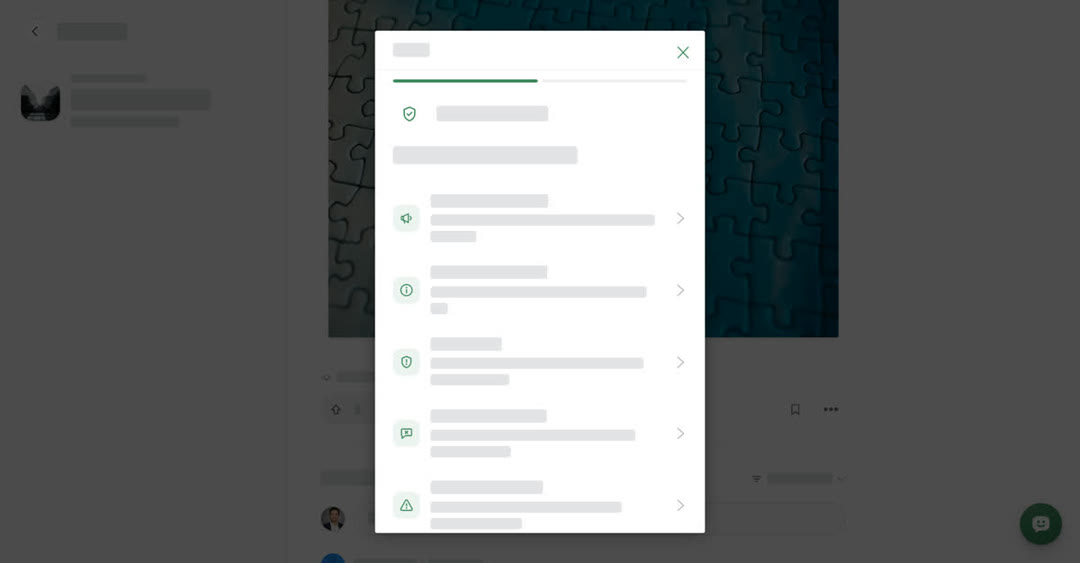
Reports help keep Boogir useful and safe. If a post, a comment, a space or a person's profile looks like spam, a scam, harassment or anything else that breaks the rules, report it.
You need to be signed in to send a report. If you are signed out, Boogir asks you to log in first.
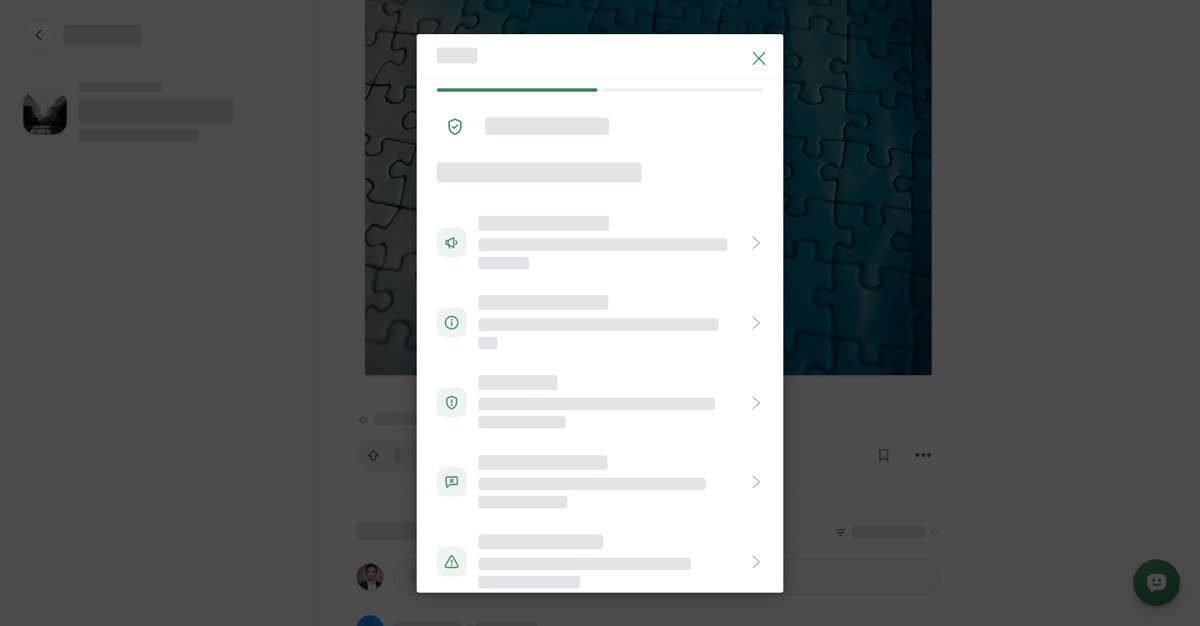
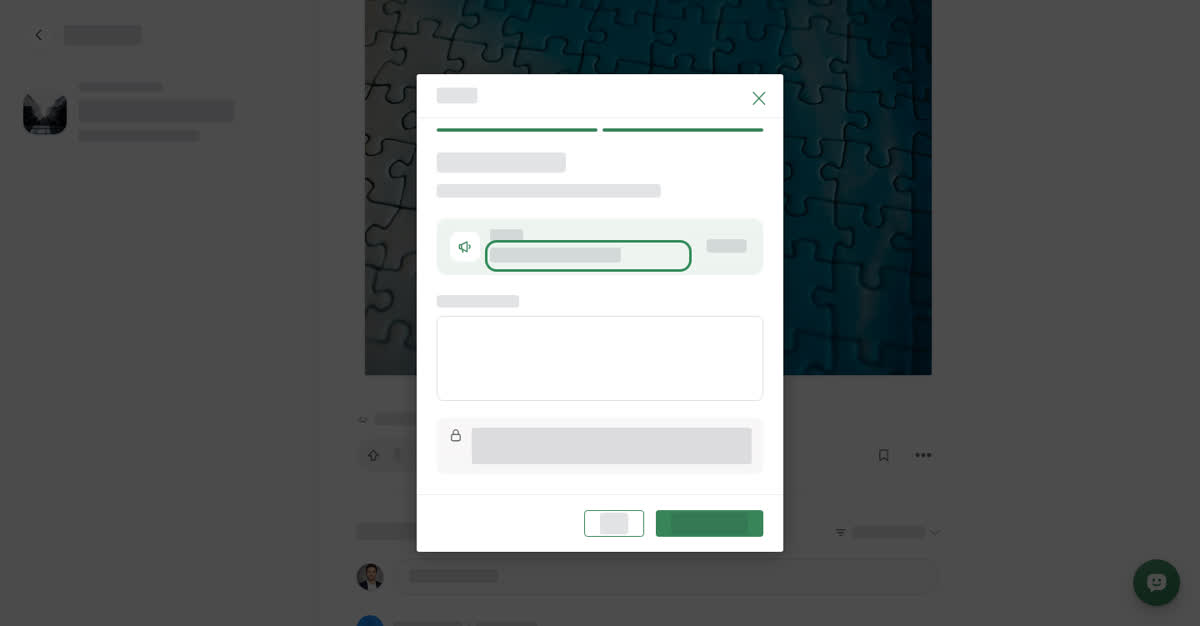
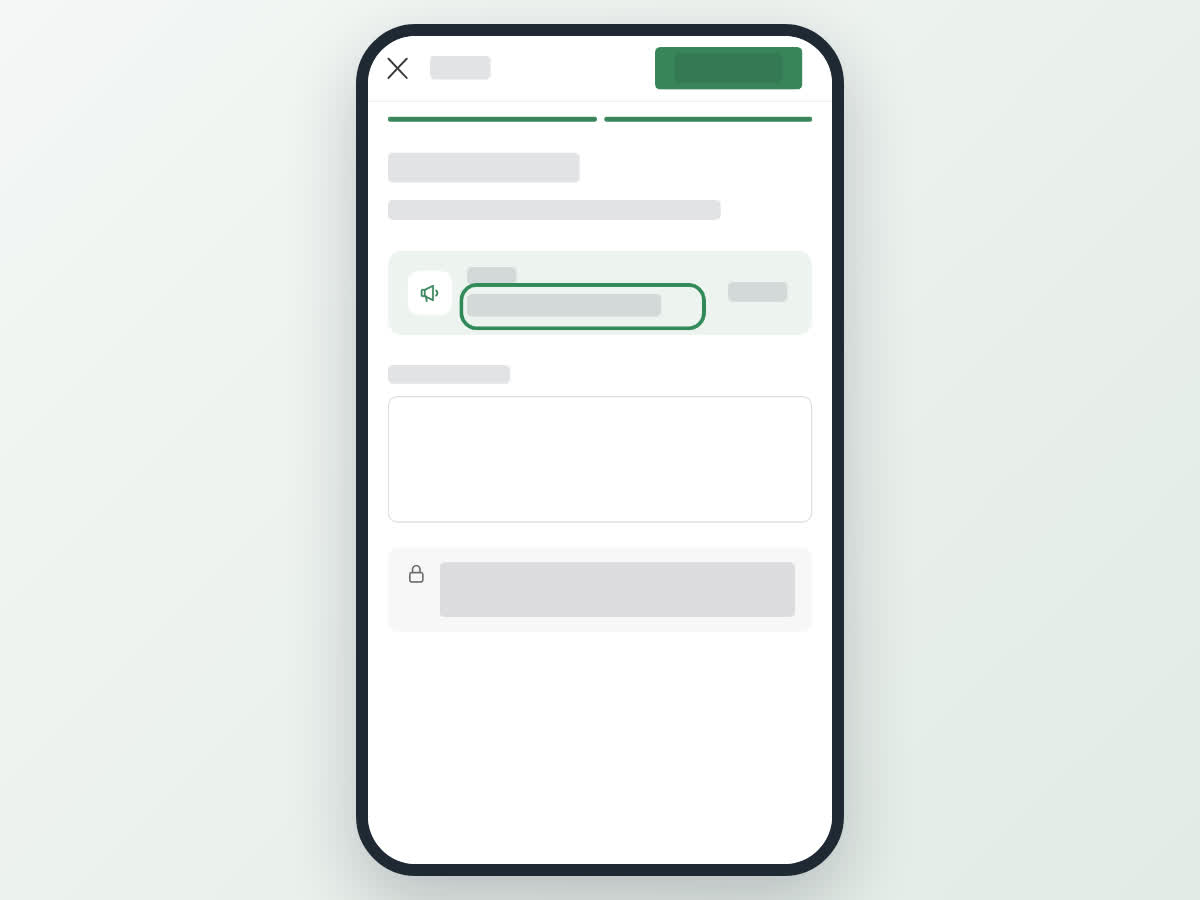
A report has two steps: first you pick a reason under Why are you reporting this?, then you can add details under Tell us a bit more and submit.
On a computer
Where to find Report:
- A post — open the ⋯ menu next to the author's name, or the one below the post, and select Report.
- A comment — open the comment's menu and select Report.
- A space — on the space page, open the ⋯ menu and select Report.
- A person — on their profile, open the ⋯ menu and select Report.
The Report window opens in the middle of the page.
Send a report
On your phone
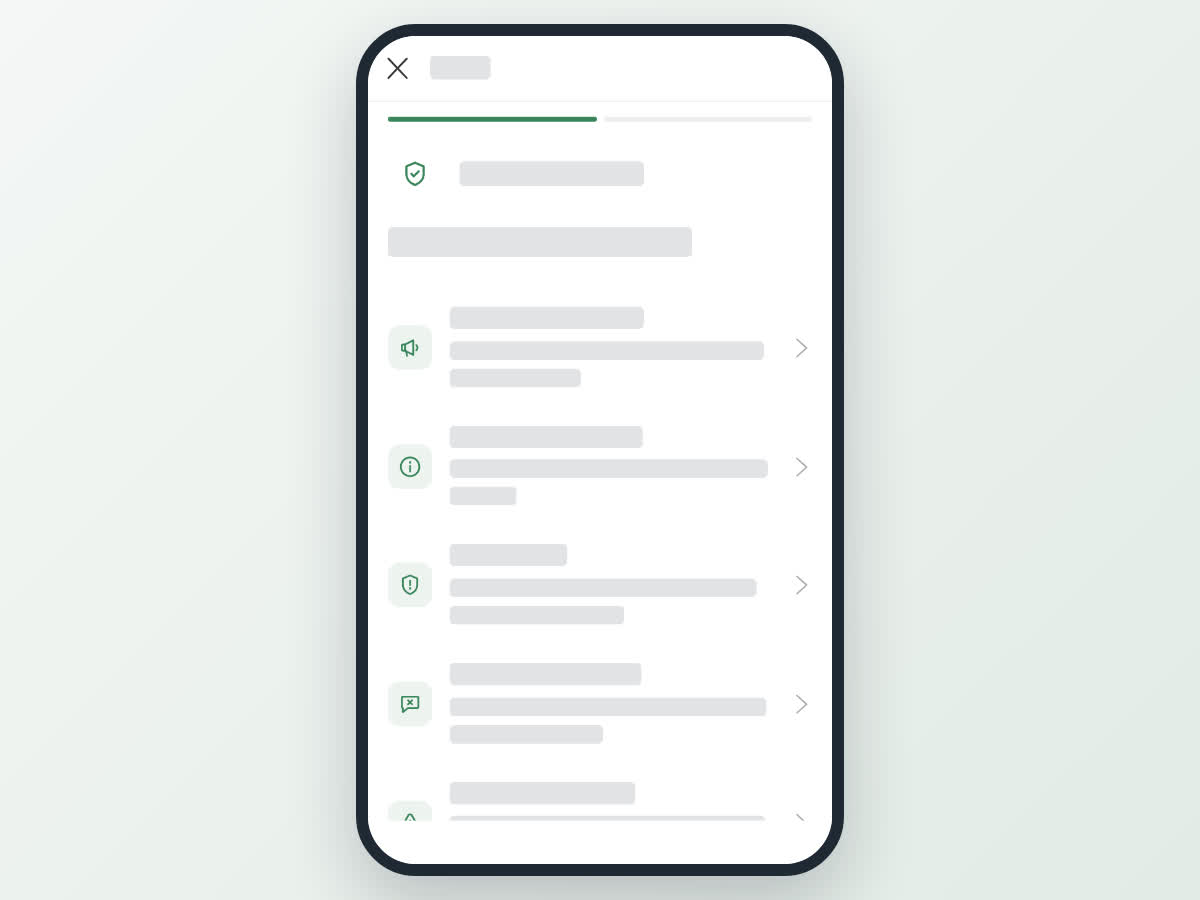
These steps are the same in the Boogir app and on boogir.com in your phone's browser.
On a phone, Report opens full screen. On a post, use the ⋯ next to the author's name at the top of the post.
Send a report on your phone
The reasons
The list depends on what you are reporting.
Posts and comments: Advertisement or spam, Misleading information, Scam or fraud, Inappropriate language, Harassment or threats, Adult content, Violence or terrorism, Allegation of illegal activity, Personal Info, Criticism or other review, Violates the Terms of Use.
Spaces: Fake company, Scam or fraud, Advertisement or spam, Misleading information, Personal Info, Inappropriate language, Harassment or threats, Adult content, Violence or terrorism, Allegation of illegal activity, Violates the Terms of Use.
People: Fake account, Scam or fraud, Advertisement or spam, Personal Info, Misleading information, Inappropriate language, Harassment or threats, Adult content, Violence or terrorism, Allegation of illegal activity, Deceased account, Violates the Terms of Use.
Not sure if something is allowed? On boogir.com, the link at the bottom of the reasons list, See what’s allowed in our Community Guidelines, opens the rules in a new tab.
What happens after you report
The Boogir team reviews every report and acts when the content breaks Boogir's policies. You do not get a separate reply about the outcome.
If the team removes something, its owner gets a notification, for example removed your post after reviewing reports or removed your comment after reviewing reports. Space owners are told when content is removed from their space, and people are told when content is removed from their profile.
If something puts someone in immediate danger, contact your local emergency services as well.