Read a job page
What a job post tells you, how to apply, and what the other buttons on the page do.
Guide Chanras Sun6 hours ago · 2 min read · 1 view
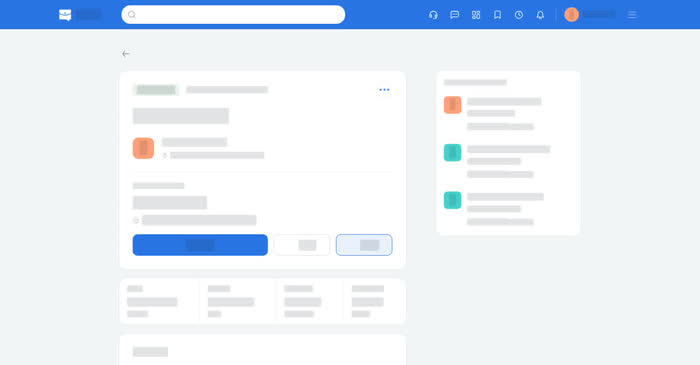
A job page is everything the employer chose to publish about the role: the title and company, the salary, the deadline, the employment type, the workplace, the experience and the skills. The employer writes the body of the page in sections — a summary, the responsibilities, the requirements, compensation and benefits, and so on — so a long post stays readable.
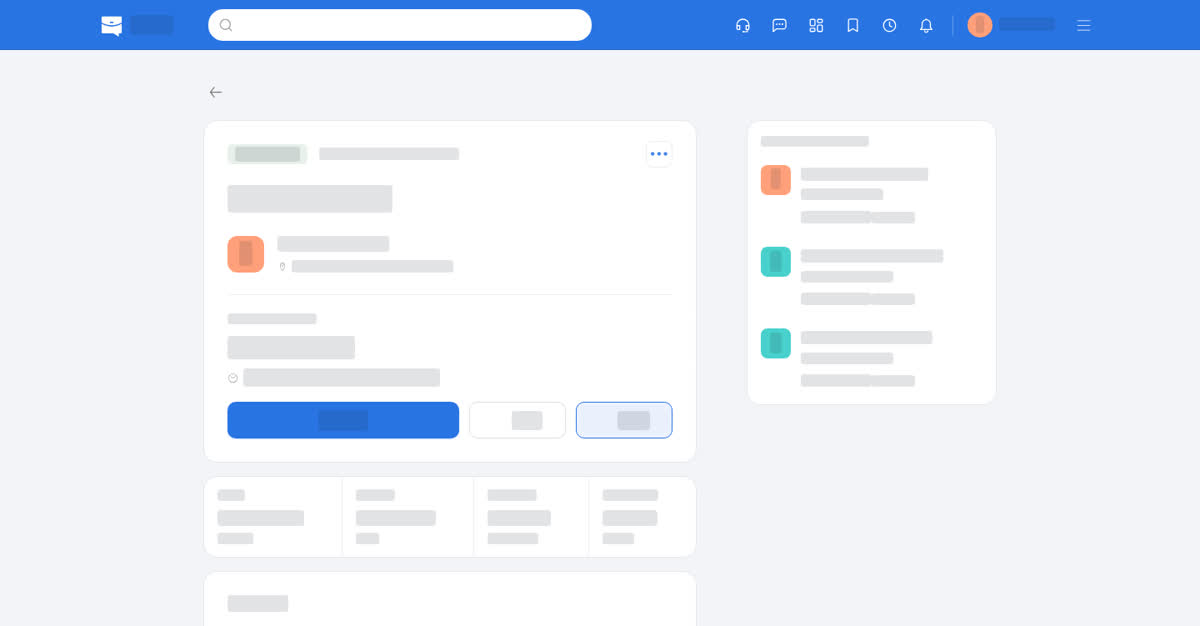
On a computer
The page opens with Apply, Share and Save. Below them come the facts of the role and the sections the employer filled in, then the company card and a list of similar jobs. Message is further down, on the Posted by card and the company card.
- Apply opens the application form. Once you have applied the button reads Re-apply, and you can apply again.
- Save keeps the job in Saved → Jobs.
- Share opens a dialog where you can copy the post's title and link or send them to another site or app.
- Message opens a conversation with the poster or the company's Talkou business account. Contacting someone new needs a Boost plan with contacts left; applying lets you message the poster free.
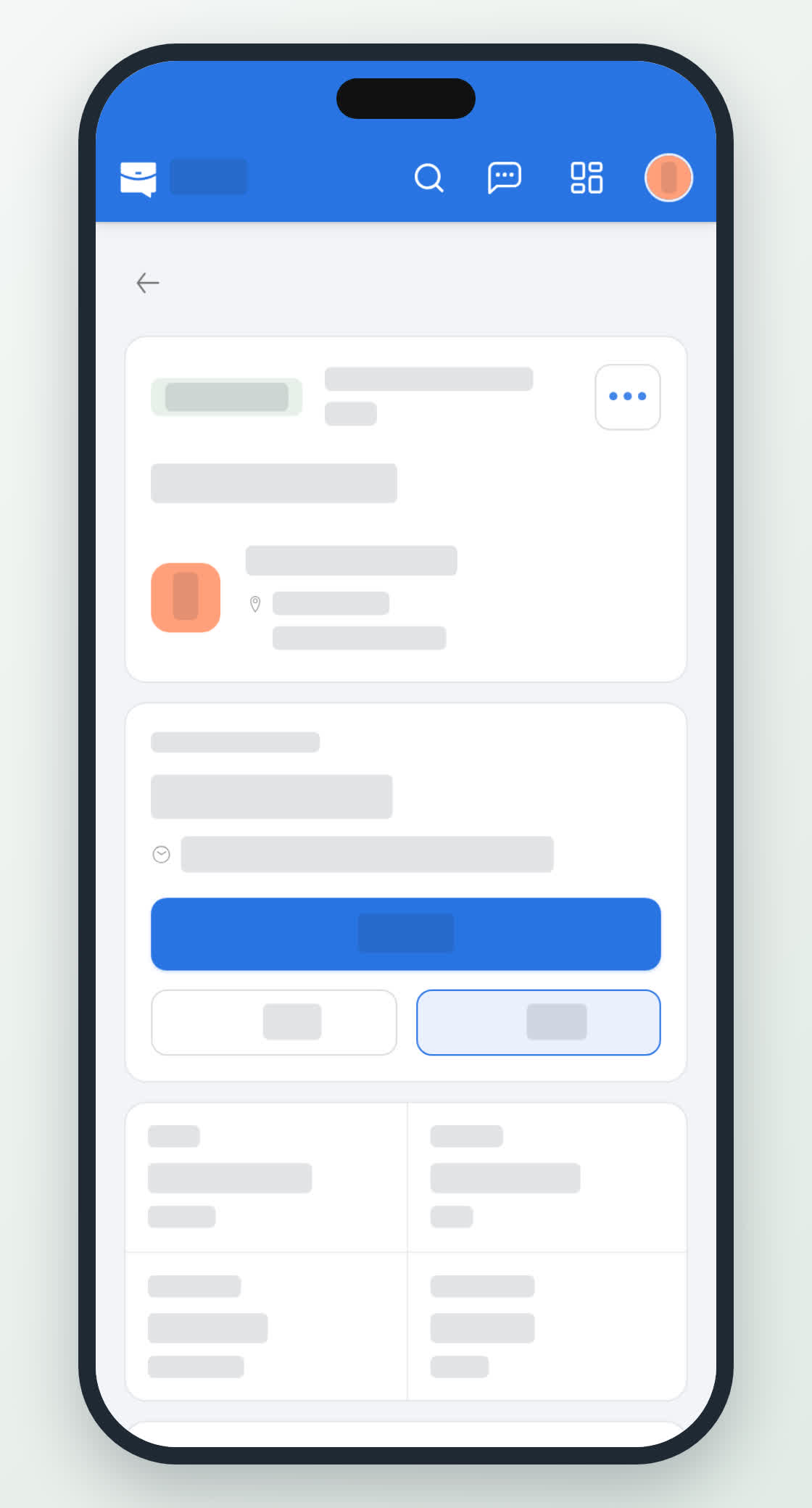
On your phone
The same page, one column: the title block with the company logo, then the action row, then the facts and the sections, with View Company on the company card below. In the app Share uses the phone's own share sheet; in the phone browser it opens a dialog with Copy and a list of apps.