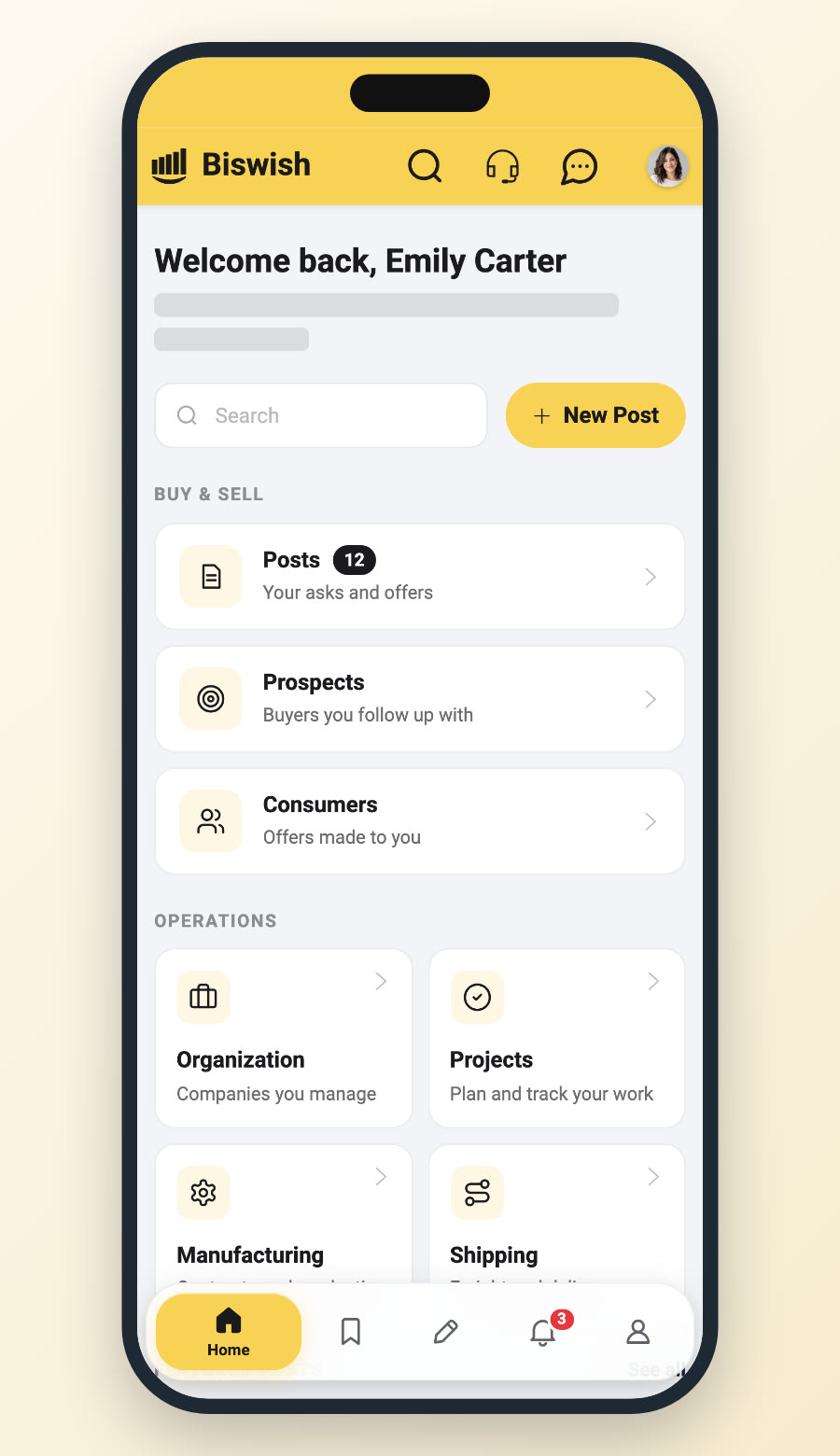
Use the Biswish app
What the iPhone and Android app does differently from the website.
Guide Chanras Sun11 hours ago · 2 min read · 1 view
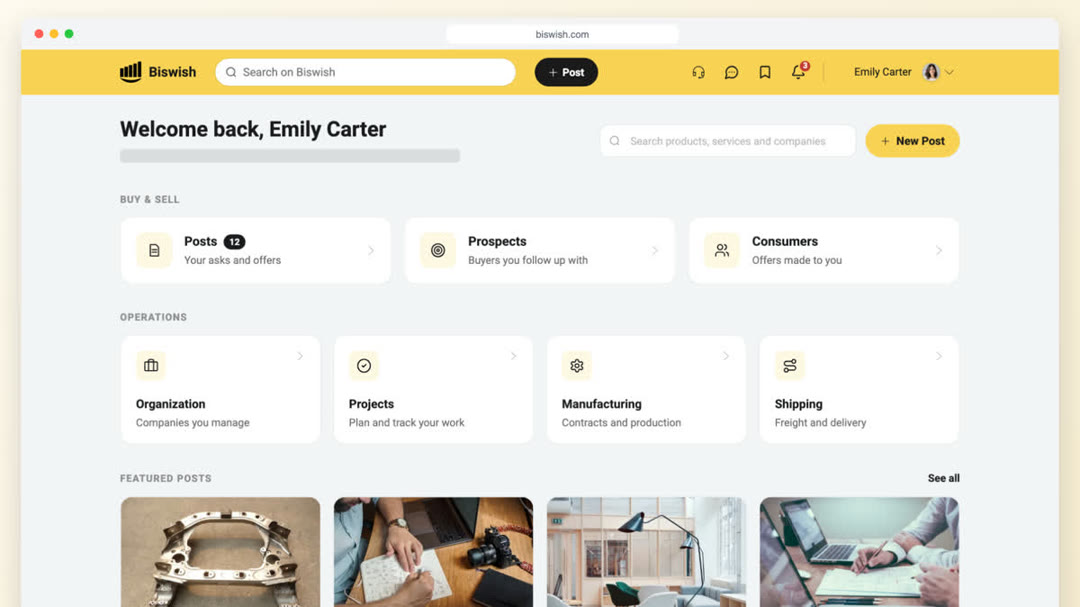
The Biswish app for iPhone and Android uses the same account, posts, companies and contracts as the website. Change something in one and you see it in the other.
Only in the app
- Push notifications – when you receive a project offer, a manufacturing contract or a shipment
- Add Credits – buy credits with the App Store or Google Play
- Share an invoice – open a document in Invoice & Receipt and select Share to send it as an image
- More options in the share sheet – the share options of your phone
Only on the website
- The footer, with Pricing, the agreements and links to articles
- The cookie banner
- Side by side pages and the list view of search, on a computer
On a computer
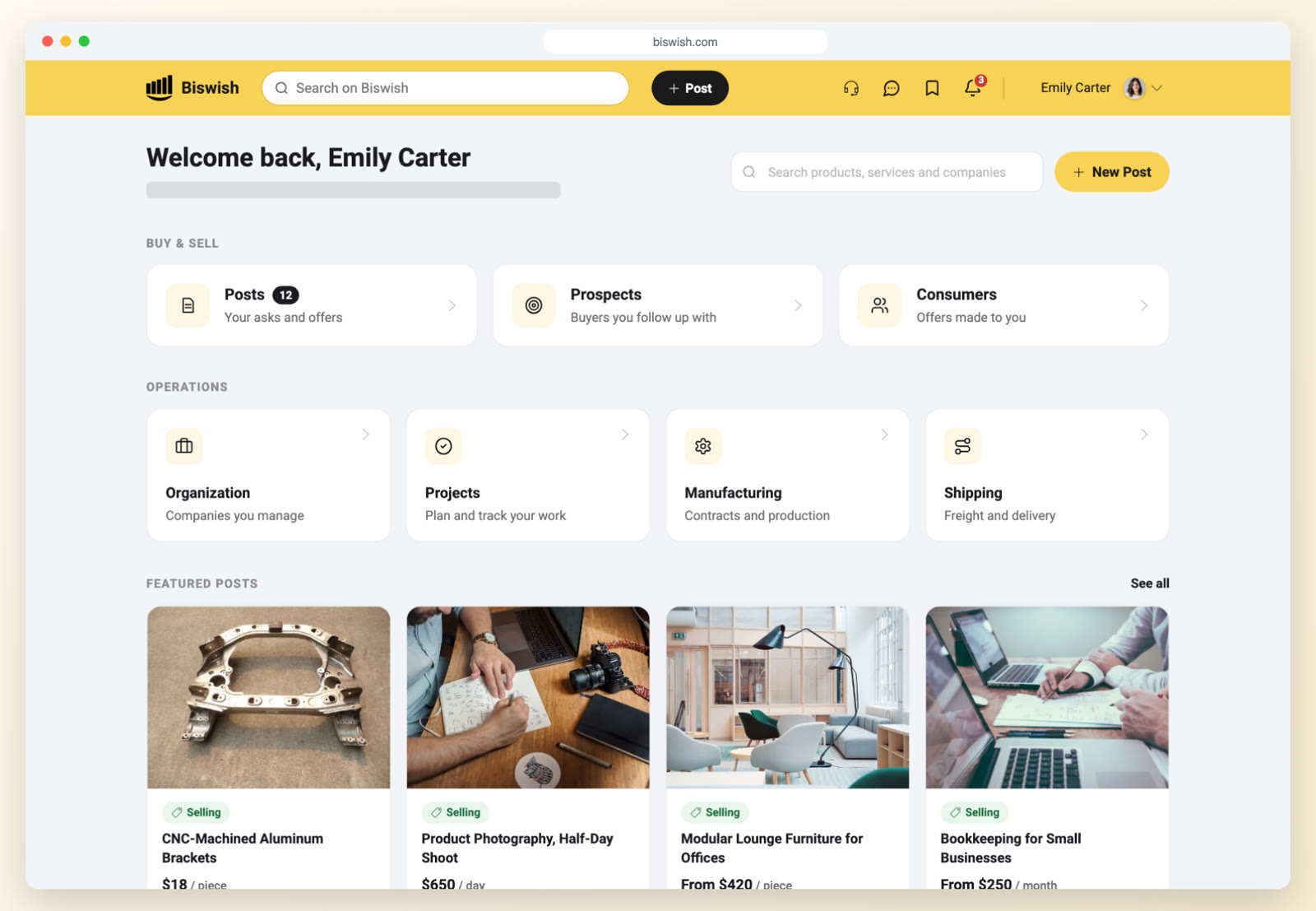
There is no desktop app. Open biswish.com in a browser and sign in with the same Talkou account. The store links are in the footer.
On your phone
Open the app and log in, or create an account, from the welcome screen. It has Find a supplier, Ask for a price, Sell what you make, Agree the work in writing and Pricing, with the country, language and dark mode.
After you log in, the bar at the bottom has Home, Saves, Posts, Notifications and Account. Everything else starts from Home or Account. About Biswish in Account opens the tour again.