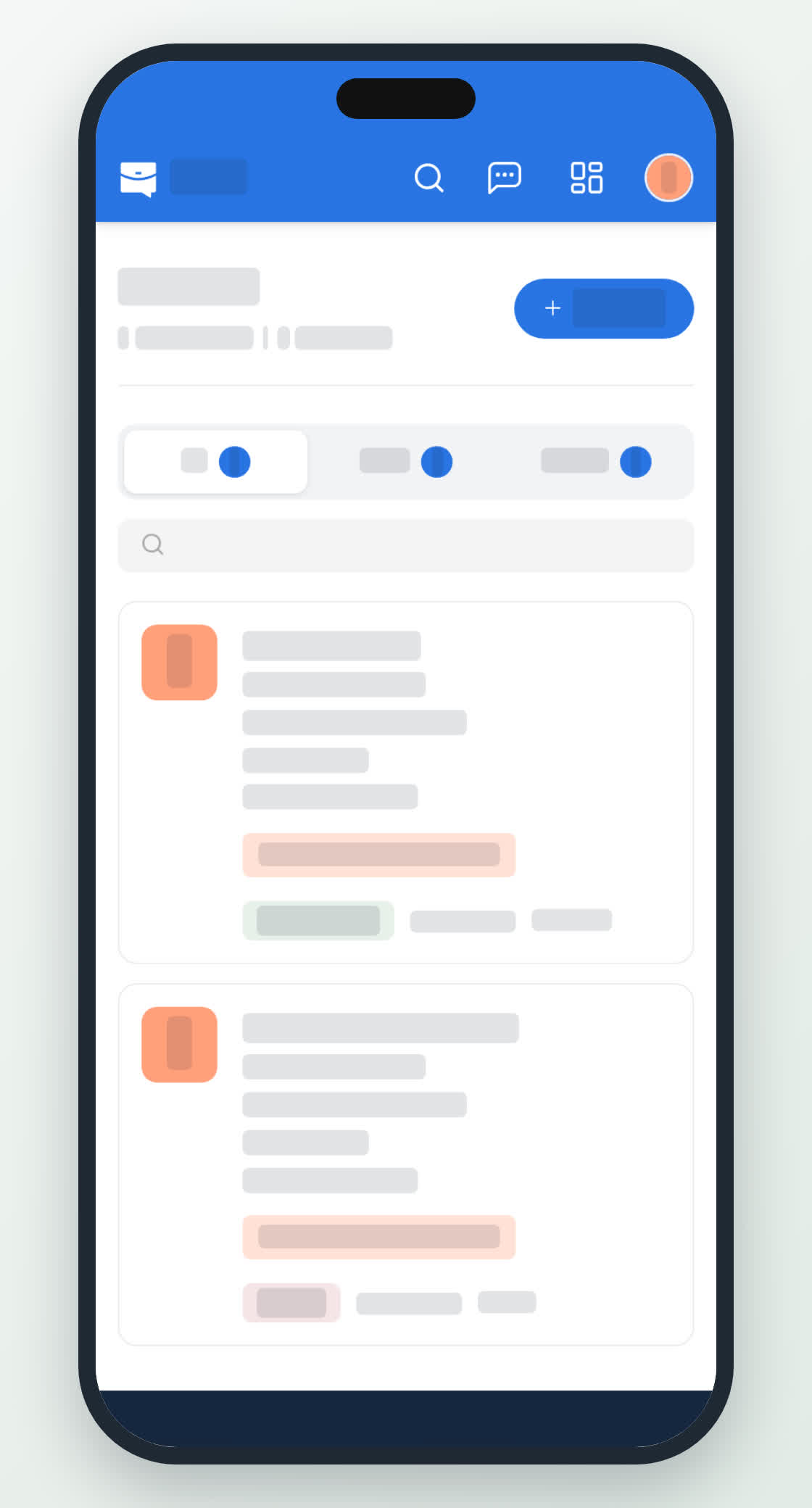
Post a job
Write a job post, choose how people apply, and publish it from your company page.
Guide Chanras Sun6 hours ago · 2 min read · 1 view
A job post is the page job seekers read and apply through. It can be edited, closed and reopened; extending or reopening it uses more posting days from your plan.
The job form
- The role – title, category, country and location, employment type, workplace, experience level, salary type and range, and a deadline.
- How to apply – through the Qoosi form, or on the employer's own website or by email. With the first, applicants attach a resume and answer any pre-screening questions. With the second, Apply opens that website or email address.
- The content – skills (1 to 20), work experience, education, and a set of sections: summary, about the company, about the team, responsibilities, requirements, compensation and benefits, working conditions, culture and growth, application process, legal and compliance, and anything else.
Hide poster identity keeps your name off the public page. The job takes its logo and cover from the company.
On a computer
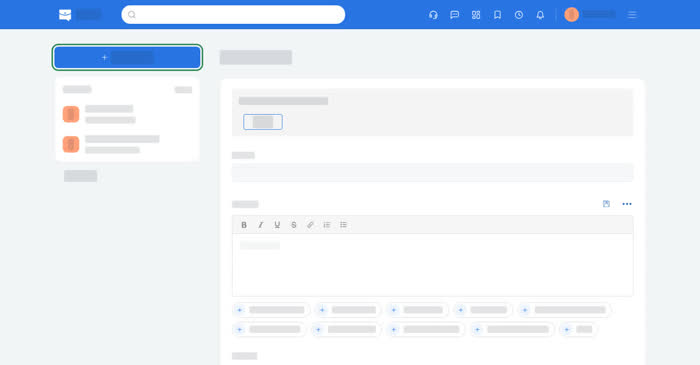
Open Dashboard → Posting & Brands → Job Posts, then New Job (New job post if you have none yet). Select the company the post belongs to first: every job is published from a page.
After posting, the job opens on four tabs: Posting, Applicants, Boost and Pre-screening.
On your phone
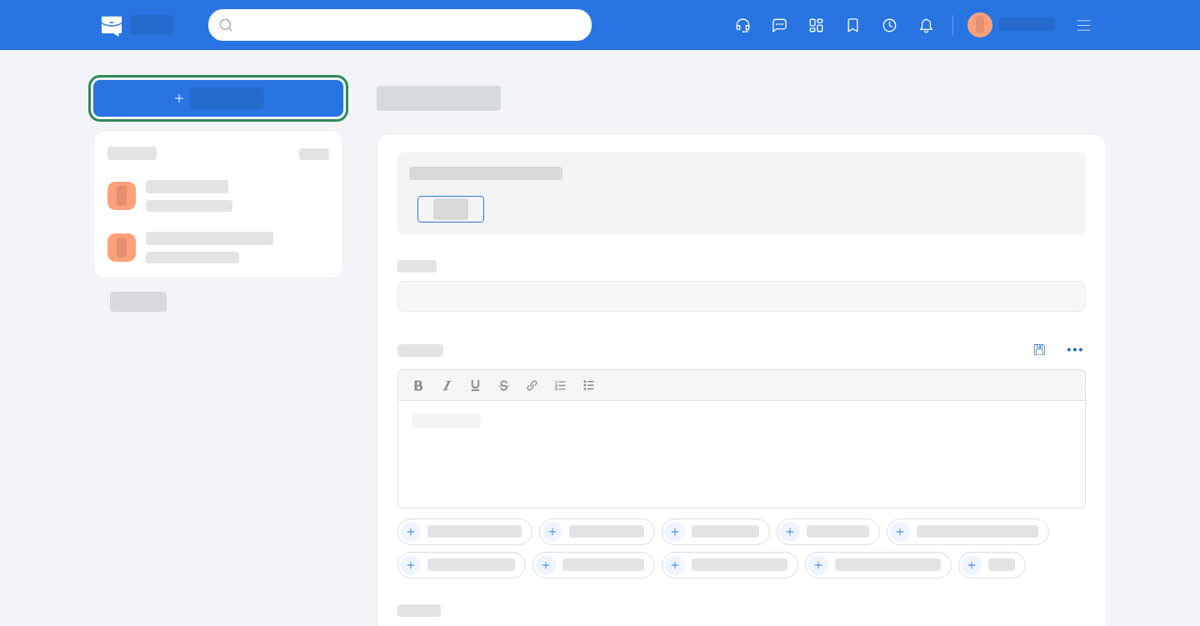
In the app, Home → Access Dashboard → Job Posts, then +, or Post a New Job on the home screen. In the phone browser, the dashboard icon, then Job Posts, then New Job. The same form as a single scrolling page, with pickers for category, location, employment type and salary.
After posting, the job opens on the same four tabs. Edit Post is under the title, Share link is in the Share card, Close job is in the … menu, and Reopen job appears on a closed job.