Ask pre-screening questions
Put the questions you need answered before an application is sent, and read the answers in the applicant list.
Guide Chanras Sun6 hours ago · 1 min read · 1 view
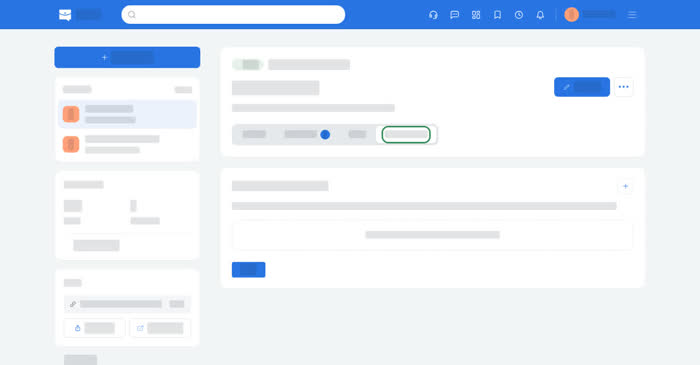
Pre-screening questions are the ones an applicant has to answer while applying. They are the shortest way to filter a long list: a question can be marked required, and a required question blocks the application until it is answered.
On a computer
Open a job and the Pre-screening tab, then add a question and choose Required or optional. Questions are saved with the job, so they apply to everyone who applies after that point.
On the Applicants tab, each application with answers has a Pre-screening button that opens them. Pre-screening is part of the Plus and Enterprise Job Post plans; on the other plans the tab explains what is needed.
On your phone
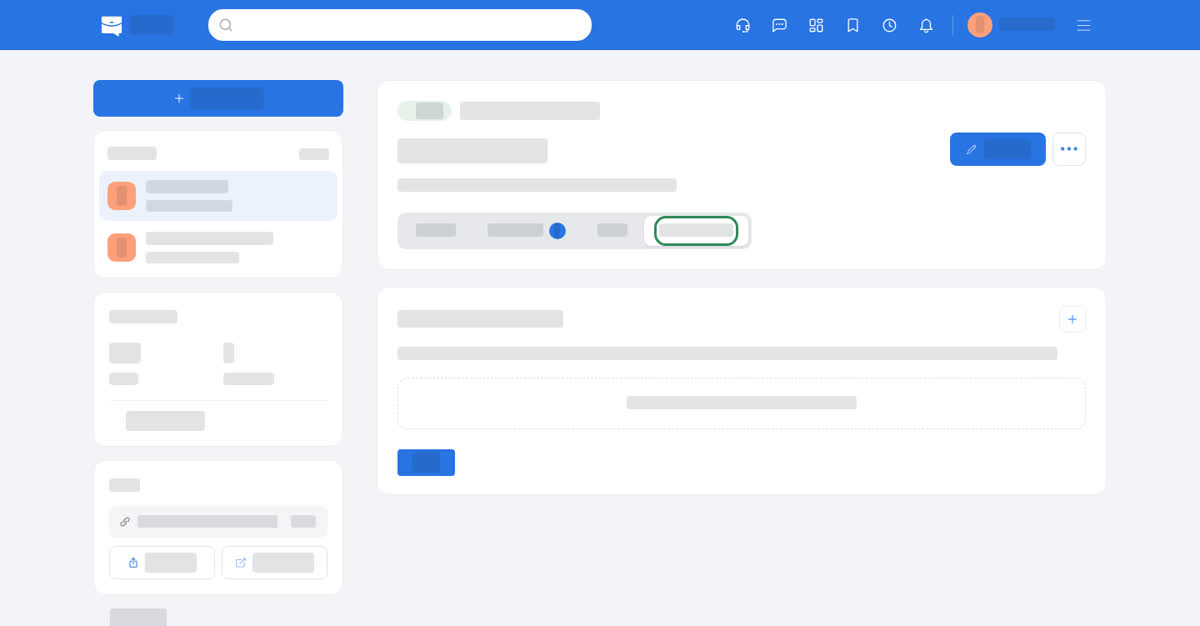
The same tab in the app and in the phone browser, as a list of questions, each with a Required / Optional toggle. Answers open from the application's Pre-screening button.