Welcome to Talkou
Talkou is a messaging and calling app for people and businesses. See what you can do with it and where to use it: the Talkou app on iPhone and Android, talkou.com in a browser, and the desktop app.
Guide Chanras Sun10 hours ago · 2 min read · 1 view

Talkou brings your conversations, calls and business tools into one place. Chat with the people in your contacts, call them with voice or video, and message businesses directly. Businesses use Talkou to answer customers, run group chats and channels, and send forms and invoices.
Your account, contacts and conversations are the same everywhere you sign in.
Where you can use Talkou
- The Talkou app for iPhone and Android. This is the fullest experience, and the only place where you can import your phone contacts and receive push notifications.
- talkou.com on a computer in your web browser, with a left menu and a two-pane chat view.
- talkou.com on your phone's browser, with the same features in a single-column layout and bottom sheets.
- The Talkou desktop app for Mac and Windows. It works like talkou.com on a computer and opens straight into your Contacts.
What you can do
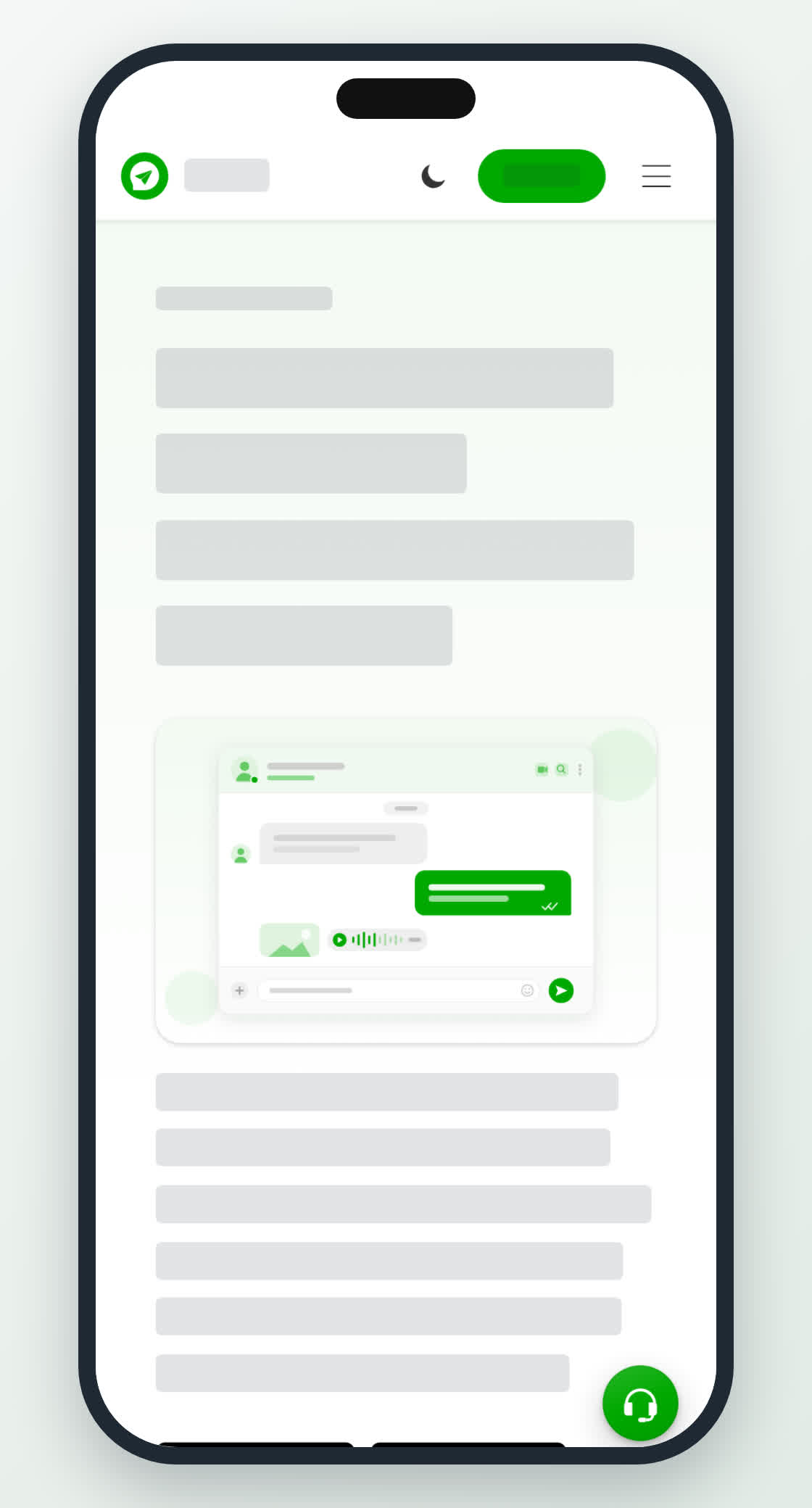
- Chats – send text, emoji, GIFs, stickers, voice messages, photos, videos and documents.
- Groups and channels – talk with many people at once, or broadcast to followers.
- Contacts – keep the people and businesses you talk to a tap away.
- Calls – voice and video calls with your contacts.
- Business – an inbox, a team, a greeting message, auto reply and an AI agent for your customers.
- Wallet – buy and share credits, and keep invoices and receipts.
- Settings & Privacy – profile, security, display and blocked users.
On a computer
Open talkou.com. Before you sign in you see the welcome page. Select Log in or Create an account to continue.

On your phone
Open the Talkou app. Signed out, it starts on a welcome screen with buttons to create an account or log in. Once you are signed in, the bottom bar has Contacts, Chats, Calls, Business and More.