Find your way around Talkou
Learn where Chats, Contacts, Calls, Business, Wallet, Alerts and Settings & Privacy are on a computer and on your phone, and how to search.
Guide Chanras Sun10 hours ago · 1 min read · 2 views
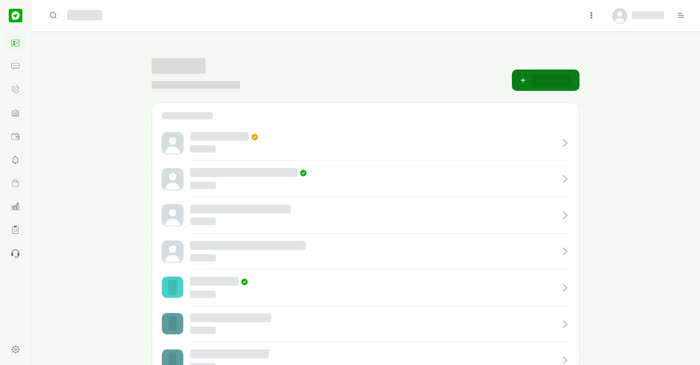
Talkou has the same main areas everywhere, laid out to suit each screen.
On a computer
A menu on the left lists Contacts, Chats, Calls, Business, Wallet, Alerts, Sales, Deals and Forms, then Help & Support, with Settings & Privacy at the bottom. A search box sits in the top bar and searches the area you are in.
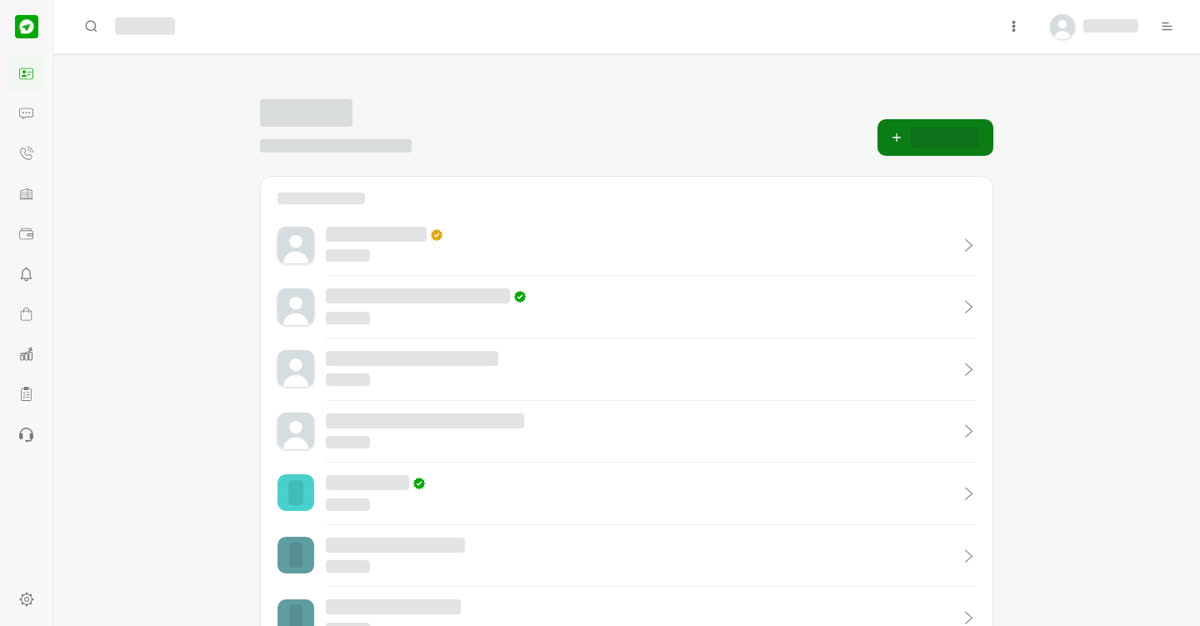
The left menu.
On your phone
The bottom bar has Contacts, Chats, Calls, Business and More. More opens Settings & Privacy. Alerts, Sales, Deals, Forms and Wallet open from the menus.
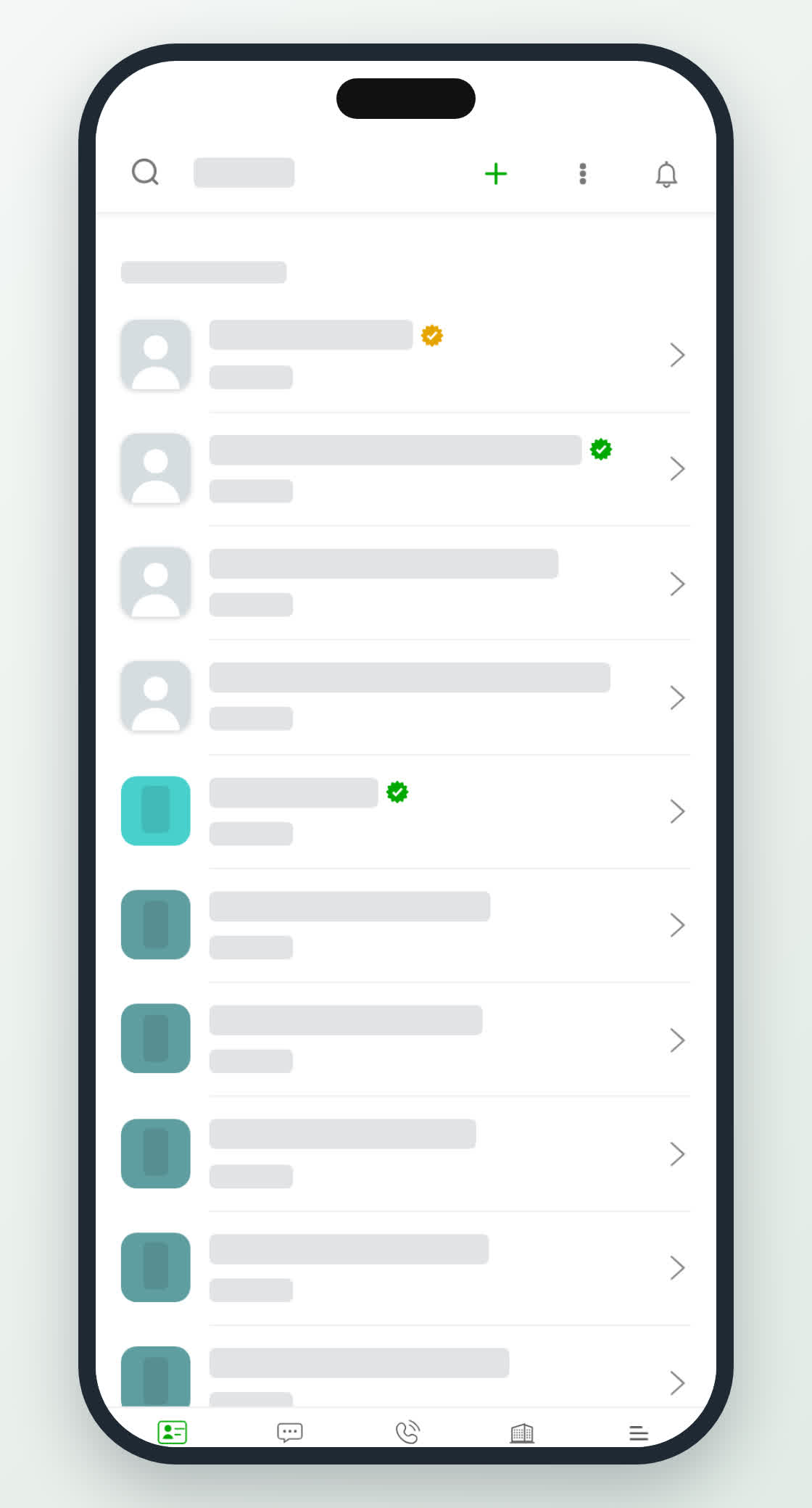
The bottom bar.
2 views
0
Share
Send in message
Report
Copy ID