Wallet settings and members
Rename a wallet, set its billing details and the platforms it can pay for, add members, find the Partner Program and delete a wallet you no longer need.
Guide Chanras Sun10 hours ago · 1 min read · 1 view
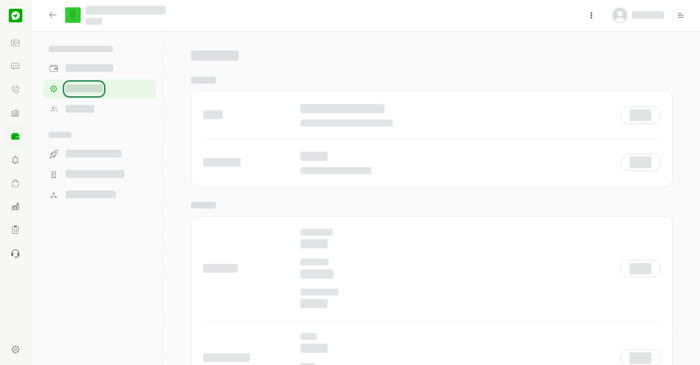
Preferences
Open a wallet and choose Preferences.
- Name and Description – what the wallet is called and used for.
- Billing info – Billing name, Billing type and Billing address.
- Billing contact – a Phone and Email. These show on the invoices and receipts of this wallet.
- Platforms – the platforms this wallet is allowed to pay for.
- Delete Wallet – permanently delete this wallet and everything in it.
Select Update beside a section to save your changes.
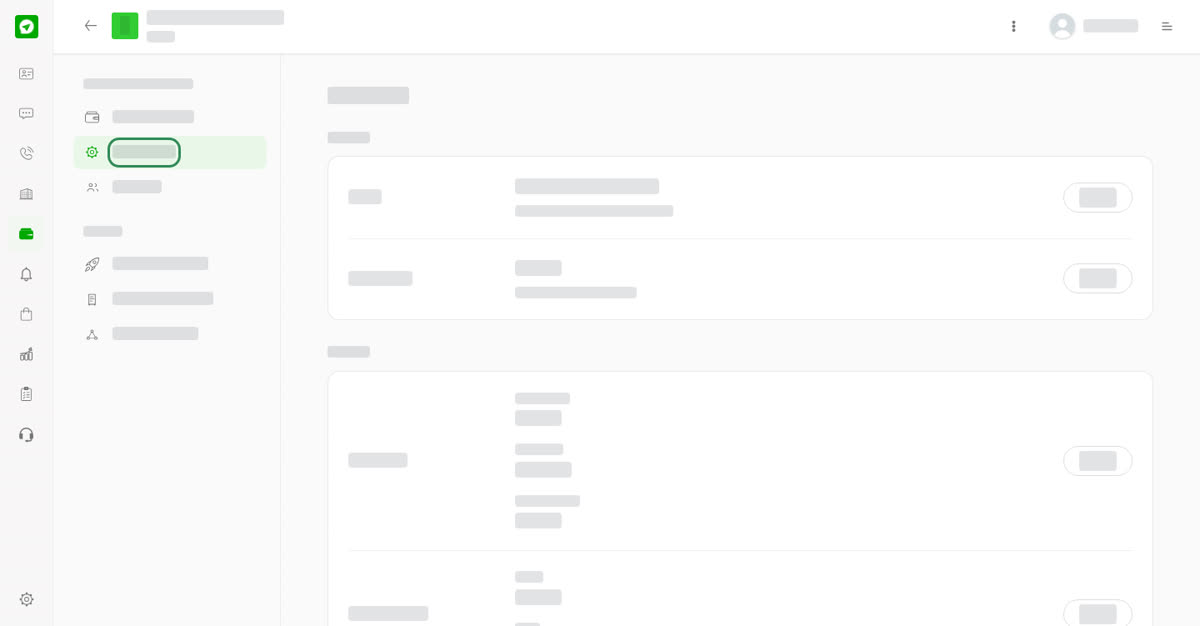
Wallet preferences.
Members
Choose Members to see who can use the wallet. Select Add member to share it. The owner is listed with the role Owner.
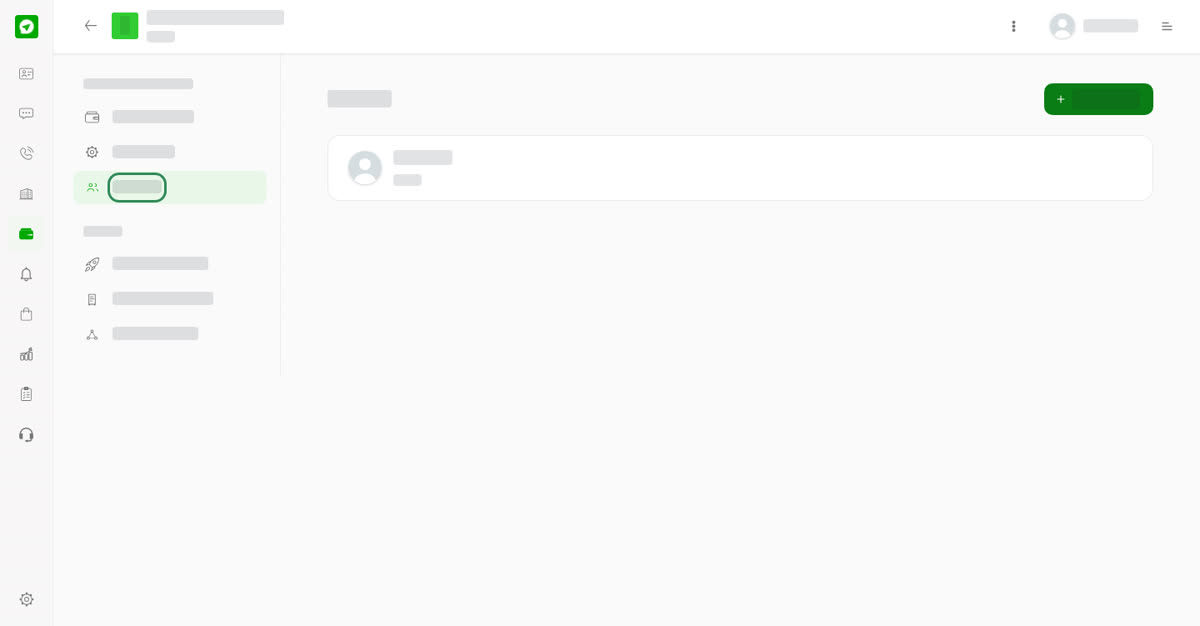
Wallet members.
Partner Program
Choose Partner Program in the wallet menu. The page says a Partner Program account can help you keep your budget low. Select learn more to open the details on the Acmenia website in a new browser tab. There is nothing to fill in on the Talkou page itself.
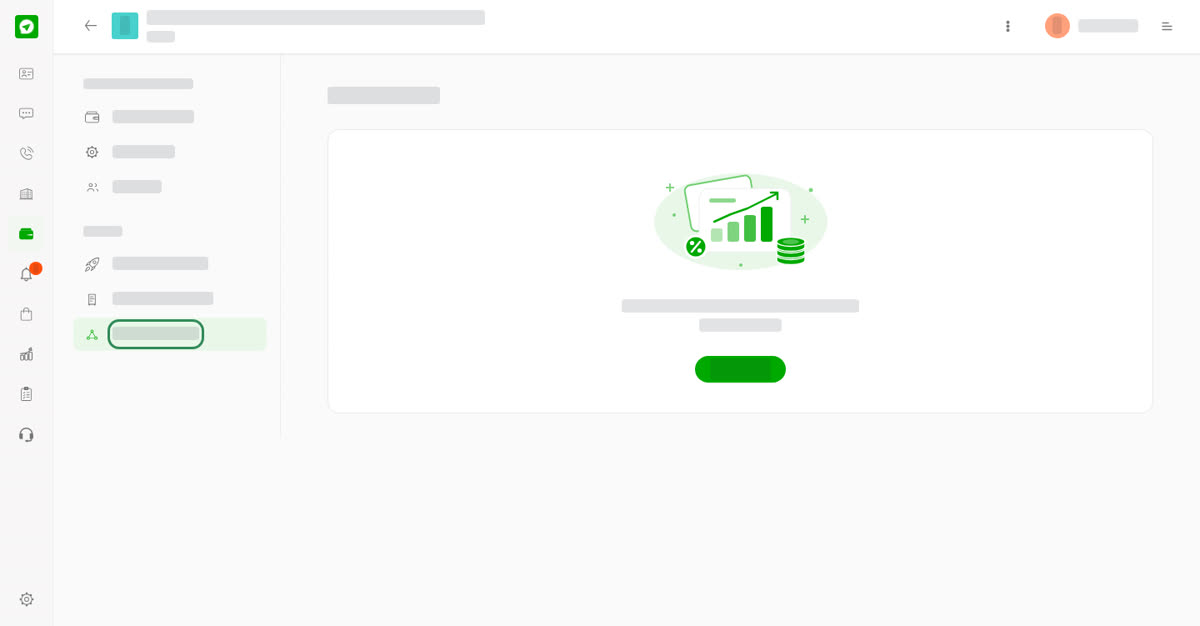
Partner Program.
On your phone
Open a wallet and use the menu to reach Preferences, Members and Partner Program. The same options are there.
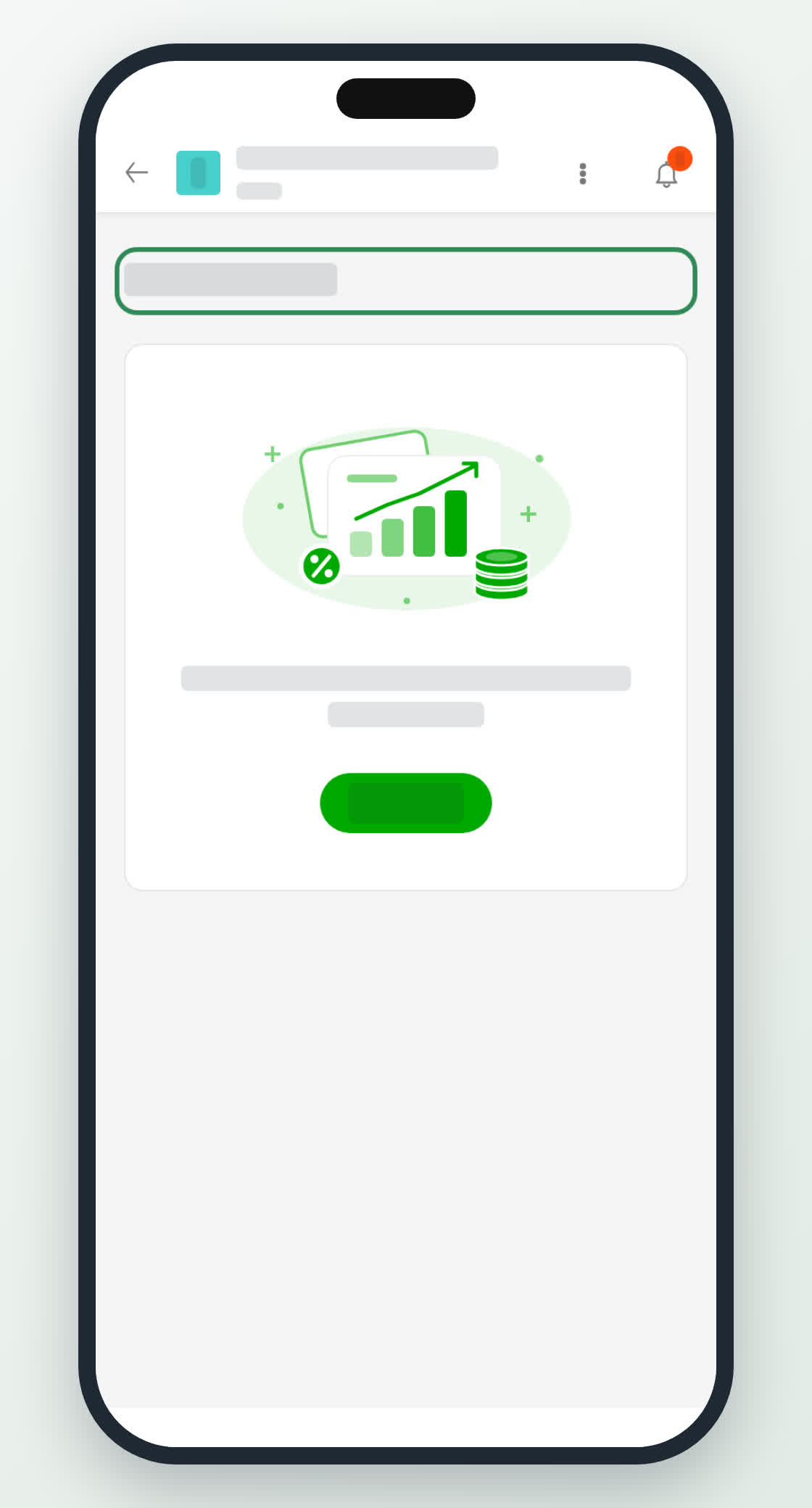
Partner Program on a phone.
0
Share
Send in message
Report
Copy ID