Add credits to a wallet
Top up a wallet with a credit pack, and see your payments and refunds in one place.
Guide Chanras Sun10 hours ago · 1 min read · 1 view
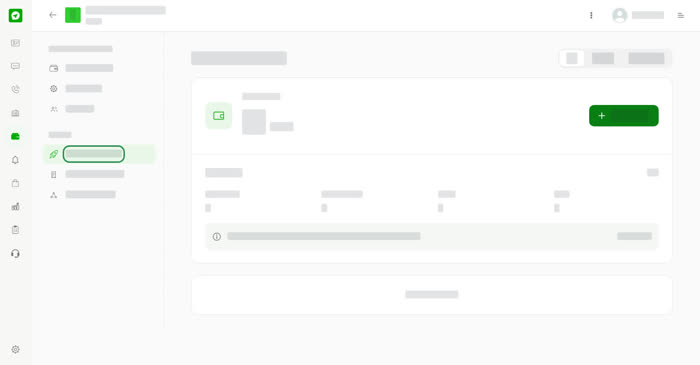
Open a wallet and choose Payment & Refund under Billing. The page has two tabs, Pay and Refund, and shows your Usage credits and your billing details.
Add credits
01
Open Payment & RefundOpen your wallet and choose Payment & Refund.
02
Select Add CreditsThe Add credits to this wallet window opens and shows your current Usage credits.
03
Pick a packUnder Top up, choose 100, 300, 500, 1,000 or 2,000 credits. The price is shown in your local currency.
04
PayFollow the steps to pay. The credits appear in the wallet.
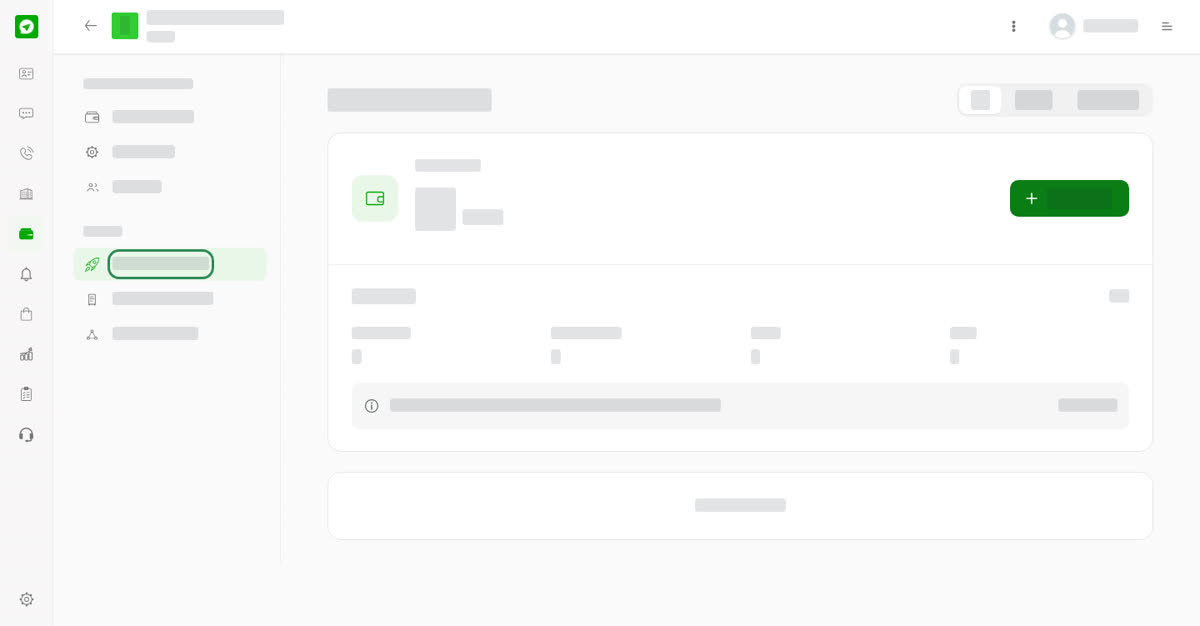
Payment & Refund.
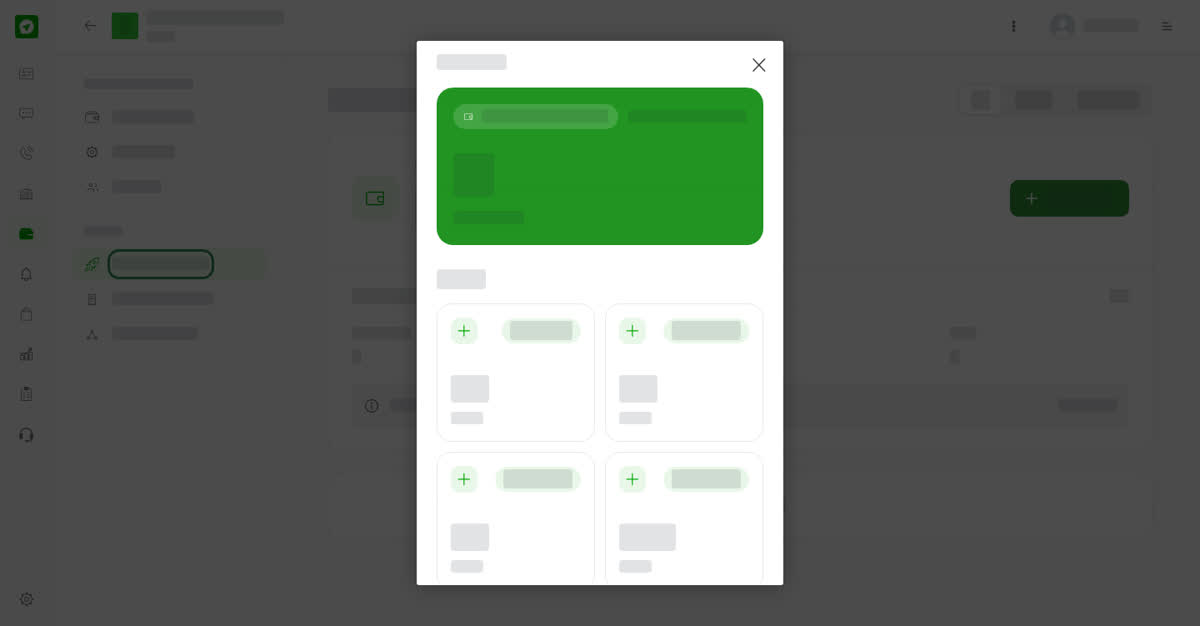
Choose a credit pack.
On your phone
Open the wallet, then Payment & Refund. The packs and steps are the same.
0
Share
Send in message
Report
Copy ID