Business information and preferences
Add your company details, choose which business notifications you get and delete a business account you no longer need.
Guide Chanras Sun10 hours ago · 2 min read · 1 view
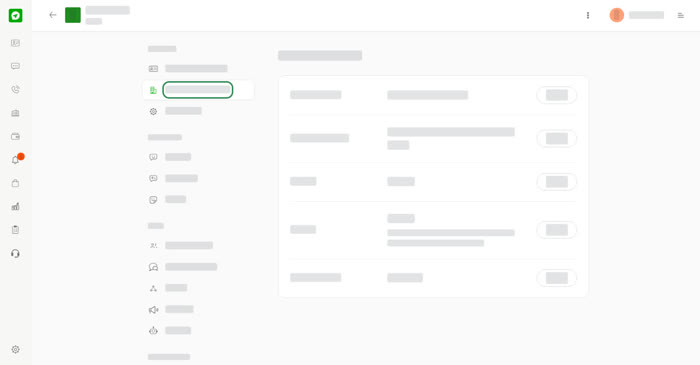
Open your business account and choose Business Information or Preferences under Settings. Only the business owner or a manager can change them. Other team members can read the details but cannot edit them.
Business Information
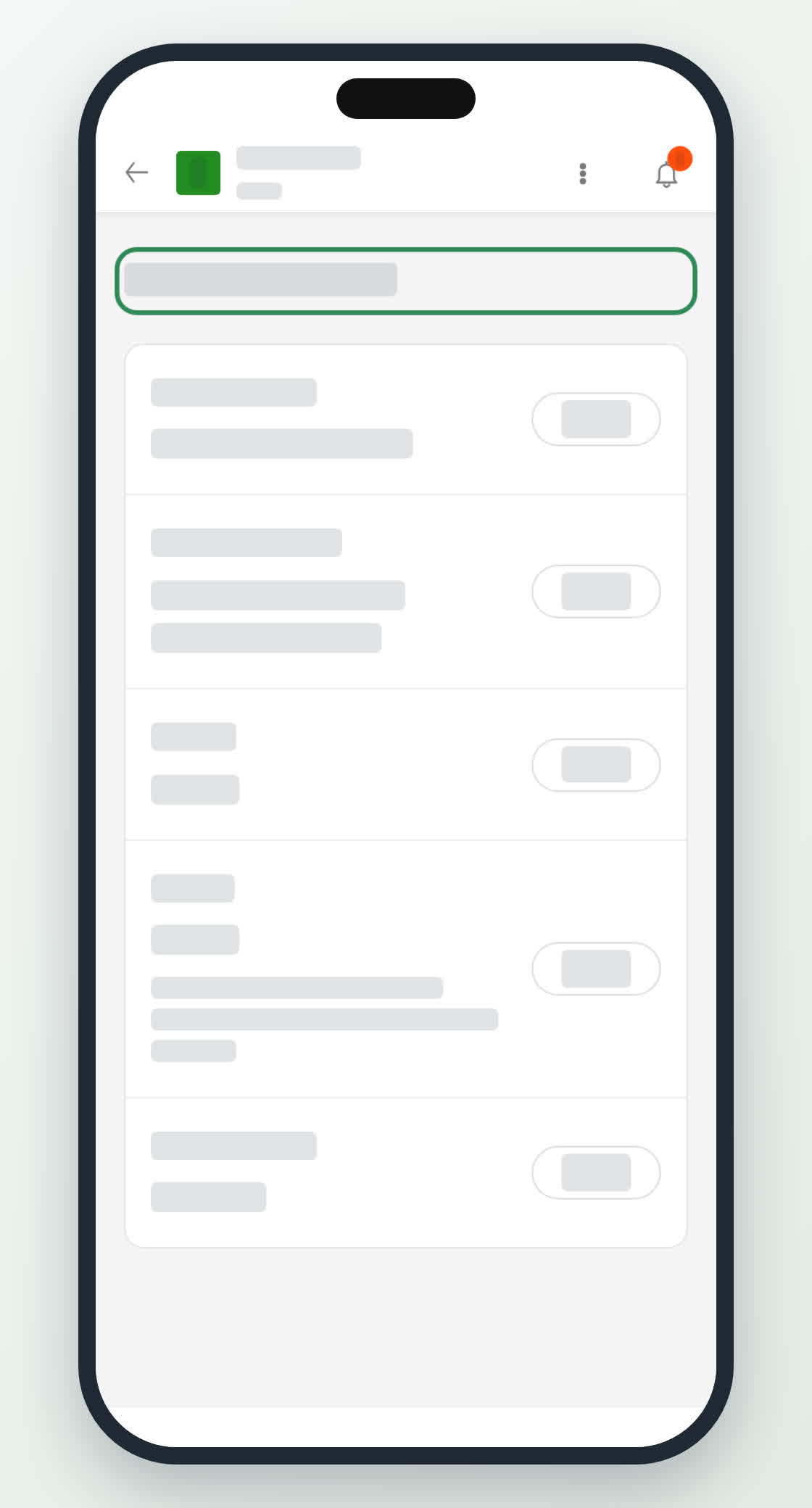
This page keeps your company details in one place. Select Update beside a row, make your change and select Save. Select Cancel to leave the row as it was.
- Company name – required, up to 100 characters.
- Company address – required, up to 500 characters.
- Website – optional, up to 500 characters.
- Contact – optional, up to 1000 characters. Write phone numbers, email addresses and anything else people can use to reach you.
- Country/Region – required. Choose it from the list.
Preferences
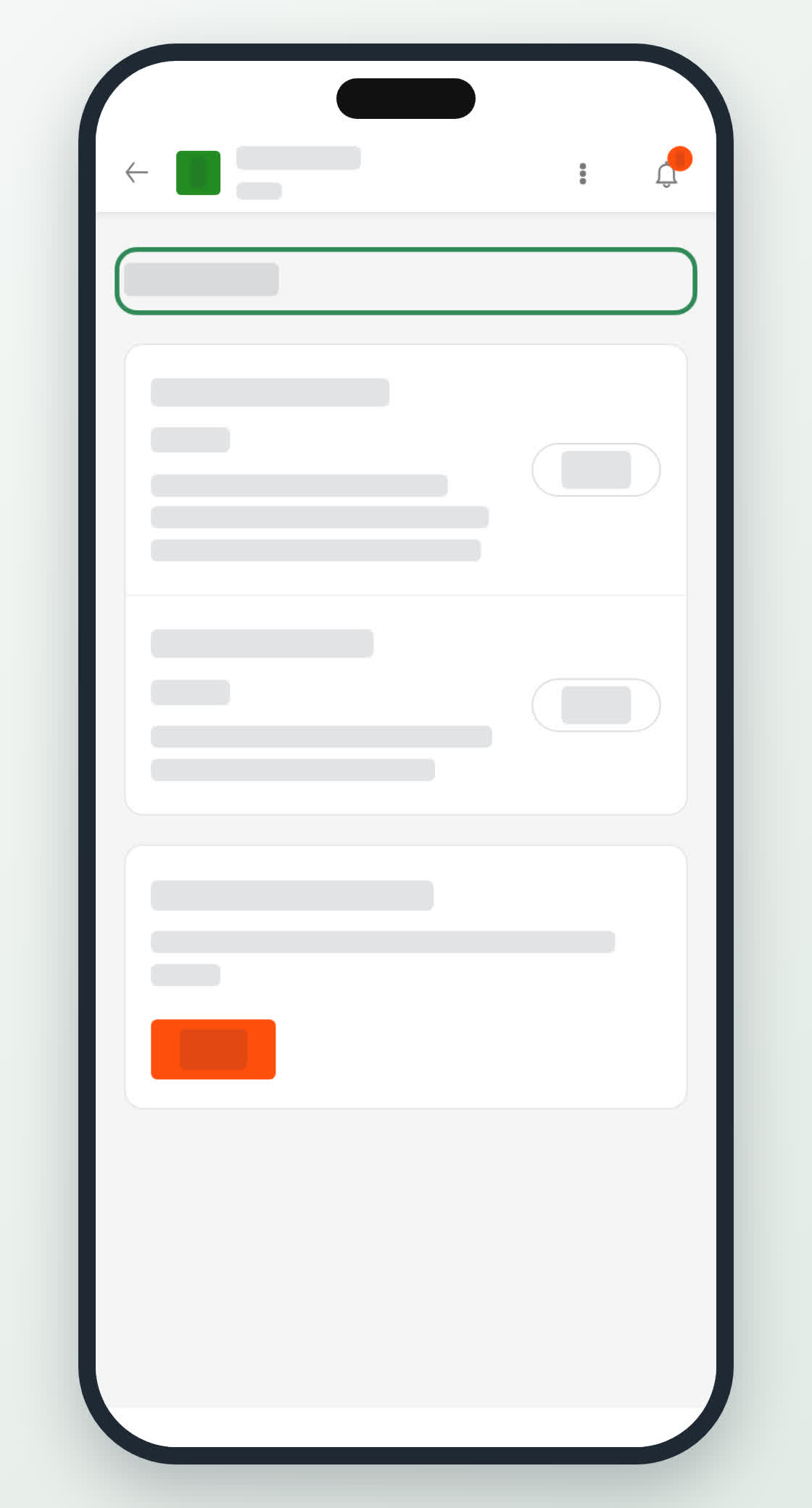
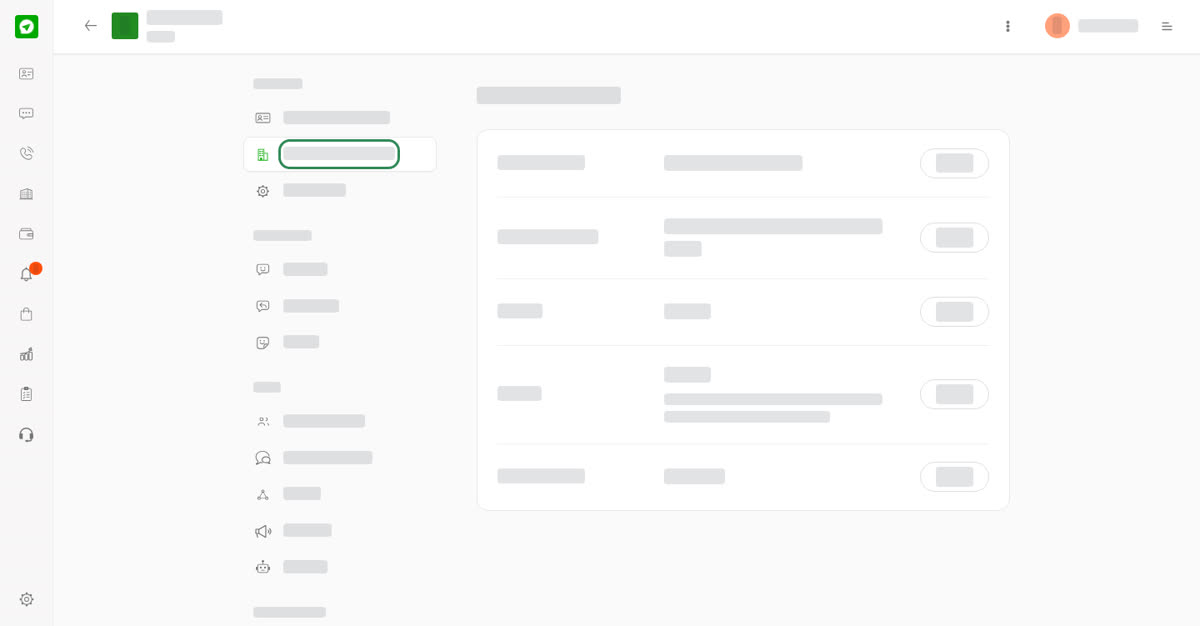
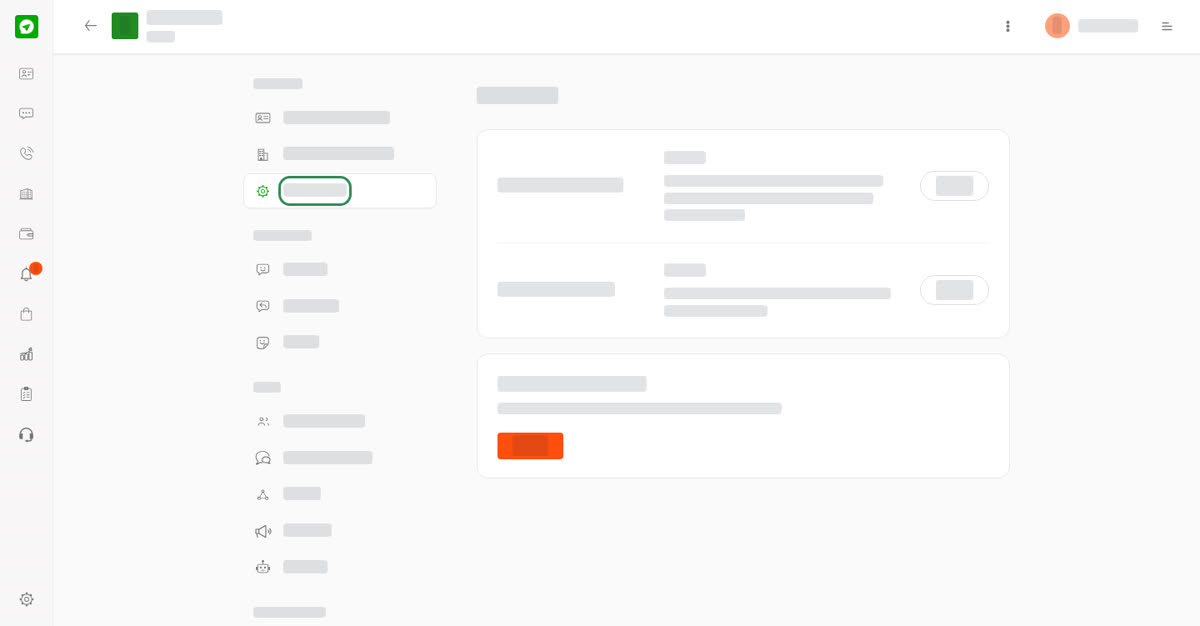
Choose which alerts the business account sends to its owner and managers. Tick Enable Notifications, then select Update.
- Business Notifications – you are notified when someone sends an inquiry or a message to this business account.
- General Notifications – you are notified about new members, low credits and other account changes.
The page shows whether each one is on or off.
Delete a business account
Only the business owner sees Delete Business Account on the Preferences page. Select Delete and confirm. This permanently deletes the business account and all of its content, so it cannot be undone.
On your phone
Open the account and tap the three dots menu at the top. Under Settings, choose Business Information or Preferences. The same rows and options are there.