Get help
Find guides, ask a question and contact support.
Guide Chanras Sun10 hours ago · 1 min read · 1 view
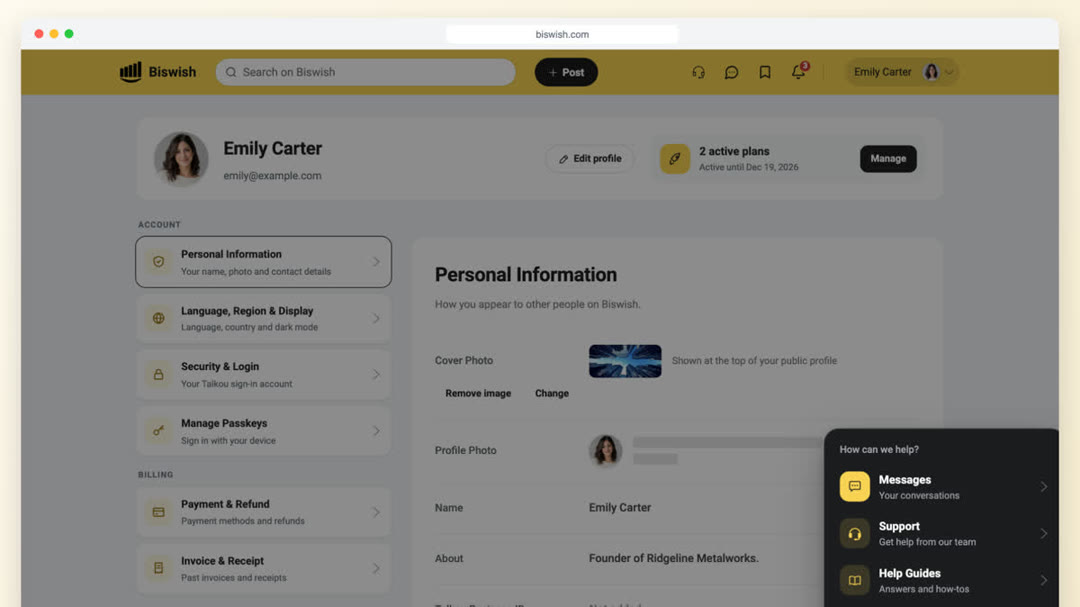
How can we help? has four choices: Messages (your chats), Support (our team), Help Guides (ask a question and get answers from these guides) and Help Center (browse every article). Help Guides works without an account; log in for Messages and Support.
In Support, choose a team to message. In Help Guides, you can ask a follow-up question, start a New question or Message support.
On a computer
Select the headset in the top bar, or Help & Support in your settings.
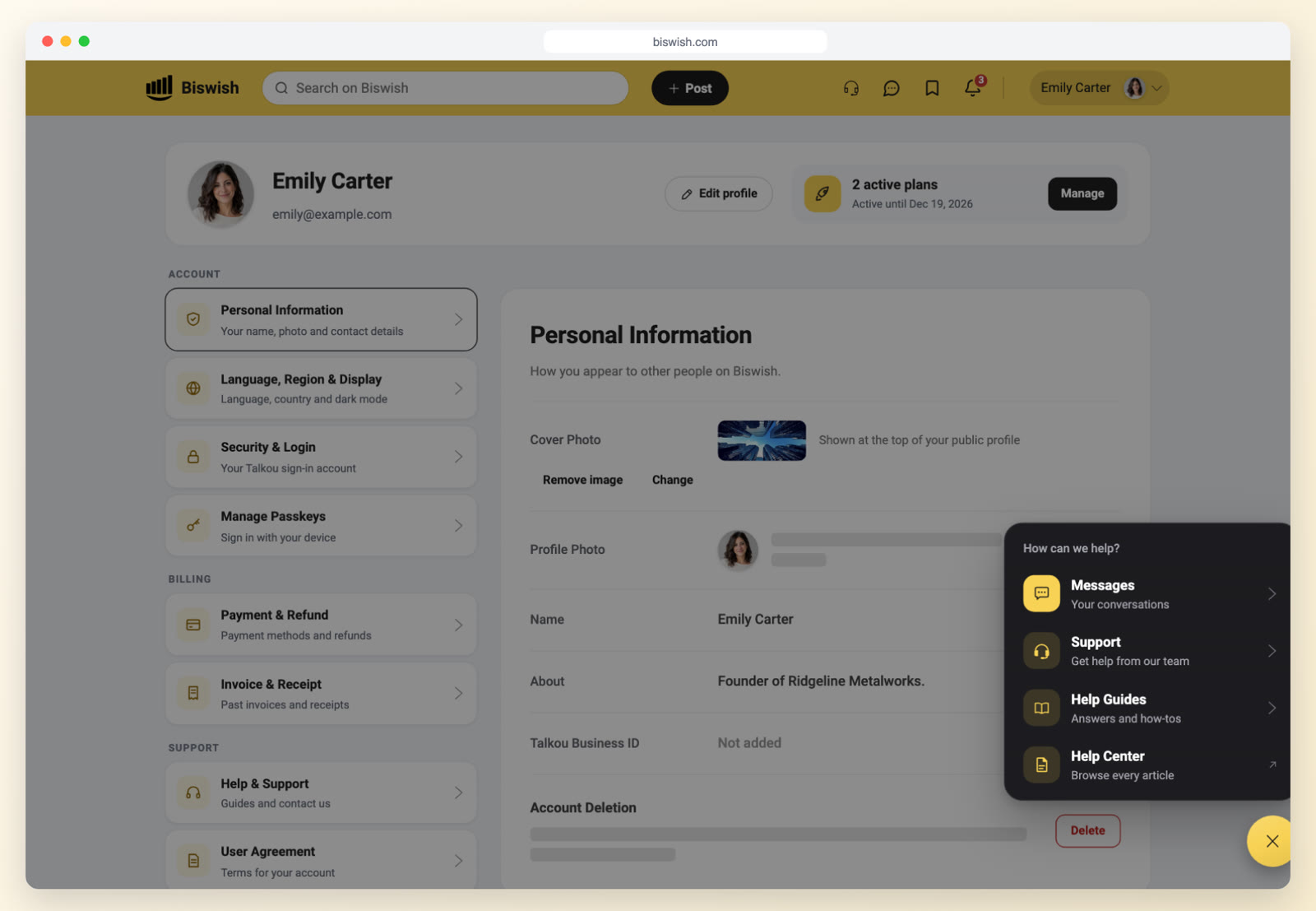
The help menu on a computer.
On your phone
Select the headset in the header, or Help & Support in Account.
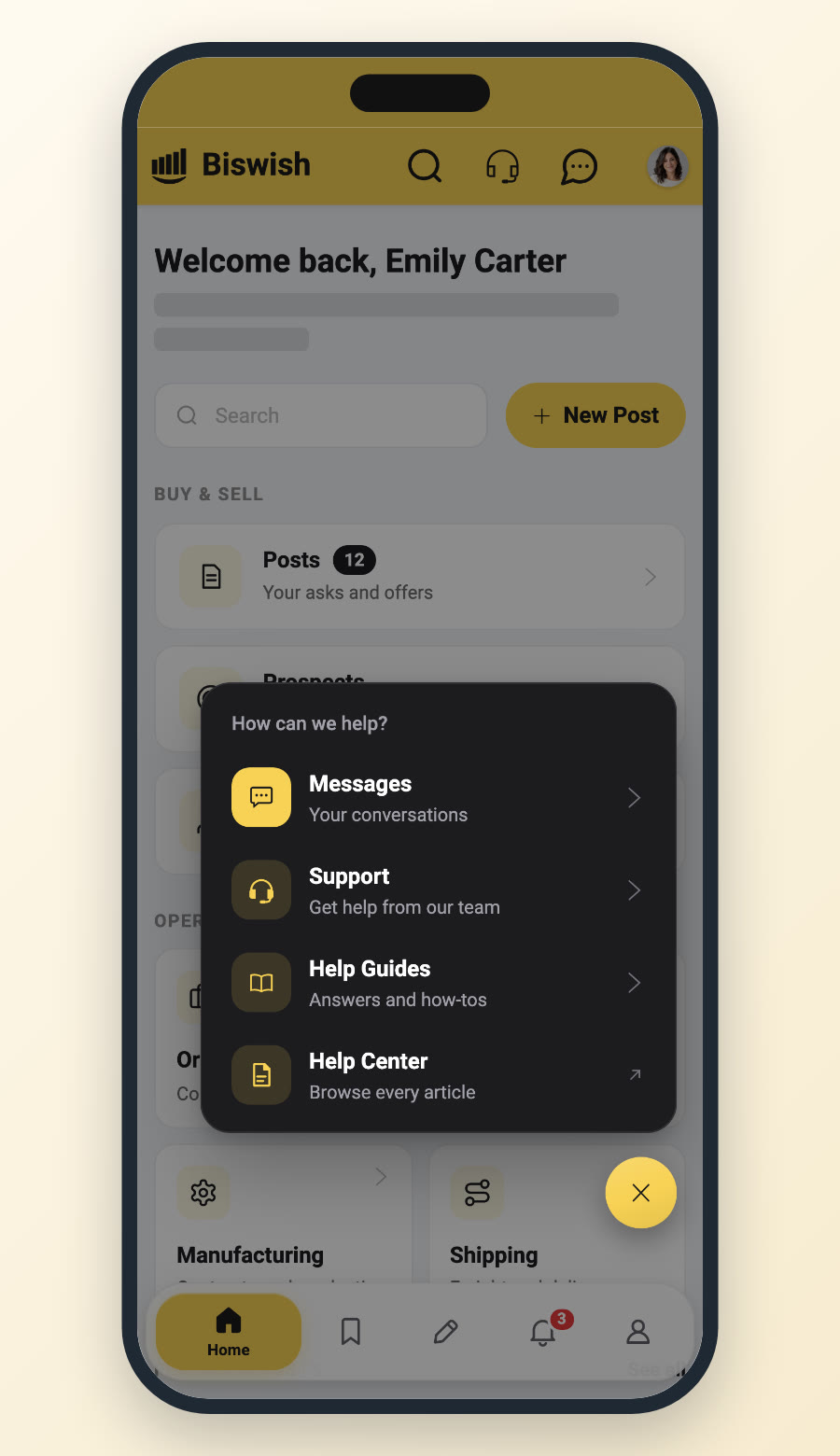
The help menu on a phone.
Solve a problem
01
Ask in Help GuidesType your question in your own words.
02
Read the guideAnswers link to the guides they came from.
03
Message supportOur team answers in chat.
0
Share
Send in message
Report
Copy ID