Report a post, company or person
Tell us about fraud, harmful content or a privacy problem.
Guide Chanras Sun10 hours ago · 1 min read · 1 view
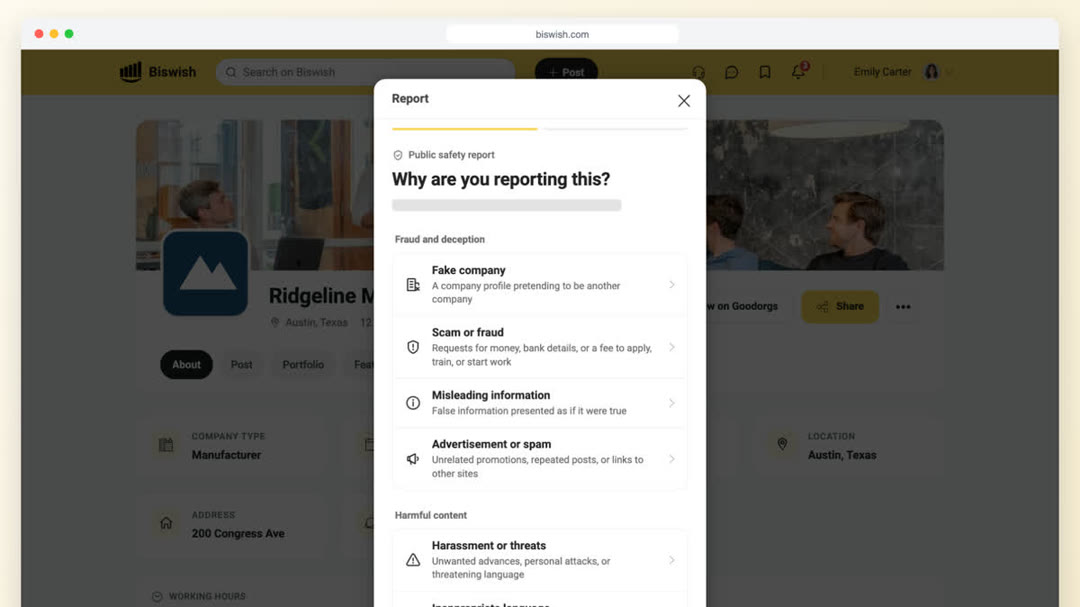
Reports keep Biswish safe. We review every report and act when it breaks our policies. You need to be signed in to send one. For a chat, use Spam or Block instead.
On a computer
Open the … menu on a post, a company or a person and select Report. Choose a reason, add details if you can, and select Submit report.
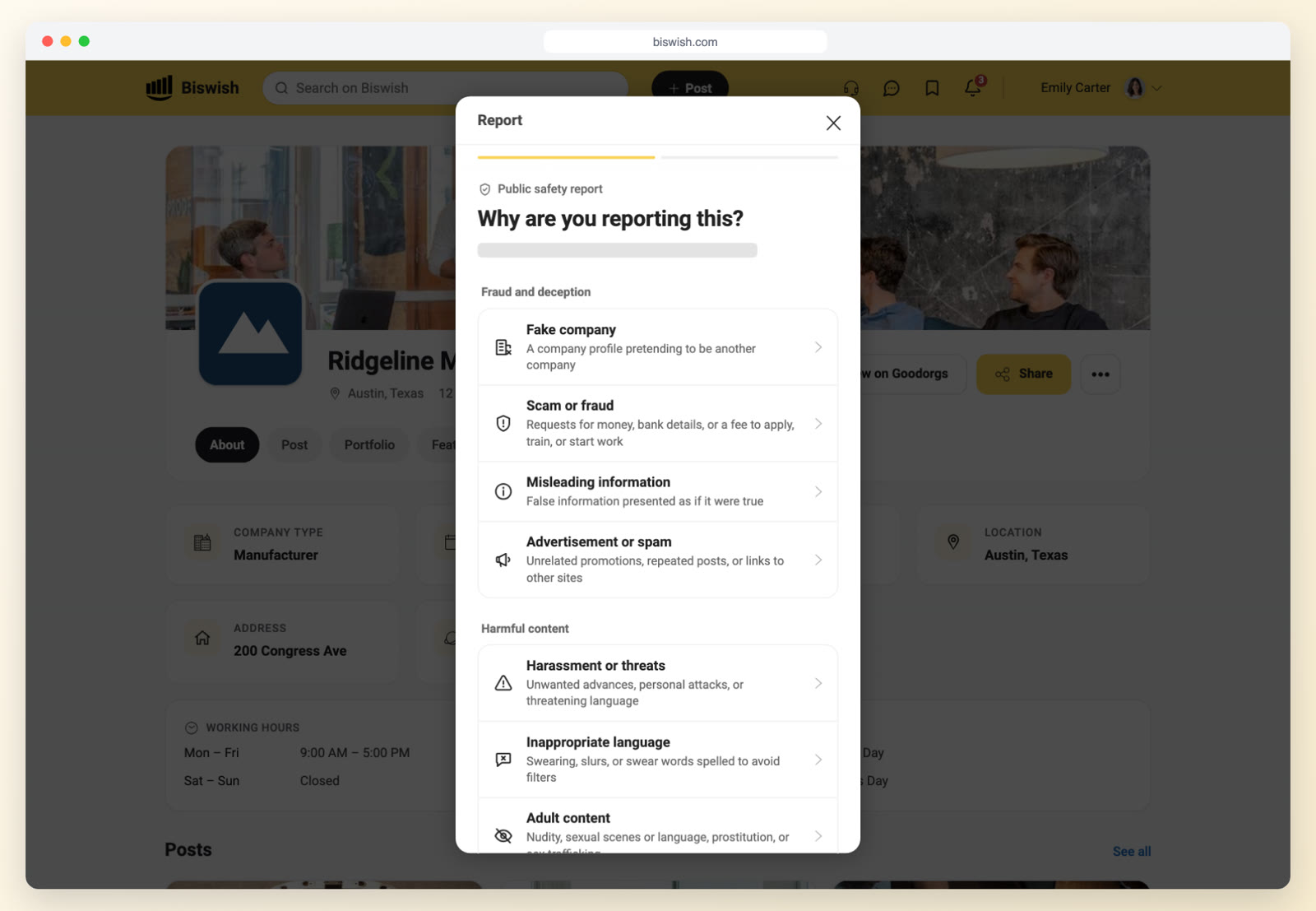
Reporting on a computer.
On your phone
Open the … menu and select Report. The form fills the screen.
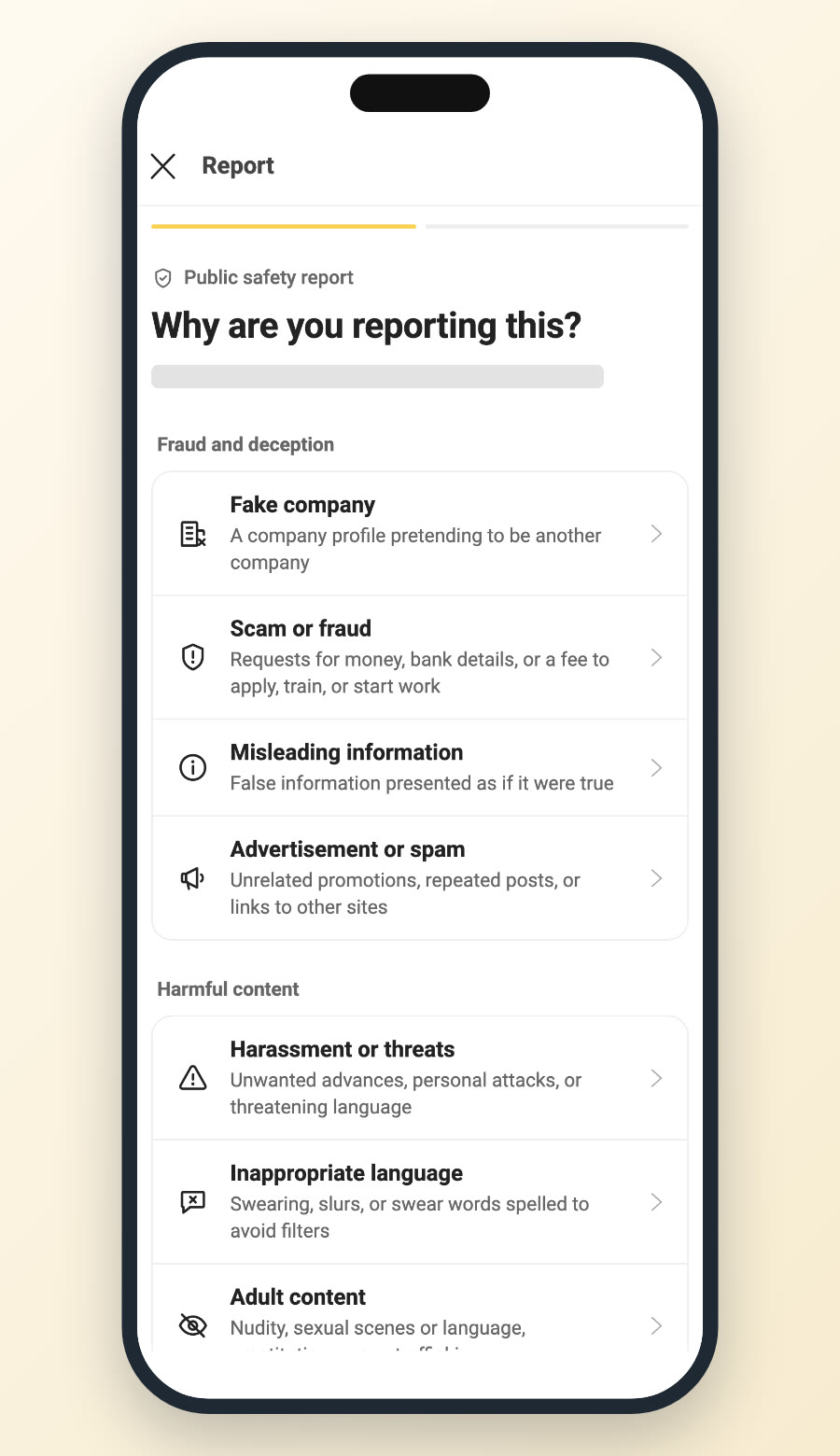
Reporting on a phone.
Report something
01
Open the … menuOn the post, company or person.
02
Choose a reasonFraud and deception, harmful content, or privacy and other issues.
03
Add detailsLinks, dates or messages help us act faster. You can skip this, or use Change to pick another reason.
04
SubmitYou get a thank-you message when it is sent.
0
Share
Send in message
Report
Copy ID