Clear, delete and block a chat
Use the chat menu to see a contact, search a conversation, clear its history, delete the chat or block someone, and learn how to unblock them.
Guide Chanras Sun10 hours ago · 1 min read · 1 view
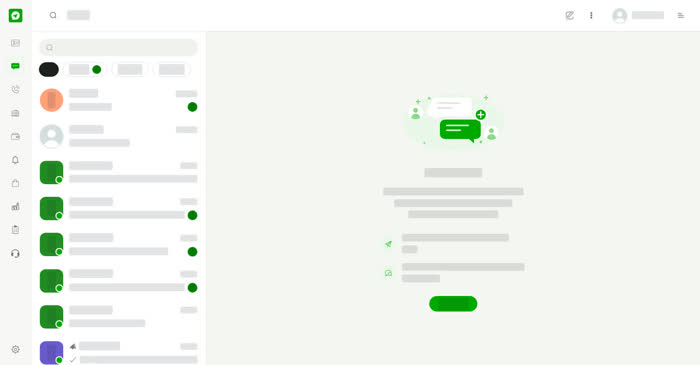
Every conversation has a more menu (the three dots) with actions for that chat.
What the menu offers
- Contact – see the person or business details.
- Search – search inside this conversation.
- Clear Chat – empty the conversation.
- Delete Chat – delete the conversation.
- Block – stop receiving messages from this person or business. Once blocked, the menu shows Unblock instead.
On a computer
Select the three dots at the top right of the conversation, or the three dots that appear on a chat in the list when you point at it.
On your phone
Tap the three dots at the top right of the conversation.
0
Share
Send in message
Report
Copy ID