Post what you need
Ask for a product or service and let suppliers come to you.
Guide Chanras Sun11 hours ago · 1 min read · 1 view
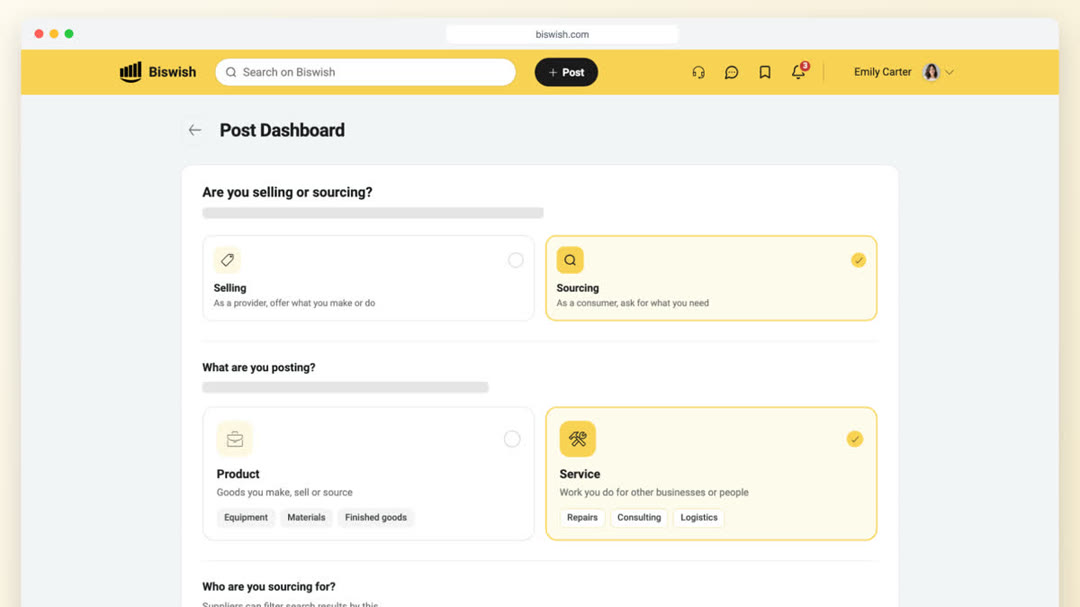
A sourcing post says what you need. Suppliers see it in search and message you with a quote. Posting is free.
On a computer
Select New Post, choose Sourcing, then product or service, then who you are sourcing for: a Business, Personal use, or straight from a Manufacturer.
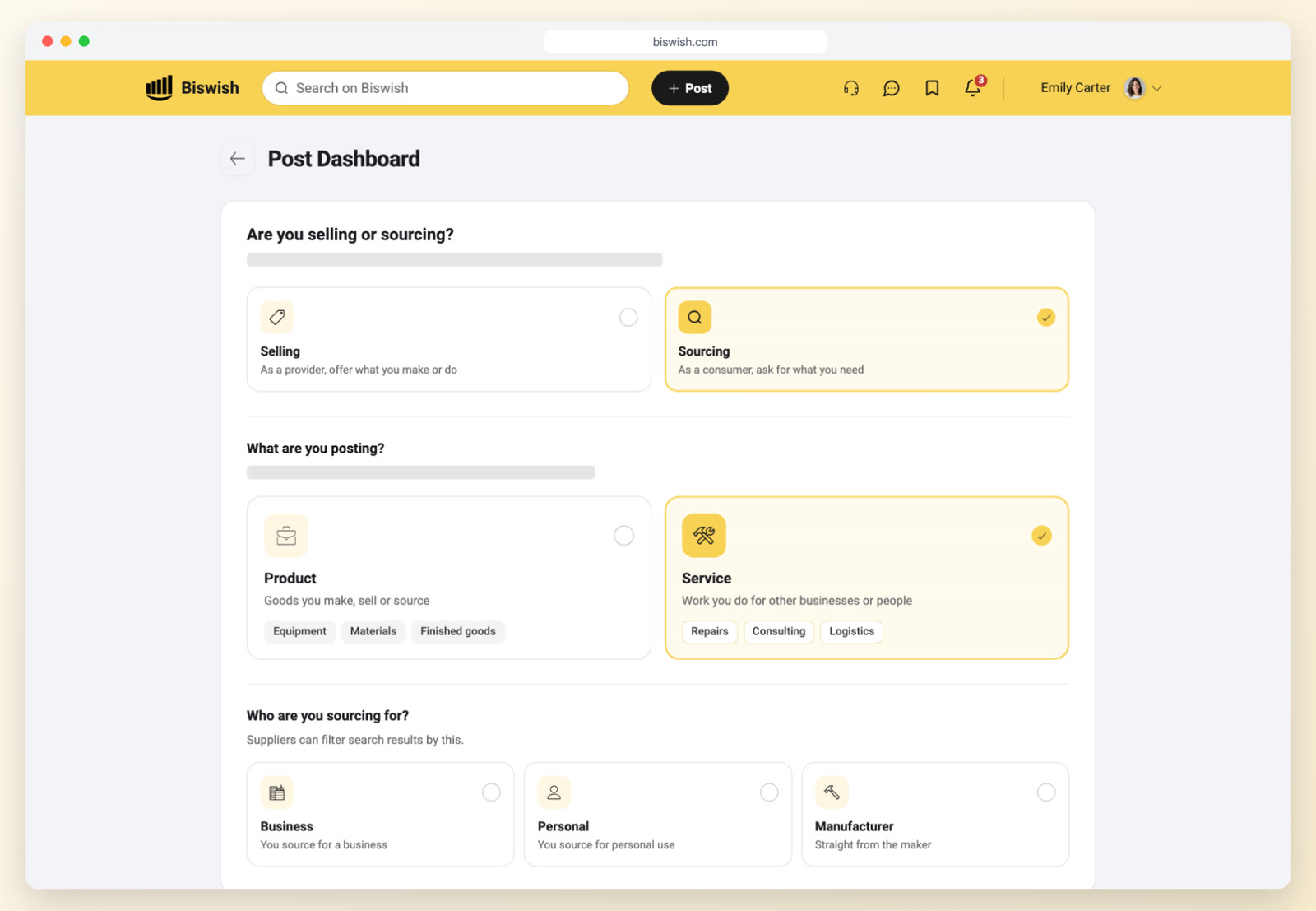
Starting a sourcing post.
On your phone
Tap New Post and choose Sourcing. The steps are the same.
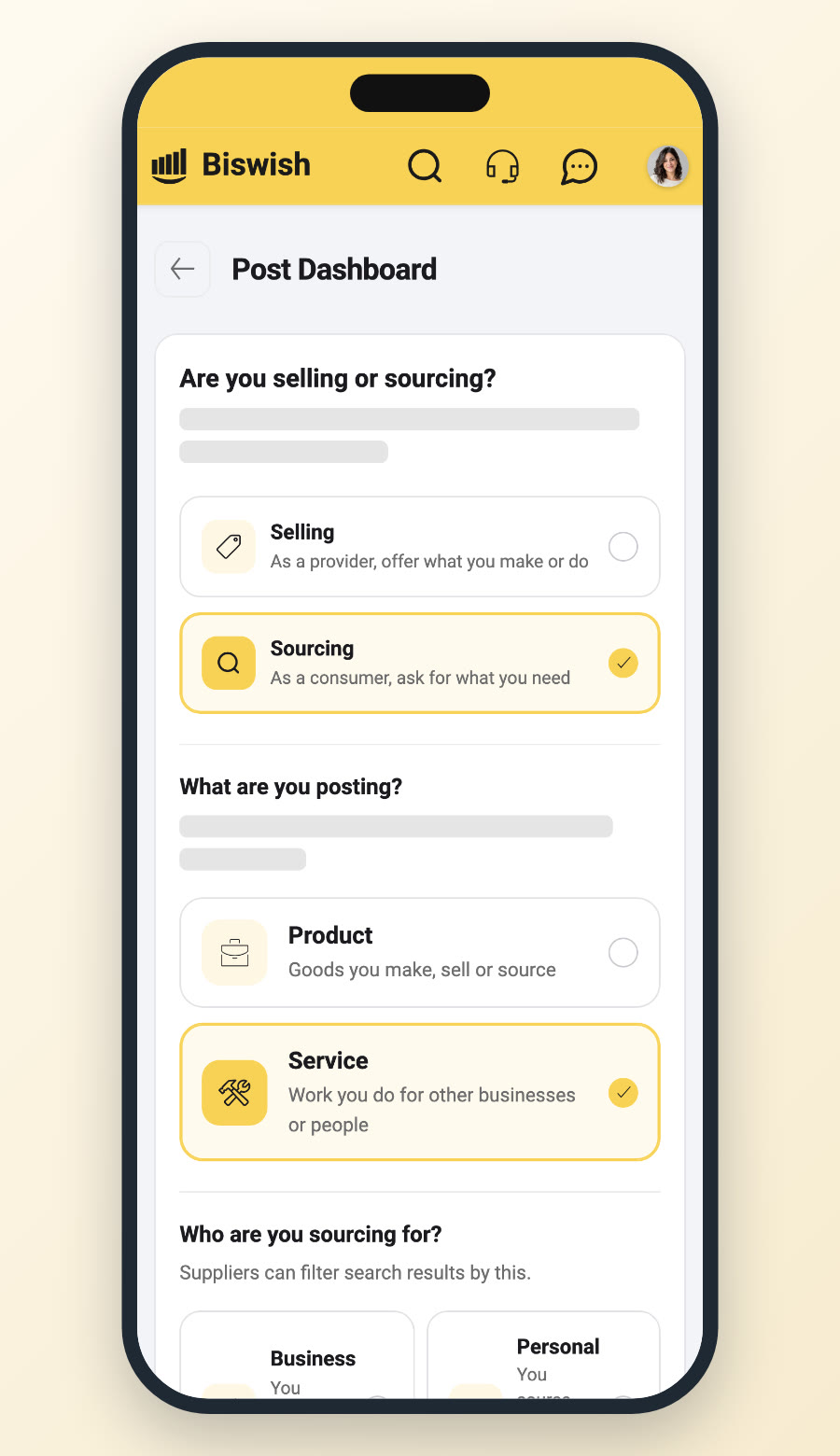
Starting a sourcing post on a phone.
Get better quotes
01
Be specificSay the quantity, size, material and standard you need.
02
Give a place and dateSuppliers price delivery from them.
03
Add a photoA picture or drawing saves questions.
04
Compare answersMessage suppliers and save the good ones.
0
Share
Send in message
Report
Copy ID