Manage your posts
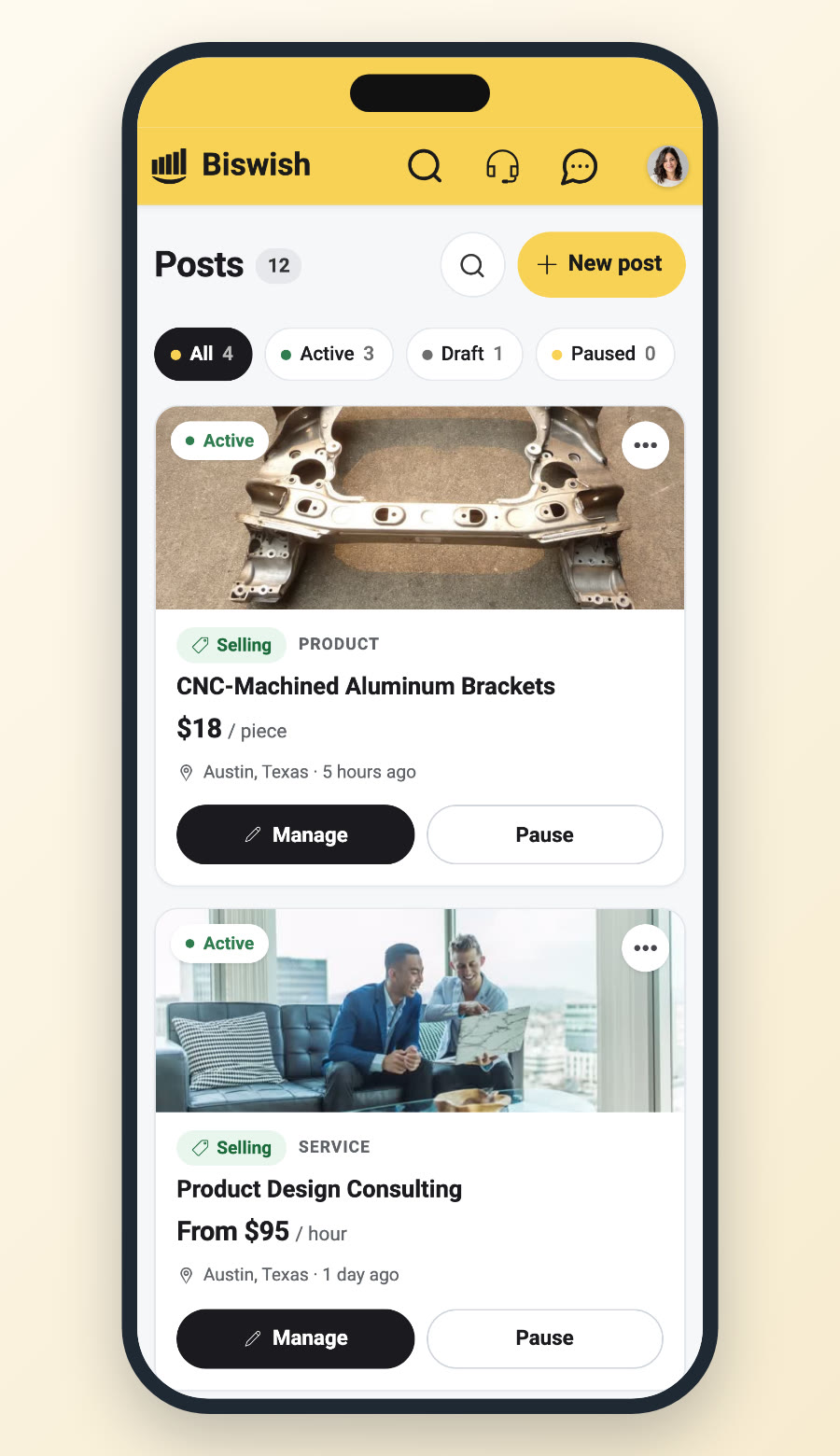
Edit, pause, resume, share and delete posts, and see drafts.
Guide Chanras Sun11 hours ago · 2 min read · 1 view
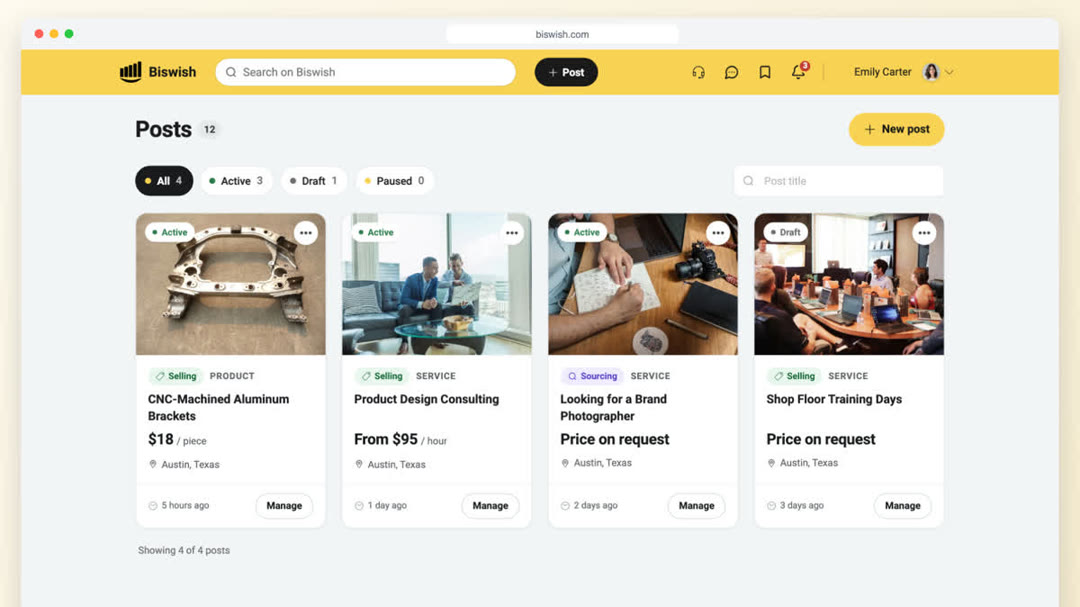
Posts on the home page lists everything you posted. A post is Active (public), Draft (not published) or Paused (hidden until you resume it).
Publish, pause and delete
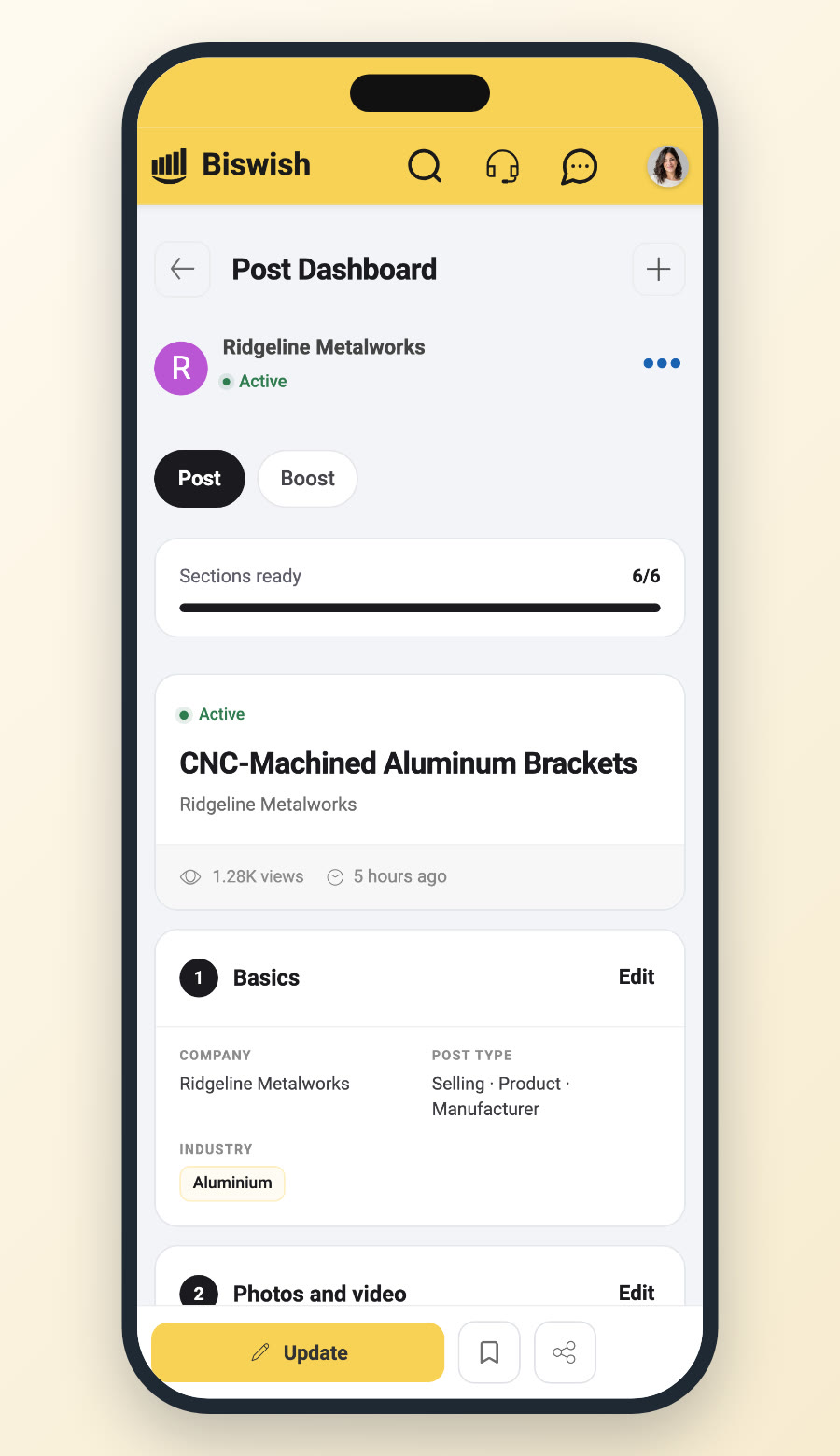
Publish a draft, or Pause and Resume a post, from its card or its dashboard. To delete a post, open Manage, then the … menu beside the company name, and select Delete.
Posts without a cover
When posts have no cover photo, Biswish counts them above the list. Show these posts lists only those.
On a computer
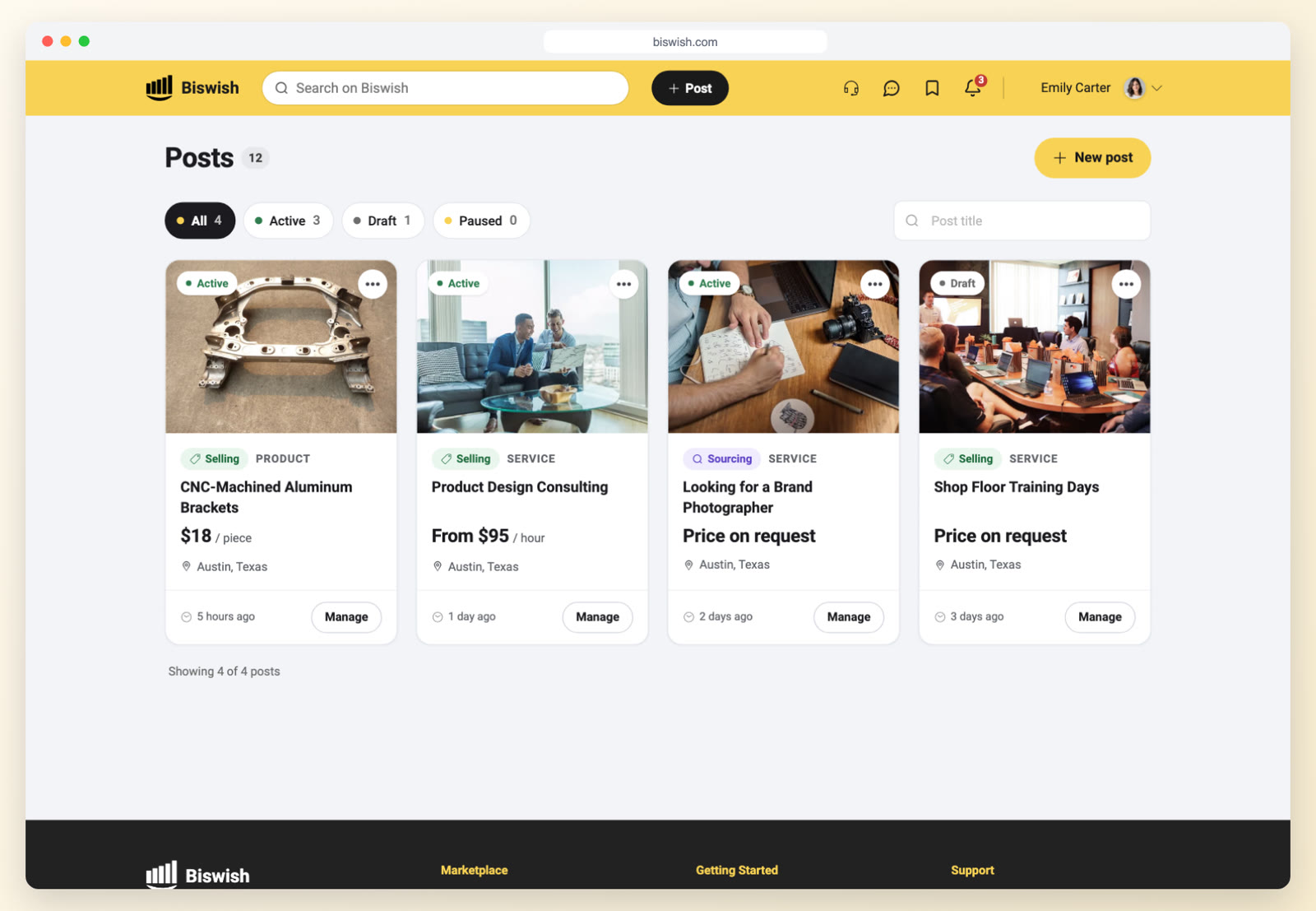
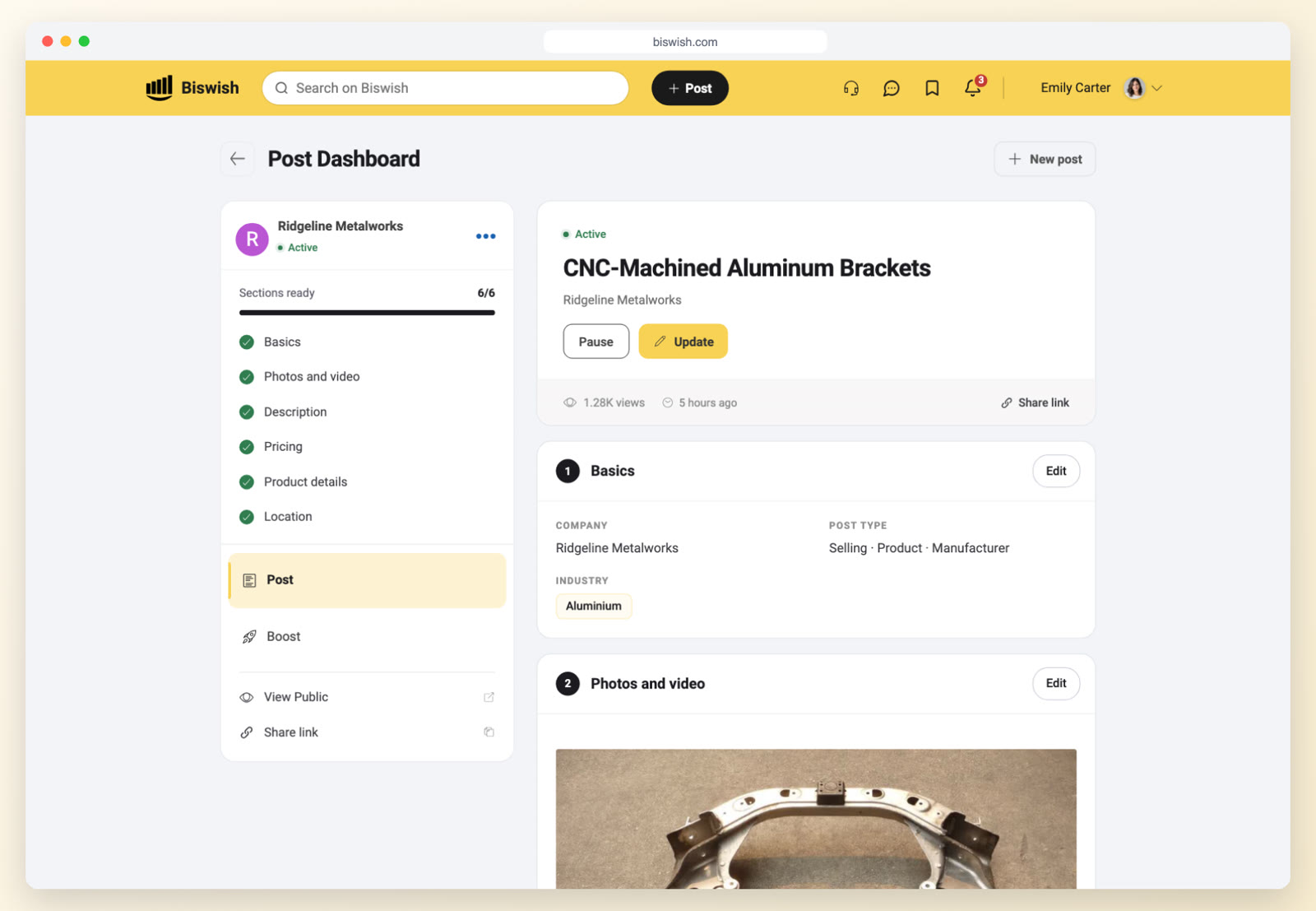
Filter by status with the tabs or search by title. Manage opens the Post Dashboard, where every section has an Edit button (Add when it is empty), and Pause and Update are at the top. The … menu on a card has the other actions.
On your phone
Open Posts in the bottom bar. Manage and Pause are on every card. In the Post Dashboard, Update, save and share are in the bar at the bottom.