Use the Agency Portal
Run your recruiting work in one place: projects, candidates, employers and your team's plan.
Guide Chanras Sun6 hours ago · 2 min read · 1 view
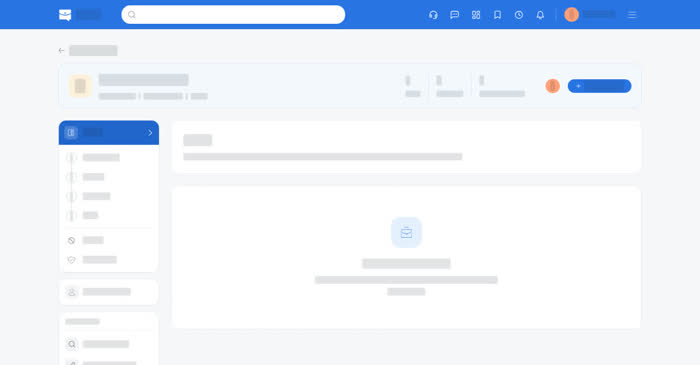
An agency account on Qoosi works the other way round from an employer's. Employers post roles and agencies bring candidates; the Agency Portal holds the roles you are working on, the people you are putting forward, and the employers you are connected to.
On a computer
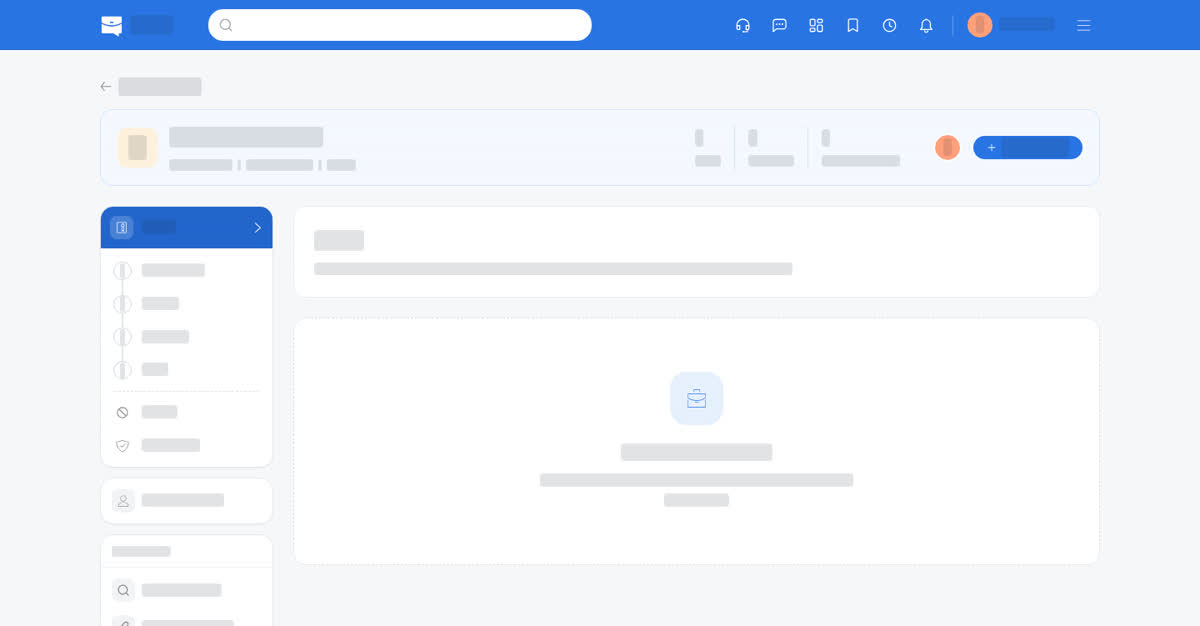
Open the Agency Portal from your home page and choose your team. It has four sections:
- Hiring – the projects you are working on, and your own pipeline for them.
- Candidate Bank – the profiles and applicants you have saved as candidates, and which team keeps each one.
- Employers – Find Employers and Linked Employers.
- Team & Plan – the members of your team and what the plan allows.
A candidate is added on a project with Add Candidate. Send then links them to a job seeker profile saved in your Candidate Bank and asks that person for consent, before anything reaches the employer.
On your phone
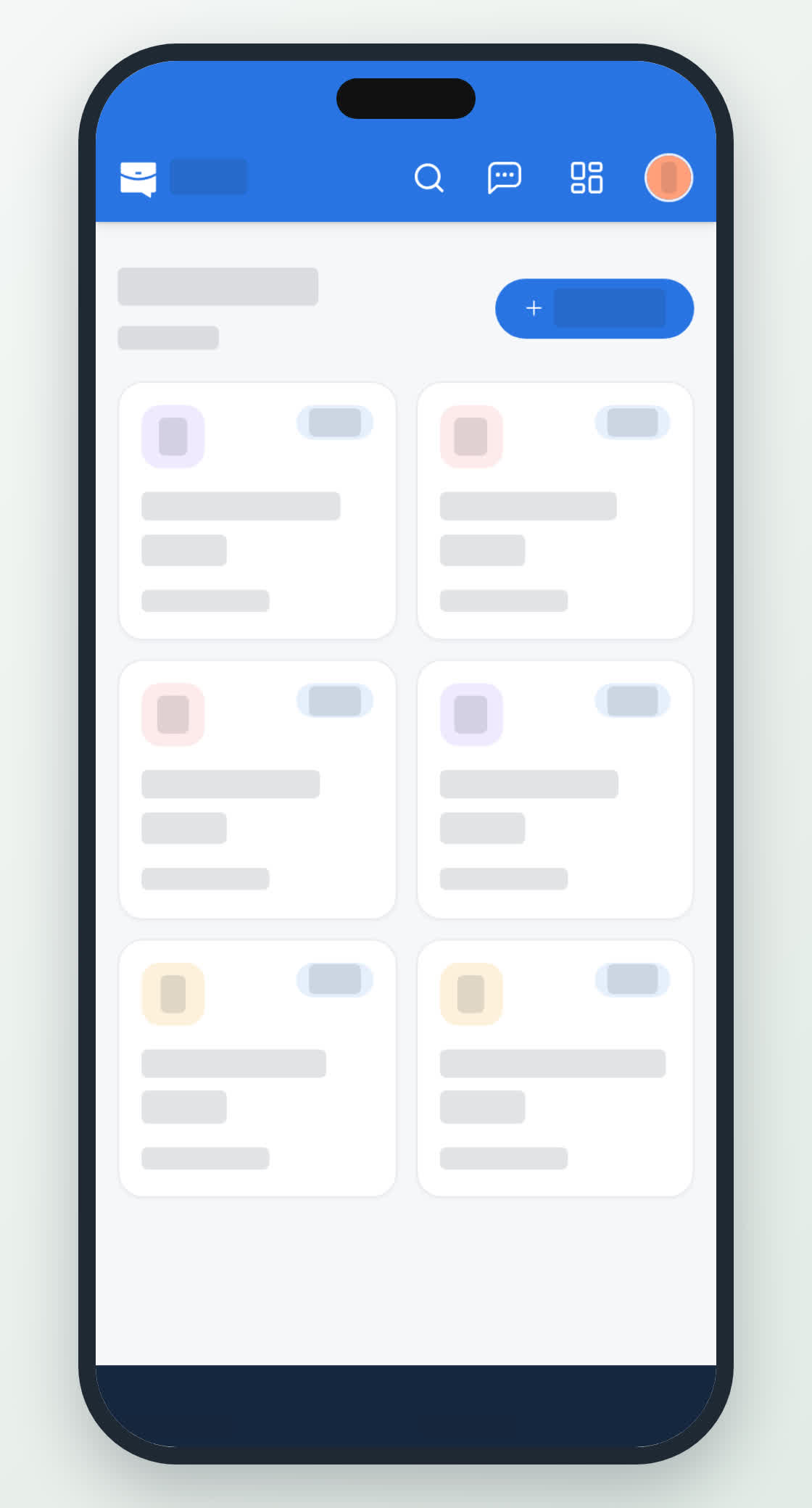
Home → Agency Portal, choose your team, and the same four sections appear as tiles, with the same actions on the candidate cards. Adding a candidate needs the company you are hiring for, plus the candidate's name and an email or phone number. The employer can't see the contact details until it requests an interview.