Create and open a business account
Create a business account for your company, see the accounts you own or work for, and open one to manage it, on a computer and on your phone.
Guide Chanras Sun9 hours ago · 1 min read · 1 view
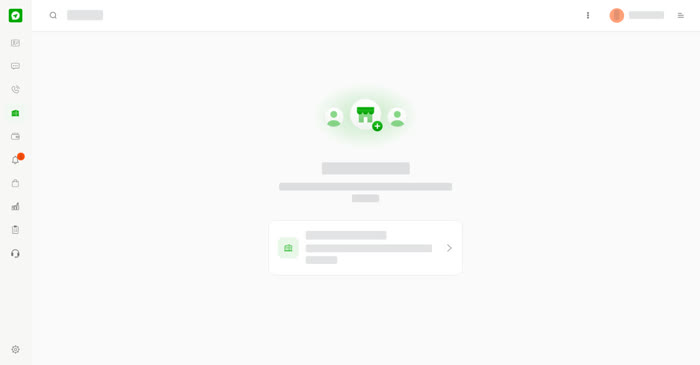
A business account lets a company or team talk to customers on Talkou. You can run several, and each can have its own team, greeting and auto reply. The Business page lists every account you own or work for, with your role (for example Owner) and how many there are.
On a computer
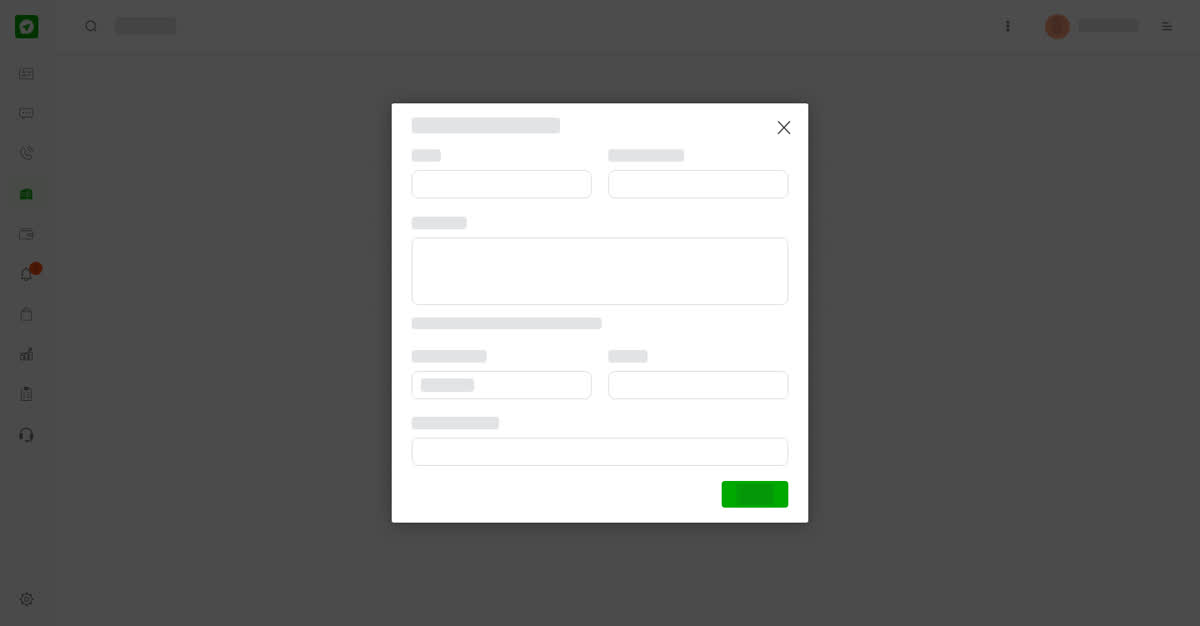
Select Business in the left menu. Select Create business account, or open the three dots menu and choose it from there. Fill in the form and select Create:
- Name – the name customers see.
- Company name – your registered company.
- Description – a short description of your business account.
- Country/Region
- Website
- Company address
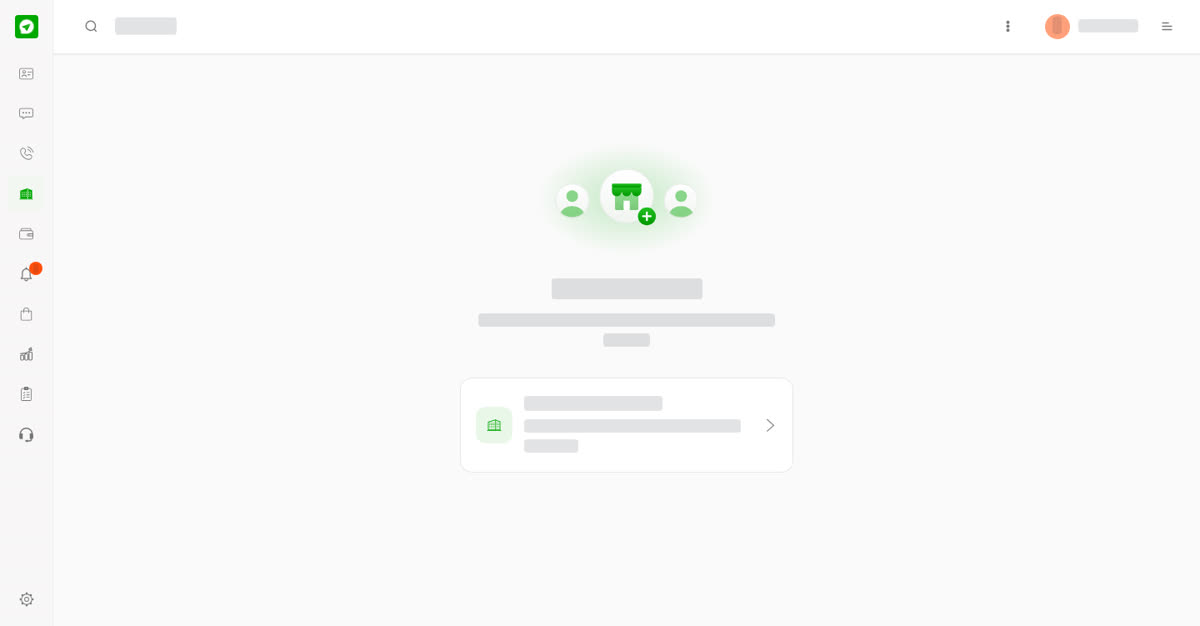
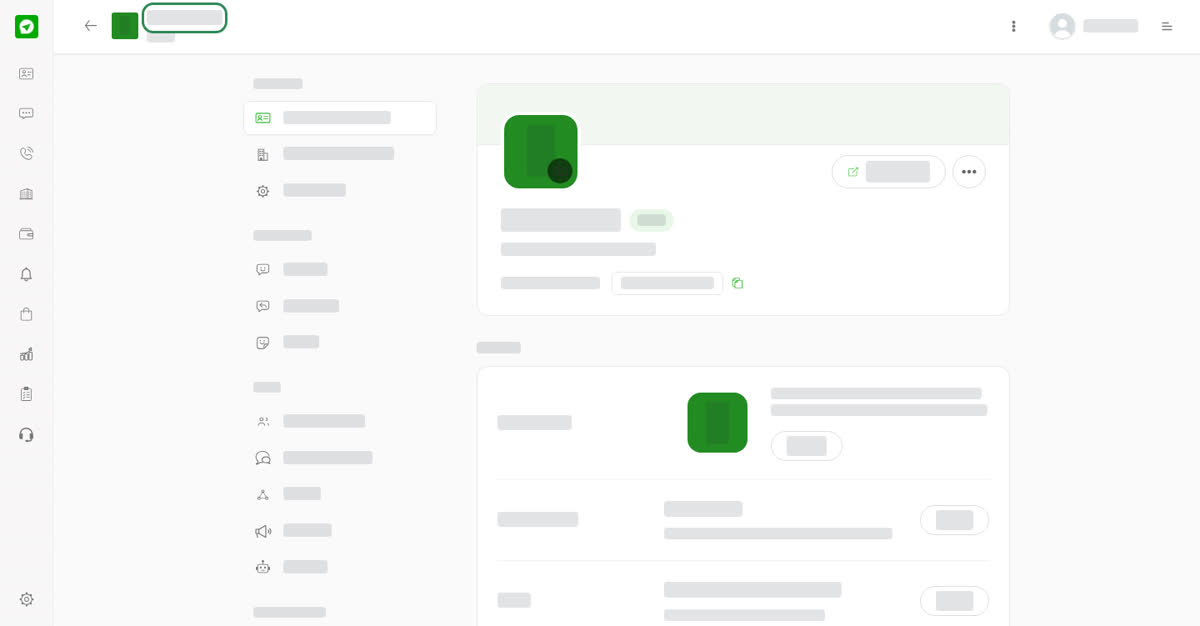
Select an account to open it. Its page has a menu with Settings, Messaging, Team, Subscription and Privacy & Visibility, which the next guides cover.
On your phone
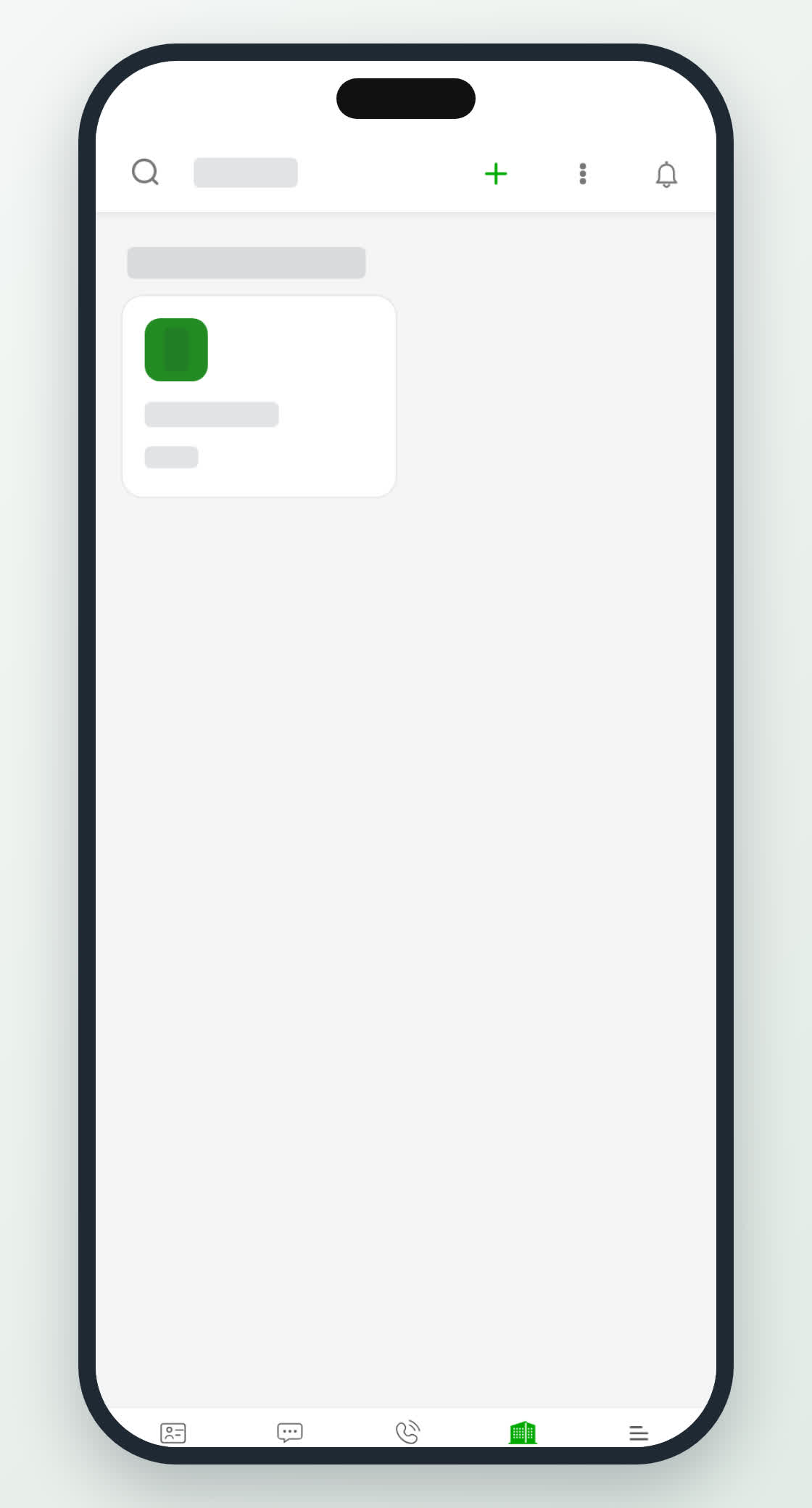
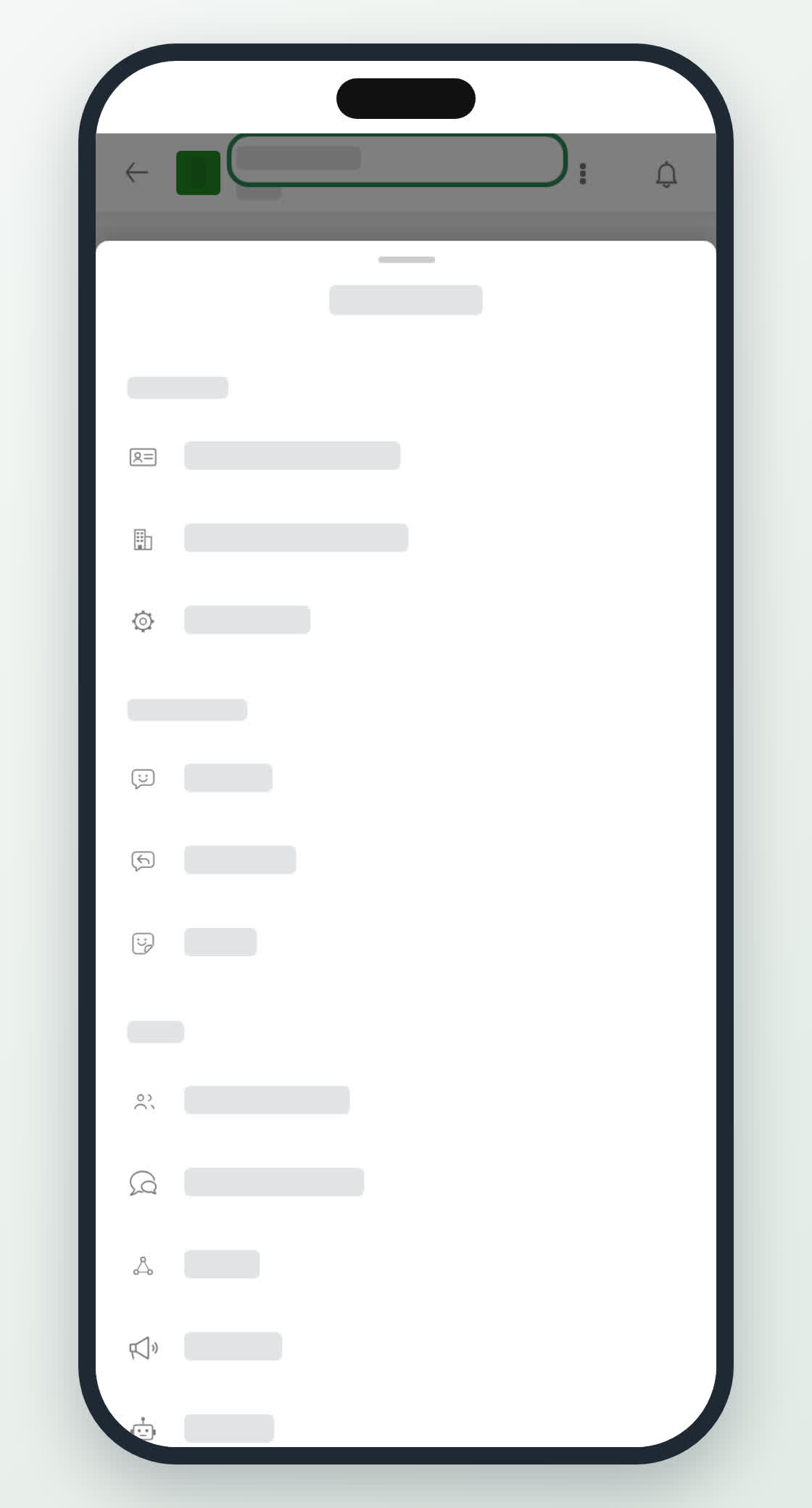
Tap Business in the bottom bar, then Create business account or an existing account. On an open account, tap the three dots at the top to see the same sections in a menu that slides up from the bottom.